13

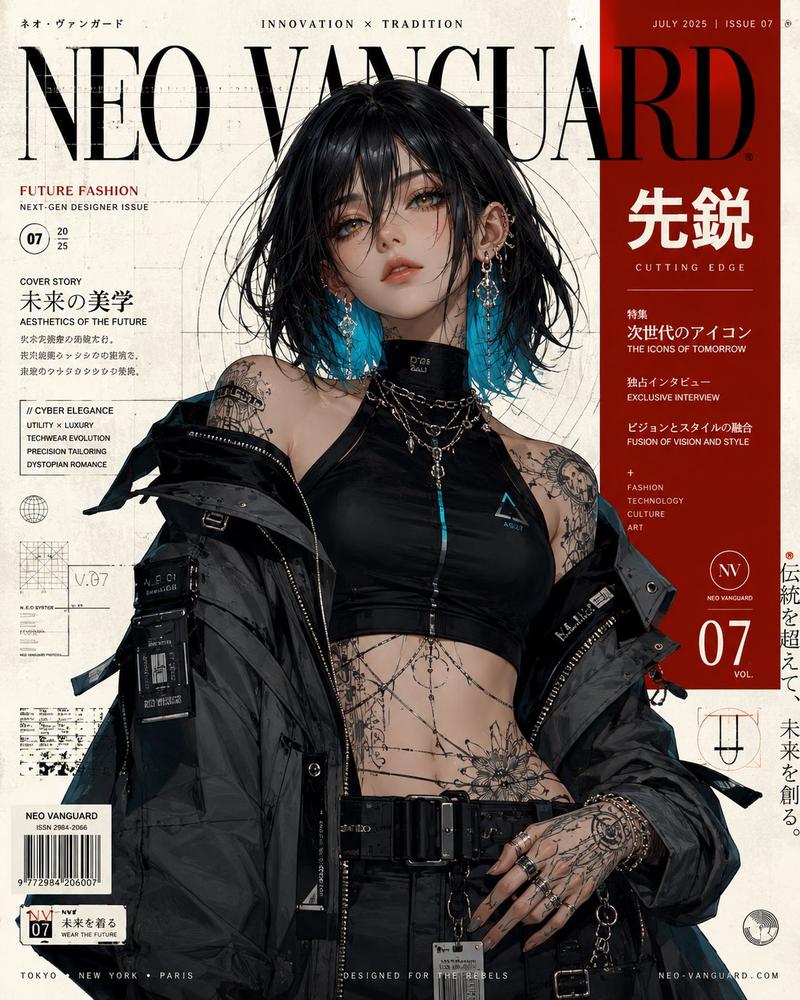
韩式朋克杂志封面风格
Enlarge

韩式朋克杂志封面风格

Prompt
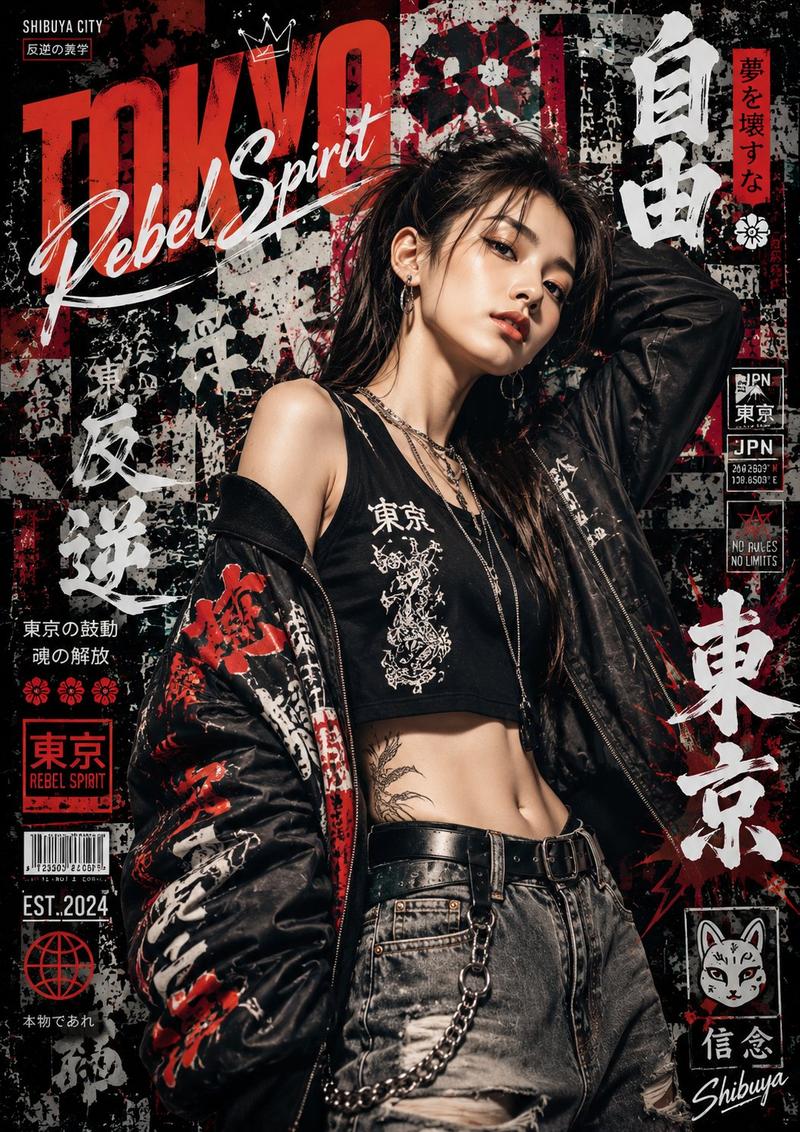
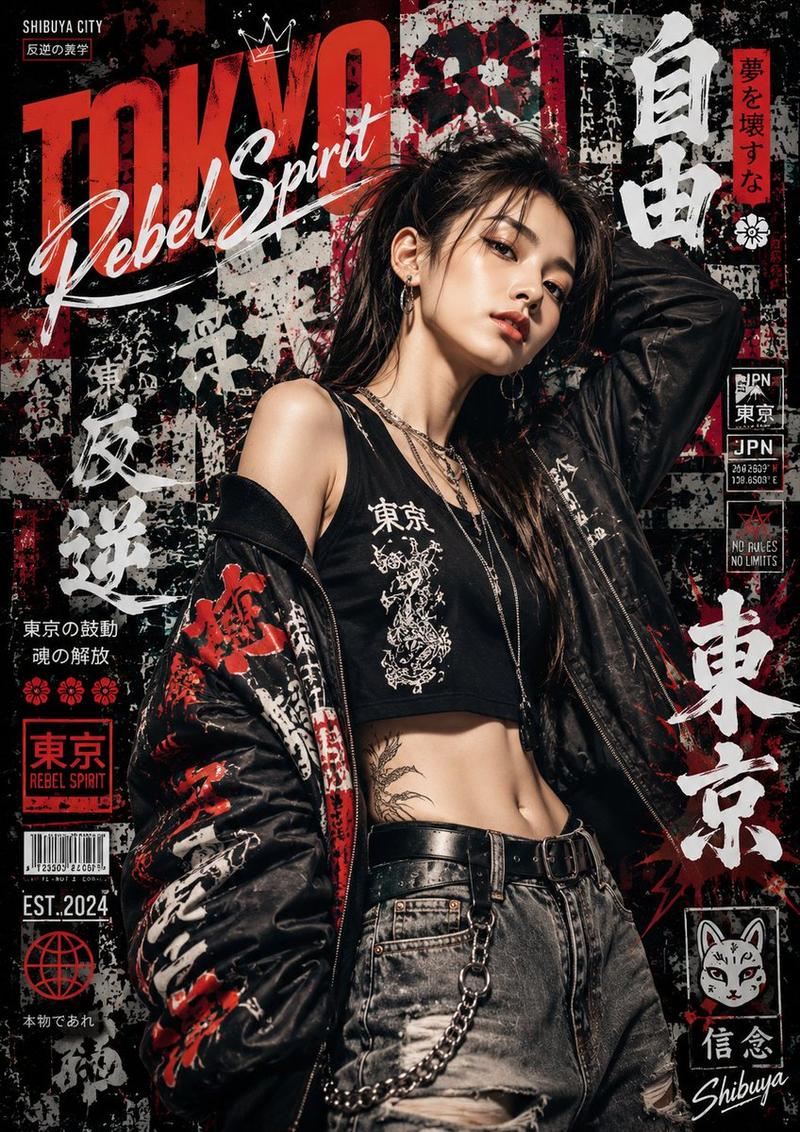
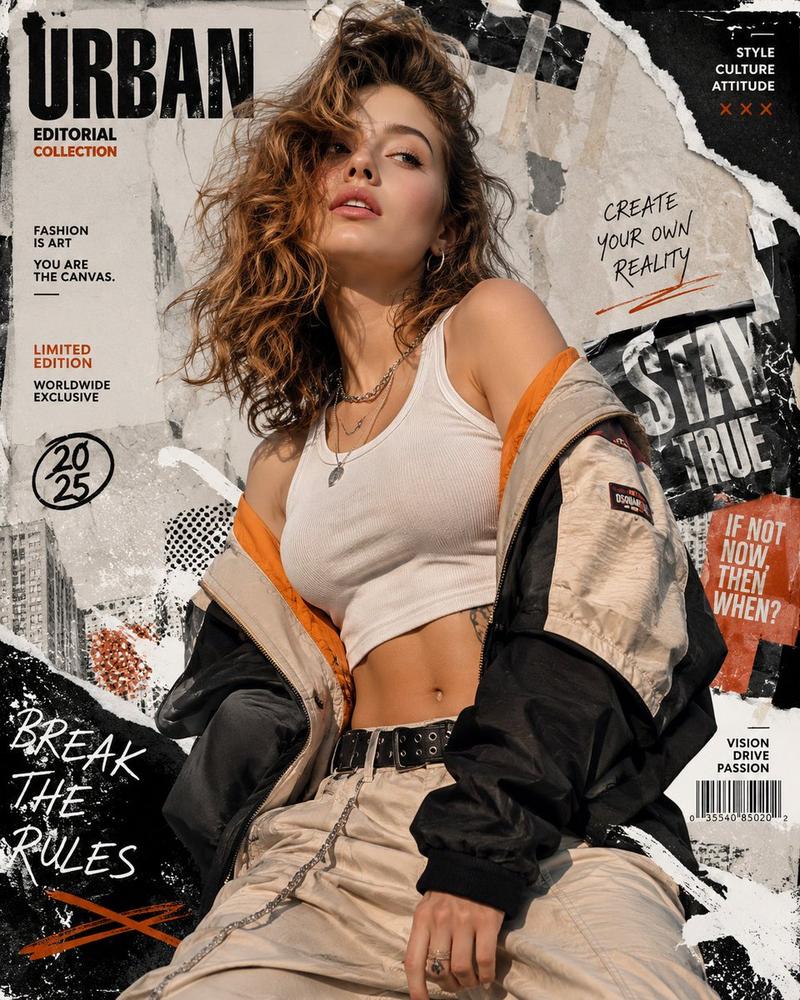
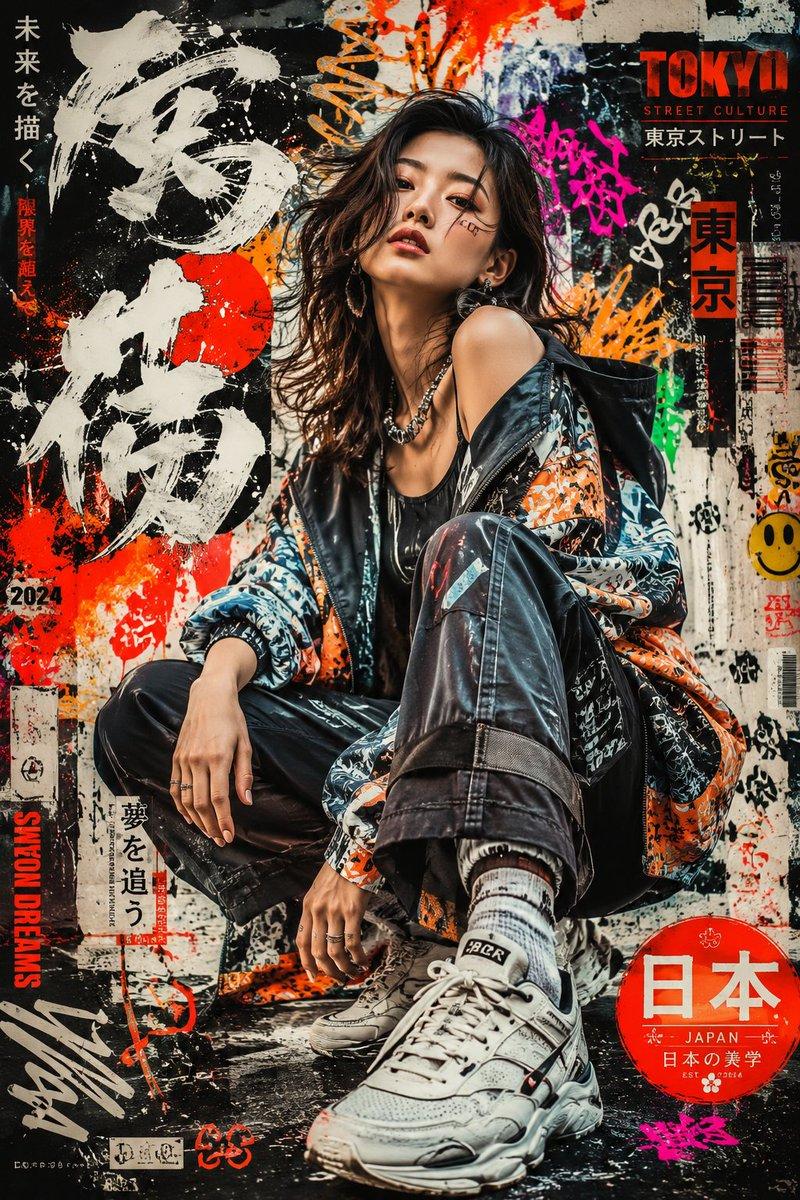
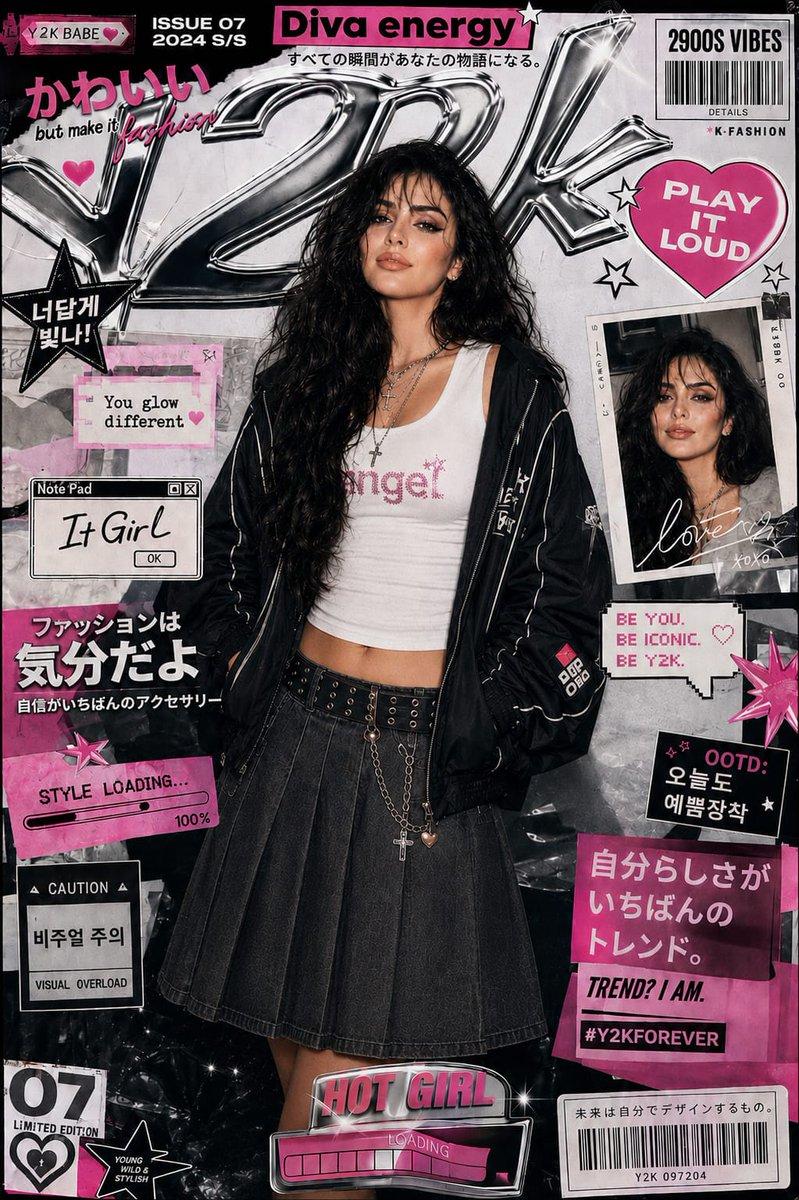
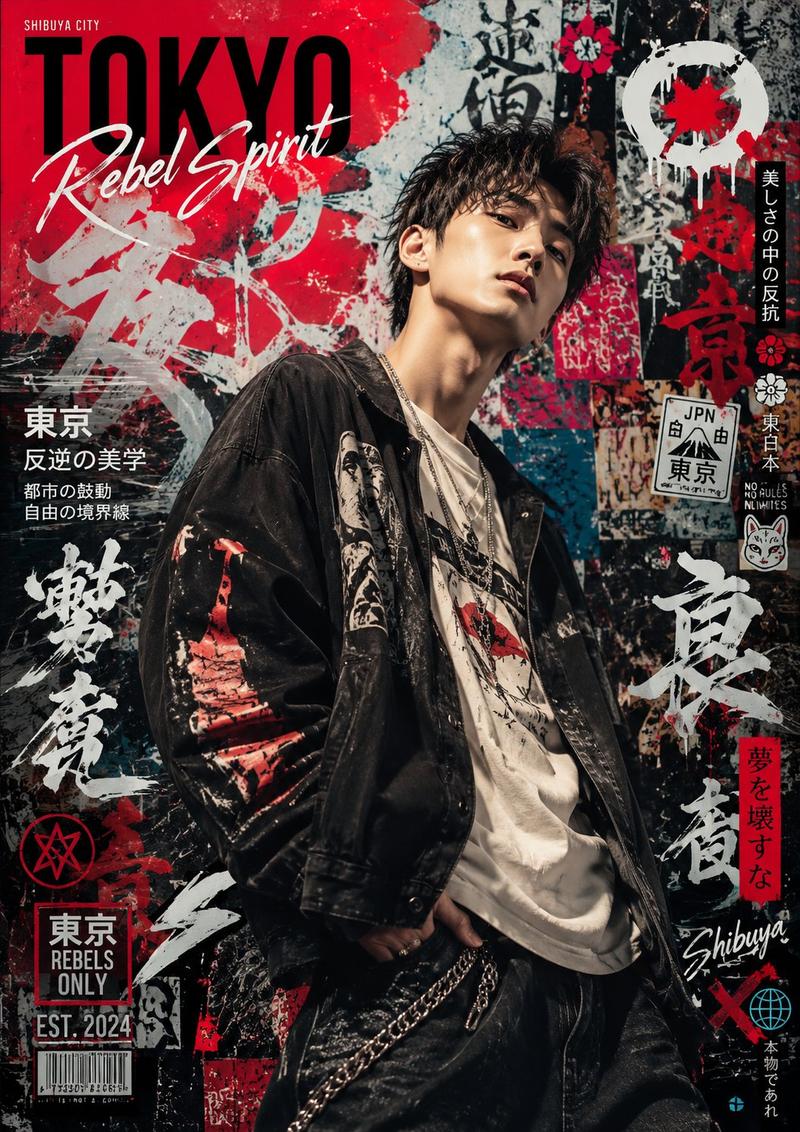
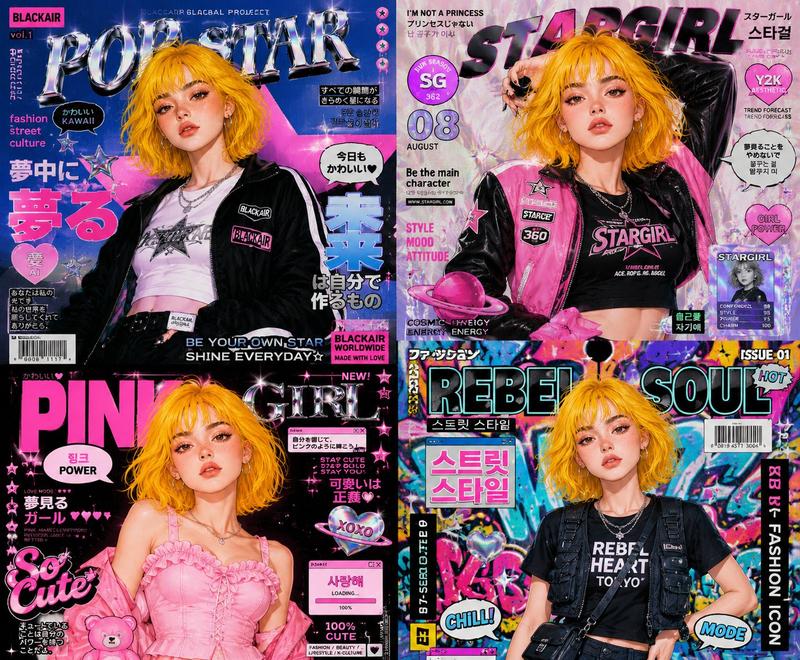
Ultra-realistic editorial punk magazine cover featuring a defiant {argument name="subject" default="Korean woman"} in a hand-distressed black leather biker jacket covered in safety pins, DIY patches, and painted slogans, worn over a shredded fishnet top and a plaid micro-mini kilt with chunky Doc Marten boots. Choppy asymmetric dark lob with red-streaked face-framing strands, smudged kohl eyes, matte blood-red lips. Silver spike choker, stacked chain bracelets, knuckle rings. Background: torn-paper collage texture — black-and-white photocopied portraits, ransom-note typography fragments, screen-print blocks in burnt orange and cream. "{argument name="magazine" default="ROLLING STONE"}" in rough stencil spray-paint font. Gritty, high-contrast, analog grain, zine aesthetic, photorealistic skin, 8K ultra detail. 

Negative: clean polished background, soft tones, cartoon, anime, blurry. 1744x2336
Category
Charts & Infographics
Model
GPT Image 2
Views7
Source ID
23307
Published
May 30, 2026

Guide

About "韩式朋克杂志封面风格"

What is this prompt for?

"韩式朋克杂志封面风格" AI image prompt for GPT Image 2 (Charts & Infographics). 一张高对比度的编辑风格朋克杂志封面,主角是一位神情叛逆的韩国女性,身穿细节丰富的皮夹克,背景为粗粝的杂志拼贴风格。 Copy it on Picva and recreate t…

The full copyable prompt and example visuals above are ready for AI image generation or one-click recreate in Picva.

How to use this prompt

  1. Step 1

    Open the prompt detail

    Review the example visuals, category, and full prompt text for "韩式朋克杂志封面风格".

  2. Step 2

    Copy the prompt

    Copy the prompt body from this page, or load it directly in Studio.

  3. Step 3

    Pick a model (GPT Image 2)

    Prefer GPT Image 2. If you switch models, keep subject and composition and tweak style terms.

  4. Step 4

    Generate and export

    Recreate the look in Picva, or export into your workflow for editing and publishing.

FAQ

What is the "韩式朋克杂志封面风格" prompt?
It is an AI image-generation prompt for GPT Image 2 in the Charts & Infographics category. This page includes the full prompt text, example visuals, and a one-click recreate path in Picva.
How do I use this prompt to generate an image?
Copy the prompt from this page, or use Generate / Studio. Paste it into a compatible image model, or recreate the look in Picva with optional reference images.
Which model is this prompt for?
This page lists GPT Image 2. Most descriptive prompts also transfer to nearby image models such as GPT Image, Flux, or Midjourney with light style tweaks.
Can I use the result commercially?
You can usually copy the prompt for creation, but commercial use of the final image depends on the model terms, reference-image rights, and the generated content. Follow the source author and platform rules.