20

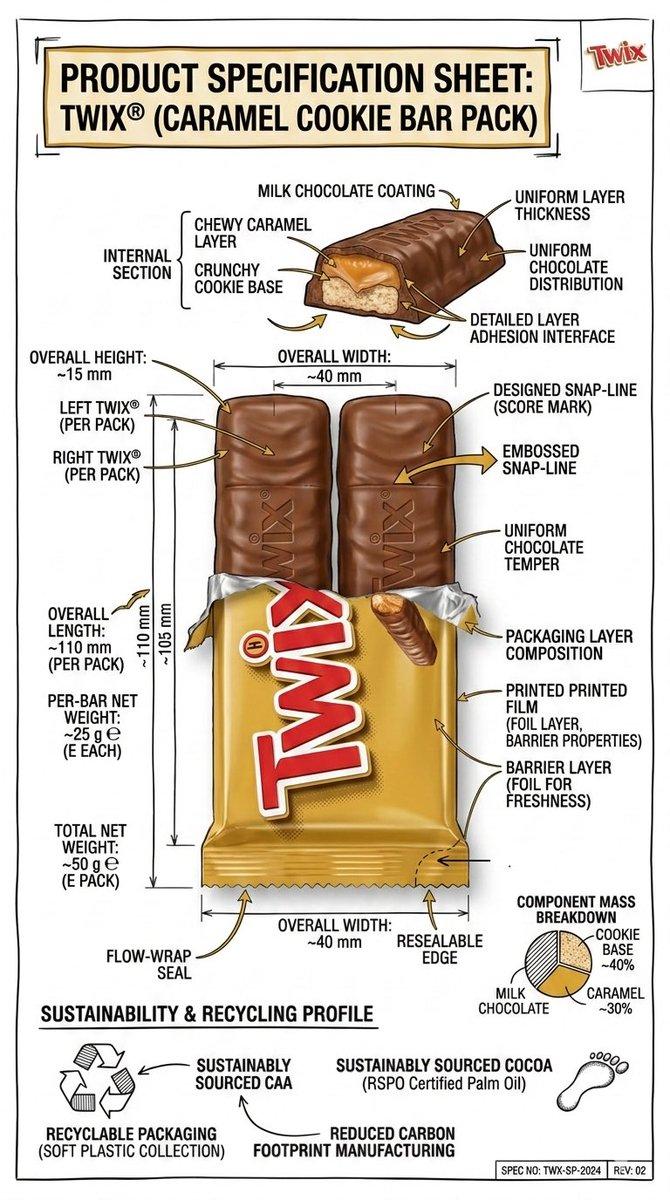
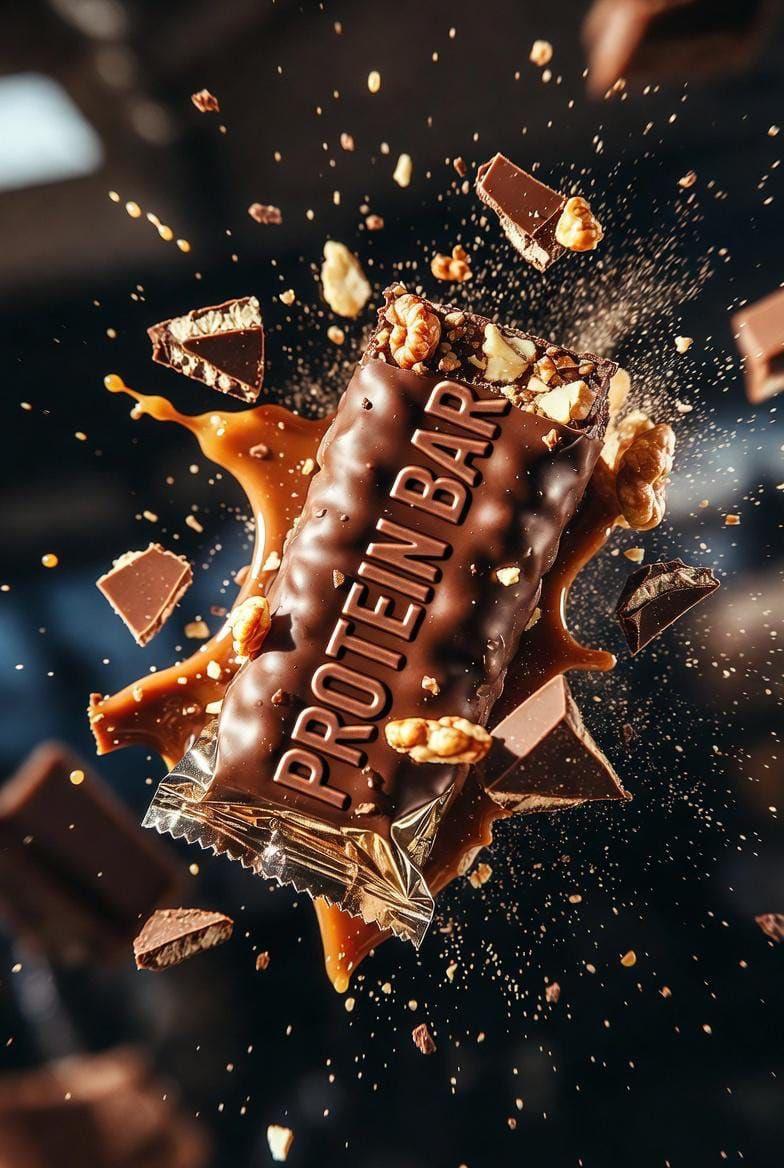
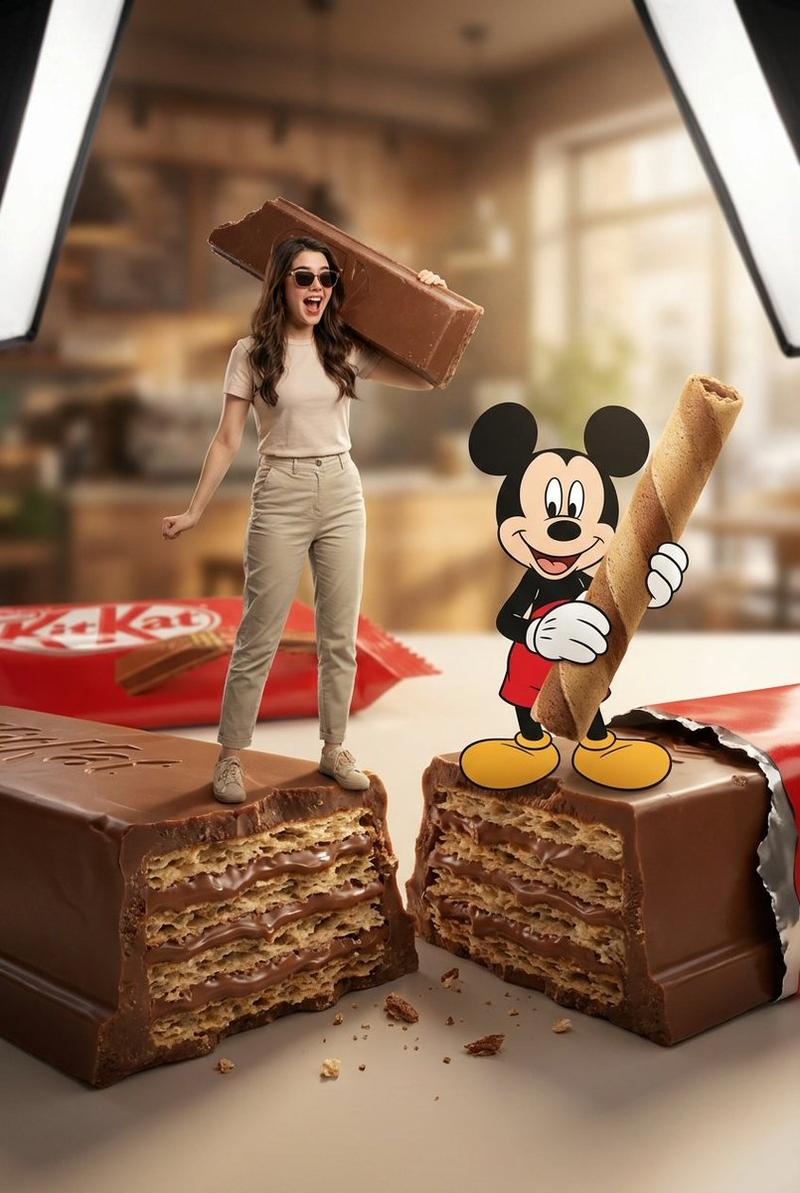
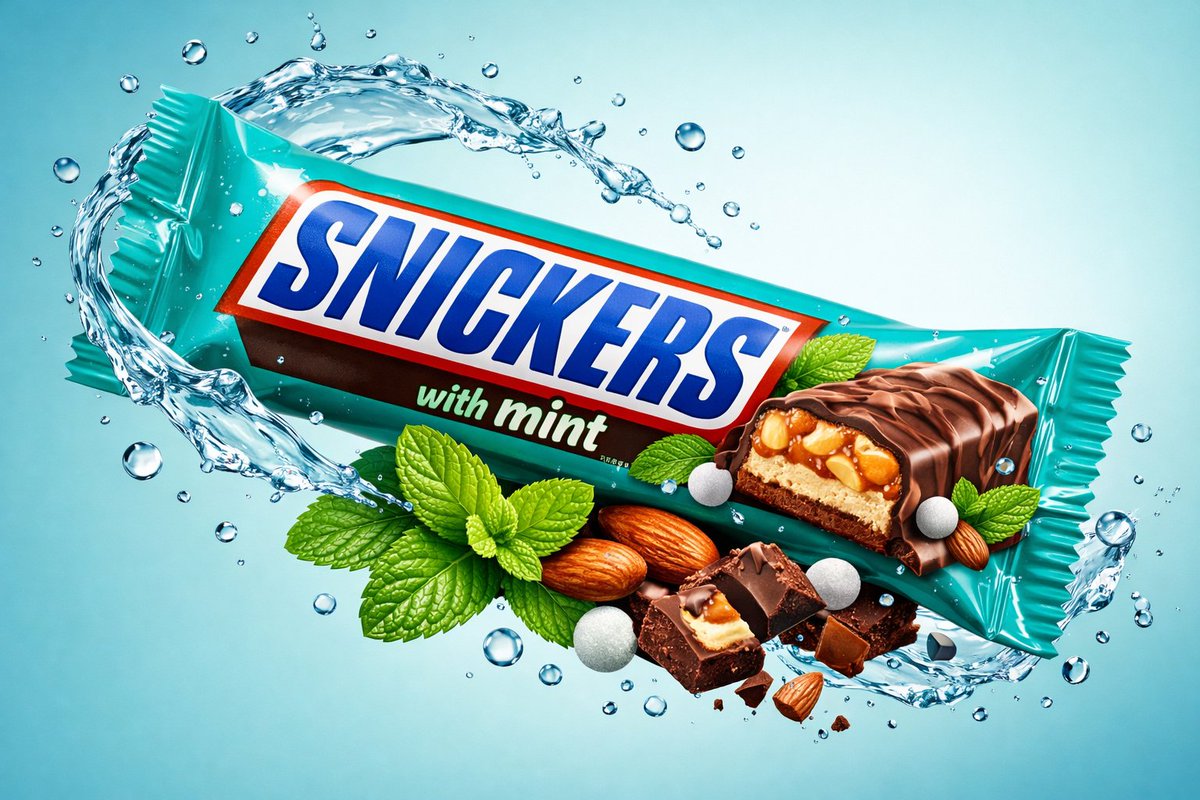
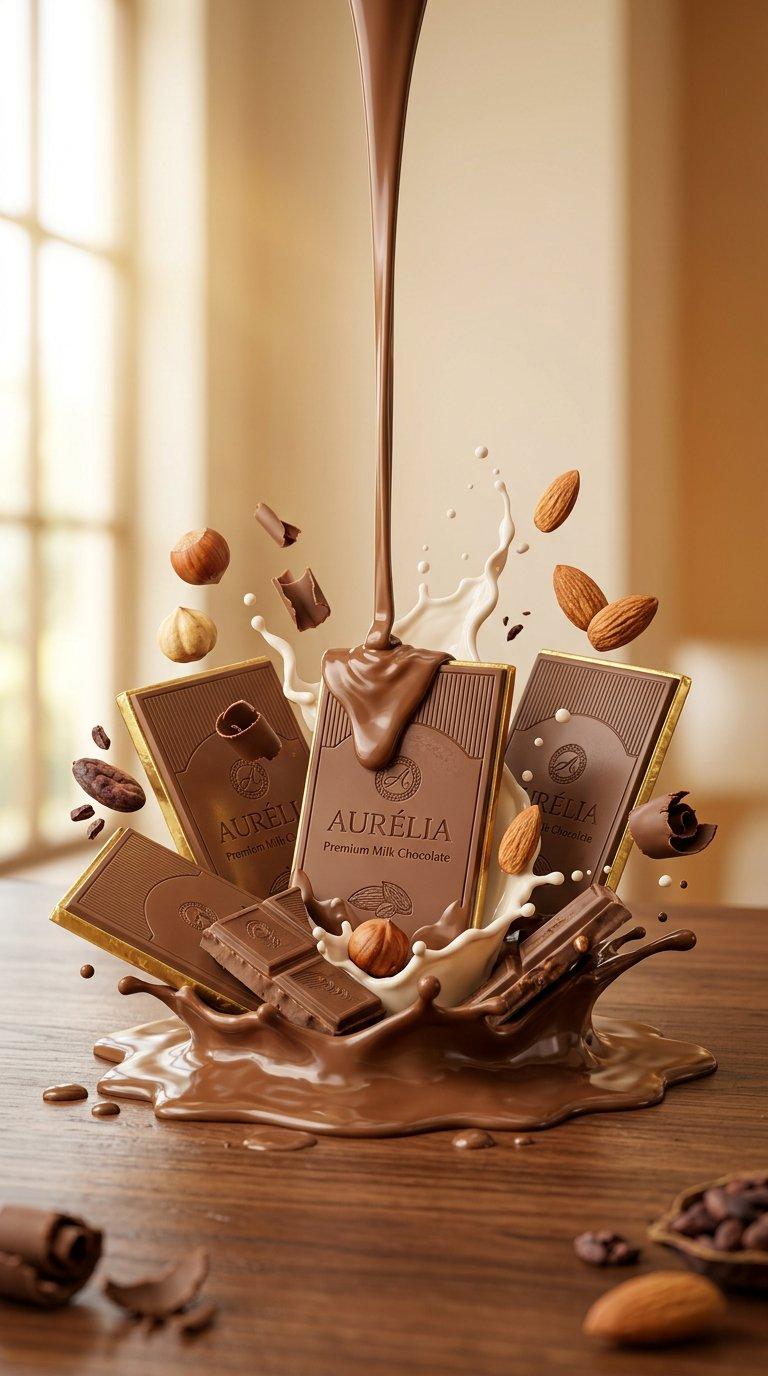
食物爆炸动态摄影
Enlarge

Example images

食物爆炸动态摄影

Prompt
A {argument name="food item" default="pastry"} split open and exploding outward, revealing {argument name="filling" default="molten chocolate"} inside, with {argument name="filling action" default="oozing out"}. The outer surface shows [outer texture], and the cross-section exposes [internal layers]. Crumbs and particles hang suspended mid-air. Shot against a clean [background] with professional studio lighting, high-end commercial food photography aesthetic, ultra-detailed, tack-sharp focus.
Category
Charts & Infographics
Model
GPT Image 2
Creator
PromptLab
Views2
Source ID
23335
Published
May 31, 2026

Guide

About "食物爆炸动态摄影"

What is this prompt for?

"食物爆炸动态摄影" AI image prompt for GPT Image 2 (Charts & Infographics). 一款专业的食物摄影提示词模板,旨在捕捉食物向外爆炸并展现内部纹理与馅料的瞬间。 Copy it on Picva and recreate the look in one click.

The full copyable prompt and example visuals above are ready for AI image generation or one-click recreate in Picva.

How to use this prompt

  1. Step 1

    Open the prompt detail

    Review the example visuals, category, and full prompt text for "食物爆炸动态摄影".

  2. Step 2

    Copy the prompt

    Copy the prompt body from this page, or load it directly in Studio.

  3. Step 3

    Pick a model (GPT Image 2)

    Prefer GPT Image 2. If you switch models, keep subject and composition and tweak style terms.

  4. Step 4

    Generate and export

    Recreate the look in Picva, or export into your workflow for editing and publishing.

FAQ

What is the "食物爆炸动态摄影" prompt?
It is an AI image-generation prompt for GPT Image 2 in the Charts & Infographics category. This page includes the full prompt text, example visuals, and a one-click recreate path in Picva.
How do I use this prompt to generate an image?
Copy the prompt from this page, or use Generate / Studio. Paste it into a compatible image model, or recreate the look in Picva with optional reference images.
Which model is this prompt for?
This page lists GPT Image 2. Most descriptive prompts also transfer to nearby image models such as GPT Image, Flux, or Midjourney with light style tweaks.
Can I use the result commercially?
You can usually copy the prompt for creation, but commercial use of the final image depends on the model terms, reference-image rights, and the generated content. Follow the source author and platform rules.