20

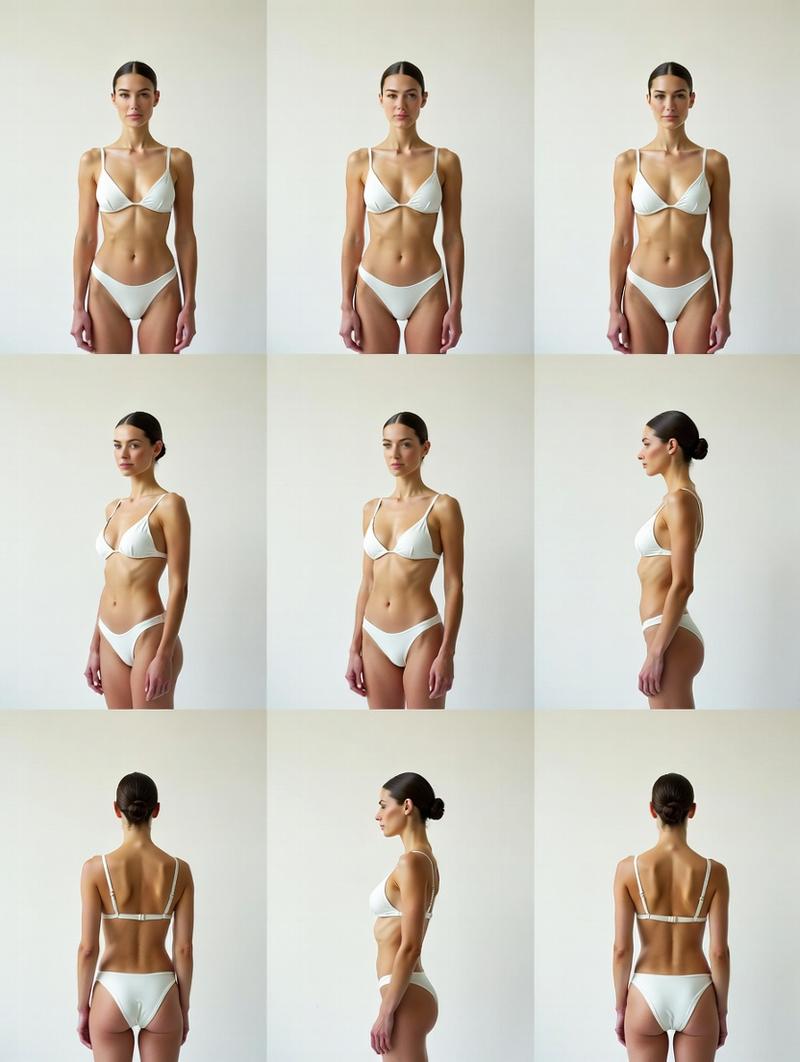
角色一致性与角度控制
Enlarge

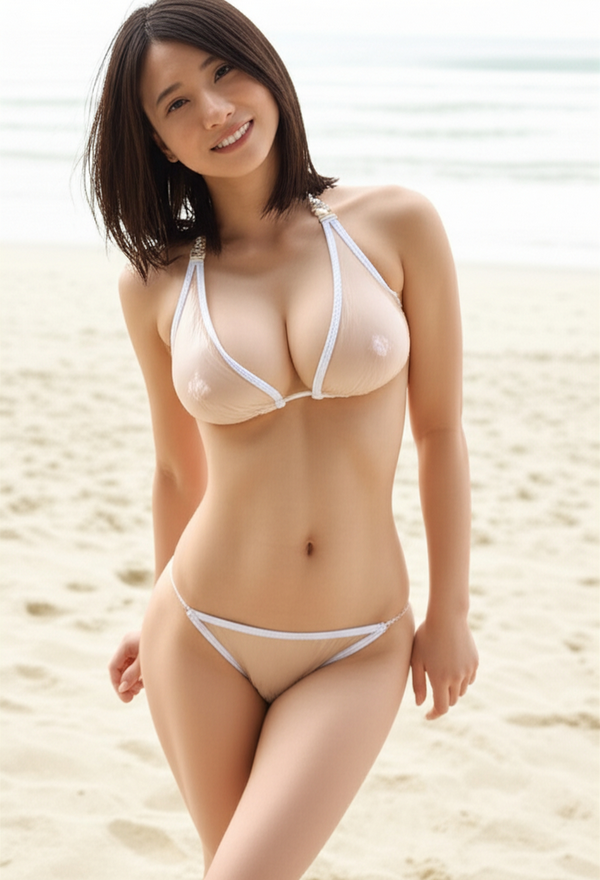
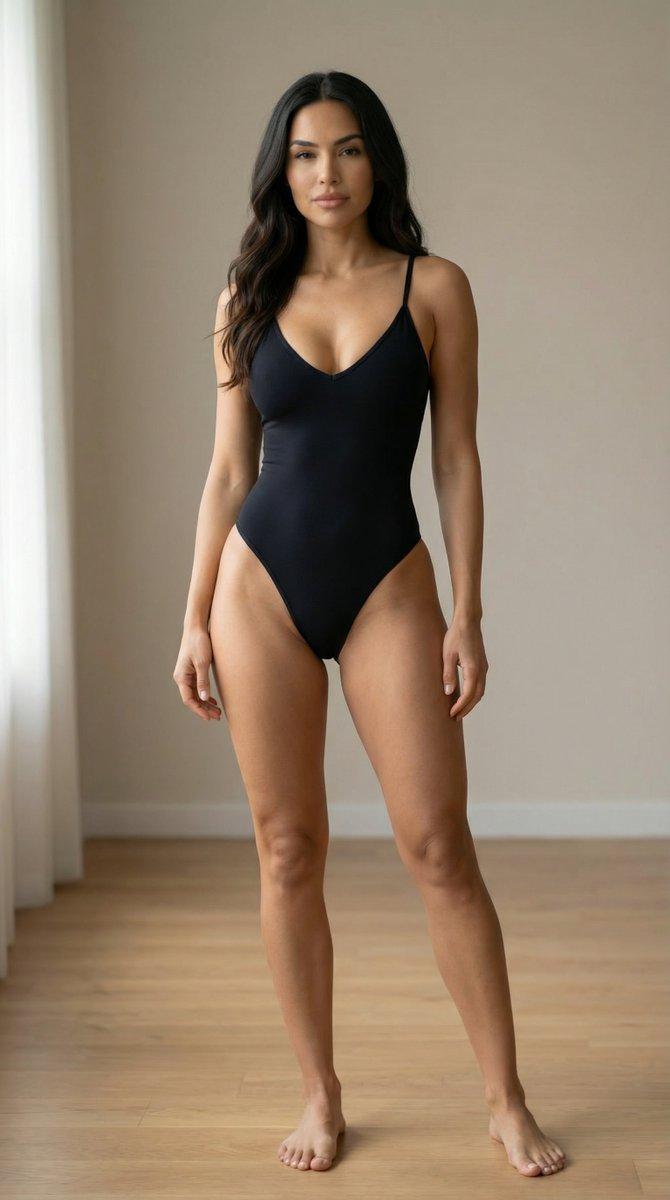
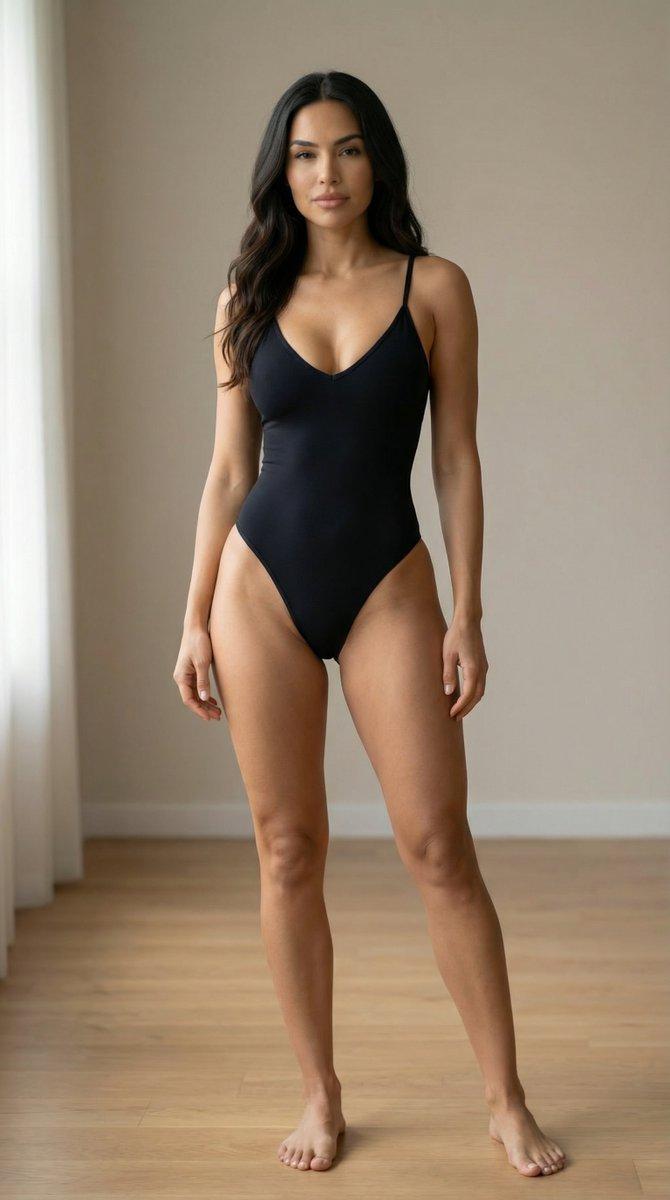
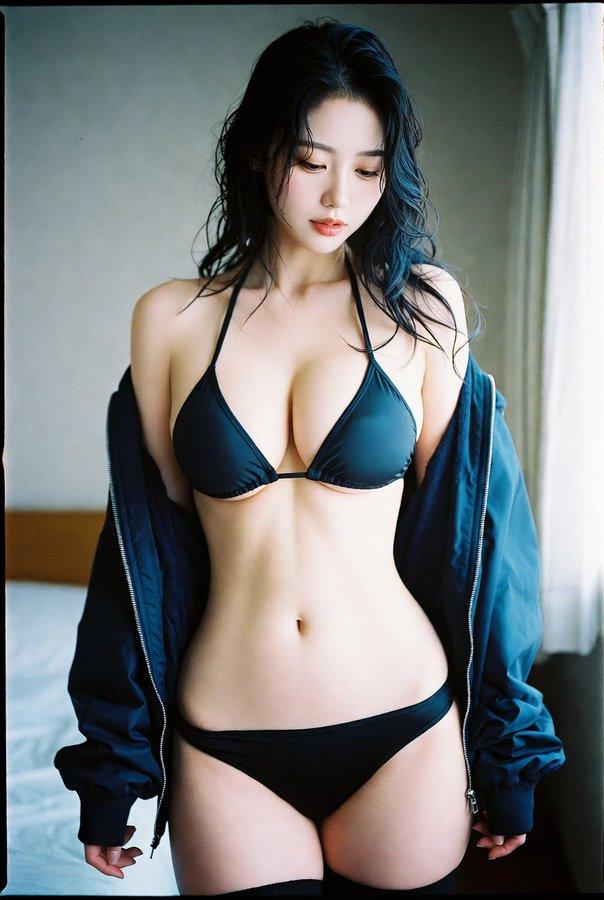
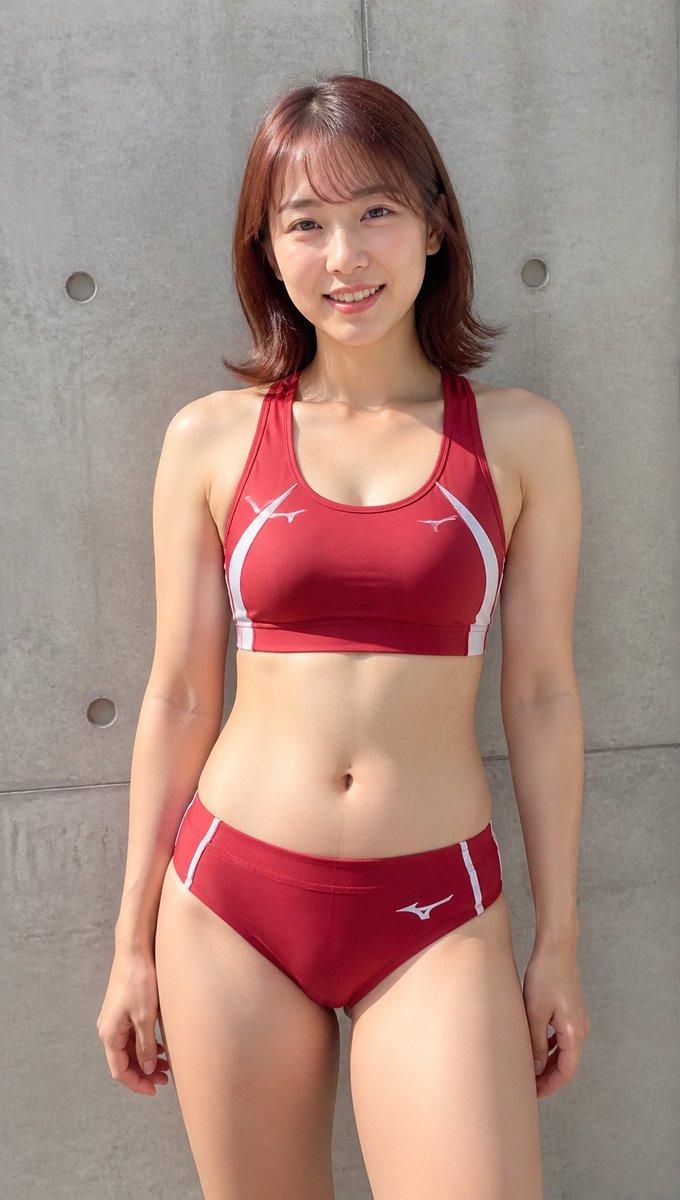
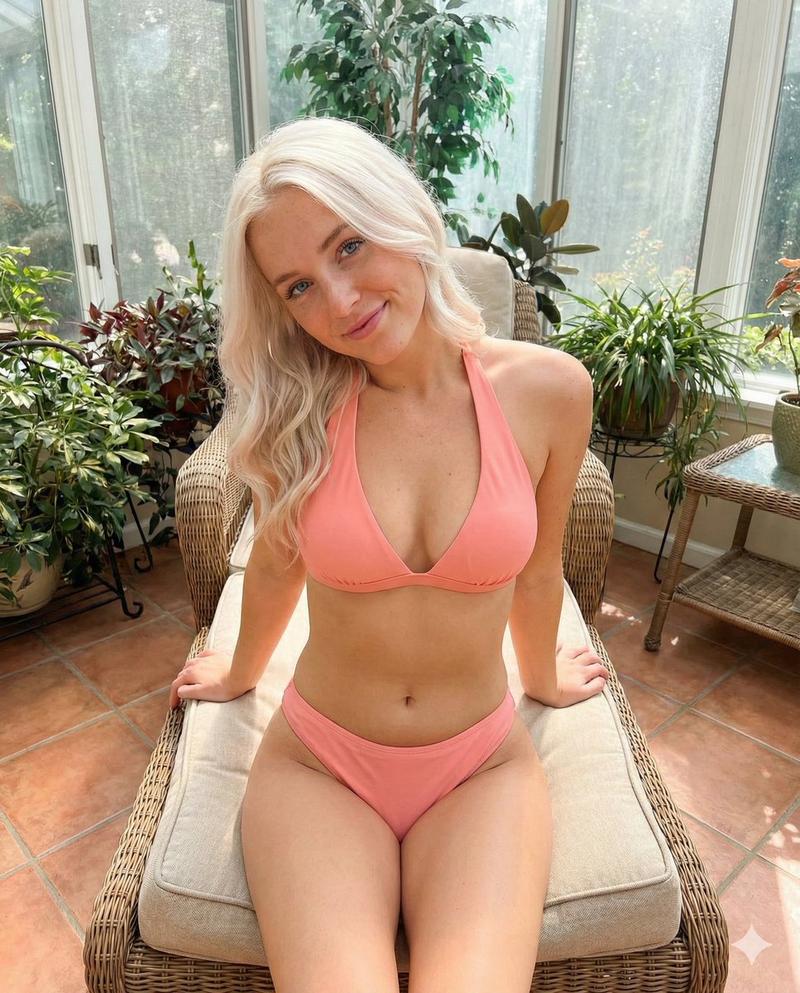
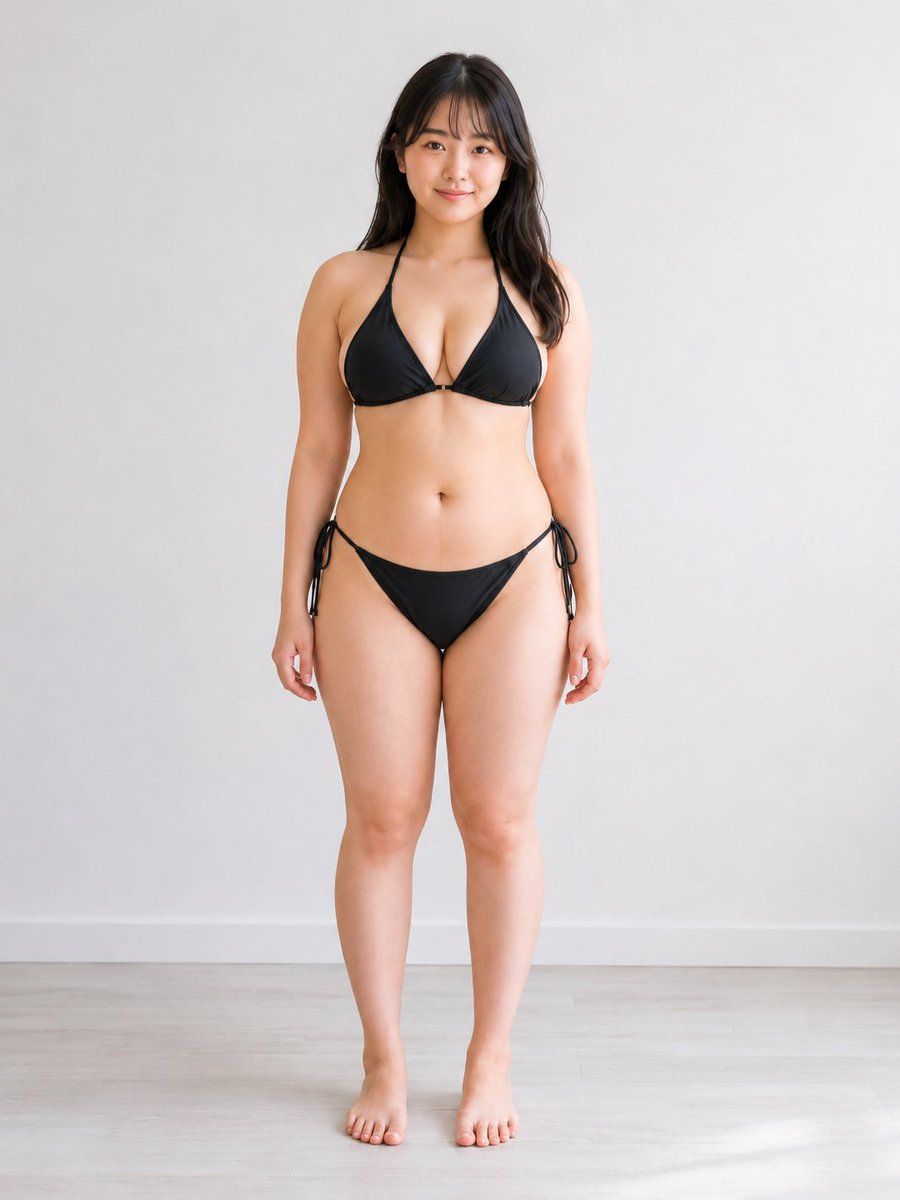
Example images

角色一致性与角度控制

Prompt
Use the reference image as the main character identity reference. Preserve the same {argument name="subject character" default="adult Japanese woman in her early 20s"}, including her face, facial impression, hairstyle, body balance, body proportions, outfit design, and overall atmosphere.

Create a new realistic high-quality photo of the same person. Change only the camera angle and composition according to the {argument name="camera angle" default="angle instruction below"}. Do not redesign the character, do not change her age appearance, do not make her look like a different person, and do not change her body type or clothing structure.

Keep a simple natural standing pose, but allow very small posture adjustments only if needed to make the camera angle physically natural. Use a clean bright studio room with a visible floor and wall, natural realistic lighting, realistic perspective, and polished commercial photo quality.

Keep the result tasteful, non-explicit, clean, and suitable for general commercial stock imagery. Avoid extra limbs, broken fingers, distorted hands, missing body parts, duplicated faces, ghosting, warped clothing, messy anatomy, unnatural body proportions, distorted facial features, and extreme lens distortion.
Category
Charts & Infographics
Model
GPT Image 2
Creator
陽仙堂
Views8
Source ID
23341
Published
May 30, 2026

Guide

About "角色一致性与角度控制"

What is this prompt for?

"角色一致性与角度控制" AI image prompt for GPT Image 2 (Charts & Infographics). 一款专业级提示词,旨在通过参考图保持高质量摄影作品中的角色一致性,同时支持对摄像机角度和构图进行精确调整。 Copy it on Picva and recreate the l…

The full copyable prompt and example visuals above are ready for AI image generation or one-click recreate in Picva.

How to use this prompt

  1. Step 1

    Open the prompt detail

    Review the example visuals, category, and full prompt text for "角色一致性与角度控制".

  2. Step 2

    Copy the prompt

    Copy the prompt body from this page, or load it directly in Studio.

  3. Step 3

    Pick a model (GPT Image 2)

    Prefer GPT Image 2. If you switch models, keep subject and composition and tweak style terms.

  4. Step 4

    Generate and export

    Recreate the look in Picva, or export into your workflow for editing and publishing.

FAQ

What is the "角色一致性与角度控制" prompt?
It is an AI image-generation prompt for GPT Image 2 in the Charts & Infographics category. This page includes the full prompt text, example visuals, and a one-click recreate path in Picva.
How do I use this prompt to generate an image?
Copy the prompt from this page, or use Generate / Studio. Paste it into a compatible image model, or recreate the look in Picva with optional reference images.
Which model is this prompt for?
This page lists GPT Image 2. Most descriptive prompts also transfer to nearby image models such as GPT Image, Flux, or Midjourney with light style tweaks.
Can I use the result commercially?
You can usually copy the prompt for creation, but commercial use of the final image depends on the model terms, reference-image rights, and the generated content. Follow the source author and platform rules.