18

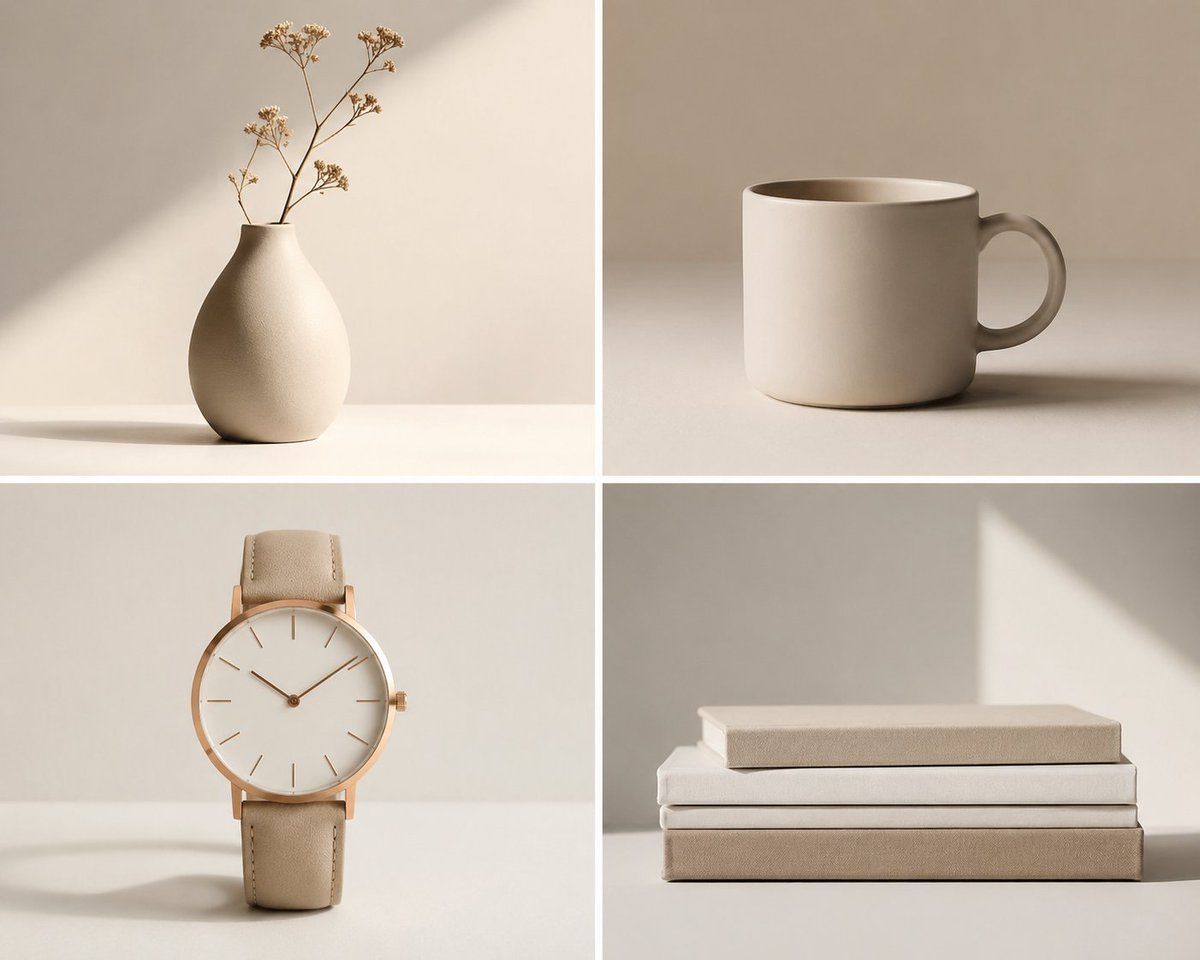
极简中性物体网格
Enlarge

极简中性物体网格

Prompt
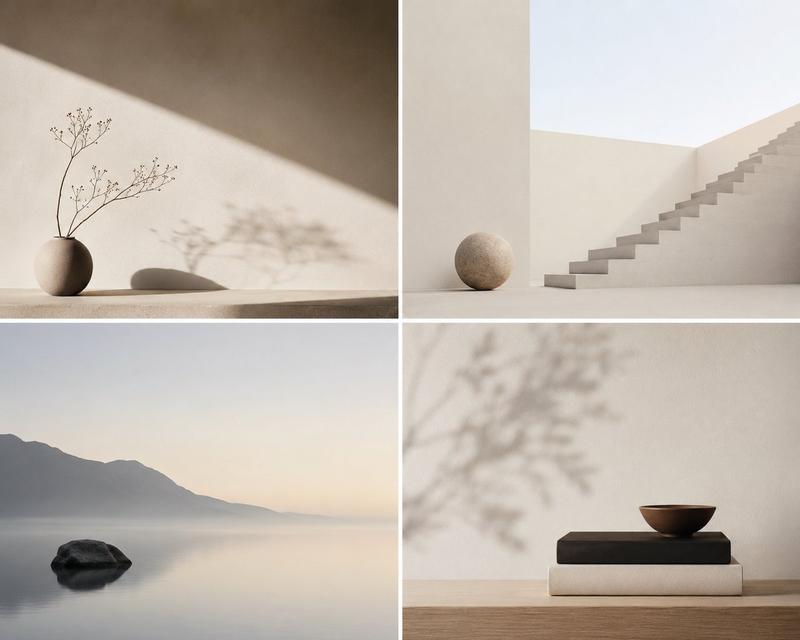
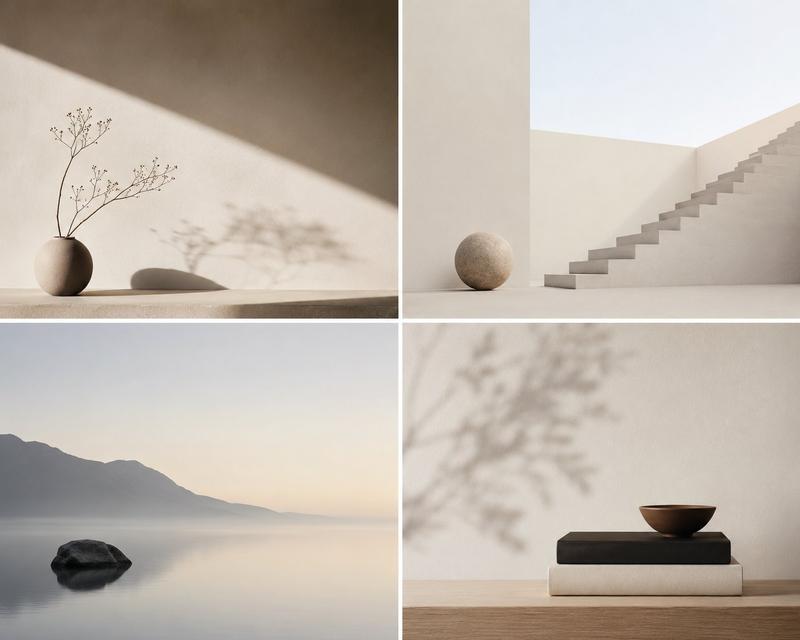
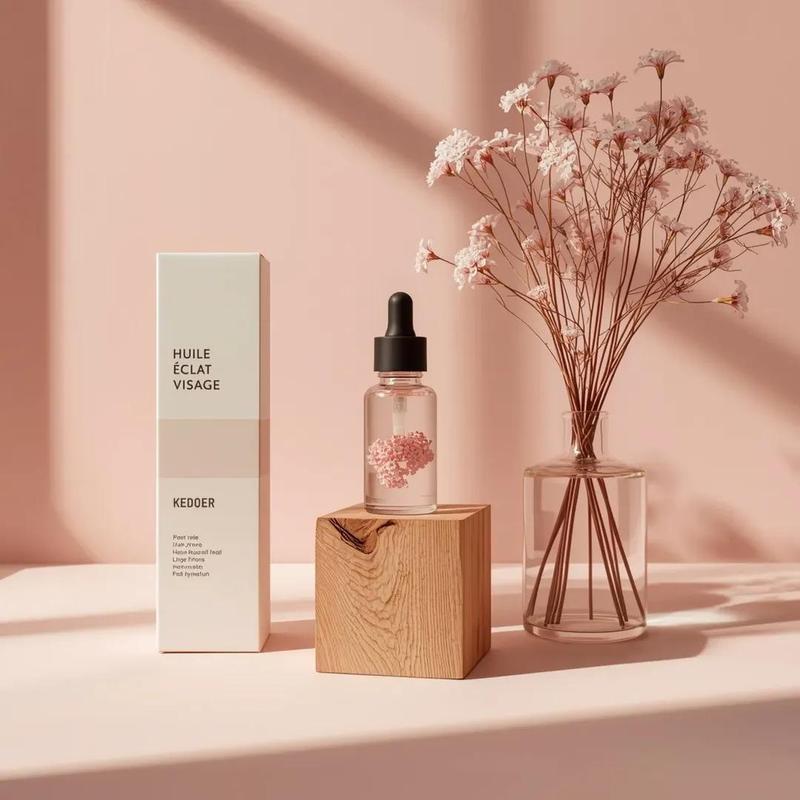
Create a clean 2x2 minimalist object photography grid featuring exactly 4 everyday items in a warm neutral beige palette: 1) top-left, a matte cream ceramic vase with a rounded pear-shaped body and narrow neck holding a few delicate dried flower stems, placed on a white tabletop with a soft diagonal sunlight beam and long subtle shadow; 2) top-right, a simple cylindrical cream ceramic mug with a rounded handle on the right, seen slightly from above, centered on a beige tabletop with a soft horizontal shadow; 3) bottom-left, an elegant minimalist wristwatch standing upright, with a thin rose-gold case, blank white dial, slim hour markers, two hands, small crown on the right, and beige leather strap, casting a faint shadow; 4) bottom-right, a neat stack of exactly 3 closed books in cream, white, and taupe covers, aligned horizontally, with the top book slightly smaller and a triangular patch of sunlight on the wall behind. Use a square canvas divided by thick white gutters into four equal panels. Style: high-end editorial product photography, soft natural window light, muted shadows, smooth off-white background, uncluttered composition, matte textures, calm Scandinavian/Japandi aesthetic, no people, no logos, no visible text, no watermark. Overall mood should emphasize {argument name="aesthetic mood" default="quiet simplicity"}, {argument name="color palette" default="warm cream, beige, ivory, and taupe"}, and {argument name="lighting style" default="soft natural window light with gentle geometric shadows"}.
Category
Charts & Infographics
Model
GPT Image 2
Creator
Kami AI
Views4
Source ID
23346
Published
May 30, 2026

Guide

About "极简中性物体网格"

What is this prompt for?

"极简中性物体网格" AI image prompt for GPT Image 2 (Charts & Infographics). 生成一个四格极简主义产品摄影网格,展示优雅的日常物品,适用于设计灵感、项目或简洁的背景视觉效果。 Copy it on Picva and recreate the look in…

The full copyable prompt and example visuals above are ready for AI image generation or one-click recreate in Picva.

How to use this prompt

  1. Step 1

    Open the prompt detail

    Review the example visuals, category, and full prompt text for "极简中性物体网格".

  2. Step 2

    Copy the prompt

    Copy the prompt body from this page, or load it directly in Studio.

  3. Step 3

    Pick a model (GPT Image 2)

    Prefer GPT Image 2. If you switch models, keep subject and composition and tweak style terms.

  4. Step 4

    Generate and export

    Recreate the look in Picva, or export into your workflow for editing and publishing.

FAQ

What is the "极简中性物体网格" prompt?
It is an AI image-generation prompt for GPT Image 2 in the Charts & Infographics category. This page includes the full prompt text, example visuals, and a one-click recreate path in Picva.
How do I use this prompt to generate an image?
Copy the prompt from this page, or use Generate / Studio. Paste it into a compatible image model, or recreate the look in Picva with optional reference images.
Which model is this prompt for?
This page lists GPT Image 2. Most descriptive prompts also transfer to nearby image models such as GPT Image, Flux, or Midjourney with light style tweaks.
Can I use the result commercially?
You can usually copy the prompt for creation, but commercial use of the final image depends on the model terms, reference-image rights, and the generated content. Follow the source author and platform rules.