17

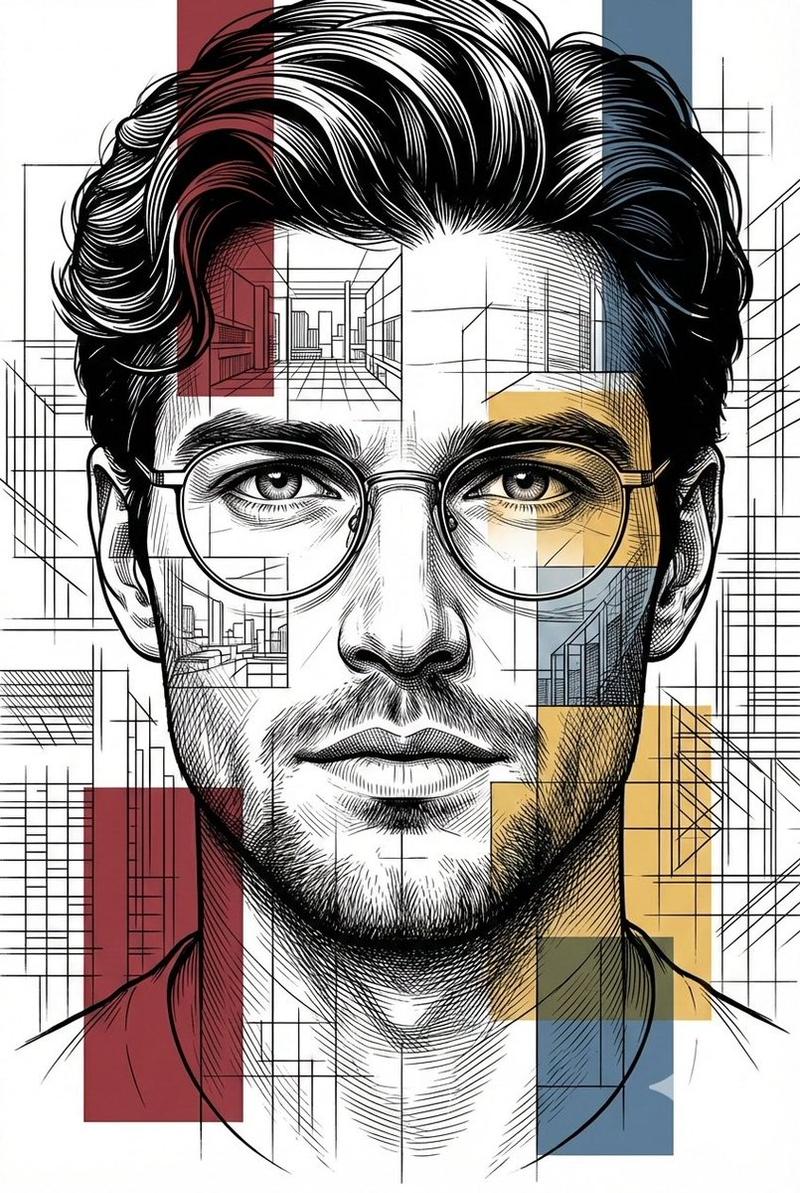
前卫混合媒介孔版印刷拼贴画
Enlarge

Example images

前卫混合媒介孔版印刷拼贴画

Prompt
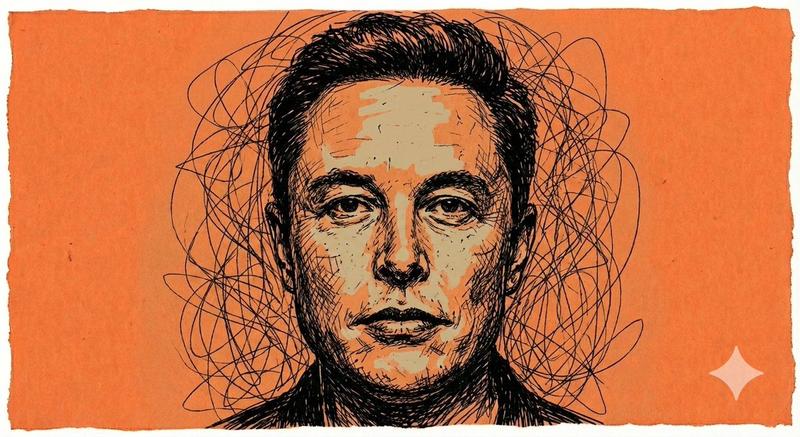
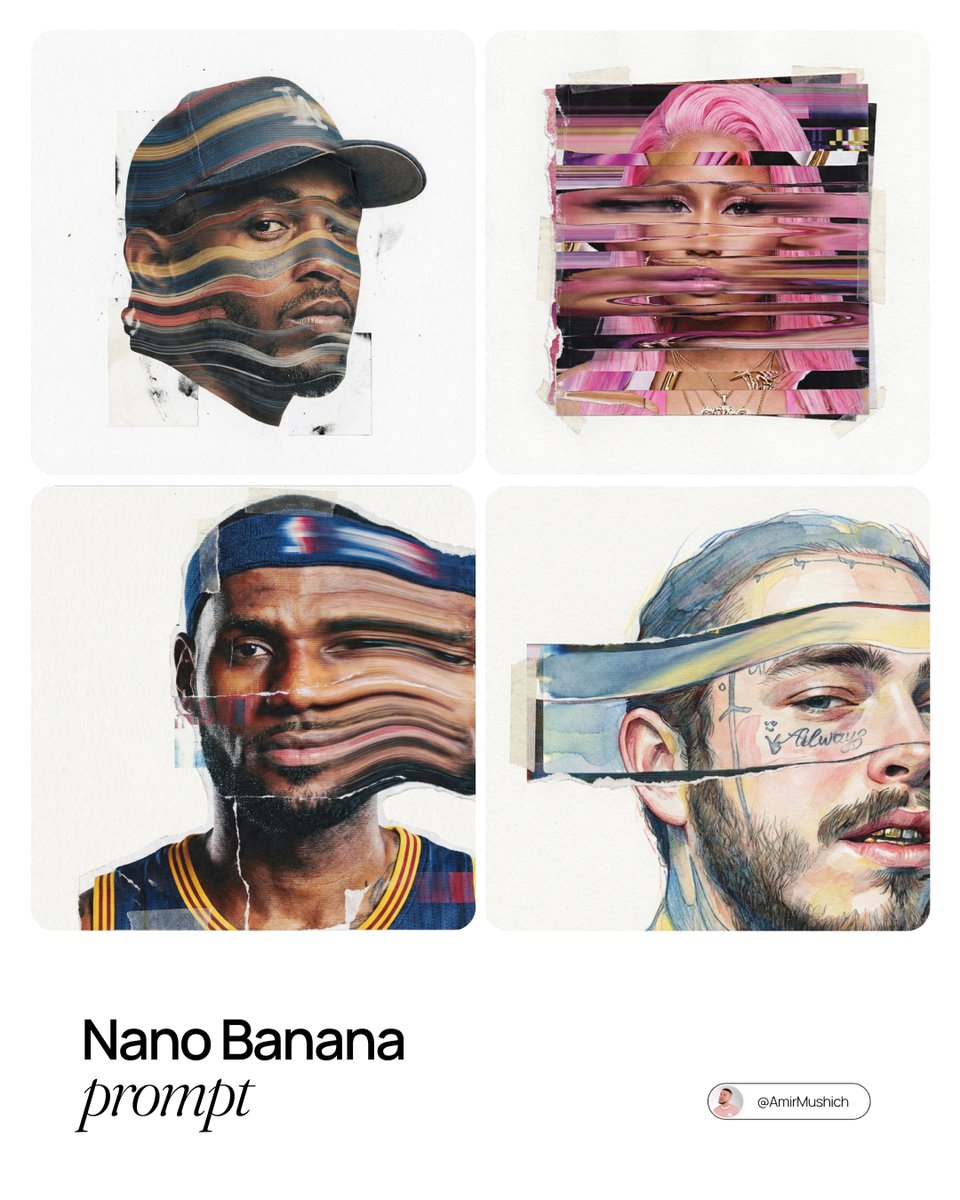
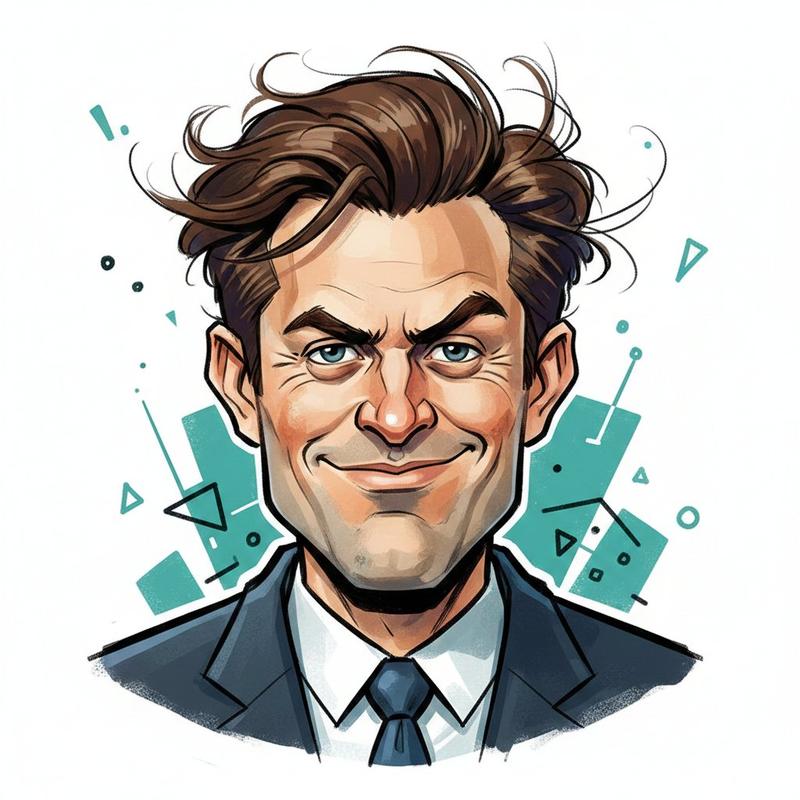
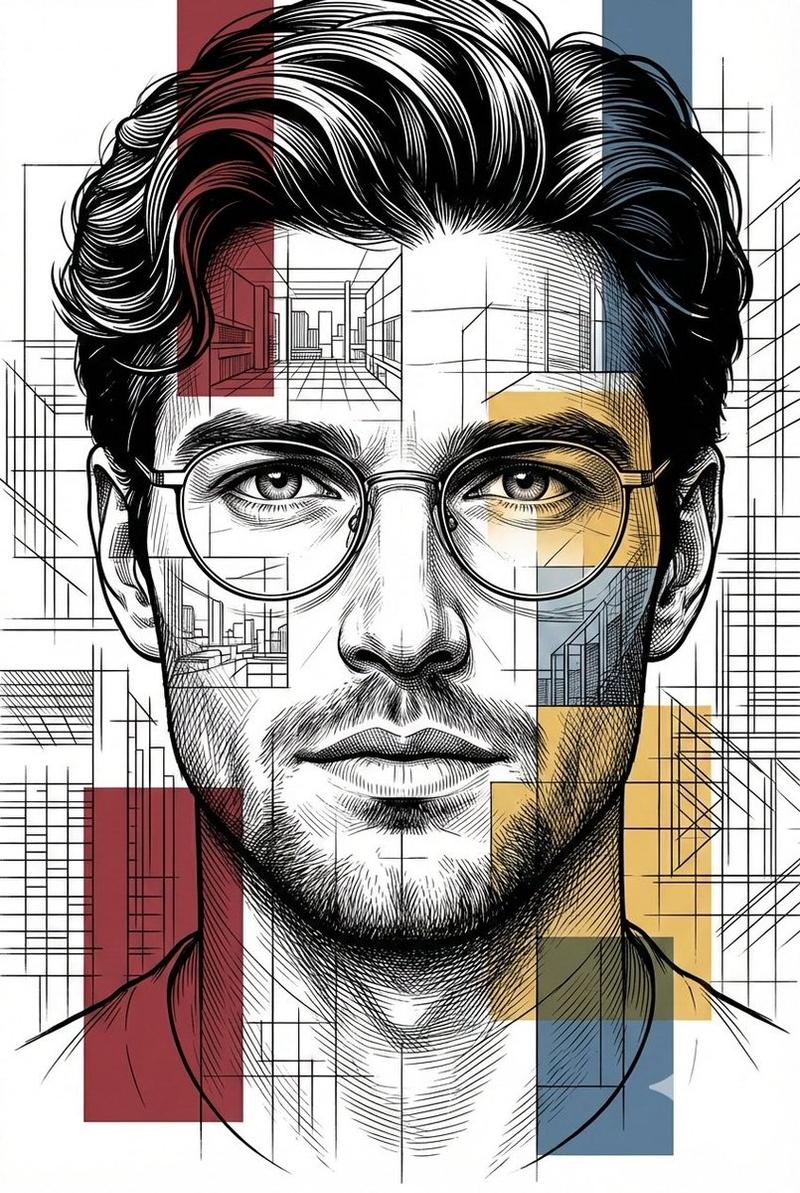
{argument name="subject" default="[PERSON / BRAND]"} as the centerpiece of a surreal avant-garde mixed media collage, modern editorial illustration style. High-contrast black and white halftone stipple patterns layered with vibrant neo-expressionist colors. Bold geometric shapes, cyan and yellow risograph textures, graffiti scrawls, and digital glitch artifacts overlaid on the subject. A thick strip of pink or orange tape, or a flat color block, partially covers the form for a deconstructed look. Grainy vintage poster paper texture throughout. Strictly centered composition on a wide, clean off-white cream background, full subject visible with generous negative space on all sides, zero cropping, minimal chic aesthetic.
Category
Charts & Infographics
Model
GPT Image 2
Creator
PromptLab
Views7
Source ID
23451
Published
May 31, 2026

Guide

About "前卫混合媒介孔版印刷拼贴画"

What is this prompt for?

"前卫混合媒介孔版印刷拼贴画" AI image prompt for GPT Image 2 (Charts & Infographics). 一个极具创意的解构主义编辑插画提示词,融合了孔版印刷纹理、故障艺术效果以及新表现主义配色方案。 Copy it on Picva and recreate the look…

The full copyable prompt and example visuals above are ready for AI image generation or one-click recreate in Picva.

How to use this prompt

  1. Step 1

    Open the prompt detail

    Review the example visuals, category, and full prompt text for "前卫混合媒介孔版印刷拼贴画".

  2. Step 2

    Copy the prompt

    Copy the prompt body from this page, or load it directly in Studio.

  3. Step 3

    Pick a model (GPT Image 2)

    Prefer GPT Image 2. If you switch models, keep subject and composition and tweak style terms.

  4. Step 4

    Generate and export

    Recreate the look in Picva, or export into your workflow for editing and publishing.

FAQ

What is the "前卫混合媒介孔版印刷拼贴画" prompt?
It is an AI image-generation prompt for GPT Image 2 in the Charts & Infographics category. This page includes the full prompt text, example visuals, and a one-click recreate path in Picva.
How do I use this prompt to generate an image?
Copy the prompt from this page, or use Generate / Studio. Paste it into a compatible image model, or recreate the look in Picva with optional reference images.
Which model is this prompt for?
This page lists GPT Image 2. Most descriptive prompts also transfer to nearby image models such as GPT Image, Flux, or Midjourney with light style tweaks.
Can I use the result commercially?
You can usually copy the prompt for creation, but commercial use of the final image depends on the model terms, reference-image rights, and the generated content. Follow the source author and platform rules.