19

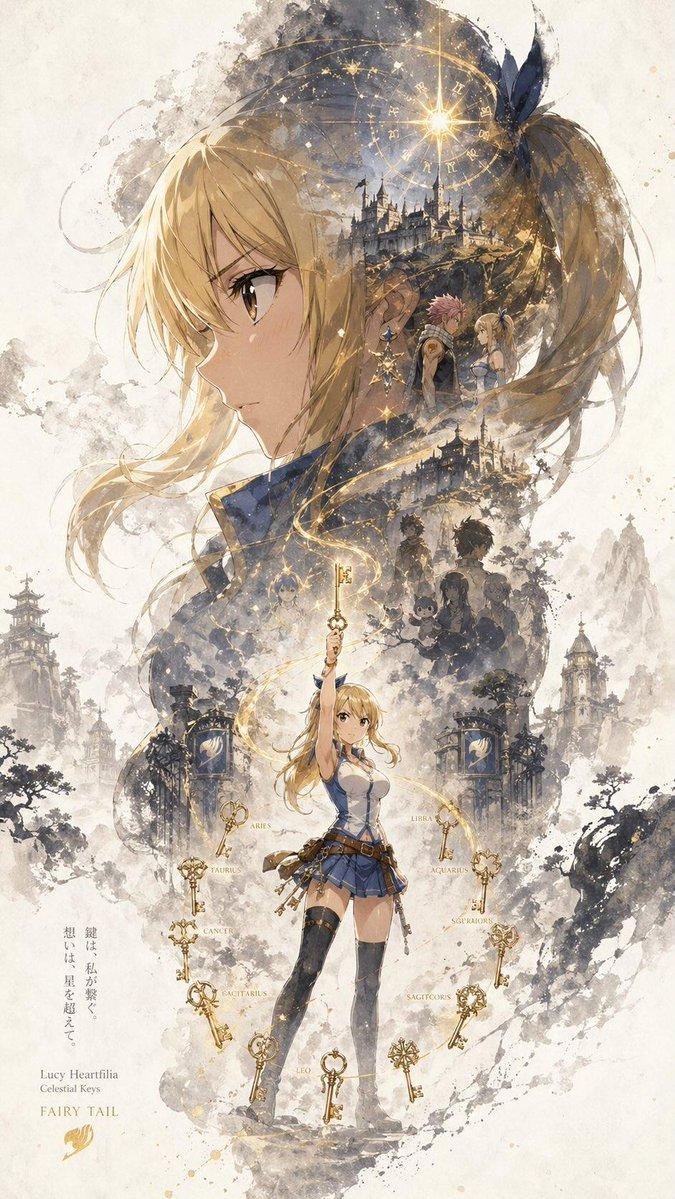
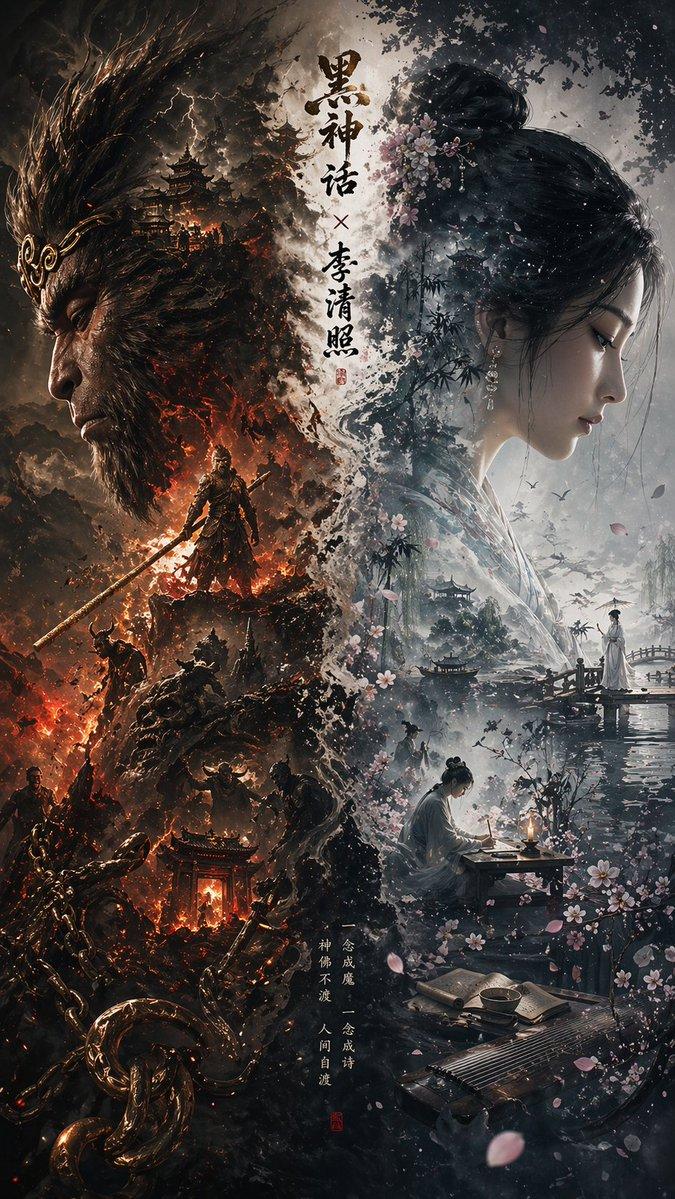
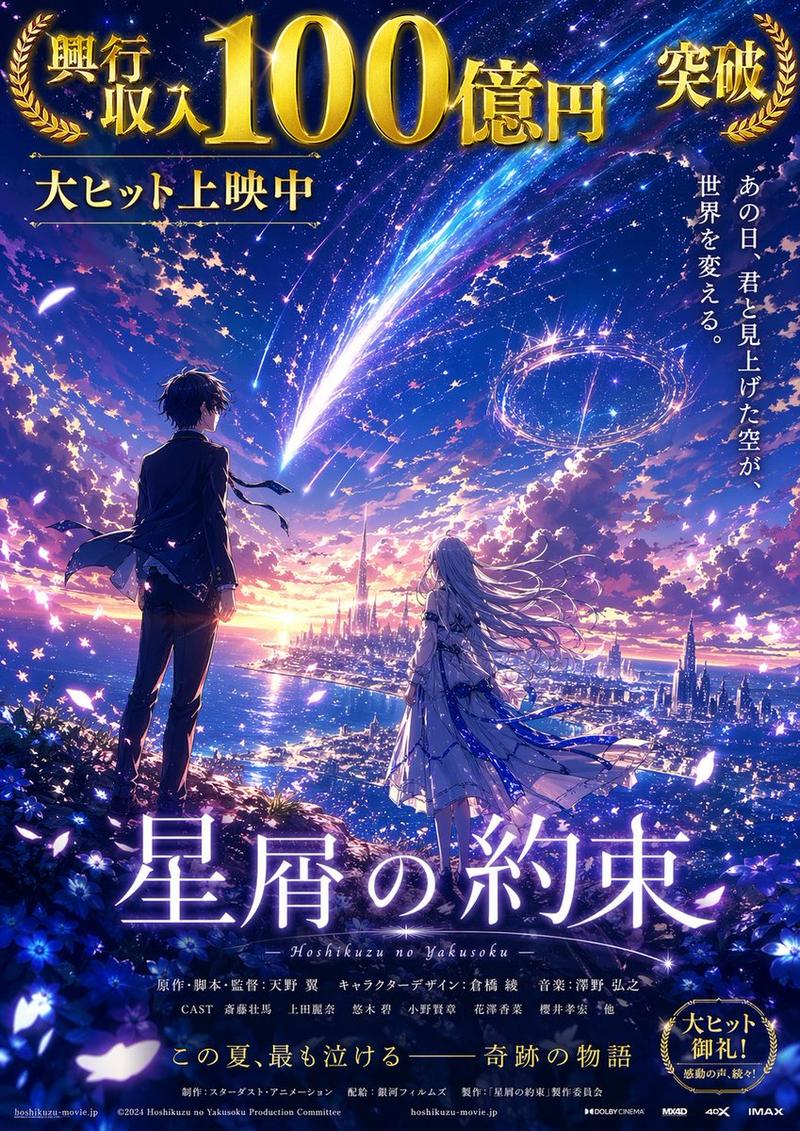
赛博朋克动漫双重曝光海报
Enlarge

Example images

赛博朋克动漫双重曝光海报

Prompt
Cyberpunk anime poster style, epic double exposure composition. Large profile silhouette of young male adventurer with {argument name="accessory" default="straw hat"} in foreground, eyes closed, confident smile. Inside the silhouette: futuristic neon cityscape, galaxy nebula, floating islands, pirate ship, crew of adventurers, holographic UI elements, glowing circuits. Neon colors: electric blue, magenta, purple, cyan. Dark background with glowing particles, lens flares, sci-fi HUD overlays. Japanese kanji text glowing on left, English text at top "{argument name="top text" default="PEAKVIBES"}" and bottom "{argument name="bottom text" default="ADVENTURER"}". Cyberpunk aesthetic,
Category
Charts & Infographics
Model
GPT Image 2
Creator
simply
Views4
Source ID
23640
Published
Jun 1, 2026

Guide

About "赛博朋克动漫双重曝光海报"

What is this prompt for?

"赛博朋克动漫双重曝光海报" AI image prompt for GPT Image 2 (Charts & Infographics). 一款史诗级的双重曝光赛博朋克海报提示词,描绘了一个填充着霓虹城市景观的年轻冒险者剪影。 Copy it on Picva and recreate the look in o…

The full copyable prompt and example visuals above are ready for AI image generation or one-click recreate in Picva.

How to use this prompt

  1. Step 1

    Open the prompt detail

    Review the example visuals, category, and full prompt text for "赛博朋克动漫双重曝光海报".

  2. Step 2

    Copy the prompt

    Copy the prompt body from this page, or load it directly in Studio.

  3. Step 3

    Pick a model (GPT Image 2)

    Prefer GPT Image 2. If you switch models, keep subject and composition and tweak style terms.

  4. Step 4

    Generate and export

    Recreate the look in Picva, or export into your workflow for editing and publishing.

FAQ

What is the "赛博朋克动漫双重曝光海报" prompt?
It is an AI image-generation prompt for GPT Image 2 in the Charts & Infographics category. This page includes the full prompt text, example visuals, and a one-click recreate path in Picva.
How do I use this prompt to generate an image?
Copy the prompt from this page, or use Generate / Studio. Paste it into a compatible image model, or recreate the look in Picva with optional reference images.
Which model is this prompt for?
This page lists GPT Image 2. Most descriptive prompts also transfer to nearby image models such as GPT Image, Flux, or Midjourney with light style tweaks.
Can I use the result commercially?
You can usually copy the prompt for creation, but commercial use of the final image depends on the model terms, reference-image rights, and the generated content. Follow the source author and platform rules.