19

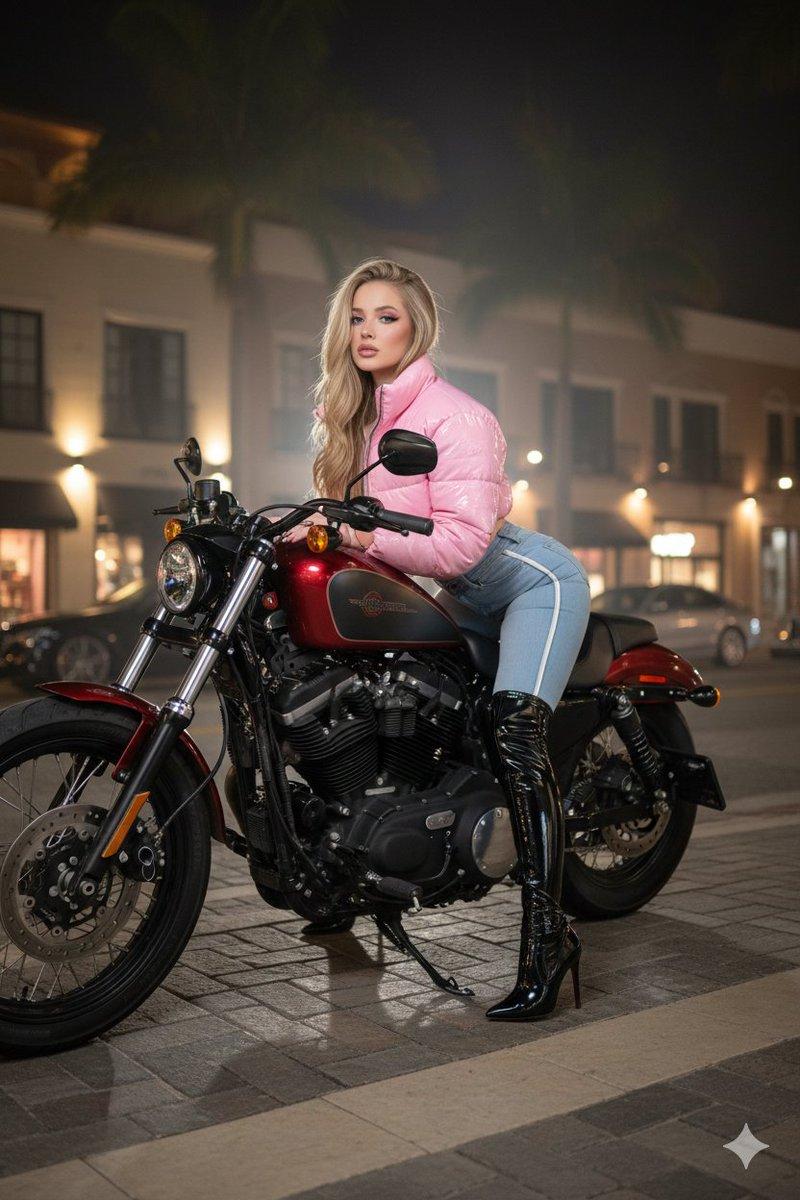
城市街头摩托车人像
Enlarge

城市街头摩托车人像

Prompt
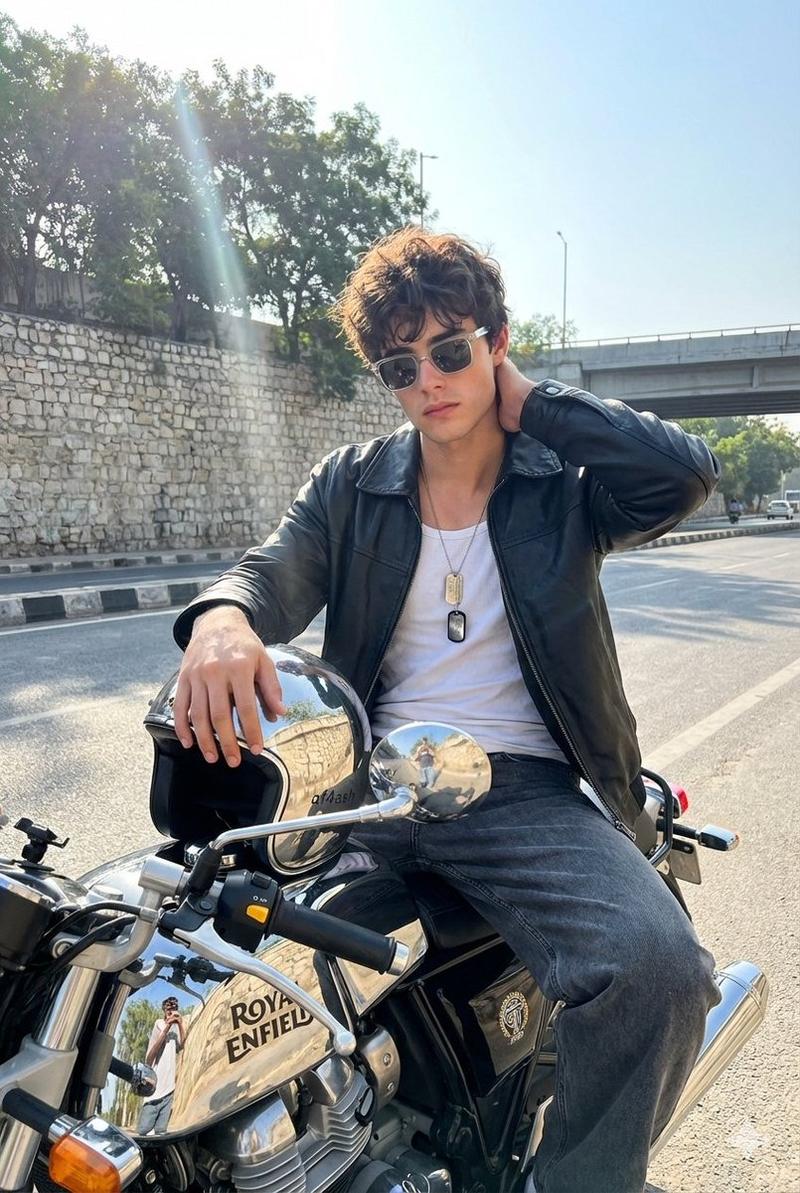
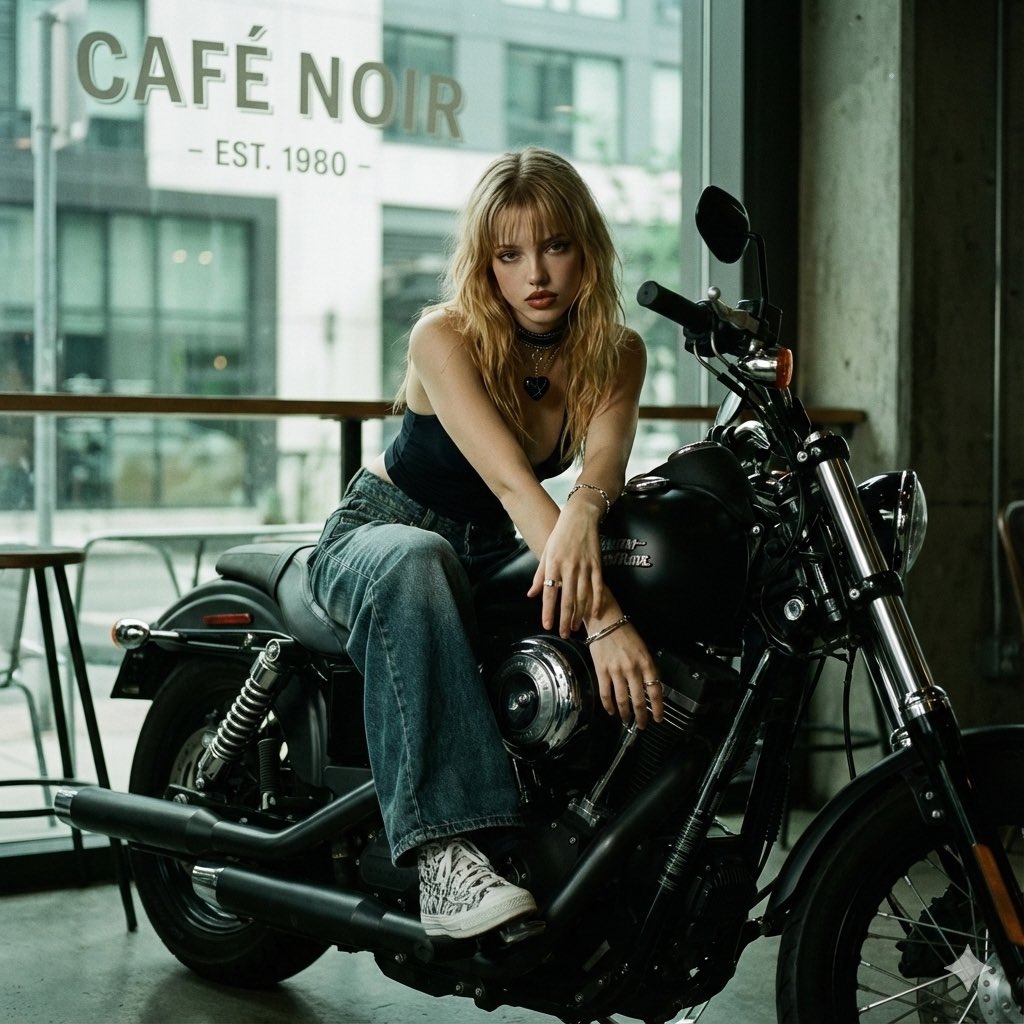
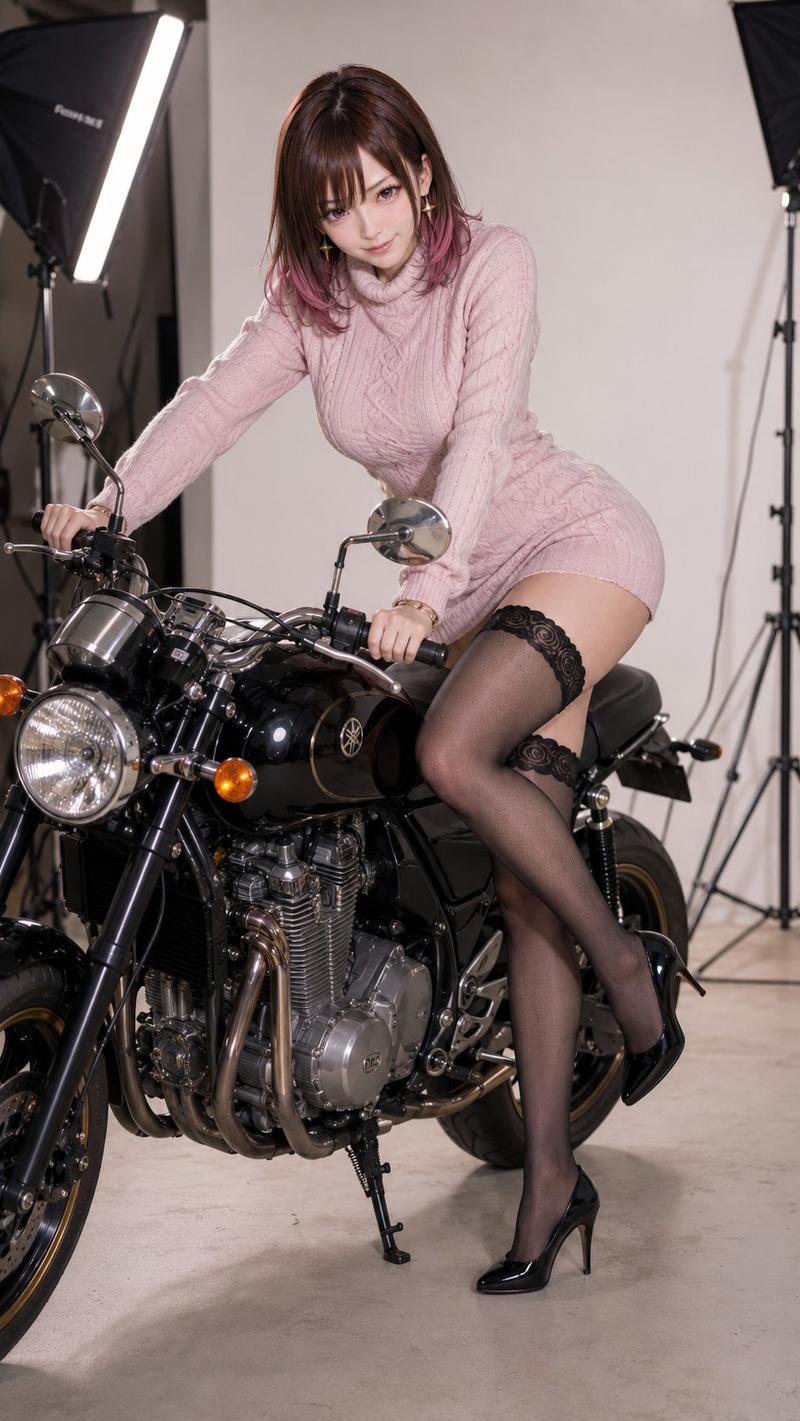
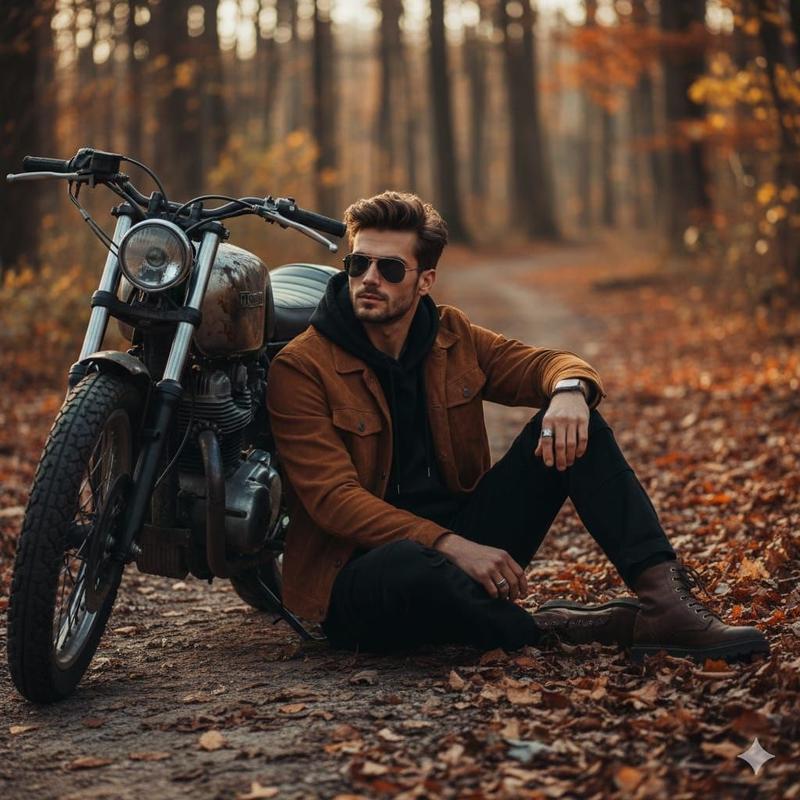
Ultra-realistic cinematic portrait of a beautiful young woman (GIVEN IN REFERENCE IMAGE) sitting confidently on a {argument name="motorcycle brand" default="black Royal Enfield"} motorcycle in a stylish urban street. She is wearing an elegant fitted black shirt with rolled-up sleeves, black trousers, a slim black belt, minimalist silver earrings, and a luxury wristwatch. Long flowing brown hair gently blowing in the wind, natural makeup, glowing skin, sharp facial features, calm confident expression, looking directly at the camera.

Shot from the front-left angle with her hands on the handlebars, shallow depth of field, blurred pedestrians and city architecture in the background, soft golden-hour lighting, premium fashion editorial photography style, realistic skin texture, detailed hair strands, high contrast, cinematic color grading, luxury lifestyle aesthetic, bokeh background, professional DSLR, 85mm lens, f/1.8, ultra-detailed, photorealistic, 8K quality, natural shadows, magazine cover quality, focus locked on the subject.
Negative Prompt:
blurry face, low quality, extra fingers, deformed hands, distorted body, duplicate person, bad anatomy, cartoon, CGI, oversaturated colors, unrealistic skin, closed eyes, motion blur, watermark, text, logo, cropped face, overexposed highlights, noisy image, low resolution, helmet, sunglasses, crowd focus, messy composition.
Category
Charts & Infographics
Model
GPT Image 2
Creator
auqib
Views4
Source ID
23643
Published
Jun 1, 2026

Guide

About "城市街头摩托车人像"

What is this prompt for?

"城市街头摩托车人像" AI image prompt for GPT Image 2 (Charts & Infographics). 一张超写实电影感人像提示词,描绘了一位女性骑着 Royal Enfield 摩托车在时尚城市背景下的场景。 Copy it on Picva and recreate the lo…

The full copyable prompt and example visuals above are ready for AI image generation or one-click recreate in Picva.

How to use this prompt

  1. Step 1

    Open the prompt detail

    Review the example visuals, category, and full prompt text for "城市街头摩托车人像".

  2. Step 2

    Copy the prompt

    Copy the prompt body from this page, or load it directly in Studio.

  3. Step 3

    Pick a model (GPT Image 2)

    Prefer GPT Image 2. If you switch models, keep subject and composition and tweak style terms.

  4. Step 4

    Generate and export

    Recreate the look in Picva, or export into your workflow for editing and publishing.

FAQ

What is the "城市街头摩托车人像" prompt?
It is an AI image-generation prompt for GPT Image 2 in the Charts & Infographics category. This page includes the full prompt text, example visuals, and a one-click recreate path in Picva.
How do I use this prompt to generate an image?
Copy the prompt from this page, or use Generate / Studio. Paste it into a compatible image model, or recreate the look in Picva with optional reference images.
Which model is this prompt for?
This page lists GPT Image 2. Most descriptive prompts also transfer to nearby image models such as GPT Image, Flux, or Midjourney with light style tweaks.
Can I use the result commercially?
You can usually copy the prompt for creation, but commercial use of the final image depends on the model terms, reference-image rights, and the generated content. Follow the source author and platform rules.