13

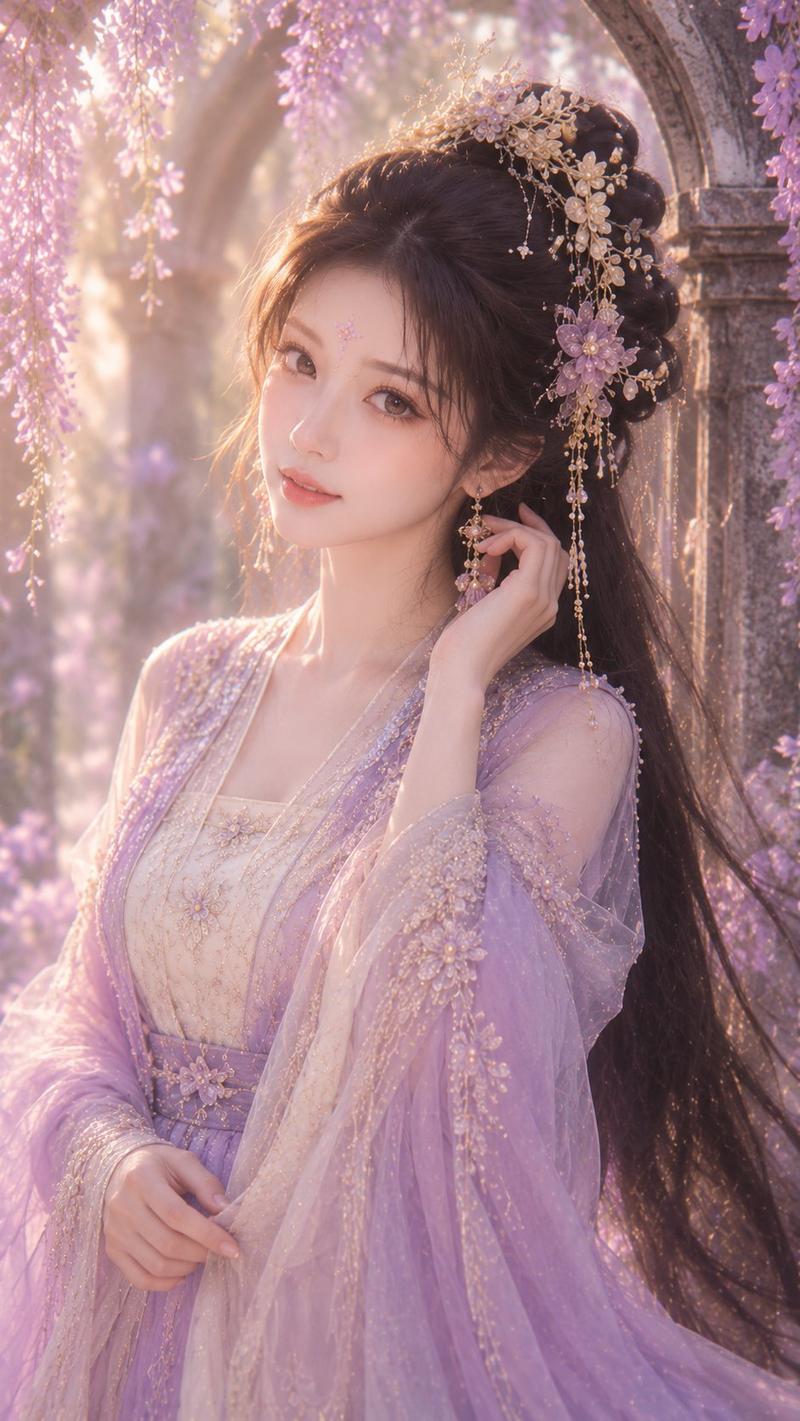
冰雪仙侠公主肖像
Enlarge

冰雪仙侠公主肖像

Prompt
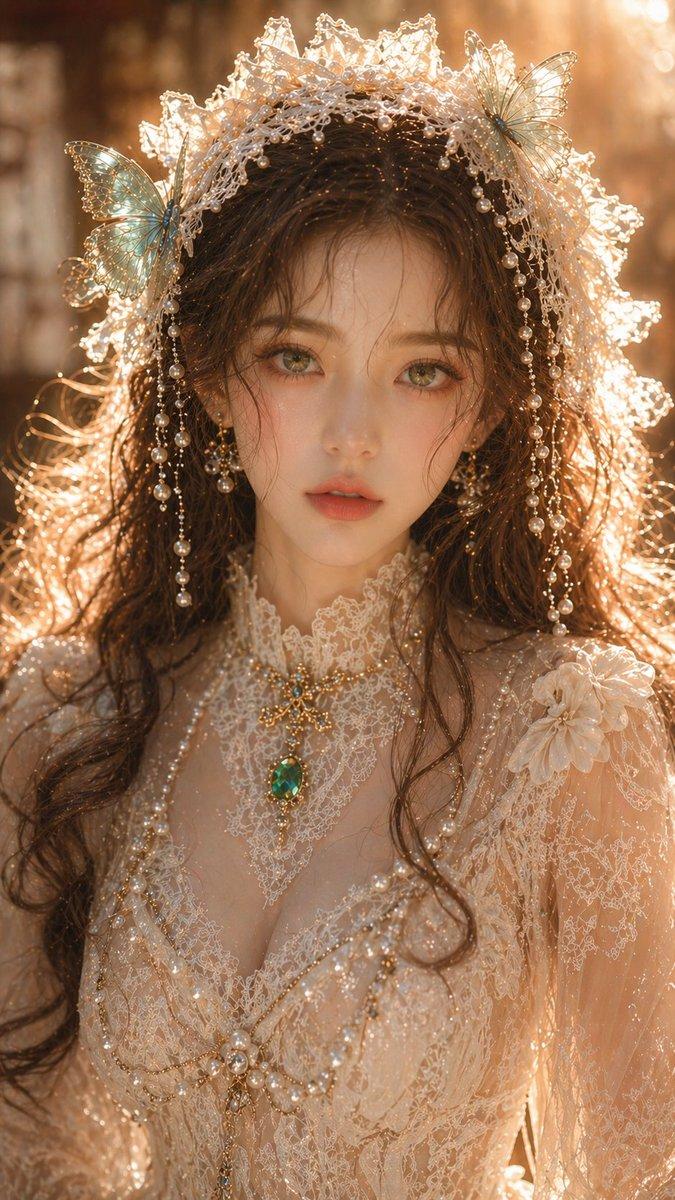
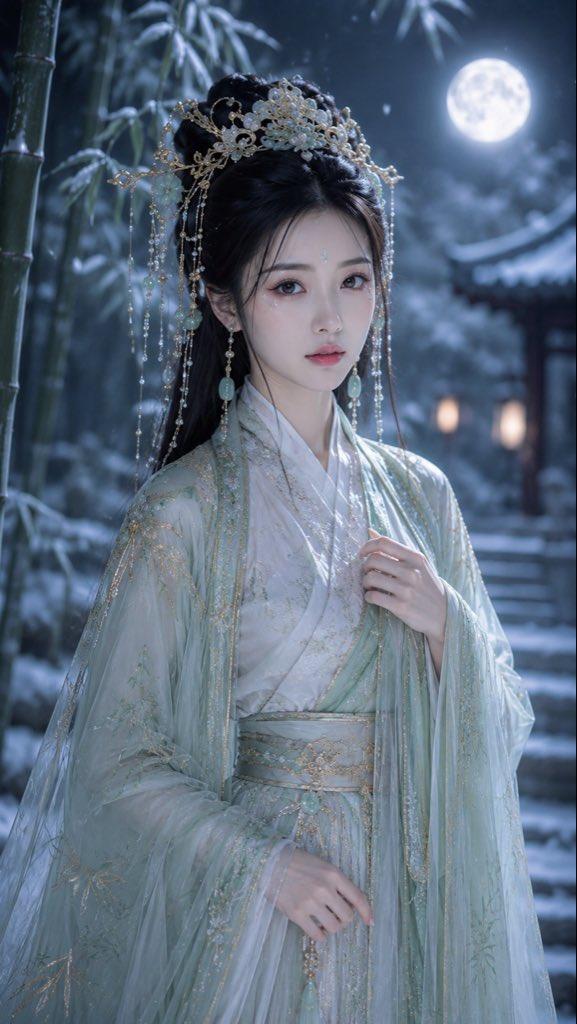
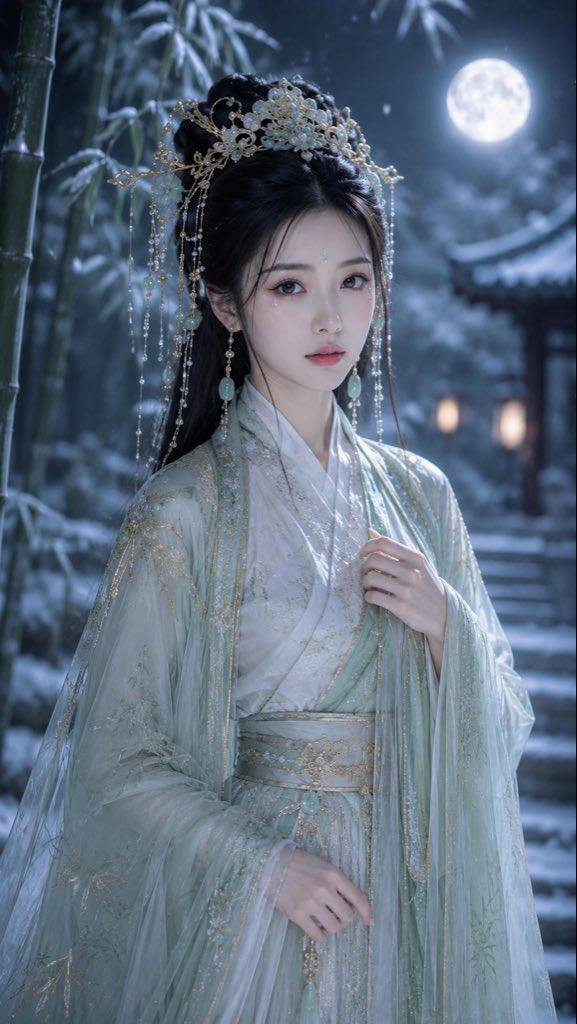
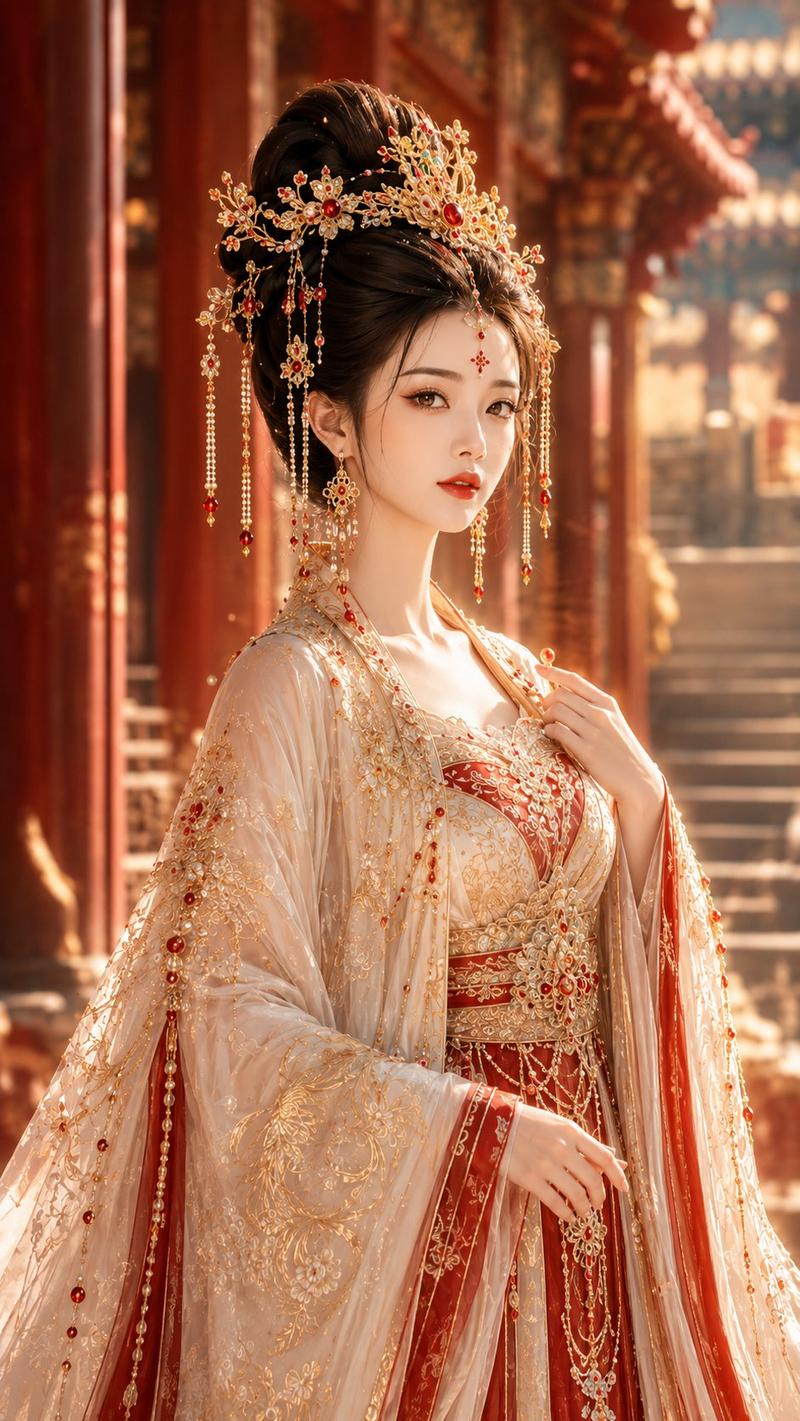
Create a vertical cinematic ancient Chinese fantasy portrait of a noble princess in an icy palace, shown from mid-thigh to head in a centered frontal composition. The subject is {argument name="character gender" default="a young woman"} with long flowing {argument name="hair color" default="black hair"}, wearing an ethereal {argument name="robe color" default="white and pale ice-blue"} hanfu-inspired ceremonial gown with translucent wide sleeves, layered silk, delicate embroidery, silver filigree, pearl chains, crystal drops, and ornate beaded shoulder drapes. Give her an elaborate silver phoenix crown and hair ornaments with many dangling pearls, crystals, floral metalwork, and thin chains framing both sides of the face. The expression should be serene and regal, with refined beauty, but keep the face unobstructed and natural. The background is a grand frozen palace hall with tall carved columns, pale stone reliefs, soft mist, floating snow or dust particles, and cool blue-gray light. Use shallow depth of field, luminous backlighting, high-detail jewelry, sparkling highlights, soft volumetric haze, elegant xianxia costume-drama styling, ultra-realistic fashion photography, 9:16 vertical aspect ratio. Avoid modern objects, text, logos, harsh colors, exaggerated anatomy, and visible facial covering.
Category
Charts & Infographics
Model
GPT Image 2
Views11
Source ID
23667
Published
Jun 1, 2026

Guide

About "冰雪仙侠公主肖像"

What is this prompt for?

"冰雪仙侠公主肖像" AI image prompt for GPT Image 2 (Charts & Infographics). 一个用于生成冰封宫殿背景下华丽中国古代奇幻公主的竖屏电影感肖像提示词。 Copy it on Picva and recreate the look in one click.

The full copyable prompt and example visuals above are ready for AI image generation or one-click recreate in Picva.

How to use this prompt

  1. Step 1

    Open the prompt detail

    Review the example visuals, category, and full prompt text for "冰雪仙侠公主肖像".

  2. Step 2

    Copy the prompt

    Copy the prompt body from this page, or load it directly in Studio.

  3. Step 3

    Pick a model (GPT Image 2)

    Prefer GPT Image 2. If you switch models, keep subject and composition and tweak style terms.

  4. Step 4

    Generate and export

    Recreate the look in Picva, or export into your workflow for editing and publishing.

FAQ

What is the "冰雪仙侠公主肖像" prompt?
It is an AI image-generation prompt for GPT Image 2 in the Charts & Infographics category. This page includes the full prompt text, example visuals, and a one-click recreate path in Picva.
How do I use this prompt to generate an image?
Copy the prompt from this page, or use Generate / Studio. Paste it into a compatible image model, or recreate the look in Picva with optional reference images.
Which model is this prompt for?
This page lists GPT Image 2. Most descriptive prompts also transfer to nearby image models such as GPT Image, Flux, or Midjourney with light style tweaks.
Can I use the result commercially?
You can usually copy the prompt for creation, but commercial use of the final image depends on the model terms, reference-image rights, and the generated content. Follow the source author and platform rules.