17

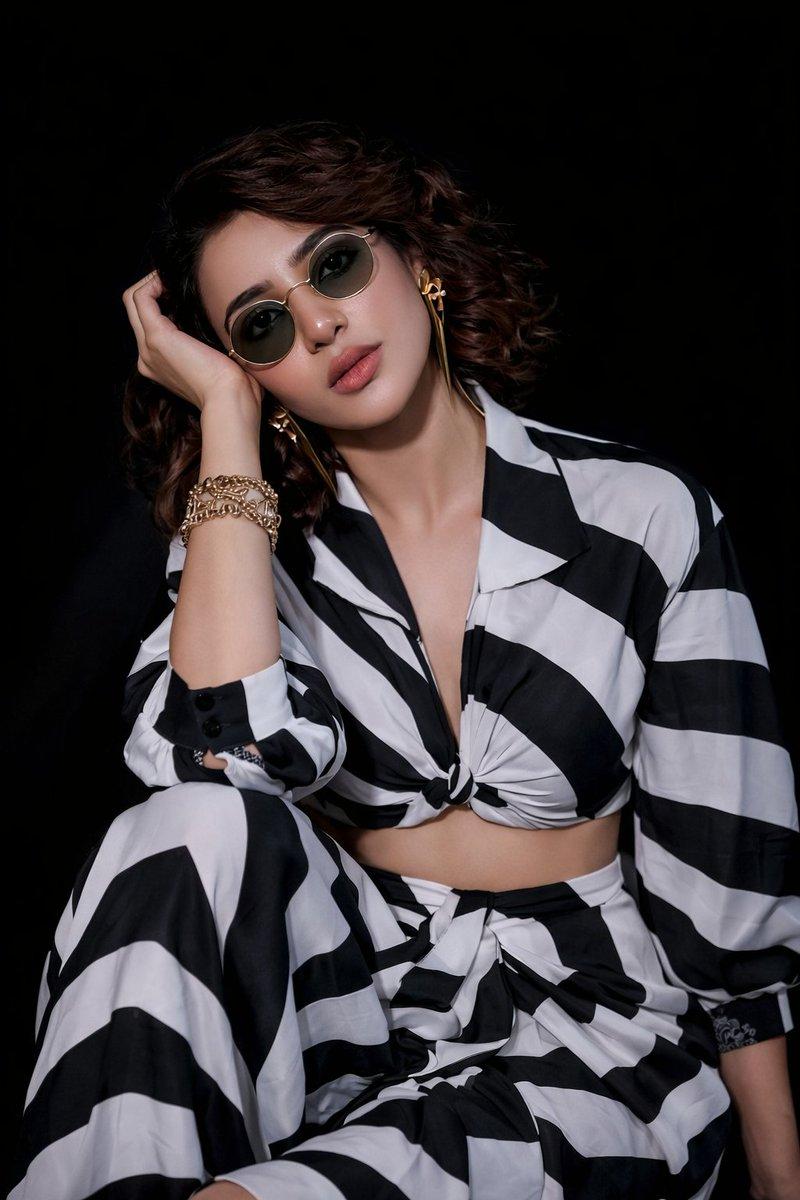
奢华时尚杂志拼贴画
Enlarge

奢华时尚杂志拼贴画

Prompt
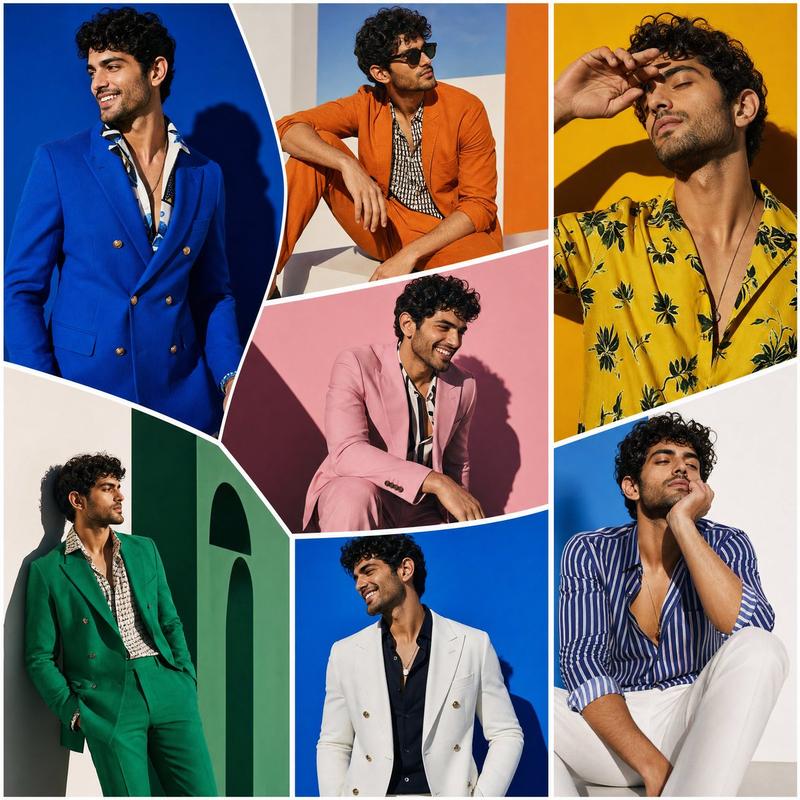
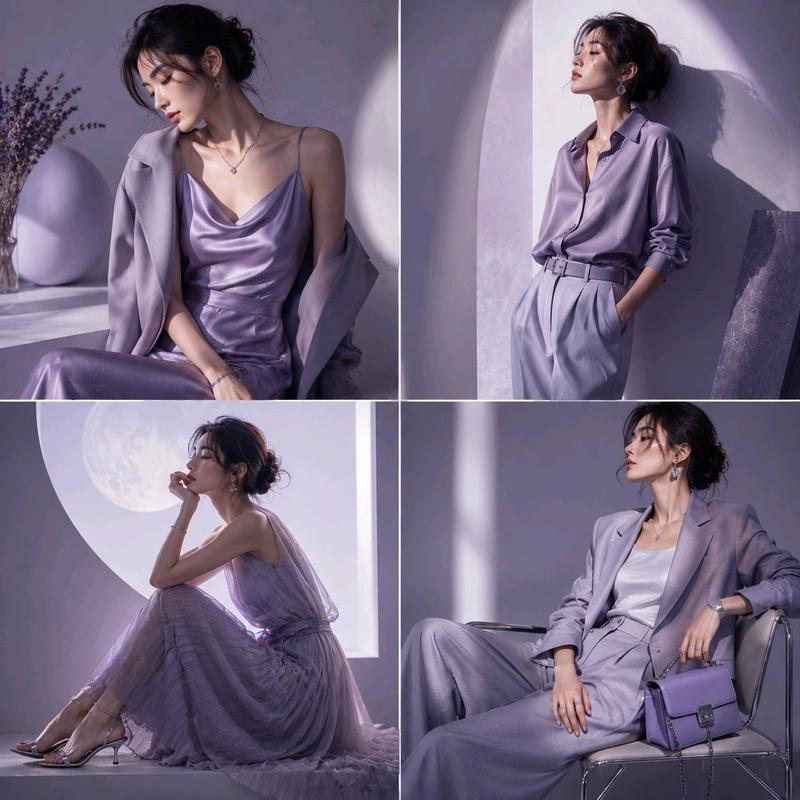
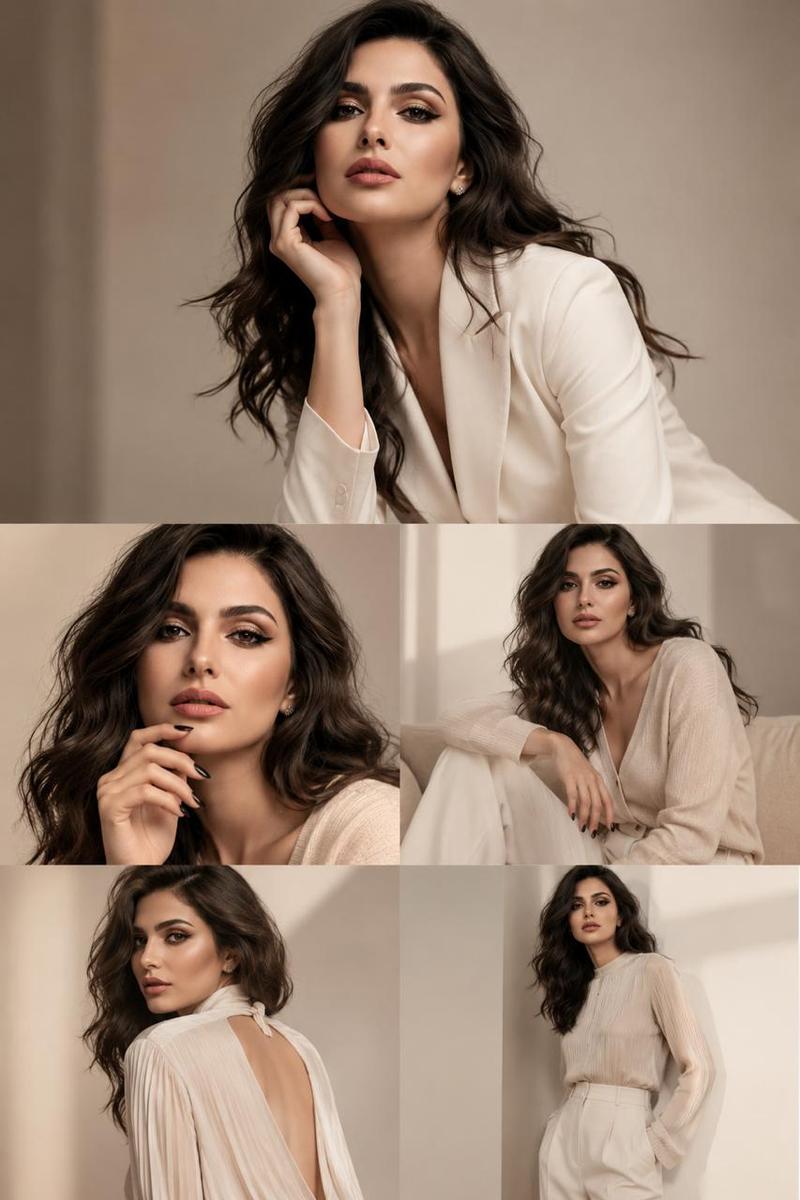
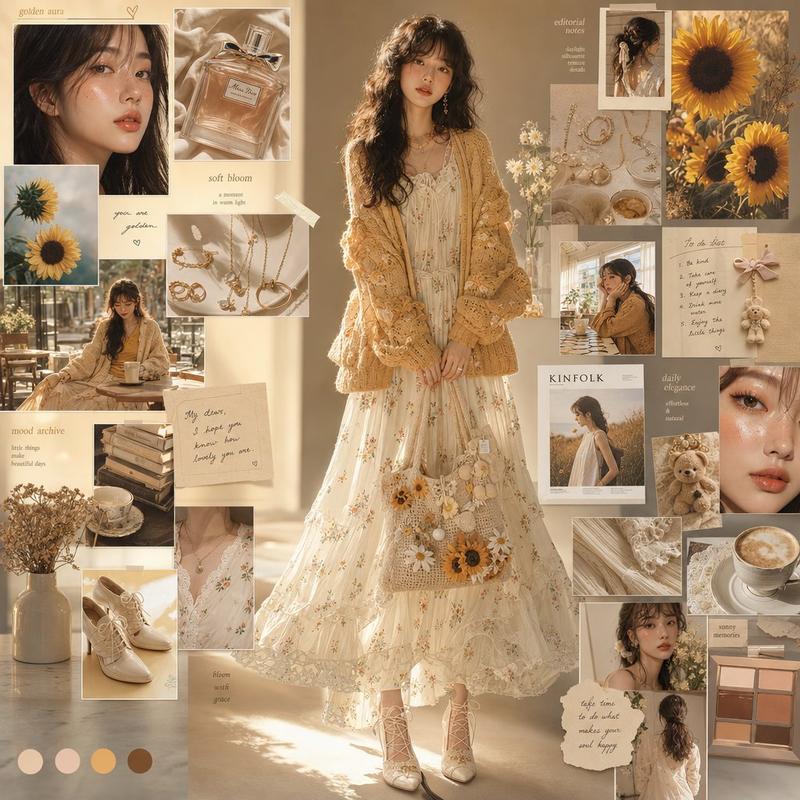
The SAME beautiful female model across {argument name="layout" default="oversized irregular fashion panels"}. ({argument name="style" default="Luxury fashion editorial collage"}), (high-fashion photography), different elegant poses, unique stylish outfits in every panel. Vibrant colors including (hot pink), (coral orange), (golden yellow), (lavender), (teal blue), and cream. Dramatic sunlight, soft shadows, premium magazine campaign aesthetic. Modern graphic design with (fashion quotes), (luxury typography), artistic cutout shapes, paper textures, and paint strokes. Confident feminine energy, glamorous makeup, elegant accessories, contemporary fashion storytelling. (Vogue-inspired), (editorial masterpiece), (photorealistic), (ultra detailed), (8K quality), (premium fashion poster). (Trending Pinterest aesthetic), (fashion magazine cover), (luxury brand campaign), (award-winning design).
Category
Charts & Infographics
Model
GPT Image 2
Creator
shah_zadii
Views7
Source ID
23770
Published
Jun 2, 2026

Guide

About "奢华时尚杂志拼贴画"

What is this prompt for?

"奢华时尚杂志拼贴画" AI image prompt for GPT Image 2 (Charts & Infographics). 一个高级时尚杂志宣传海报提示词,用于创作将模特置于不规则面板中的艺术拼贴画,呈现鲜艳色彩与高端排版风格。 Copy it on Picva and recreate the loo…

The full copyable prompt and example visuals above are ready for AI image generation or one-click recreate in Picva.

How to use this prompt

  1. Step 1

    Open the prompt detail

    Review the example visuals, category, and full prompt text for "奢华时尚杂志拼贴画".

  2. Step 2

    Copy the prompt

    Copy the prompt body from this page, or load it directly in Studio.

  3. Step 3

    Pick a model (GPT Image 2)

    Prefer GPT Image 2. If you switch models, keep subject and composition and tweak style terms.

  4. Step 4

    Generate and export

    Recreate the look in Picva, or export into your workflow for editing and publishing.

FAQ

What is the "奢华时尚杂志拼贴画" prompt?
It is an AI image-generation prompt for GPT Image 2 in the Charts & Infographics category. This page includes the full prompt text, example visuals, and a one-click recreate path in Picva.
How do I use this prompt to generate an image?
Copy the prompt from this page, or use Generate / Studio. Paste it into a compatible image model, or recreate the look in Picva with optional reference images.
Which model is this prompt for?
This page lists GPT Image 2. Most descriptive prompts also transfer to nearby image models such as GPT Image, Flux, or Midjourney with light style tweaks.
Can I use the result commercially?
You can usually copy the prompt for creation, but commercial use of the final image depends on the model terms, reference-image rights, and the generated content. Follow the source author and platform rules.