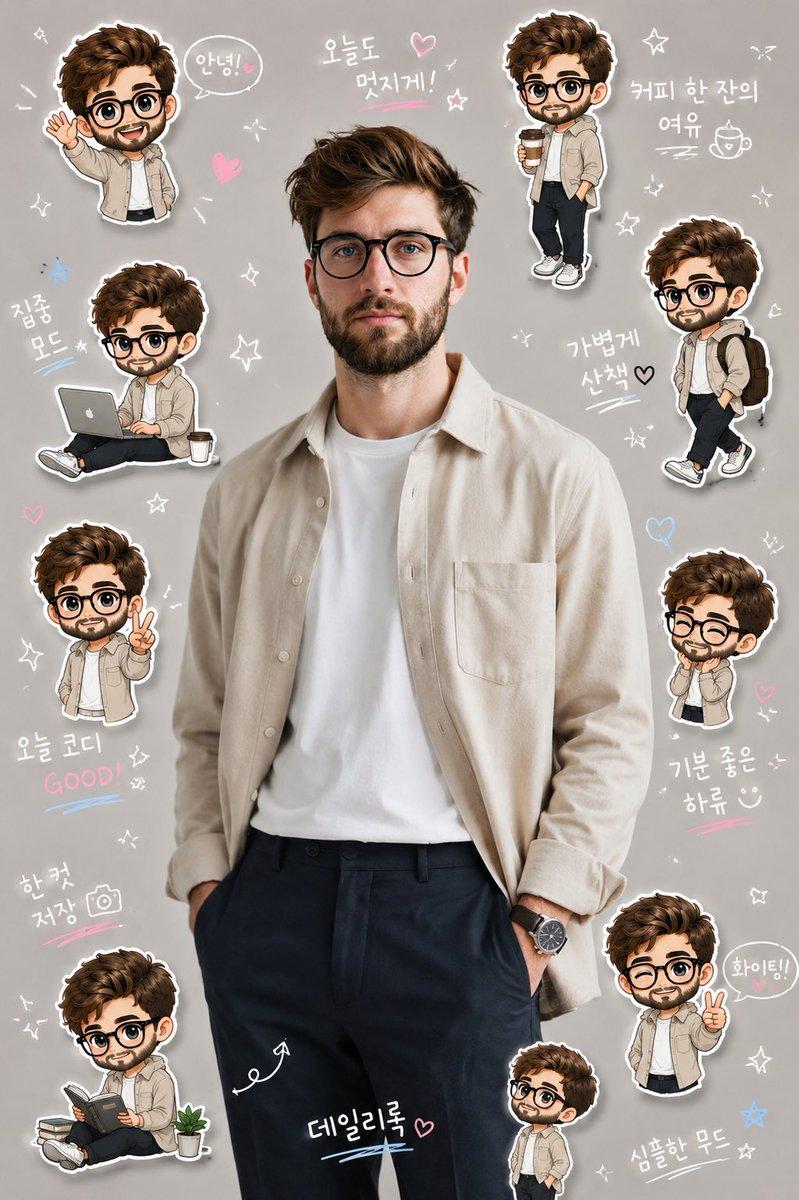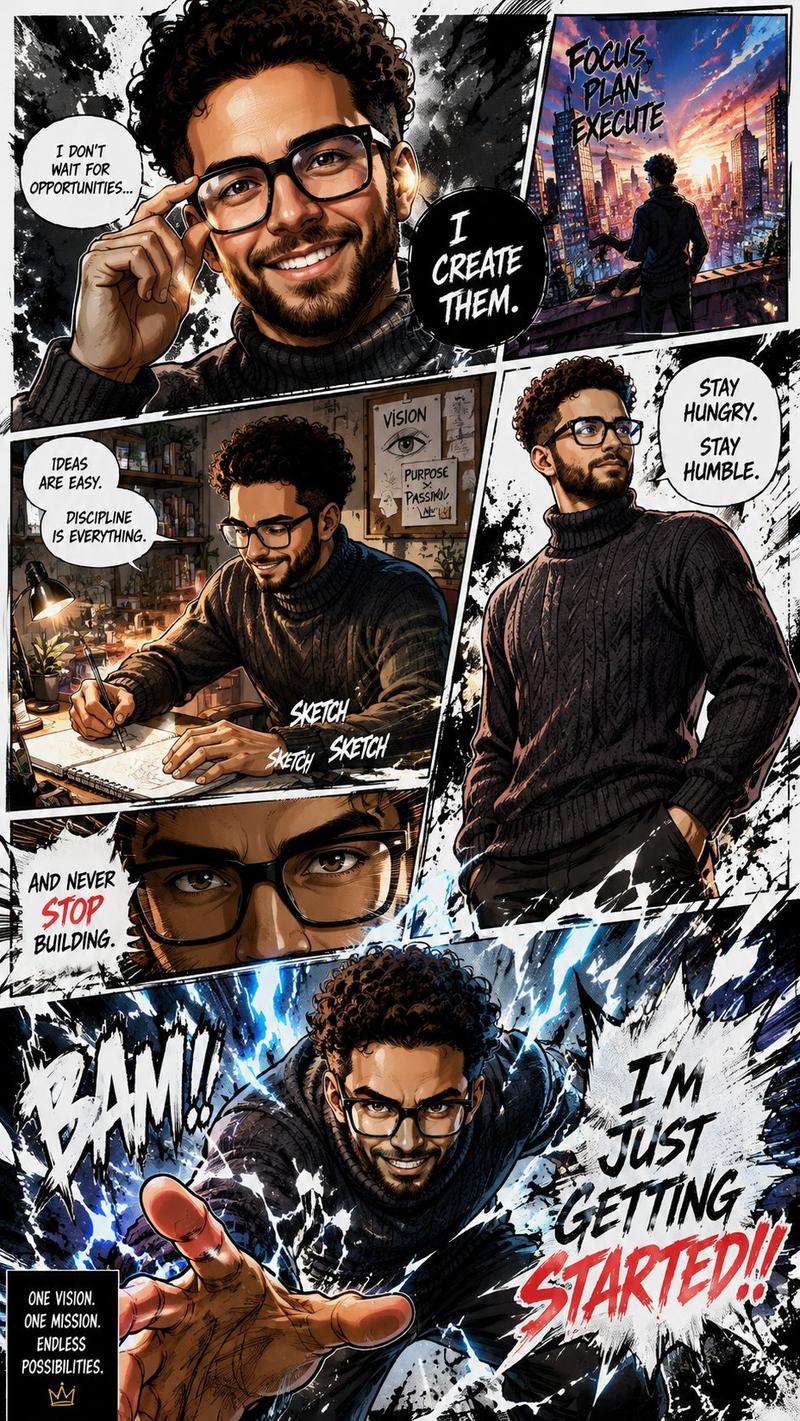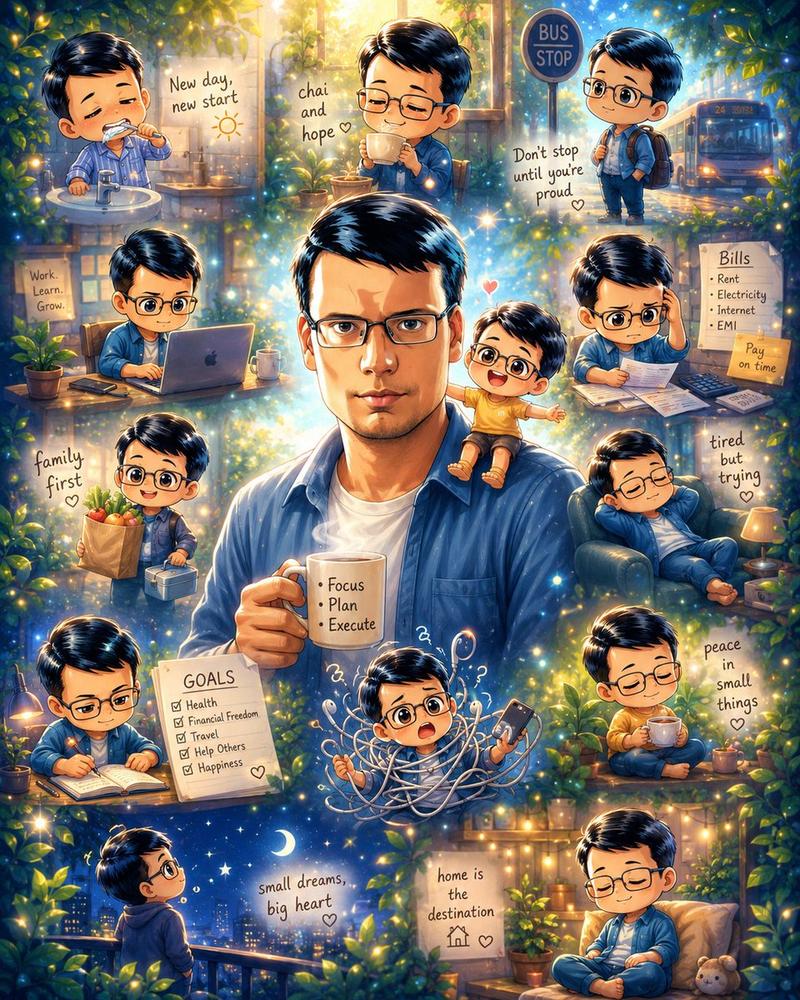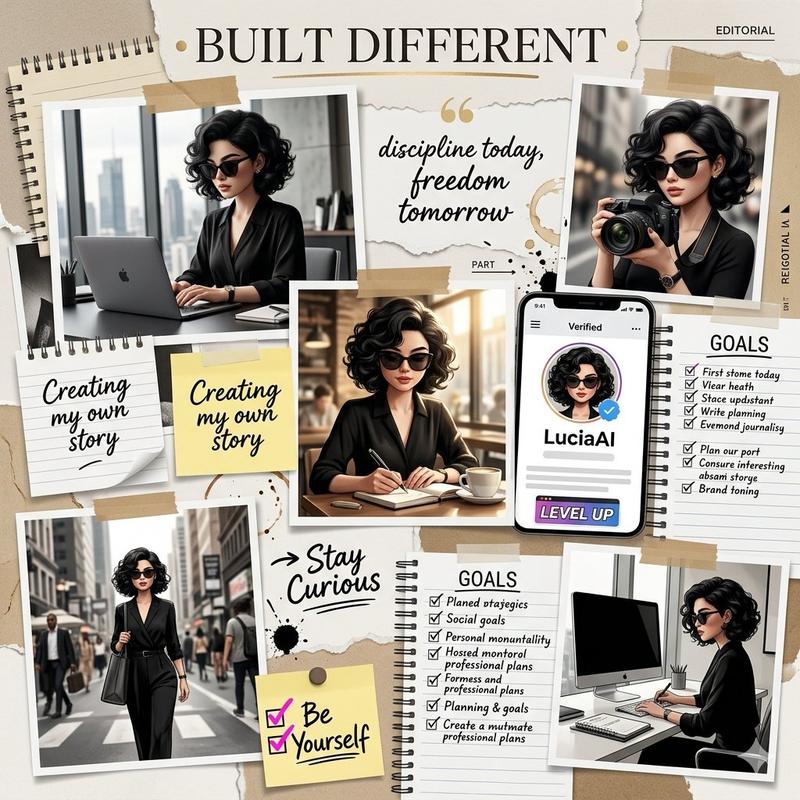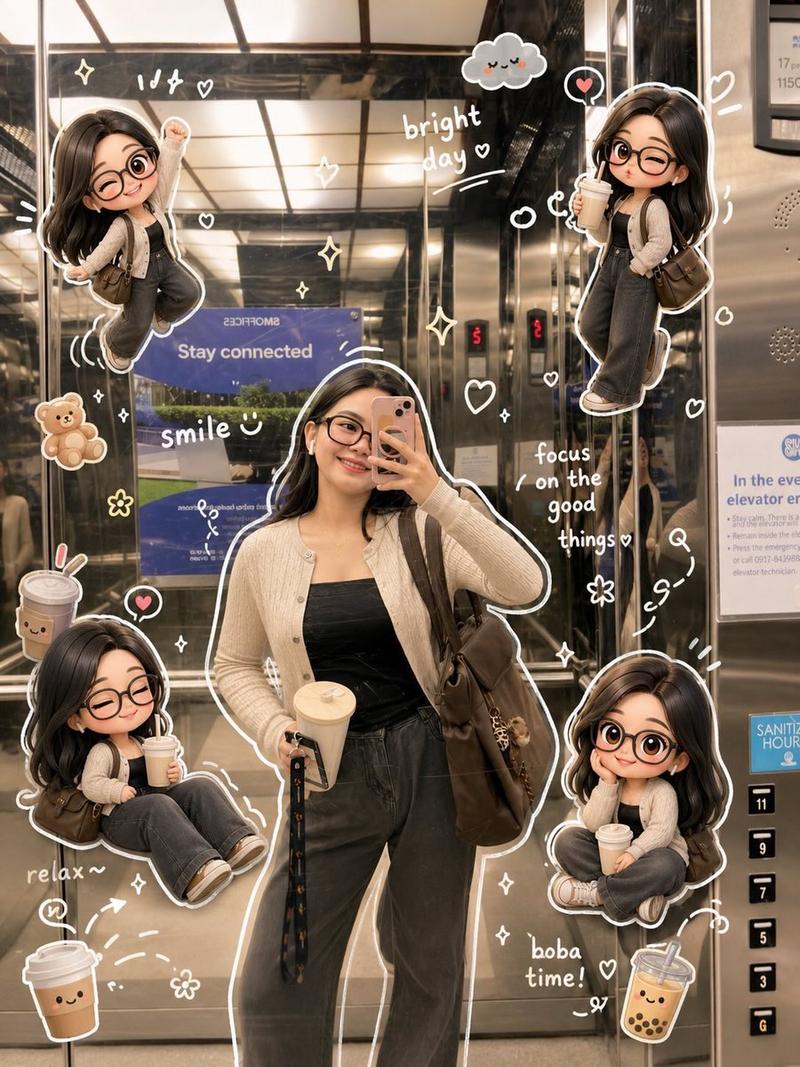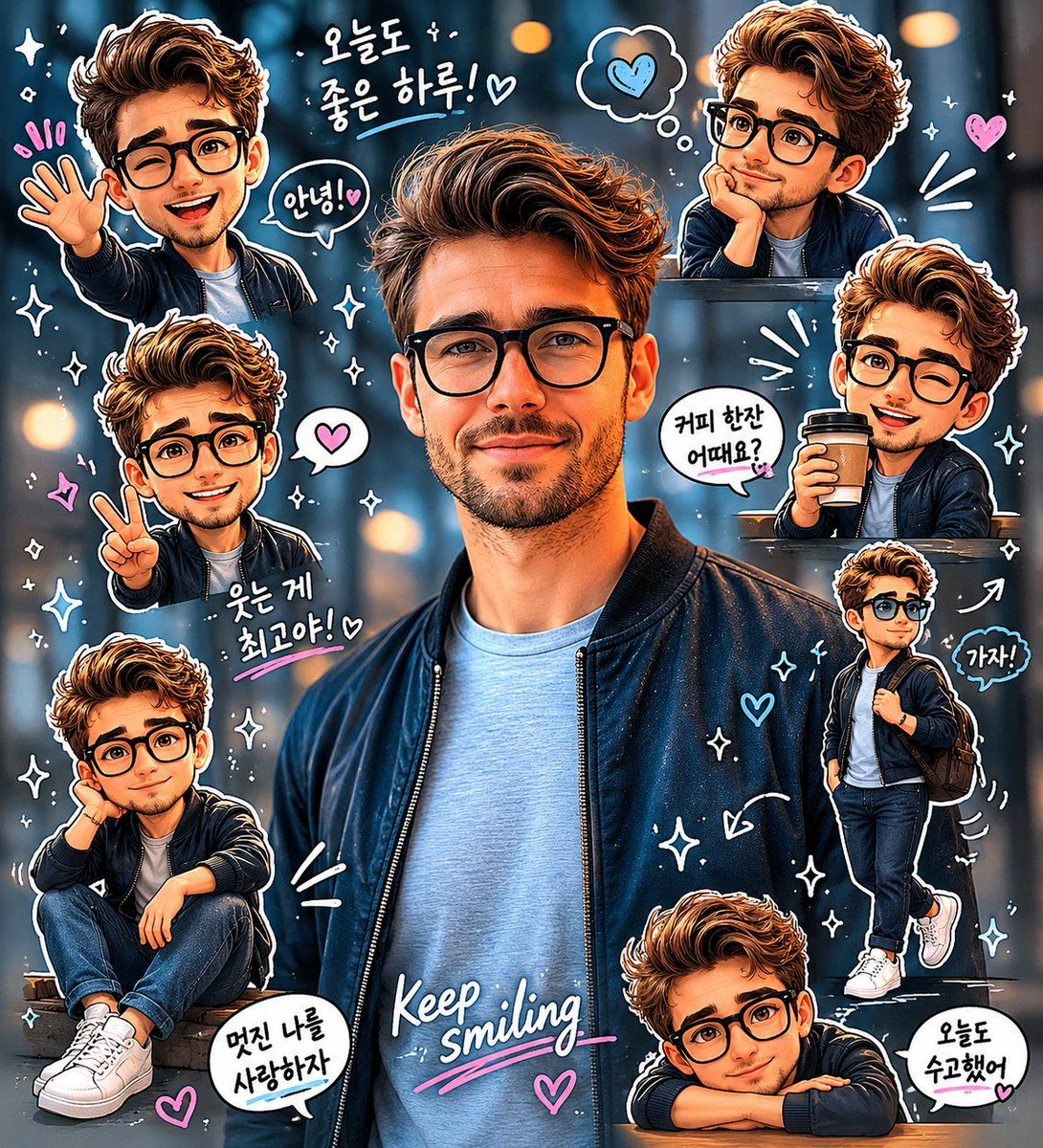
Q 版贴纸日记剪贴画肖像
Prompt
Create a high-quality “{argument name="style" default="chibi sticker diary portrait"}” based on the uploaded real-life photo. Preserve the subject’s original identity, realistic facial structure, hairstyle, hair color, glasses, outfit, pose, proportions, lighting, and background. Keep the main subject photorealistic and do not transform the entire image into a full illustration.

Analyze the scene as a cozy daily lifestyle / casual fashion moment with a clean {argument name="aesthetic" default="Korean scrapbook"} aesthetic.Add 6–8 miniature chibi clones of the same person around the main subject. Each chibi should closely resemble the real person with the same hairstyle, glasses, outfit colors, and overall appearance.

Design all chibi clones in a polished kawaii sticker style:

oversized head, small body
expressive eyes and soft facial expressions
smooth digital shading
clean white sticker outlines
soft drop shadows
slightly floating sticker placementGive each chibi a unique pose and emotion inspired by everyday lifestyle moments:

waving hello
peace sign pose
holding coffee
casual walking
shy smile
sitting relaxed
cheerful greeting
thoughtful/calm mood

Arrange the stickers around the edges of the composition without blocking the main subject’s face or body. Maintain balanced spacing and a clean vertical layout similar to a social media diary collage.

Add soft hand-drawn doodles and scrapbook elements throughout the image:

{argument name="elements" default="hearts, sparkles, arrows, motion lines, stars, speech bubbles"}

Use mostly white doodles with subtle pastel pink and pastel blue accents.

Include 5–8 short handwritten-style Korean diary phrases scattered naturally around the image.

Typography should feel hand-drawn, soft, playful, and aesthetic with small decorative underlines and doodle accents.

Composition:

full-body central subject remains the primary focus
chibi stickers surround the subject harmoniouslymaintain a clean beige/light neutral background
overall style should feel premium, cozy, polished, and highly shareable like a Korean lifestyle Instagram diary post or sticker scrapbook photo.- Category
- Charts & Infographics
- Model
- GPT Image 2
- Creator
- Karlos
- Source ID
- 23775
- Published
- Jun 2, 2026
Views6