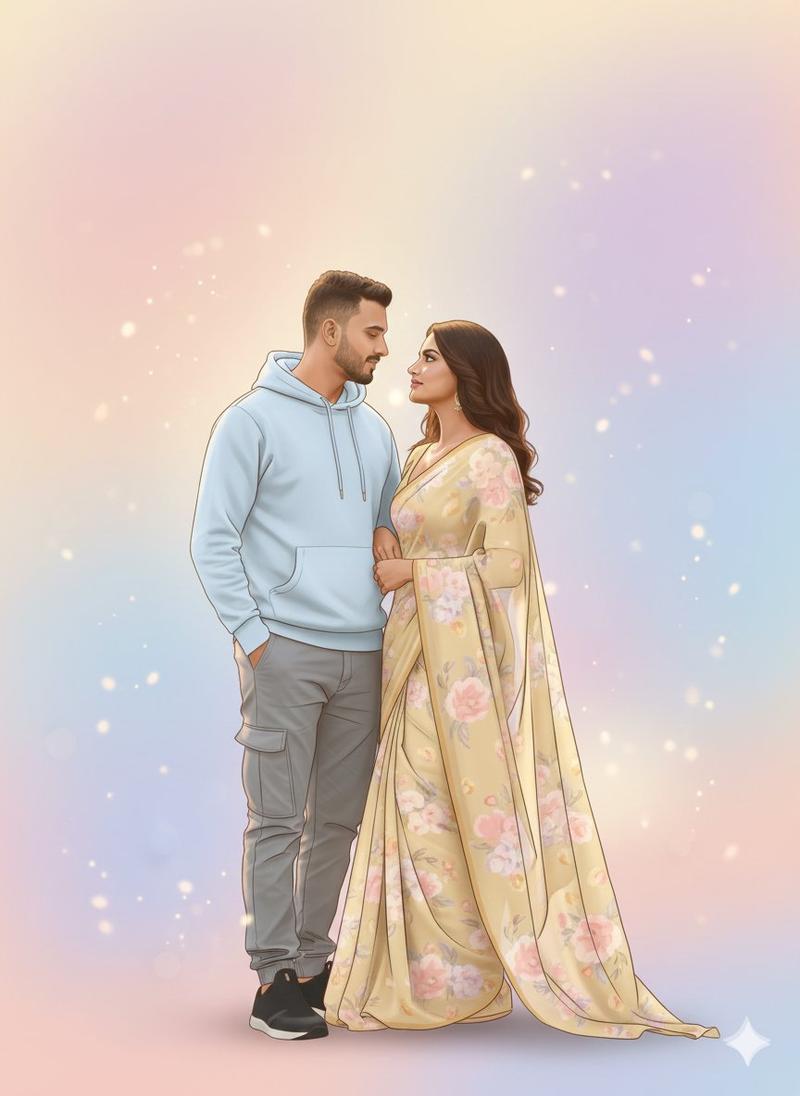
巨型复古日记情侣海报
Prompt
Create a cinematic ultra-realistic romantic concept poster titled around a couple standing inside the pages of a giant open vintage diary book. The scene features exactly 2 people: a man on the left and a woman on the right, both full-body, standing on the lower wooden edge of the enormous book as if the diary is a life-size stage. The man wears a {argument name="man's outfit" default="deep maroon button-up shirt with sleeves rolled to the forearms, black trousers, black belt, black formal shoes, wristwatch"}, standing relaxed with both hands in pockets and one leg crossed. The woman wears a {argument name="woman's outfit" default="bright magenta-pink sari with ornate gold embroidery, matching blouse, gold jewelry, bangles, earrings, wristwatch, long wavy brown hair"}, standing elegantly with hands folded in front. Use warm amber-brown cinematic lighting, soft shadows, shallow depth of field, realistic skin and fabric textures, and a dreamy vintage romantic atmosphere.

The background is exactly 1 huge open antique diary with 2 visible aged yellow-brown parchment pages, a dark worn spine in the center, curled and distorted page edges, stains, scratches, old-paper grain, and detailed vintage texture. The diary rests on a dark wooden platform with blurred warm bokeh and a soft out-of-focus flower shape in the lower right foreground.

Left page details: show a calendar layout at the top with the exact visible text {argument name="date text" default="Jun 02 Tuesday"}, followed by a small month grid with weekday initials and dates. Add a handwritten romantic quote down the left side reading {argument name="left page quote" default="Every day with you feels like a beautiful chapter in my life story."}. Include exactly 1 small heart doodle beneath the quote and exactly 1 floral line-art illustration near the bottom left.

Right page details: place the large serif heading {argument name="month heading" default="JUNE"} near the top center. Add a handwritten romantic quote on the mid-right reading {argument name="right page quote" default="Some love stories are written in books. Ours is written in my heart."}. Include exactly 1 small heart doodle beneath this quote. Add exactly 2 floral line-art illustrations on the right page: one small flower-and-leaves drawing near the upper right corner and one larger flower-and-leaves drawing near the lower right. Add a thin rectangular border line inset from the page edges on the right page.

Composition: vertical poster crop, couple centered across the book seam, man aligned with the left page and woman aligned with the right page, realistic scale illusion, high-detail cinematic photo manipulation, romantic pre-wedding poster style, 8k ultra-realistic rendering, warm sepia color grading, no extra people, no extra pages, no watermark, no modern UI elements.- Category
- Charts & Infographics
- Model
- GPT Image 2
- Creator
- Mr. Tariq
- Source ID
- 23826
- Published
- Jun 2, 2026
Views7