18

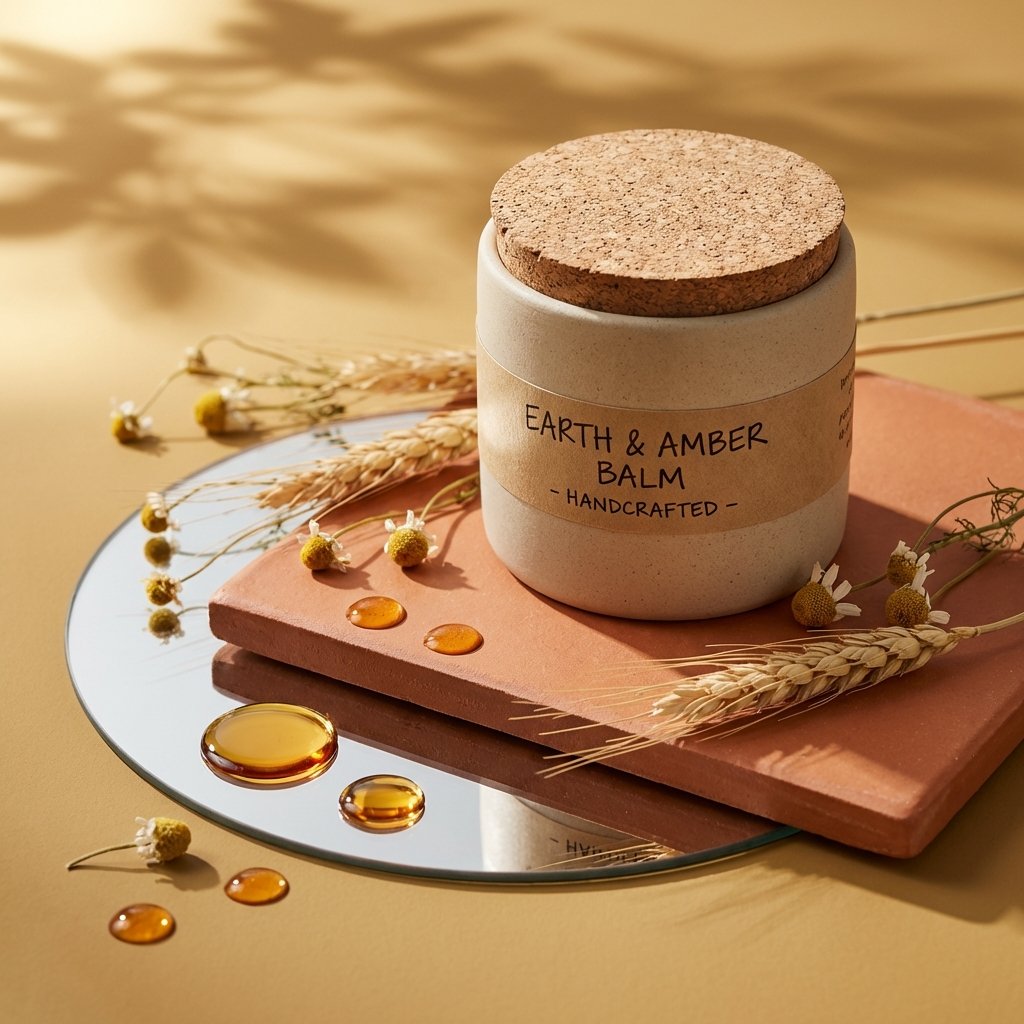
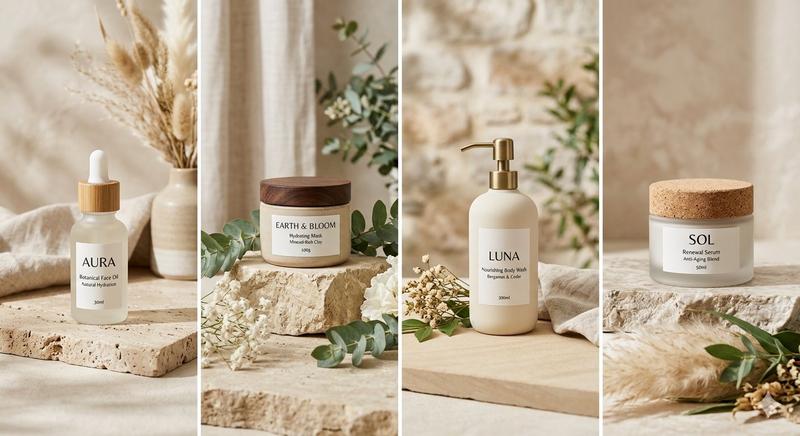
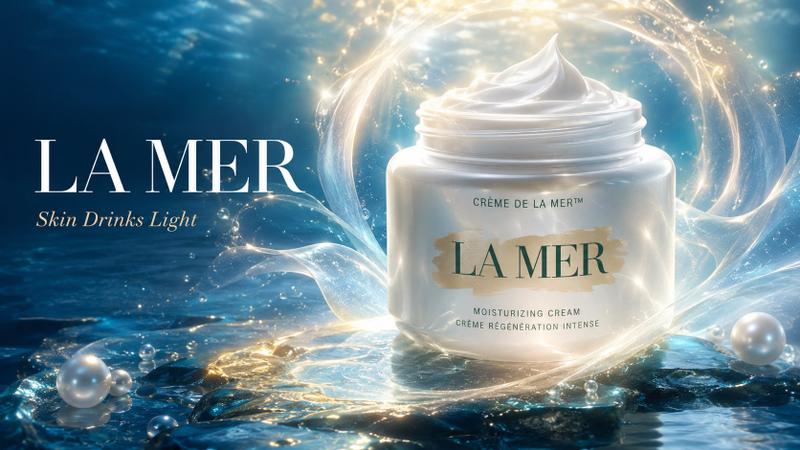
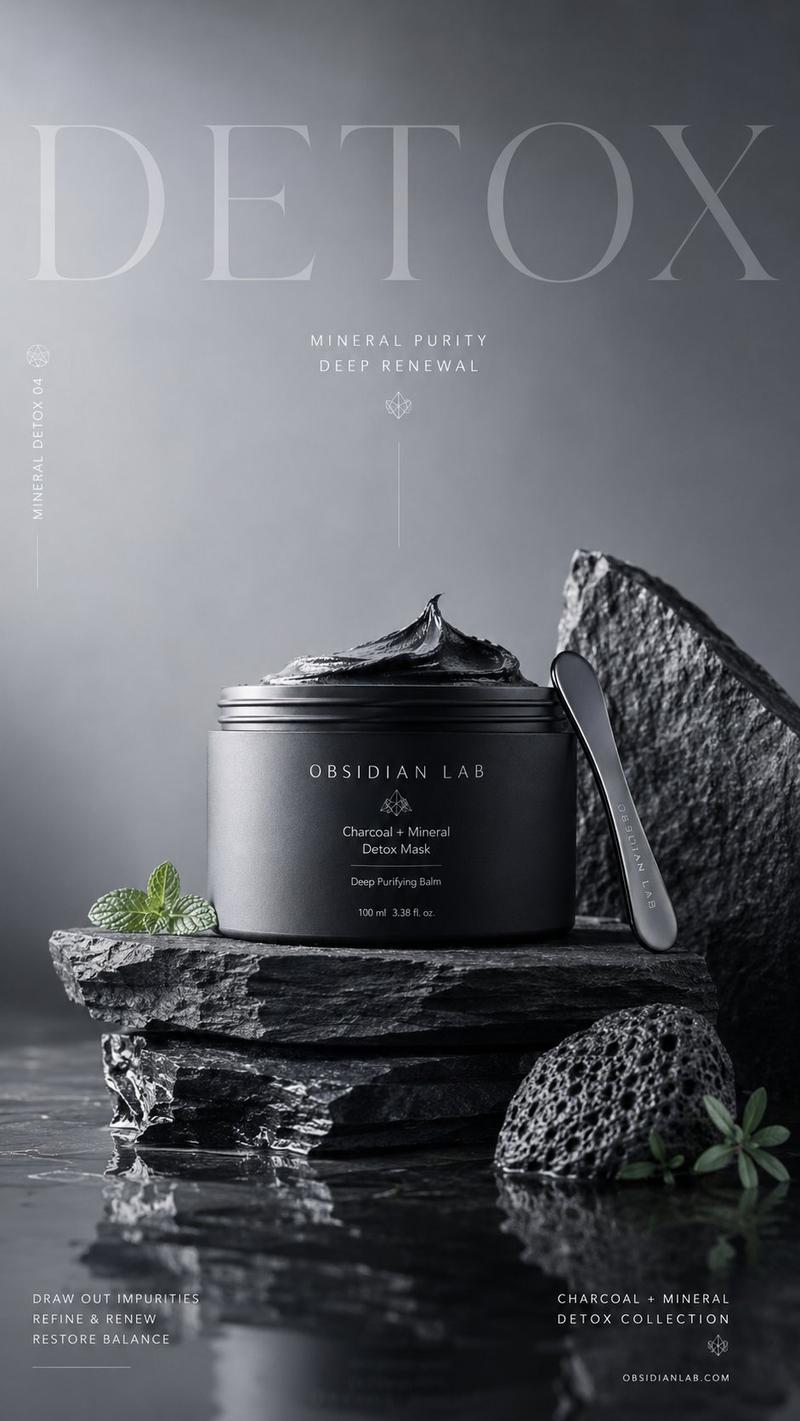
奢华护肤品产品摄影
Enlarge

Example images

奢华护肤品产品摄影

Prompt
Studio editorial photograph of a {argument name="vessel type" default="premium skincare vessel (bottle, jar, or tube)"} in {argument name="material" default="glass or ceramic"}, with a colored accent detail. Set on a {argument name="surface" default="natural stone or marble slab"} resting on a round mirror, all on a soft neutral surface. Scattered droplets of serum or oil catch the light around the mirror and slab. Sprigs of lavender, eucalyptus, or rose petals drape naturally across both surfaces. Warm sunlight from the upper left casts gentle leaf shadows evoking filtered daylight. Aesthetic is minimalist and luxurious, with golden hour tones highlighting natural textures. Style: 3D realism, luxury product photography, shallow depth of field. Format: 1:1, ultra-detailed.
Category
Charts & Infographics
Model
GPT Image 2
Creator
PromptLab
Views4
Source ID
23986
Published
Jun 3, 2026

Guide

About "奢华护肤品产品摄影"

What is this prompt for?

"奢华护肤品产品摄影" AI image prompt for GPT Image 2 (Charts & Infographics). 适用于高端护肤品的影棚编辑风格提示词,包含大理石、玻璃及柔和阳光阴影元素。 Copy it on Picva and recreate the look in one click.

The full copyable prompt and example visuals above are ready for AI image generation or one-click recreate in Picva.

How to use this prompt

  1. Step 1

    Open the prompt detail

    Review the example visuals, category, and full prompt text for "奢华护肤品产品摄影".

  2. Step 2

    Copy the prompt

    Copy the prompt body from this page, or load it directly in Studio.

  3. Step 3

    Pick a model (GPT Image 2)

    Prefer GPT Image 2. If you switch models, keep subject and composition and tweak style terms.

  4. Step 4

    Generate and export

    Recreate the look in Picva, or export into your workflow for editing and publishing.

FAQ

What is the "奢华护肤品产品摄影" prompt?
It is an AI image-generation prompt for GPT Image 2 in the Charts & Infographics category. This page includes the full prompt text, example visuals, and a one-click recreate path in Picva.
How do I use this prompt to generate an image?
Copy the prompt from this page, or use Generate / Studio. Paste it into a compatible image model, or recreate the look in Picva with optional reference images.
Which model is this prompt for?
This page lists GPT Image 2. Most descriptive prompts also transfer to nearby image models such as GPT Image, Flux, or Midjourney with light style tweaks.
Can I use the result commercially?
You can usually copy the prompt for creation, but commercial use of the final image depends on the model terms, reference-image rights, and the generated content. Follow the source author and platform rules.