16

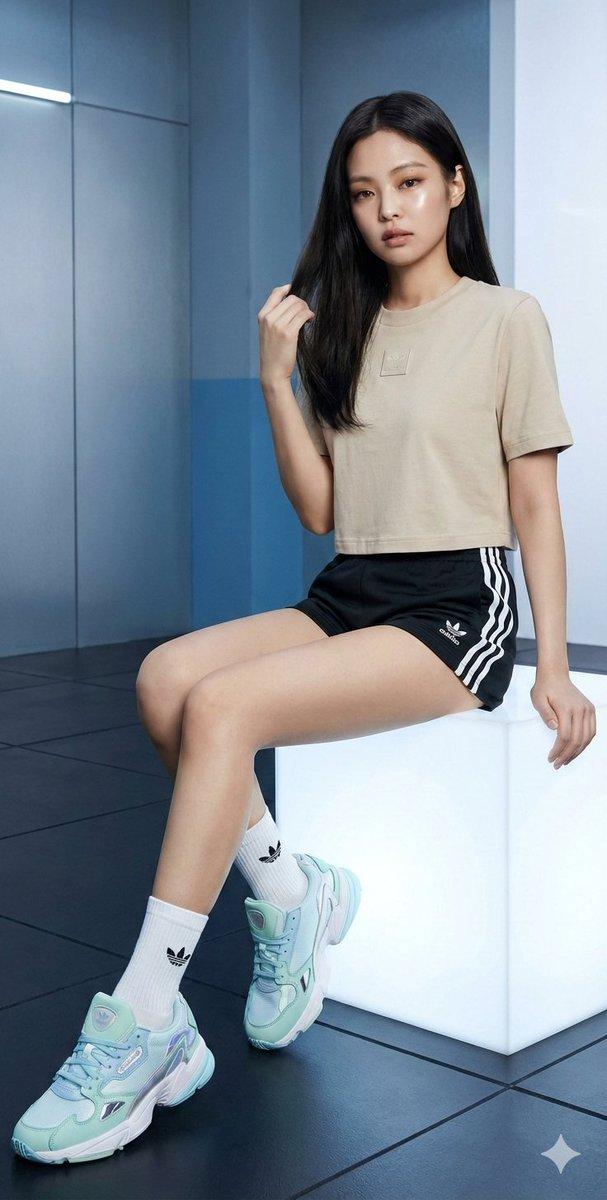
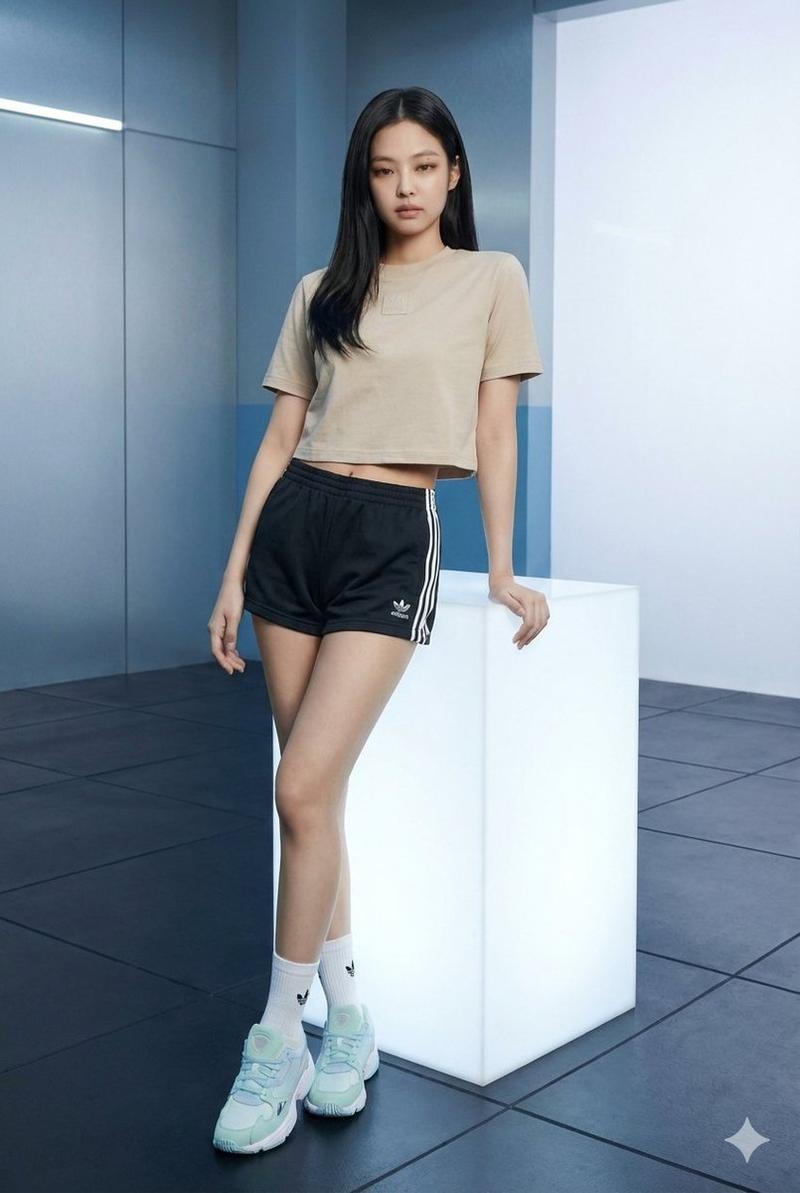
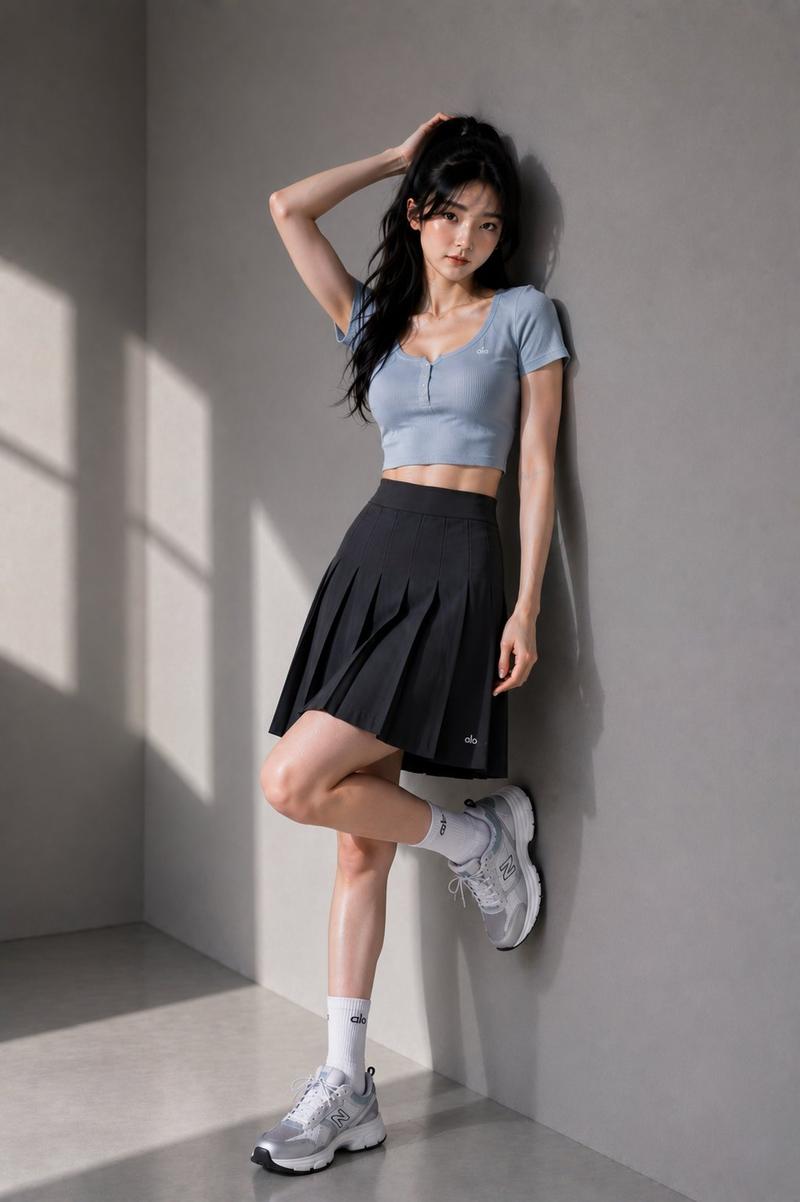
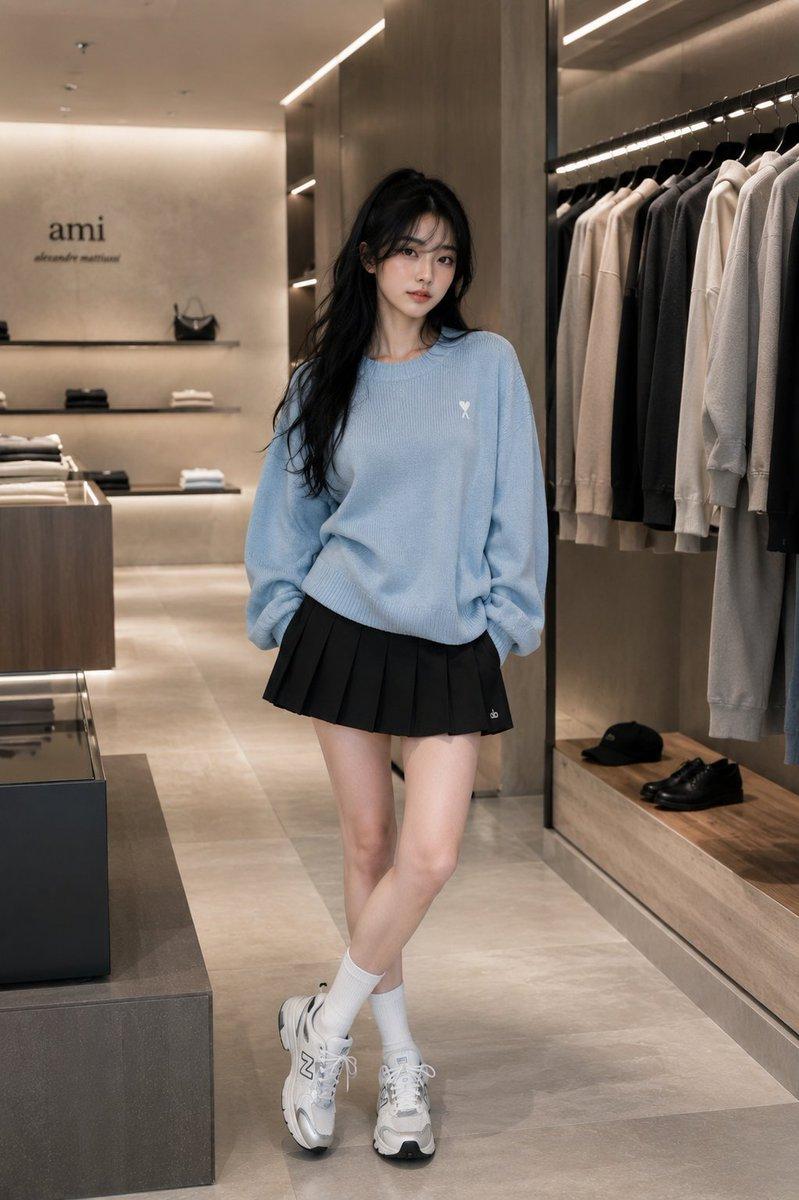
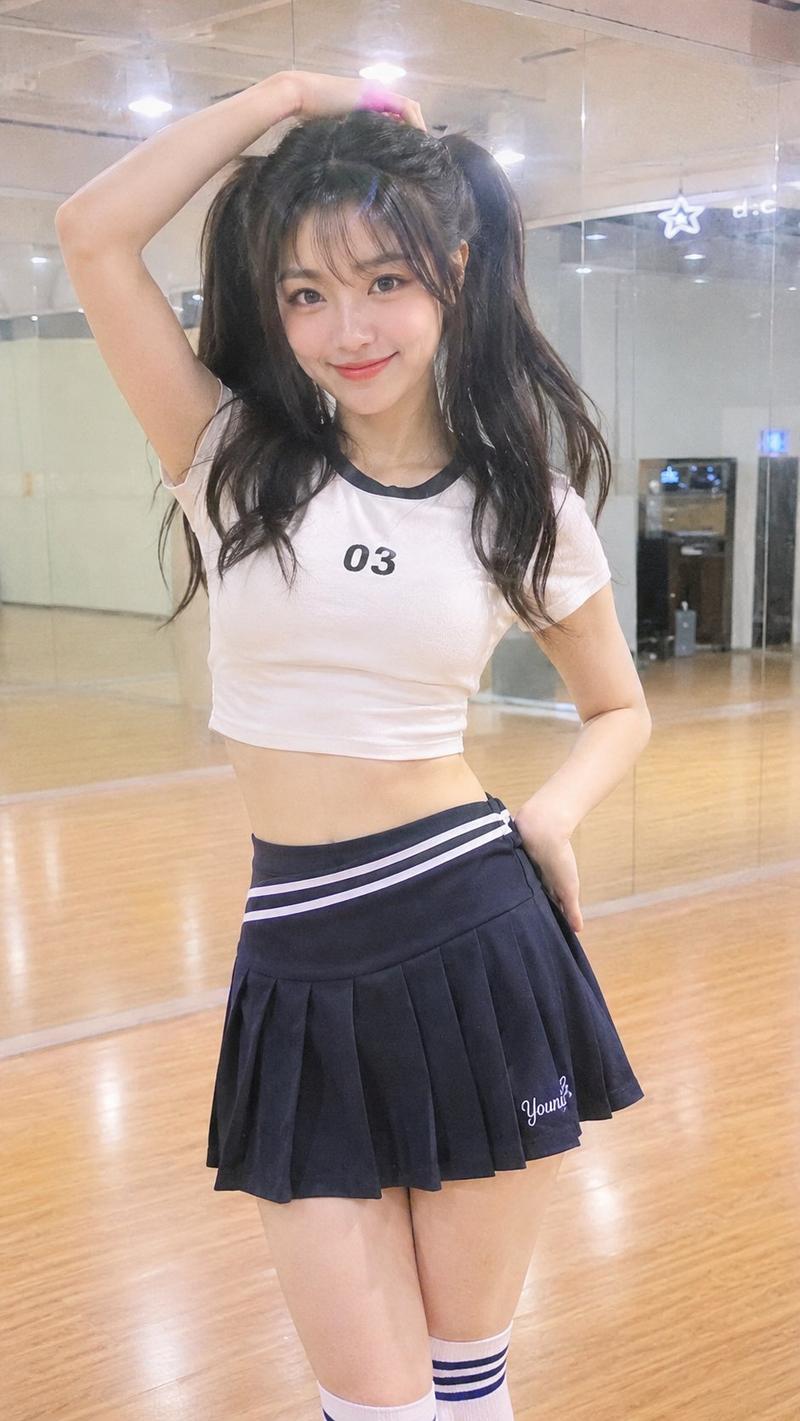
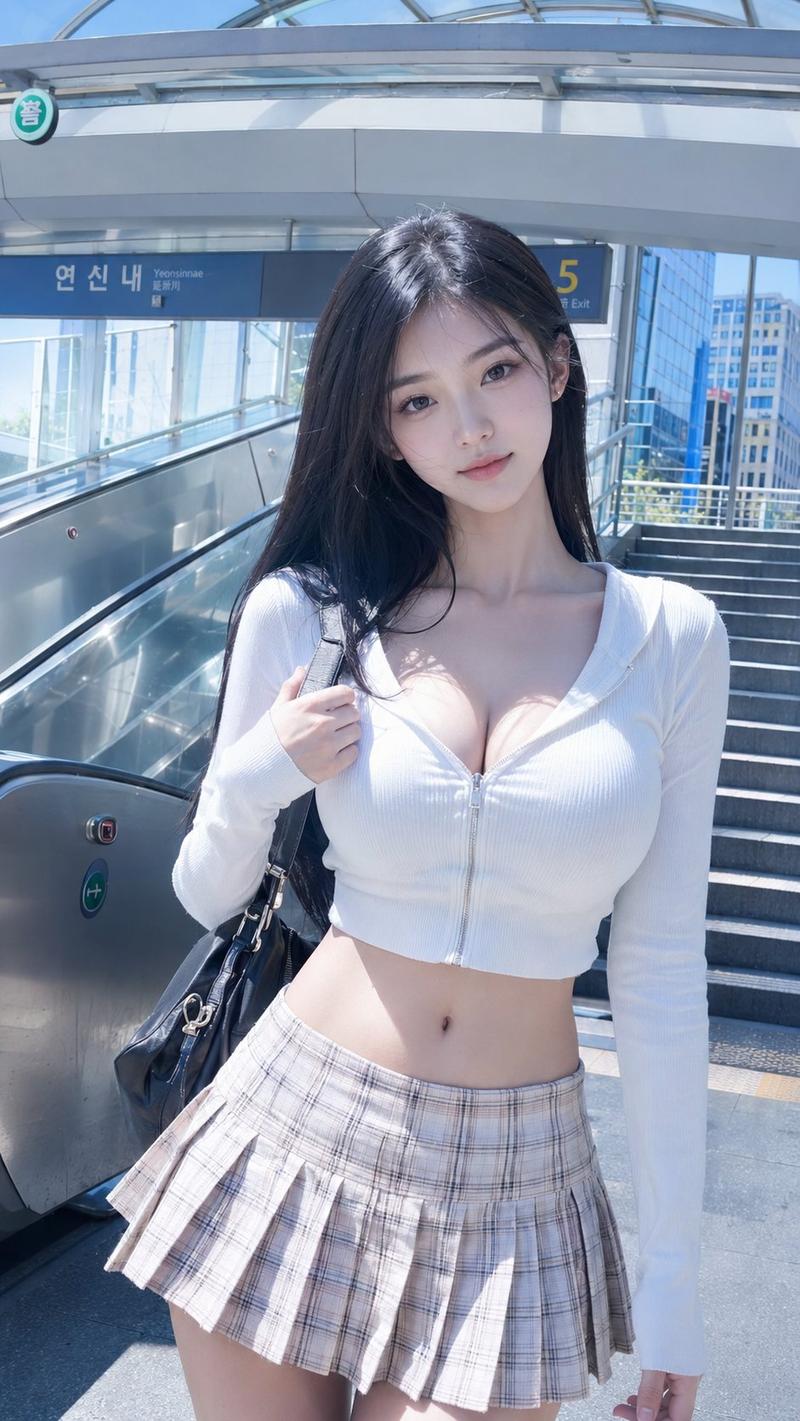
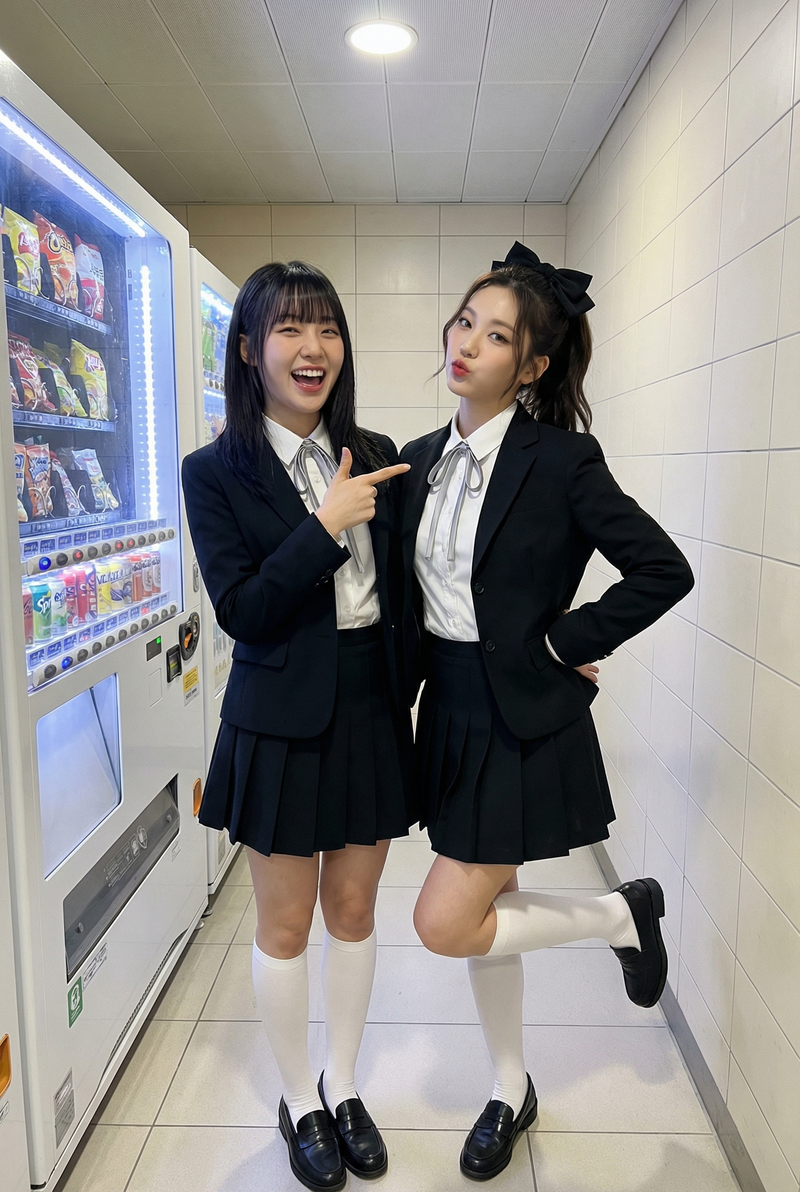
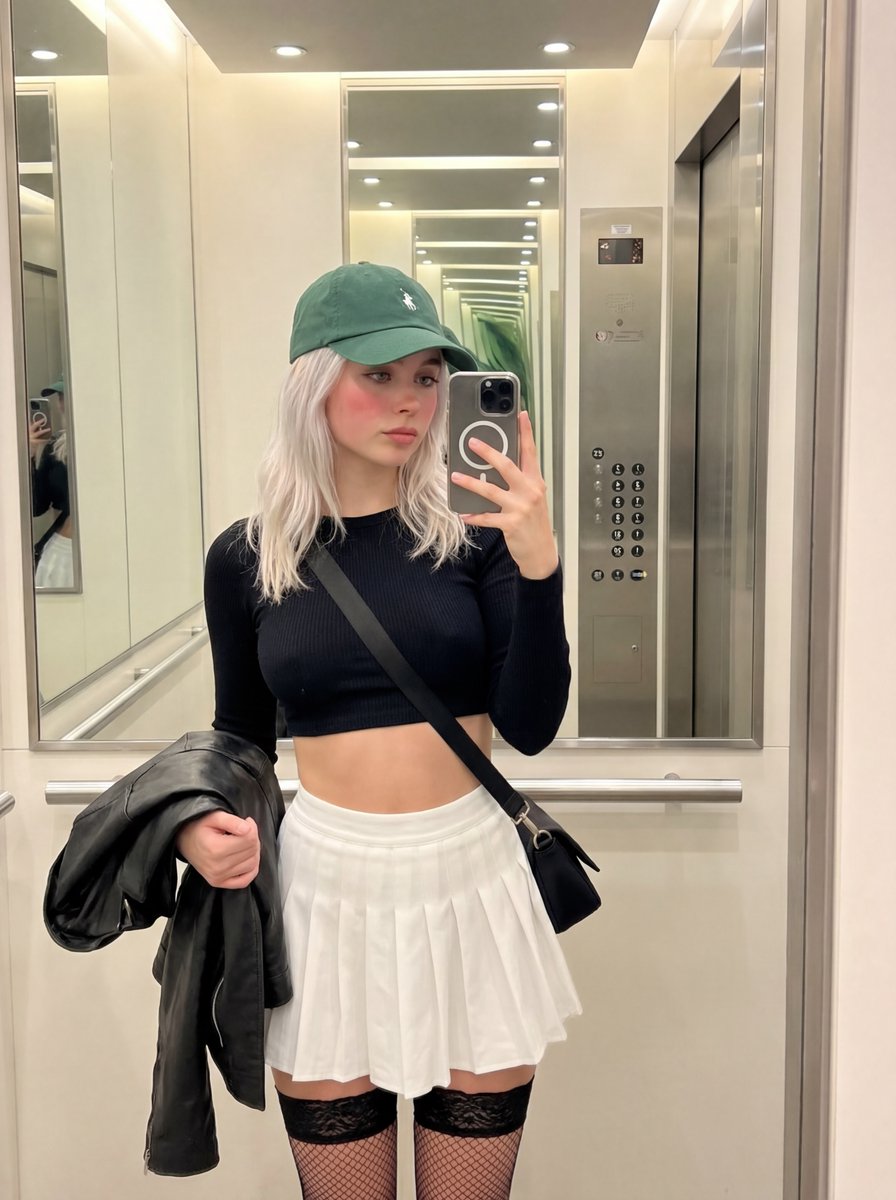
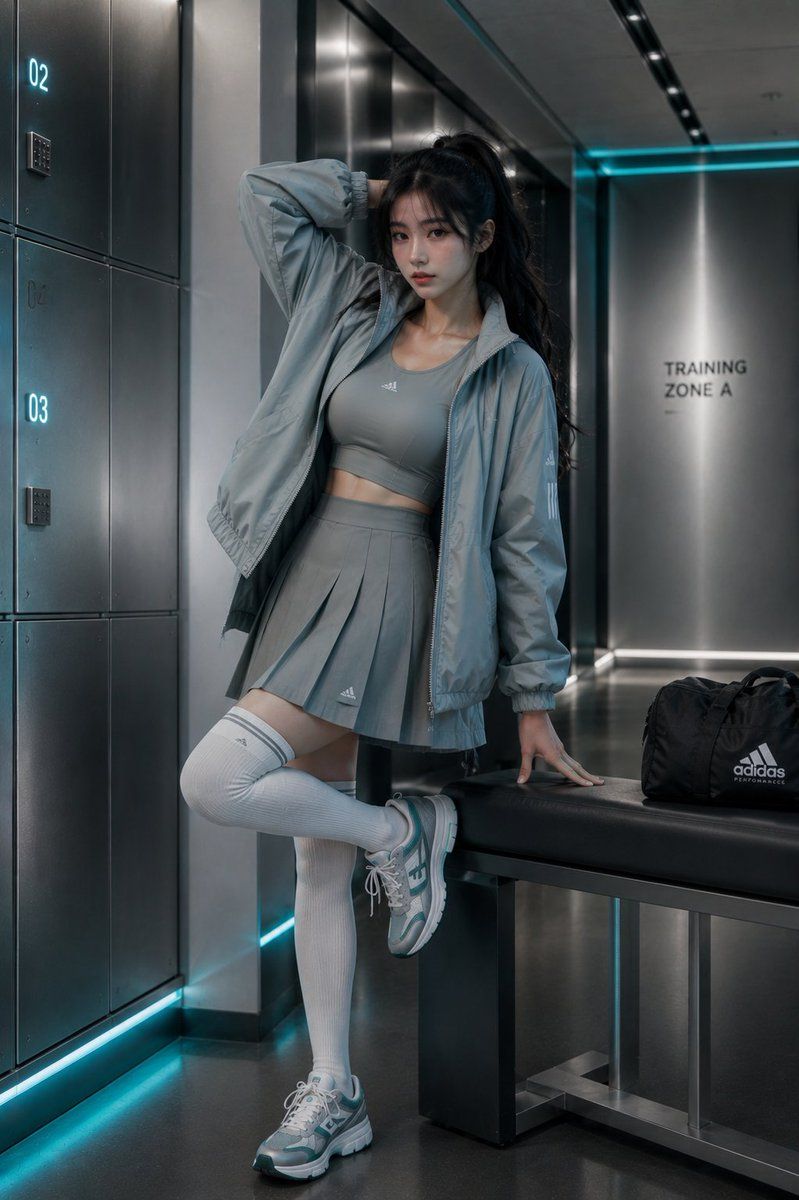
奢华运动休闲时尚广告大片
Enlarge

Example images

奢华运动休闲时尚广告大片

Prompt
Luxury athleisure fashion campaign featuring a stunning {argument name="model" default="young East Asian female model"} in a {argument name="outfit" default="sleek oversized performance windbreaker layered over a fitted technical crop top, pleated athletic skort, ribbed thigh-high sports socks, and designer running sneakers"}. Standing confidently inside a {argument name="setting" default="modern training facility corridor"} with illuminated metallic storage units and subtle architectural details. Clean monochromatic teal and silver color palette, contemporary sports-luxury aesthetic, high-end magazine editorial, dynamic yet elegant pose, premium commercial fashion photography, realistic fabric textures, sophisticated studio lighting, soft cinematic shadows, shallow depth of field, minimalist composition, elite brand advertising, ultra-sharp focus, photorealistic, 8K, Vogue-inspired sports couture campaign, luxury athletic lifestyle imagery.
Category
Charts & Infographics
Model
GPT Image 2
Creator
Johnn
Views3
Source ID
23990
Published
Jun 4, 2026

Guide

About "奢华运动休闲时尚广告大片"

What is this prompt for?

"奢华运动休闲时尚广告大片" AI image prompt for GPT Image 2 (Charts & Infographics). 一个用于运动休闲广告的高端商业时尚提示词,强调奢华质感与现代影棚灯光。 Copy it on Picva and recreate the look in one click.

The full copyable prompt and example visuals above are ready for AI image generation or one-click recreate in Picva.

How to use this prompt

  1. Step 1

    Open the prompt detail

    Review the example visuals, category, and full prompt text for "奢华运动休闲时尚广告大片".

  2. Step 2

    Copy the prompt

    Copy the prompt body from this page, or load it directly in Studio.

  3. Step 3

    Pick a model (GPT Image 2)

    Prefer GPT Image 2. If you switch models, keep subject and composition and tweak style terms.

  4. Step 4

    Generate and export

    Recreate the look in Picva, or export into your workflow for editing and publishing.

FAQ

What is the "奢华运动休闲时尚广告大片" prompt?
It is an AI image-generation prompt for GPT Image 2 in the Charts & Infographics category. This page includes the full prompt text, example visuals, and a one-click recreate path in Picva.
How do I use this prompt to generate an image?
Copy the prompt from this page, or use Generate / Studio. Paste it into a compatible image model, or recreate the look in Picva with optional reference images.
Which model is this prompt for?
This page lists GPT Image 2. Most descriptive prompts also transfer to nearby image models such as GPT Image, Flux, or Midjourney with light style tweaks.
Can I use the result commercially?
You can usually copy the prompt for creation, but commercial use of the final image depends on the model terms, reference-image rights, and the generated content. Follow the source author and platform rules.