20

逼真的球衣替换摄影棚实拍
Enlarge

逼真的球衣替换摄影棚实拍

Prompt
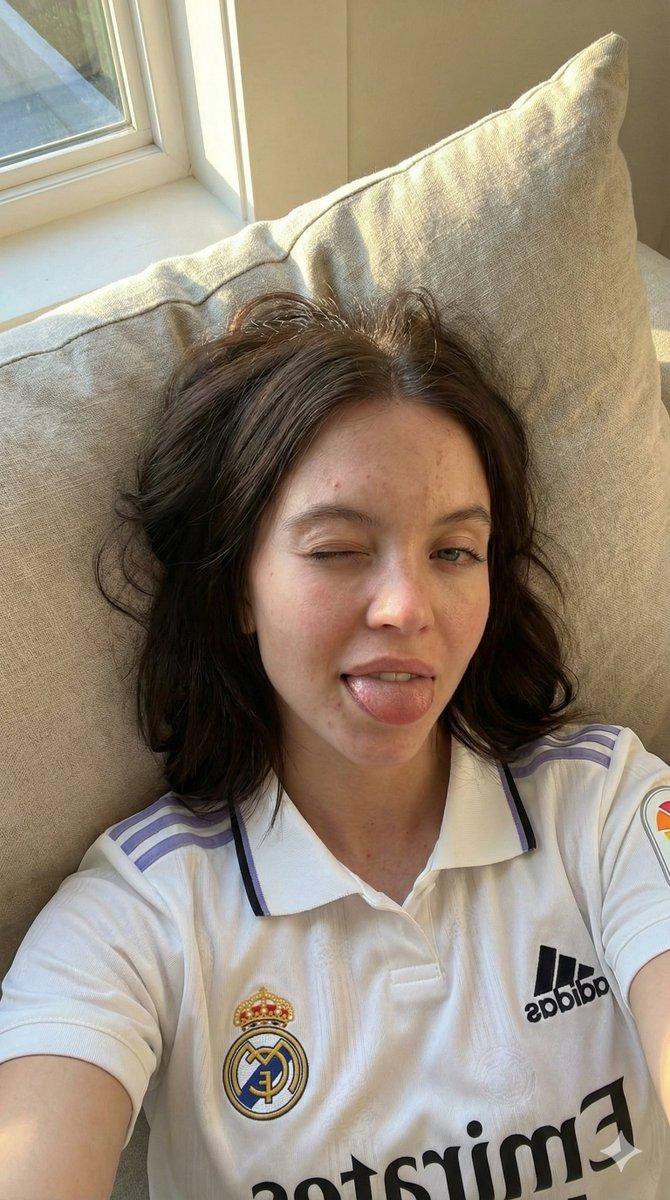
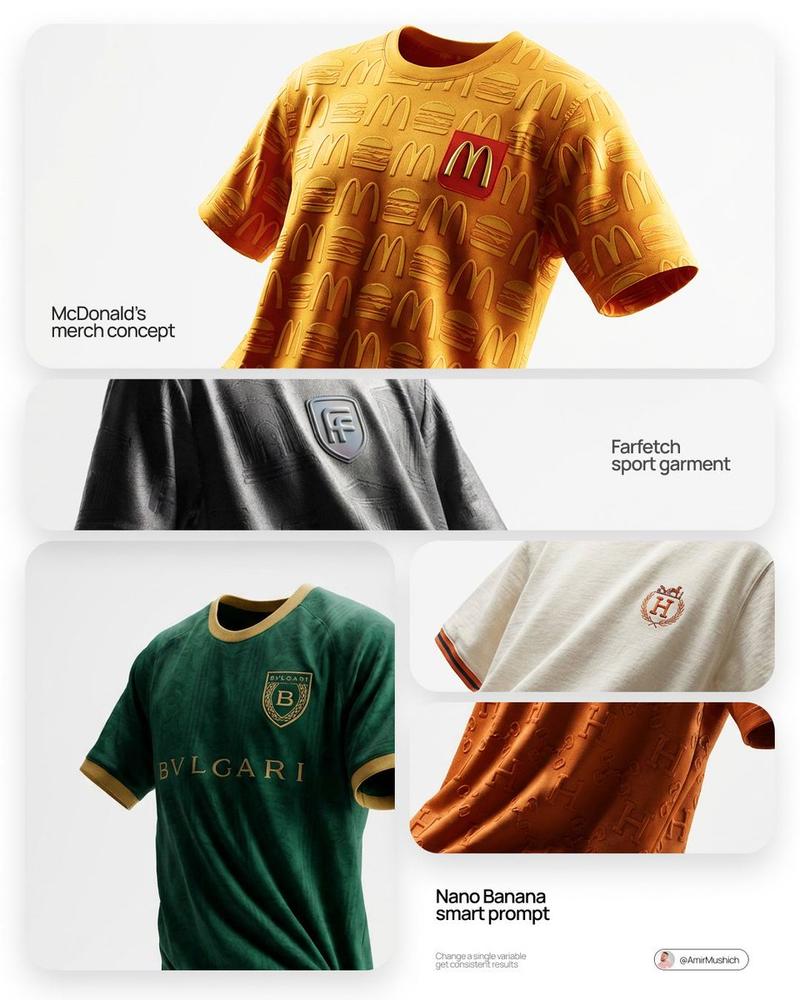
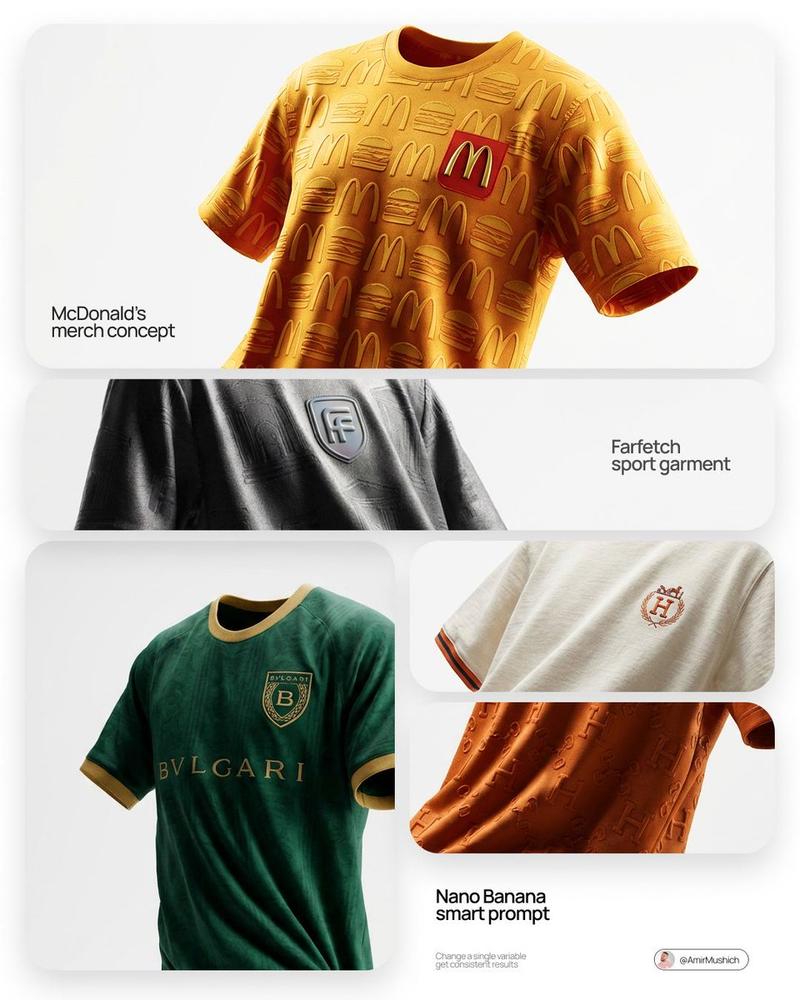
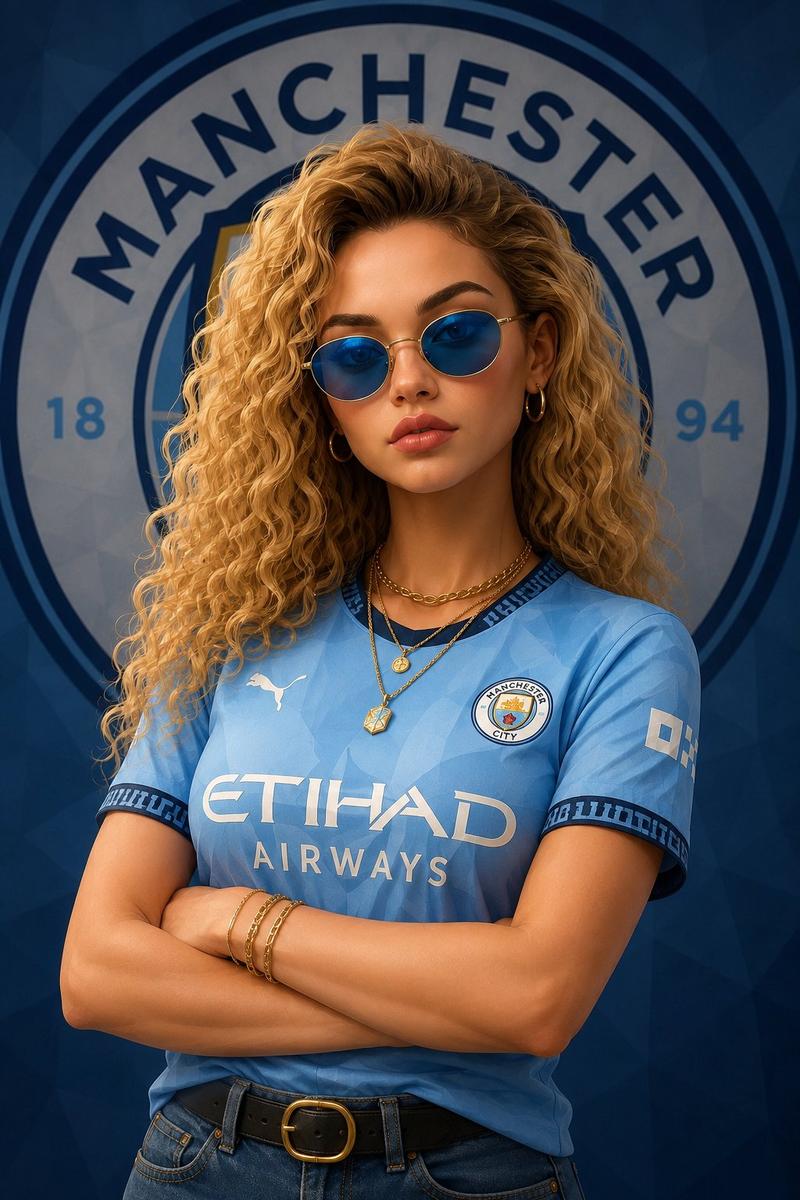
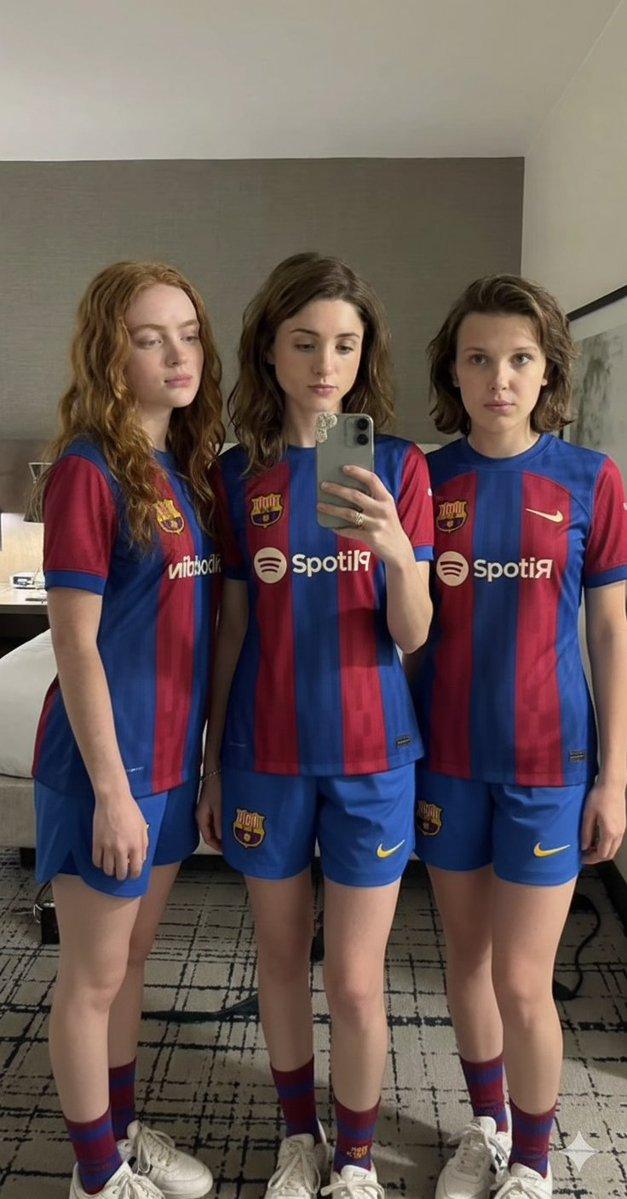
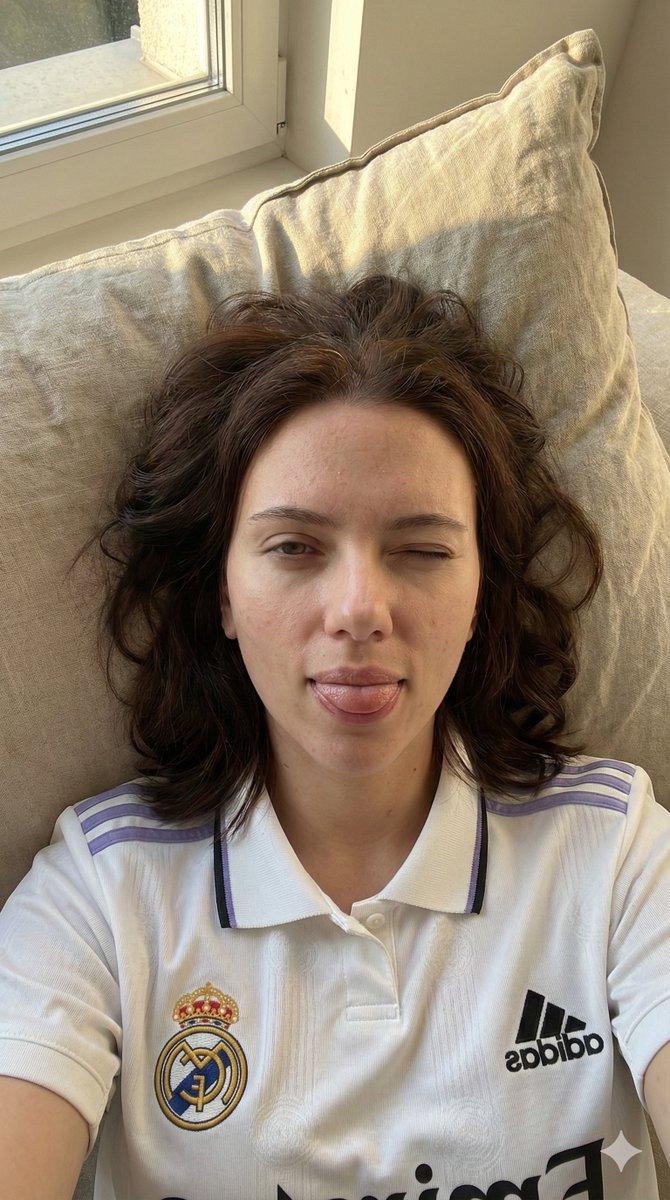
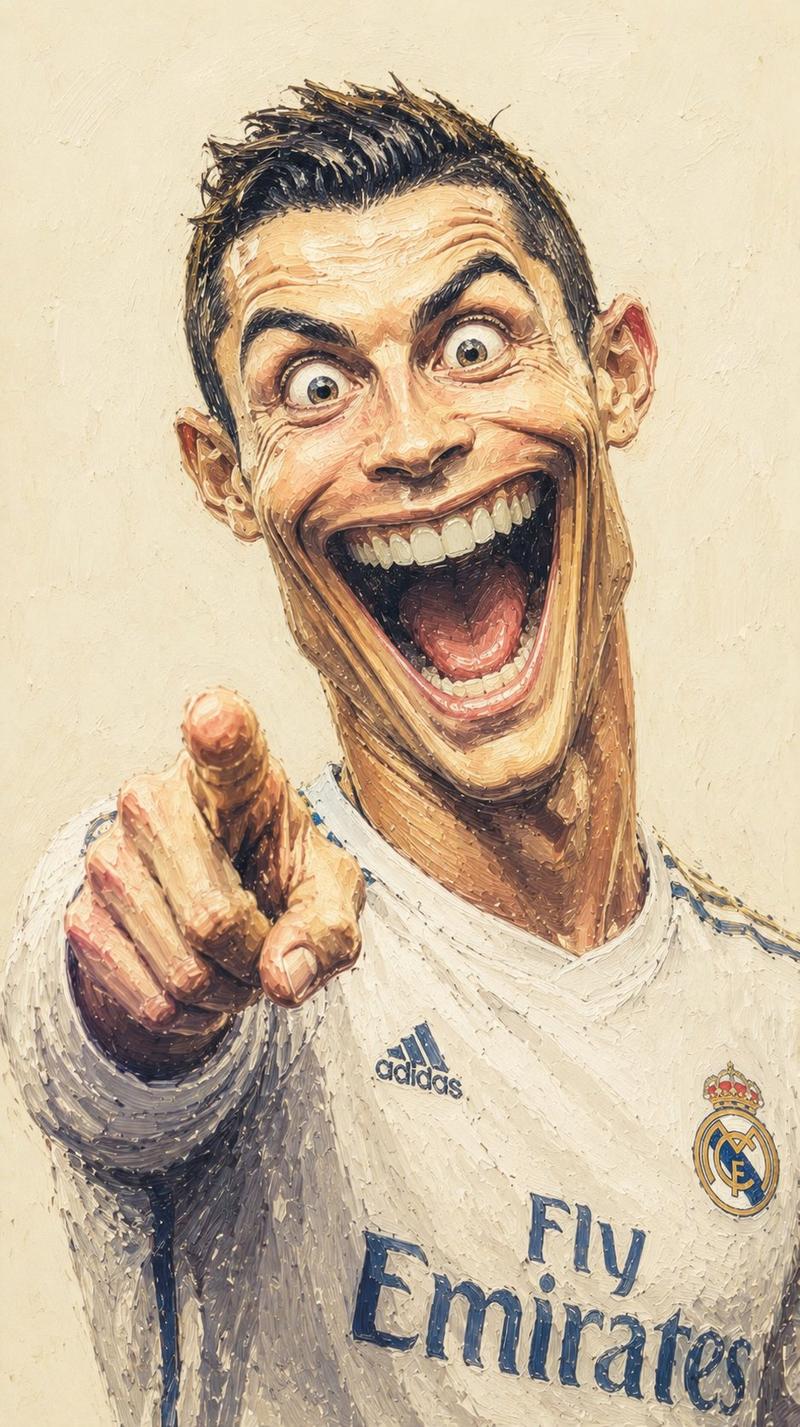
Use Image A as the main scene reference and Image B as the replacement jersey reference. Create a realistic 4:5 vertical product photography image. Only replace the jersey in Image A with the jersey from Image B. The jersey from Image B must be transferred accurately and completely, preserving all of its visible design details exactly, including: color palette, fabric pattern, logos, emblems, typography, numbers, collar shape, sleeve trims, stitching, texture, badges, sponsor elements, seam structure, and all visible graphic or textile details. Everything else must remain exactly the same as Image A. Do not change the camera angle, composition, crop, framing, perspective, distance, lighting, shadow placement, background, gray studio tone, transparent hanger, metal rack, reflections on the hanger, reflections on the chrome rod, or the overall cinematic studio mood. The final jersey must hang naturally in the exact same position as the original jersey in Image A, following the same drape, folds, sleeve fall, lower hem shape, and fabric weight. The replacement must look physically real and naturally photographed in this exact setup, not pasted. Maintain the same front-facing hanging composition, the same dramatic studio lighting direction, the same soft highlights, and the same deep shadows in the lower folds. Important: only the jersey changes. The hanger, rod, background, lighting, colors of the scene, and overall structure must stay identical to Image A. Aspect ratio: 4•5 vertical..
Category
Charts & Infographics
Model
GPT Image 2
Creator
Al-Shamus
Views4
Source ID
24116
Published
Jun 4, 2026

Guide

About "逼真的球衣替换摄影棚实拍"

What is this prompt for?

"逼真的球衣替换摄影棚实拍" AI image prompt for GPT Image 2 (Charts & Infographics). 一个先进的产品摄影提示词,利用参考图像准确替换衣架上的球衣,同时保持原始场景的光影和物理效果。 Copy it on Picva and recreate the look…

The full copyable prompt and example visuals above are ready for AI image generation or one-click recreate in Picva.

How to use this prompt

  1. Step 1

    Open the prompt detail

    Review the example visuals, category, and full prompt text for "逼真的球衣替换摄影棚实拍".

  2. Step 2

    Copy the prompt

    Copy the prompt body from this page, or load it directly in Studio.

  3. Step 3

    Pick a model (GPT Image 2)

    Prefer GPT Image 2. If you switch models, keep subject and composition and tweak style terms.

  4. Step 4

    Generate and export

    Recreate the look in Picva, or export into your workflow for editing and publishing.

FAQ

What is the "逼真的球衣替换摄影棚实拍" prompt?
It is an AI image-generation prompt for GPT Image 2 in the Charts & Infographics category. This page includes the full prompt text, example visuals, and a one-click recreate path in Picva.
How do I use this prompt to generate an image?
Copy the prompt from this page, or use Generate / Studio. Paste it into a compatible image model, or recreate the look in Picva with optional reference images.
Which model is this prompt for?
This page lists GPT Image 2. Most descriptive prompts also transfer to nearby image models such as GPT Image, Flux, or Midjourney with light style tweaks.
Can I use the result commercially?
You can usually copy the prompt for creation, but commercial use of the final image depends on the model terms, reference-image rights, and the generated content. Follow the source author and platform rules.