13

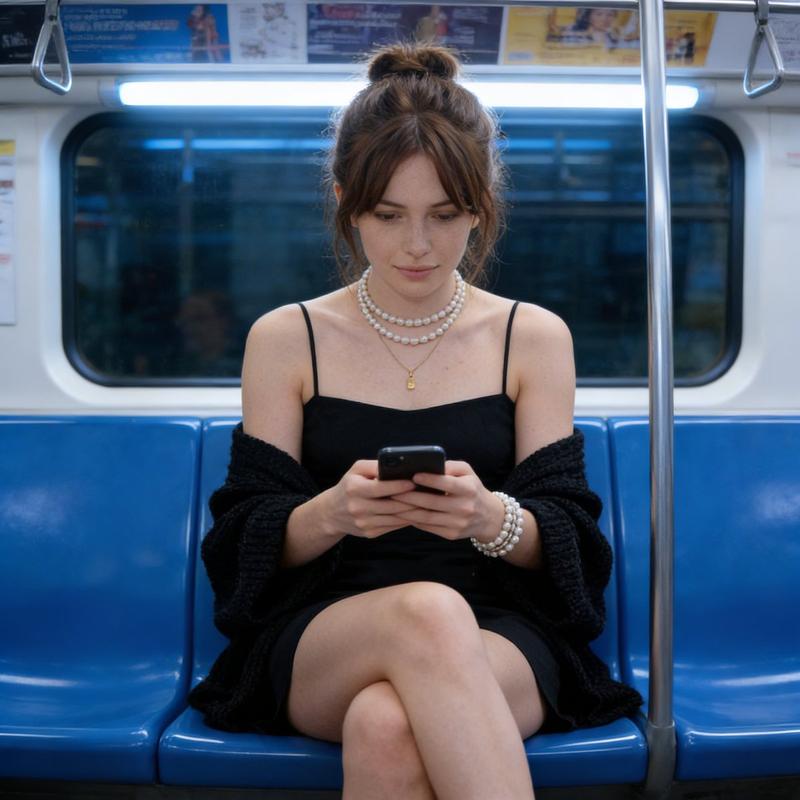
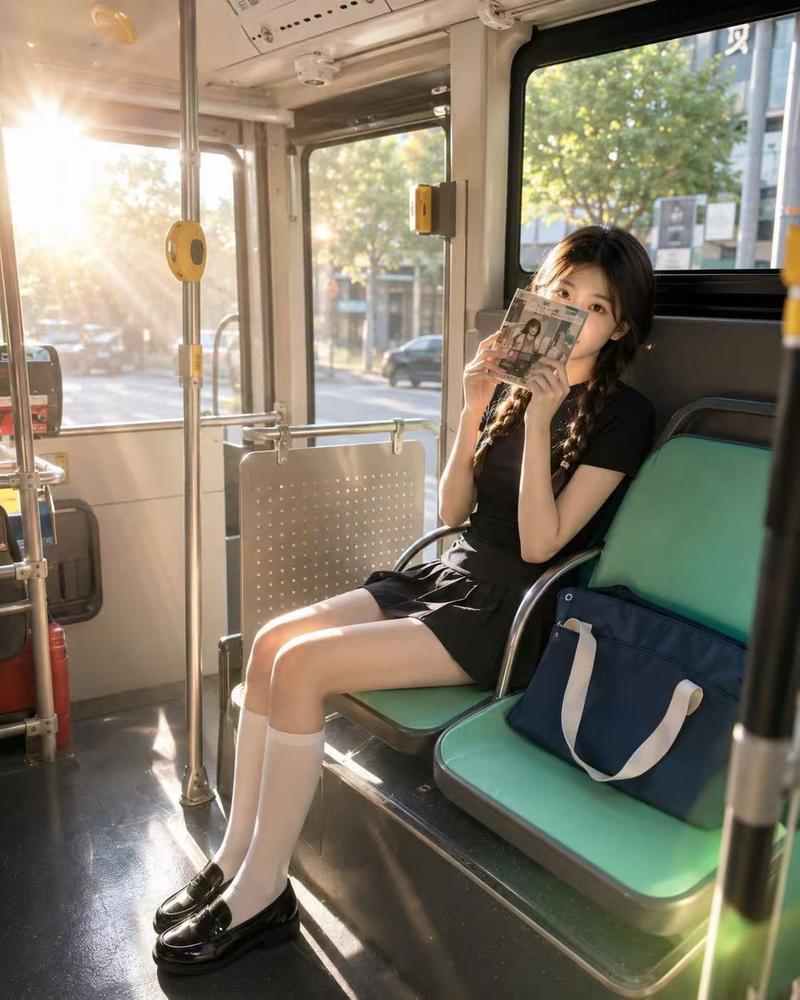
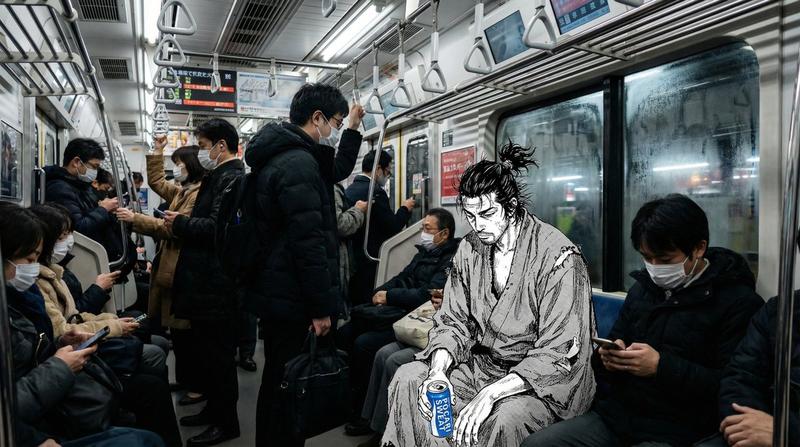
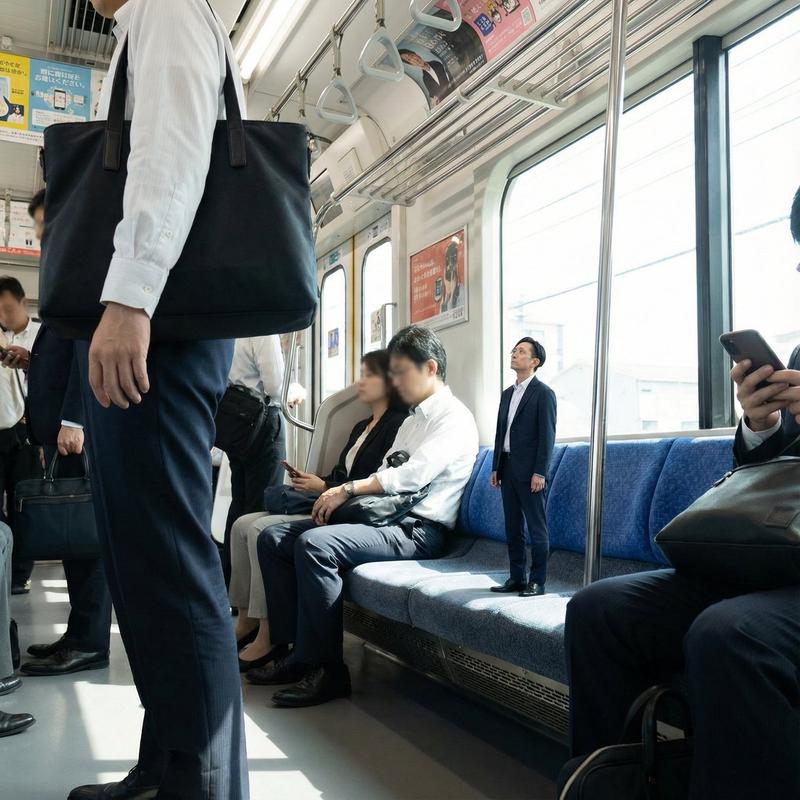
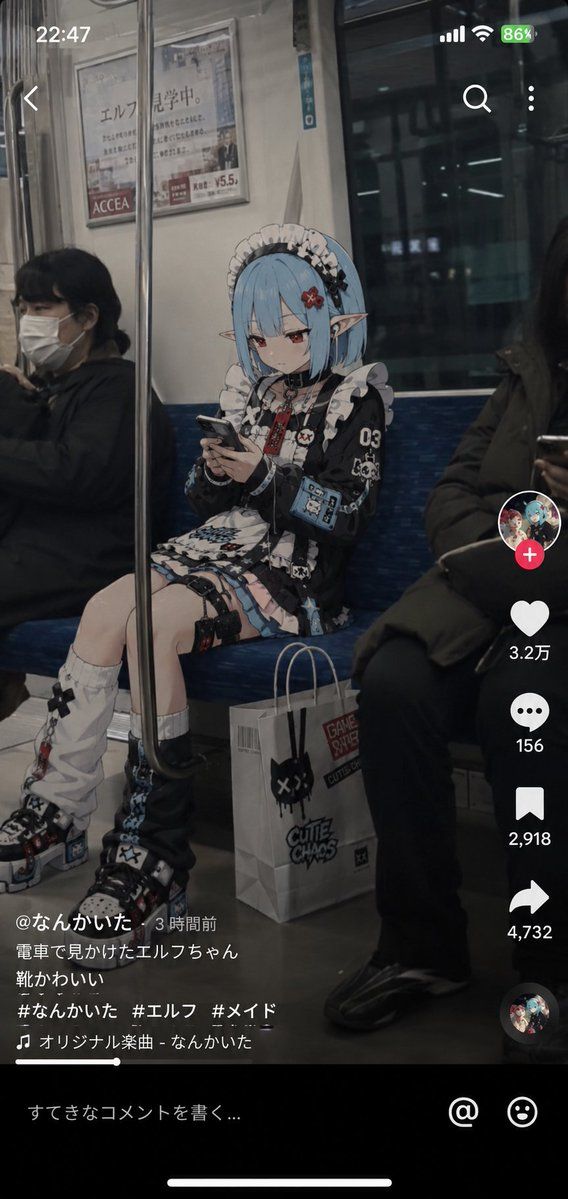
动漫角色社交媒体快照
Enlarge

Example images

动漫角色社交媒体快照

Prompt
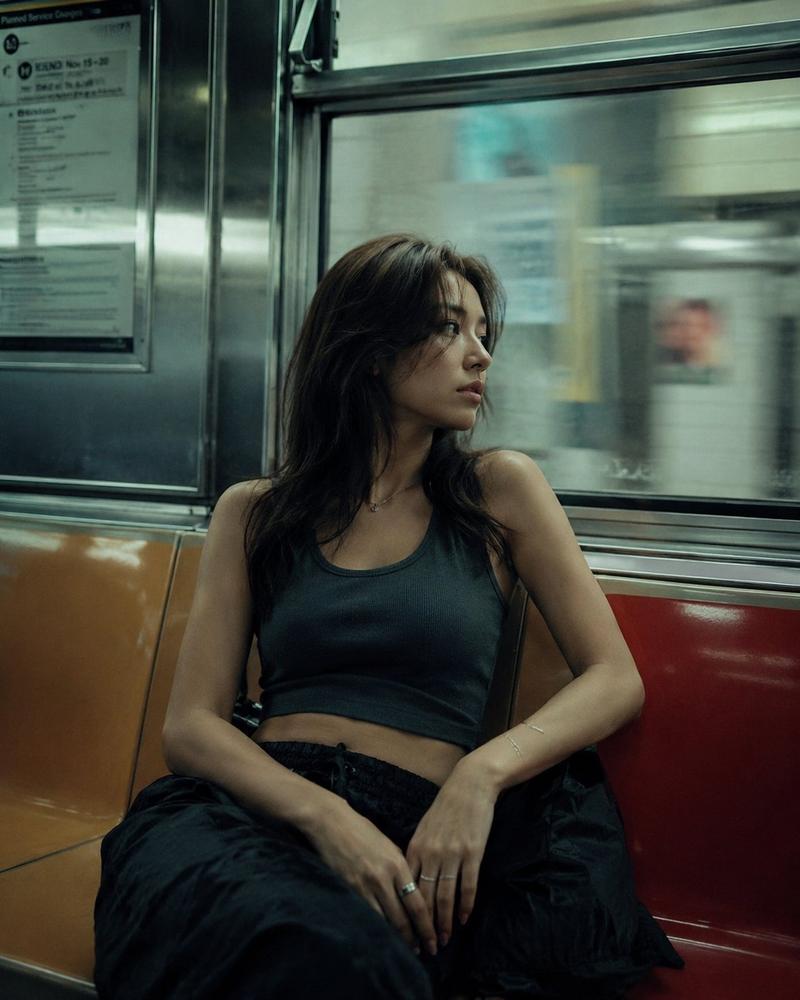
以 {argument name="character" default="参考图像中的角色"} 为基础设计,绘制“一段由普通人在列车上偶然拍摄的短视频画面,展示一个动漫角色在现实世界中过着平凡生活”。准确保持该角色作为动漫插画的氛围。保留面部印象、发型、发色、眼睛、耳朵、身体比例、轮廓和面部表情。切勿破坏角色身份。不要将角色转化为照片级写实的人类。在角色部分保持高质量的动漫插画表现。场景为 {argument name="setting" default="典型的日本通勤列车内部"}。背景描绘需写实、具有照片质感。自然地描绘广告、窗户、扶手、吊环、座位、车门和导向显示屏。不要让空间看起来像干净的广告照片。赋予其真实公共交通中常见的日常生活感和使用痕迹。构图为竖屏短视频。一张用智能手机拍摄的 SNS 视频截图。拍摄者坐在对面座位附近。角色坐在对面的长椅上。从侧面略微观察的自然角度,而非正对前方。角色正在看智能手机。没有看镜头。没有摆姿势。没有意识到拍摄者的存在。角色脚边放置着可能携带的包、纸袋或购物袋。营造出下班或购物回家的氛围。可以佩戴耳机。可以表现出疲惫或困倦的表情。他们只是在正常通勤。周围乘客自然存在。没有人对该角色有特殊反应。将周围世界描绘成一种神秘的日常生活,人们“习惯了动漫角色的存在”。在屏幕上添加现代的 {argument name="social media UI" default="类似于 TikTok、Instagram Reels 或 YouTube Shorts 的氛围"}。不是直播画面。自然地显示点赞数、评论区、分享按钮等。不要固定评论内容;让 AI 自然生成。评论主要为日语。重要:评论区不应将该角色视为名人。没有谩骂或新闻报道式的处理。应保持自然的温度,就像看到都市传说或稀有野生动物一样。强调智能手机摄影的典型质感:轻微的 HDR 处理、细微的传感器噪点、轻微的 JPEG 压缩感、自然曝光、轻微的色差、自动对焦感、高 ISO 噪点以及手持拍摄特有的轻微抖动。呈现出如同从短视频中截取一帧的真实感。禁止电影海报风格。禁止电影化导演手法。禁止戏剧性灯光。禁止过度的景深效果。不要过度堆砌信息。禁止广告照片风格。避免 AI 特有的光泽渲染。优先体现“一段偶然流传于社交媒体的神秘视频”、“不知为何无人感到惊讶”以及“只有当事人自己在正常生活”的奇妙真实感。
Category
UI & Interfaces
Model
GPT Image 2
Views1
Source ID
24121
Published
Jun 4, 2026

Guide

About "动漫角色社交媒体快照"

What is this prompt for?

"动漫角色社交媒体快照" AI image prompt for GPT Image 2 (UI & Interfaces). 这是一个为 GPT Image 2 设计的详细图生图提示词,旨在生成一张动漫角色在日本通勤列车上的写实社交媒体快照,强调角色一致性和真实环境感。 Copy it on Picva and r…

The full copyable prompt and example visuals above are ready for AI image generation or one-click recreate in Picva.

How to use this prompt

  1. Step 1

    Open the prompt detail

    Review the example visuals, category, and full prompt text for "动漫角色社交媒体快照".

  2. Step 2

    Copy the prompt

    Copy the prompt body from this page, or load it directly in Studio.

  3. Step 3

    Pick a model (GPT Image 2)

    Prefer GPT Image 2. If you switch models, keep subject and composition and tweak style terms.

  4. Step 4

    Generate and export

    Recreate the look in Picva, or export into your workflow for editing and publishing.

FAQ

What is the "动漫角色社交媒体快照" prompt?
It is an AI image-generation prompt for GPT Image 2 in the UI & Interfaces category. This page includes the full prompt text, example visuals, and a one-click recreate path in Picva.
How do I use this prompt to generate an image?
Copy the prompt from this page, or use Generate / Studio. Paste it into a compatible image model, or recreate the look in Picva with optional reference images.
Which model is this prompt for?
This page lists GPT Image 2. Most descriptive prompts also transfer to nearby image models such as GPT Image, Flux, or Midjourney with light style tweaks.
Can I use the result commercially?
You can usually copy the prompt for creation, but commercial use of the final image depends on the model terms, reference-image rights, and the generated content. Follow the source author and platform rules.