18

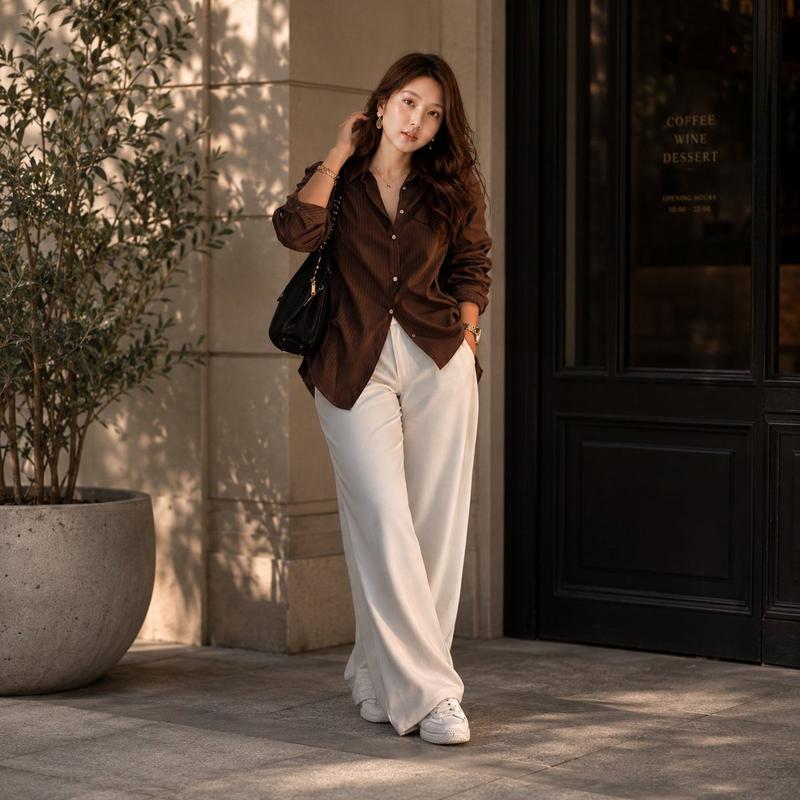
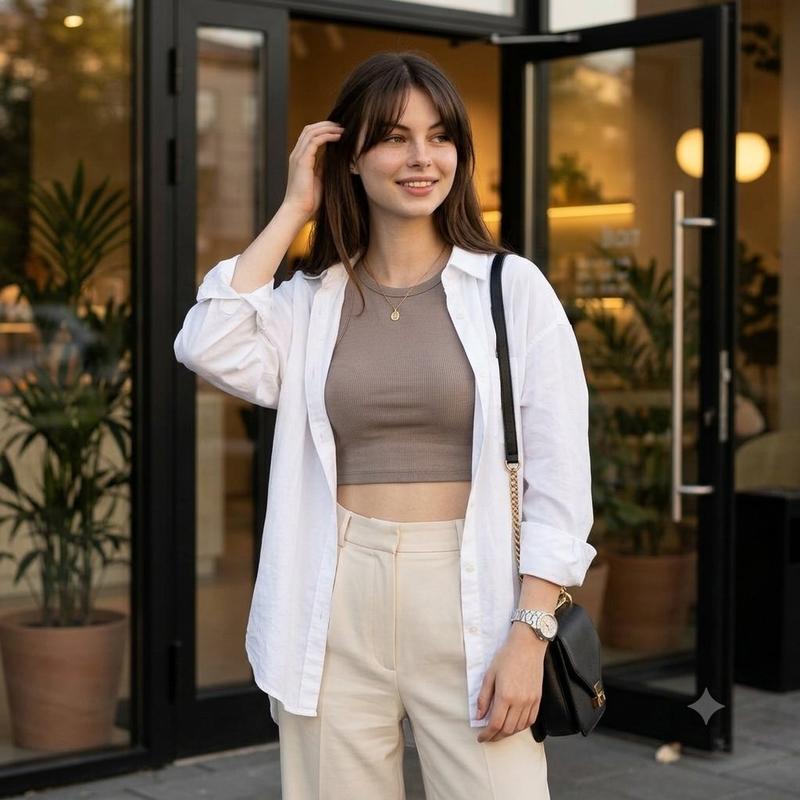
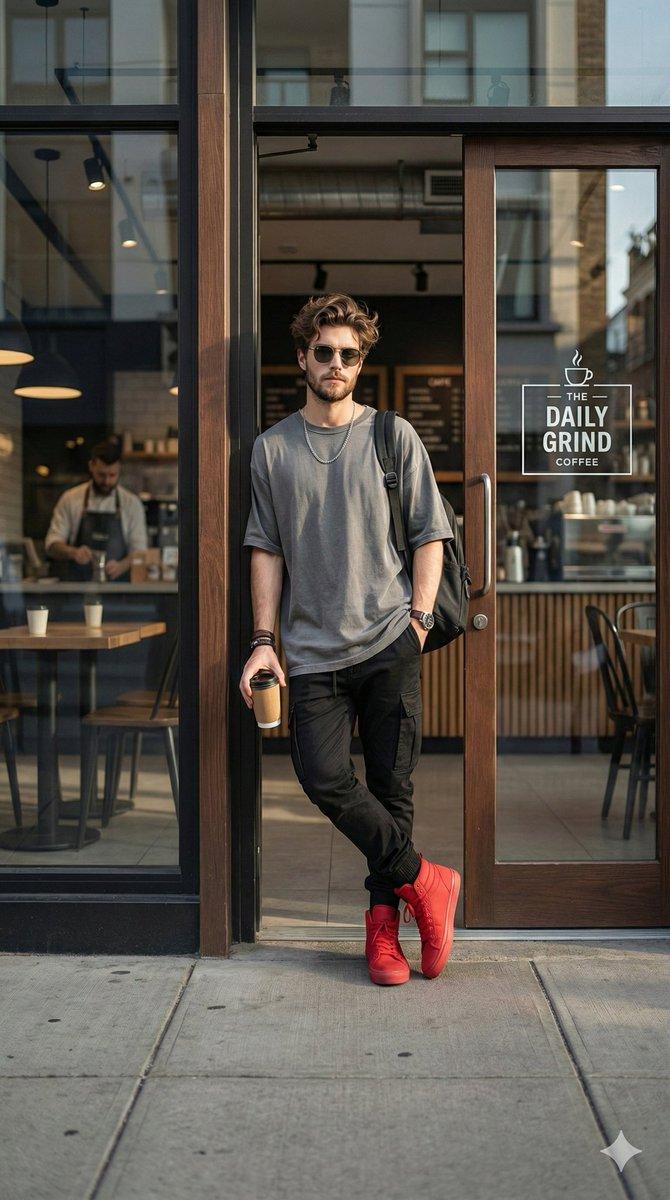
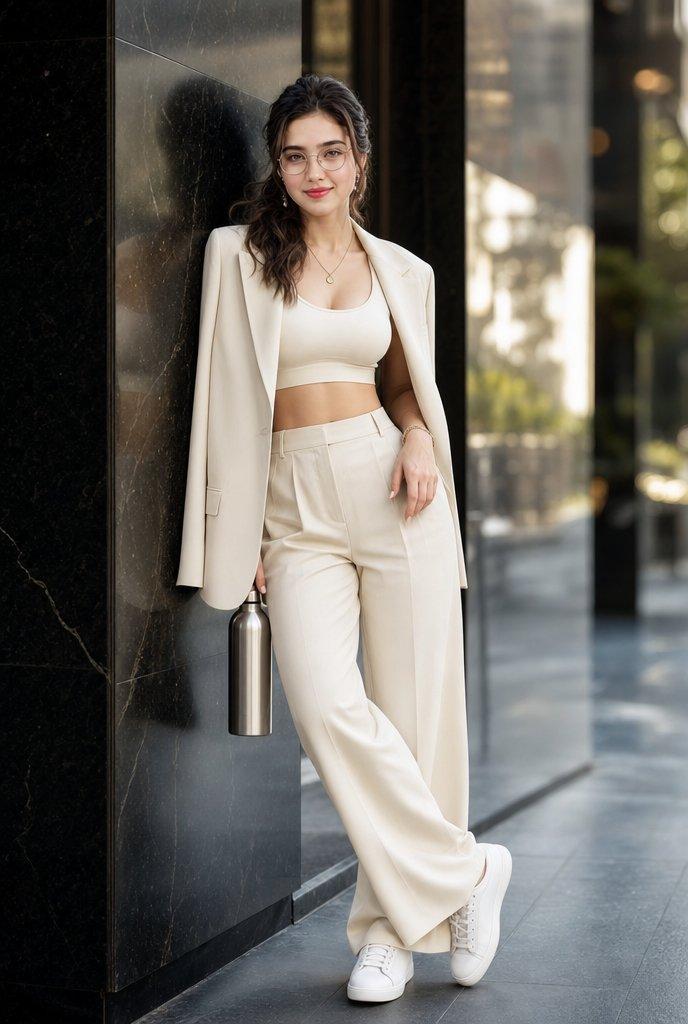
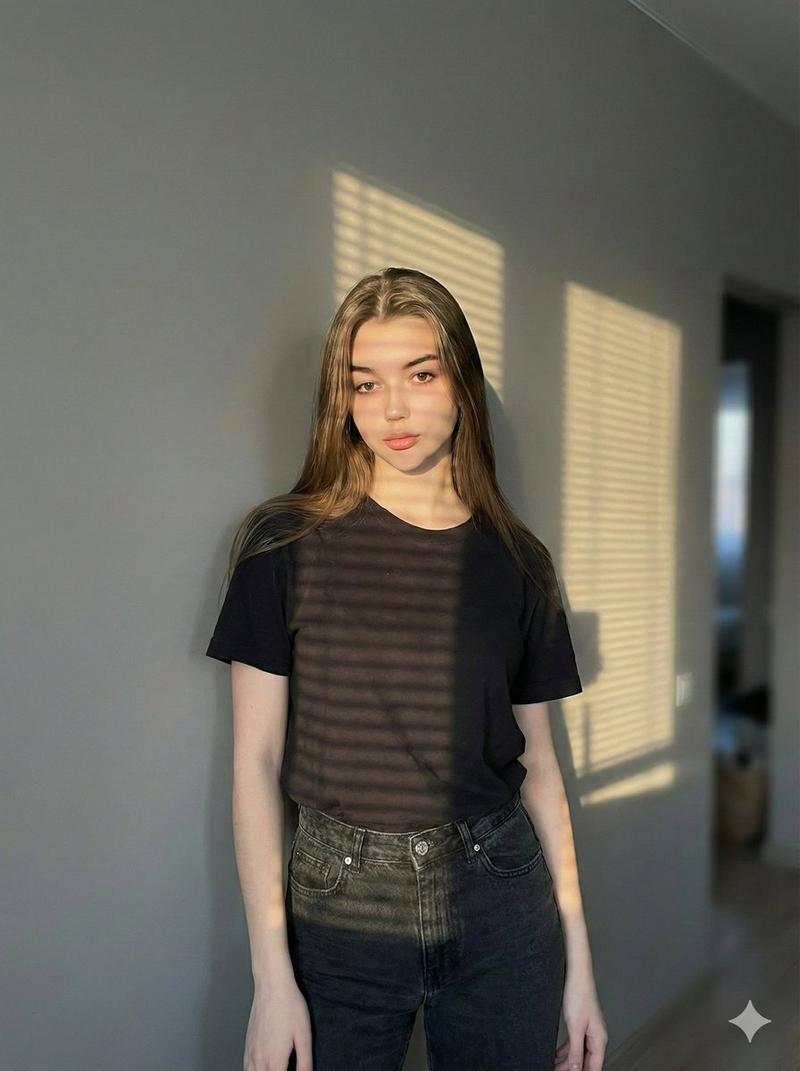
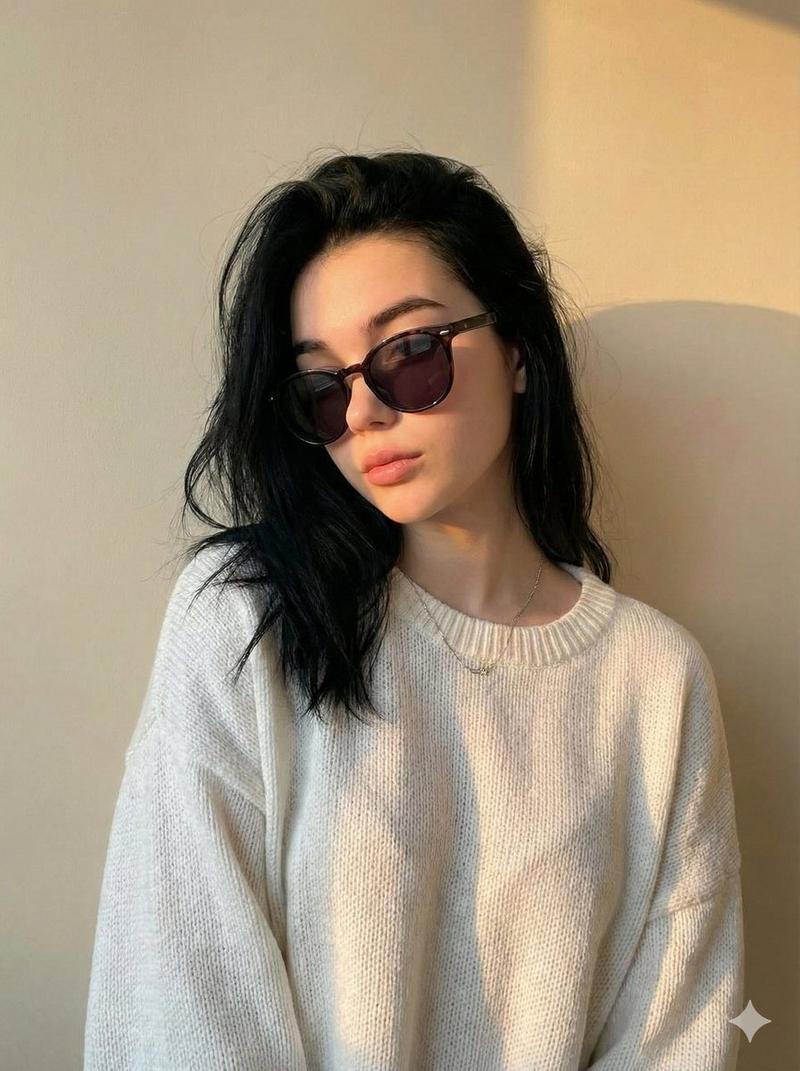
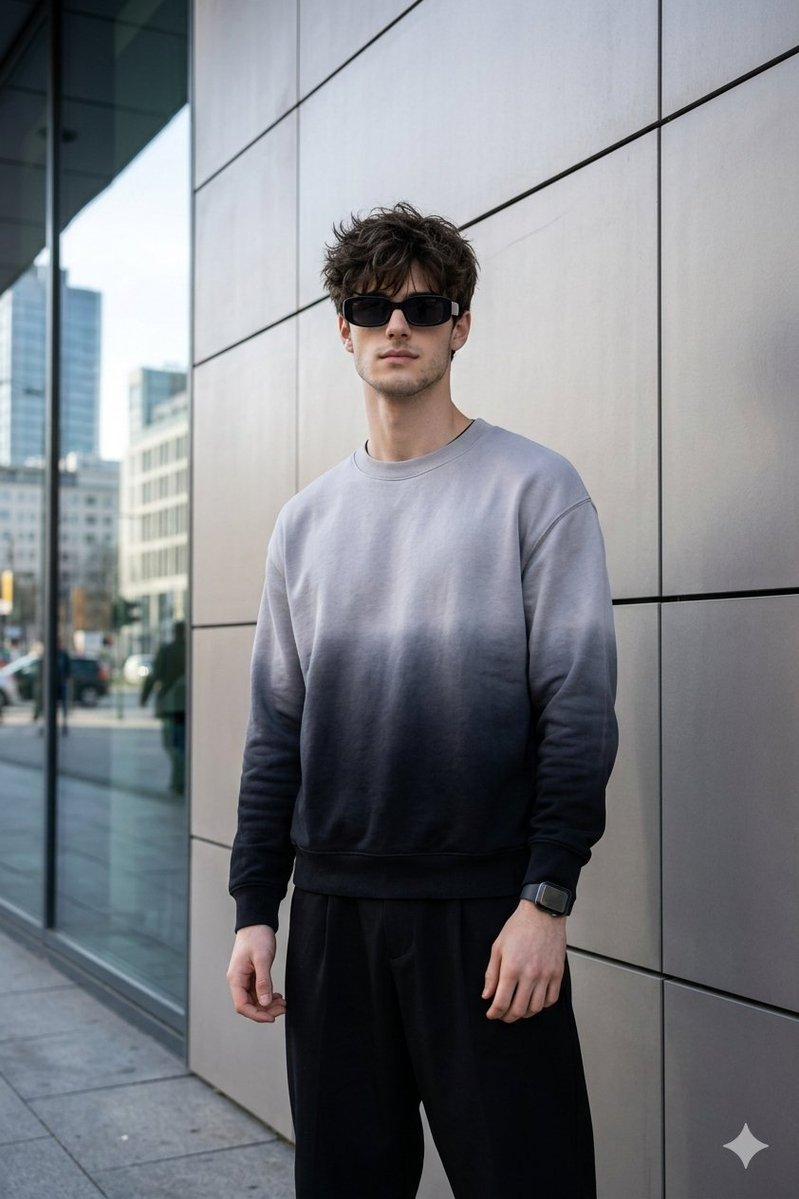
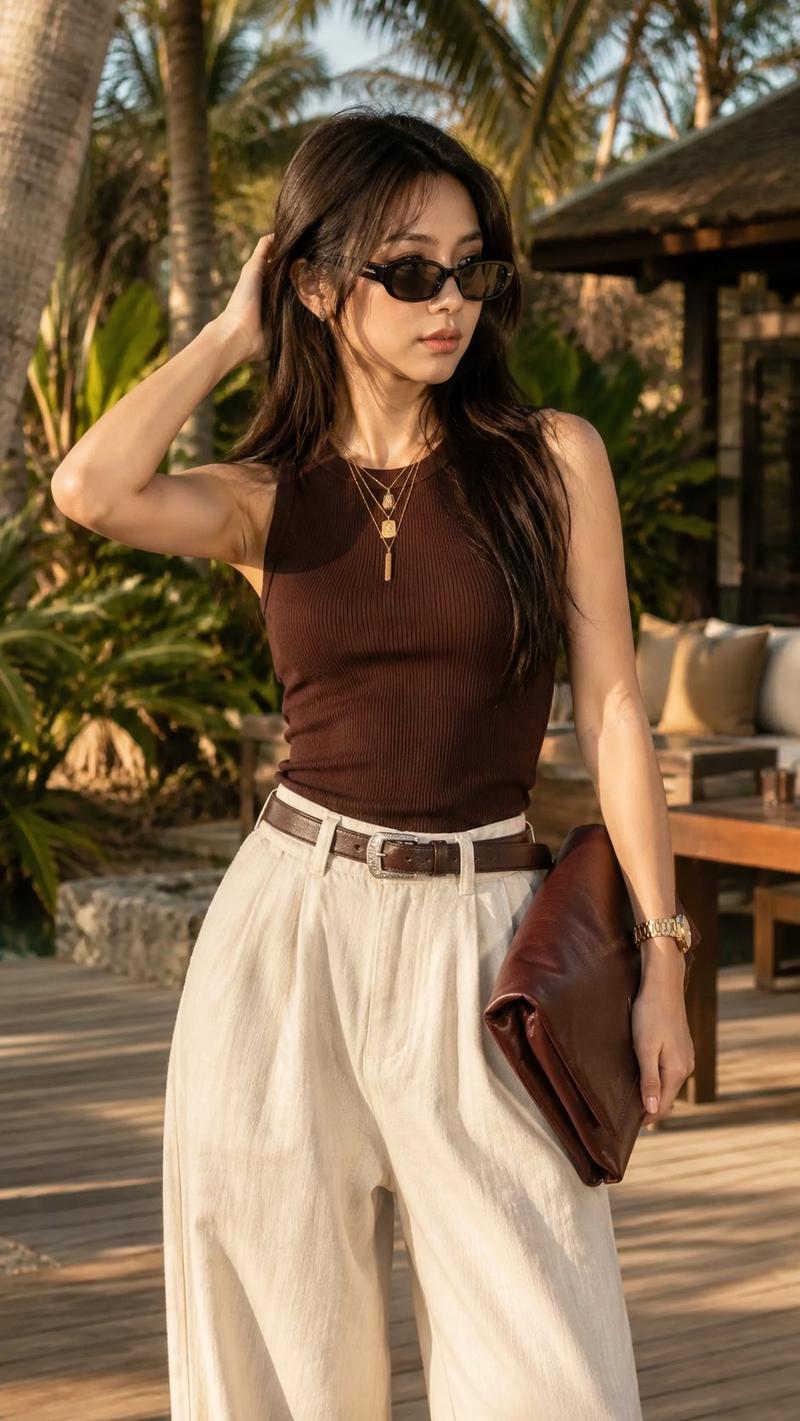
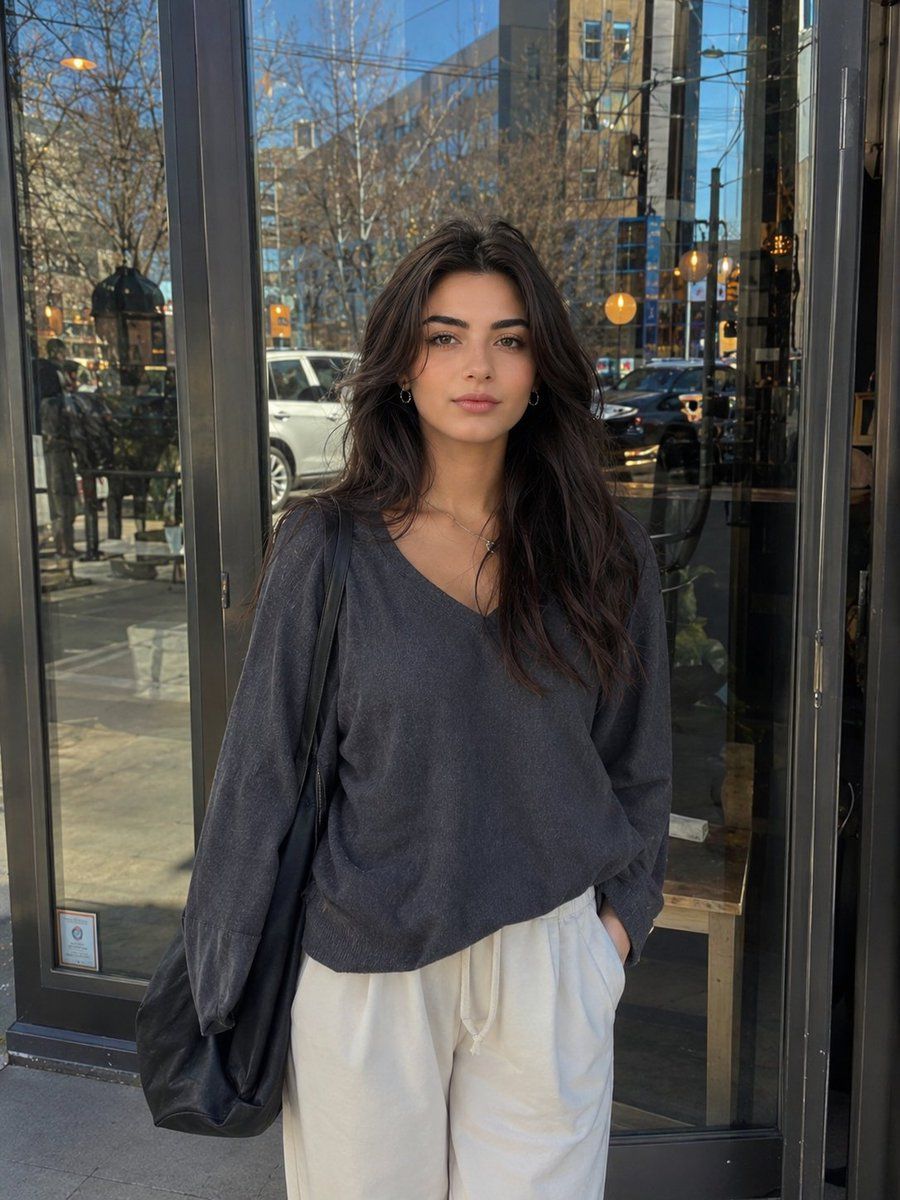
年轻女性的写实街头肖像
Enlarge

Example images

年轻女性的写实街头肖像

Prompt
Ultra-realistic candid street portrait of a {argument name="subject" default="beautiful young woman"} with naturally textured skin, minimal makeup, soft facial features, deep brown eyes, and long slightly messy dark hair, standing outside a {argument name="location" default="modern café"} in daylight. She wears an {argument name="outfit" default="oversized dark charcoal sweatshirt, loose white pants, and a black shoulder tote bag"}. Slight natural side pose with her body turned softly away from camera while face looks slightly sideways, relaxed hands in pockets, calm expression, authentic human look, no AI beauty filter, no artificial skin smoothing, realistic imperfections, cinematic natural lighting, shallow depth of field, urban reflections on glass windows, casual lifestyle photography, iPhone 15 Pro photo style, realistic shadows, cozy café atmosphere, highly detailed, photorealistic, 4K.
Category
Charts & Infographics
Model
GPT Image 2
Creator
Mira
Views9
Source ID
24134
Published
Jun 4, 2026

Guide

About "年轻女性的写实街头肖像"

What is this prompt for?

"年轻女性的写实街头肖像" AI image prompt for GPT Image 2 (Charts & Infographics). 这是一个超写实的提示词,旨在生成一张咖啡馆外女性的抓拍城市肖像,模仿高端智能手机摄影效果,呈现自然光影和逼真的皮肤纹理。 Copy it on Picva and recrea…

The full copyable prompt and example visuals above are ready for AI image generation or one-click recreate in Picva.

How to use this prompt

  1. Step 1

    Open the prompt detail

    Review the example visuals, category, and full prompt text for "年轻女性的写实街头肖像".

  2. Step 2

    Copy the prompt

    Copy the prompt body from this page, or load it directly in Studio.

  3. Step 3

    Pick a model (GPT Image 2)

    Prefer GPT Image 2. If you switch models, keep subject and composition and tweak style terms.

  4. Step 4

    Generate and export

    Recreate the look in Picva, or export into your workflow for editing and publishing.

FAQ

What is the "年轻女性的写实街头肖像" prompt?
It is an AI image-generation prompt for GPT Image 2 in the Charts & Infographics category. This page includes the full prompt text, example visuals, and a one-click recreate path in Picva.
How do I use this prompt to generate an image?
Copy the prompt from this page, or use Generate / Studio. Paste it into a compatible image model, or recreate the look in Picva with optional reference images.
Which model is this prompt for?
This page lists GPT Image 2. Most descriptive prompts also transfer to nearby image models such as GPT Image, Flux, or Midjourney with light style tweaks.
Can I use the result commercially?
You can usually copy the prompt for creation, but commercial use of the final image depends on the model terms, reference-image rights, and the generated content. Follow the source author and platform rules.