19

修正现有缩略图中的人脸
Enlarge

修正现有缩略图中的人脸

Prompt
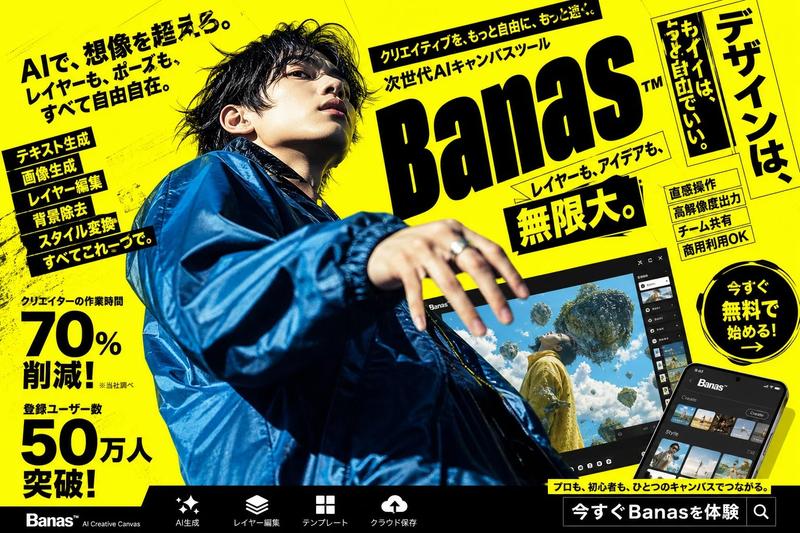
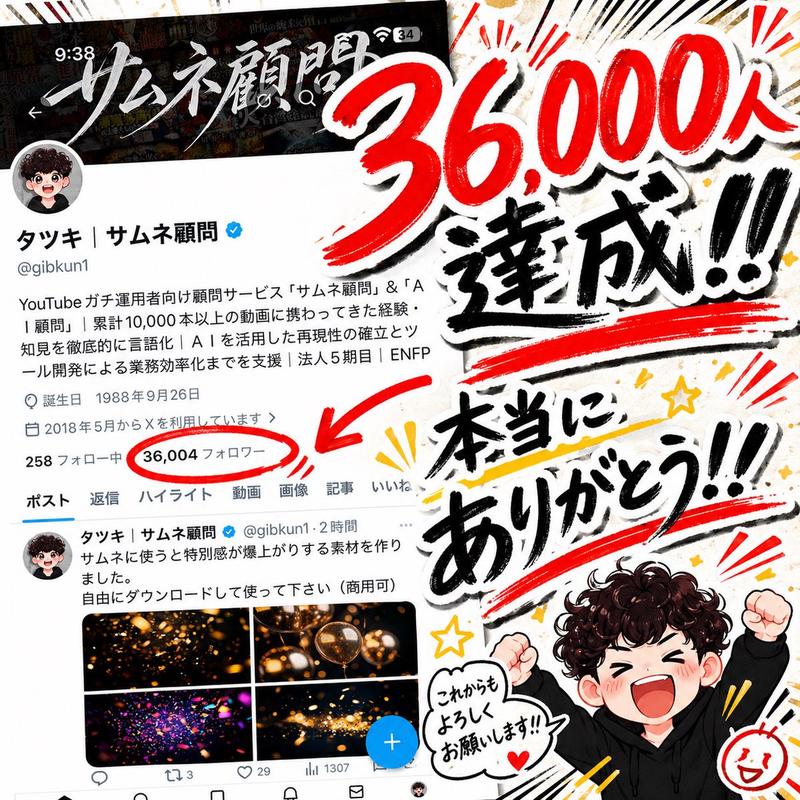
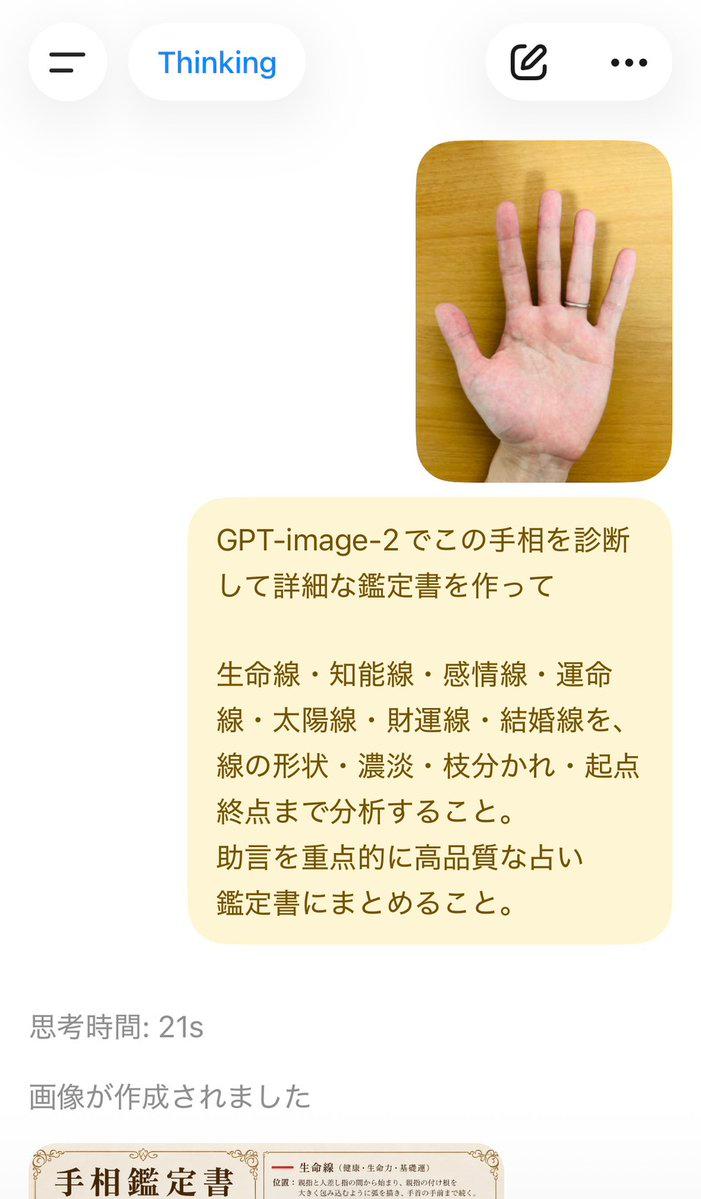
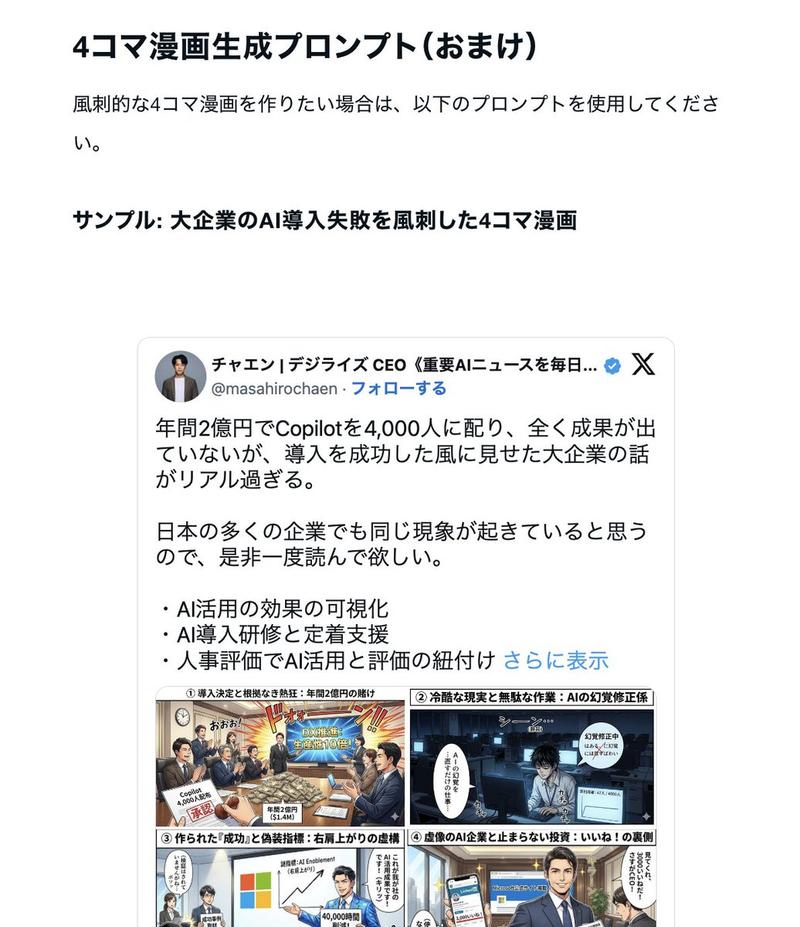
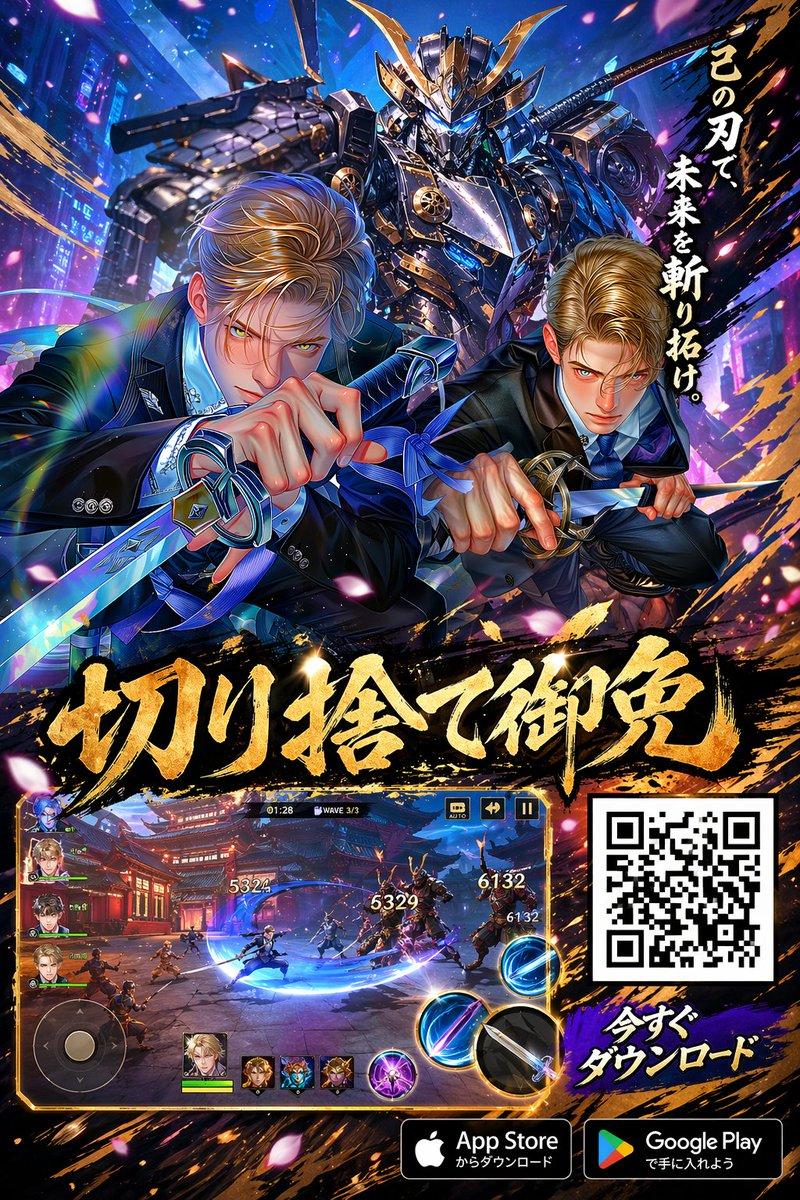
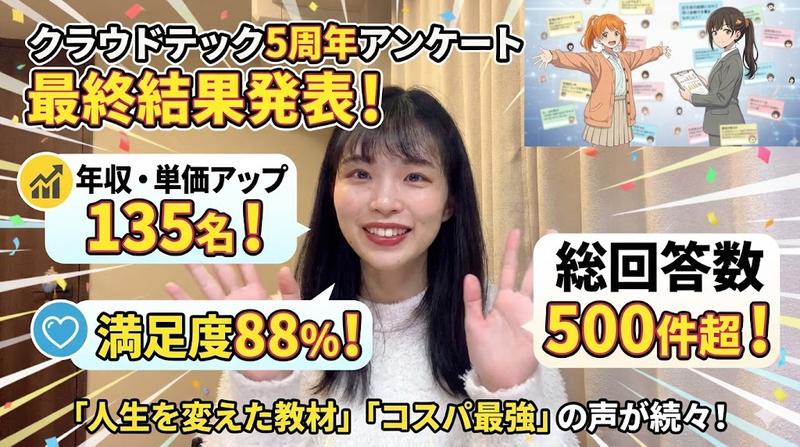
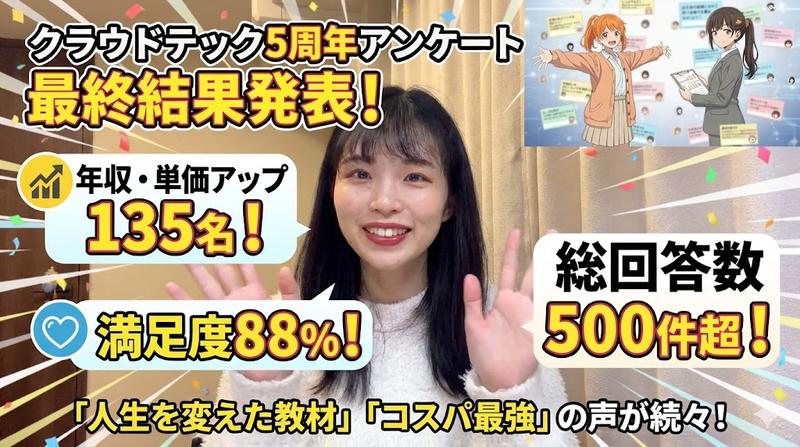
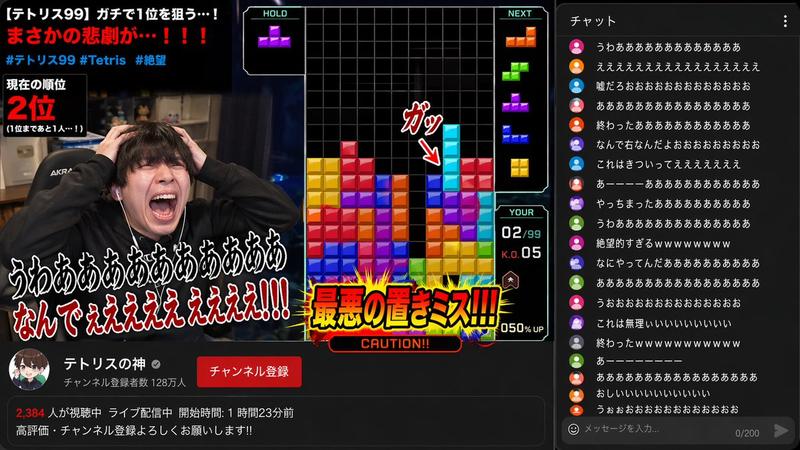
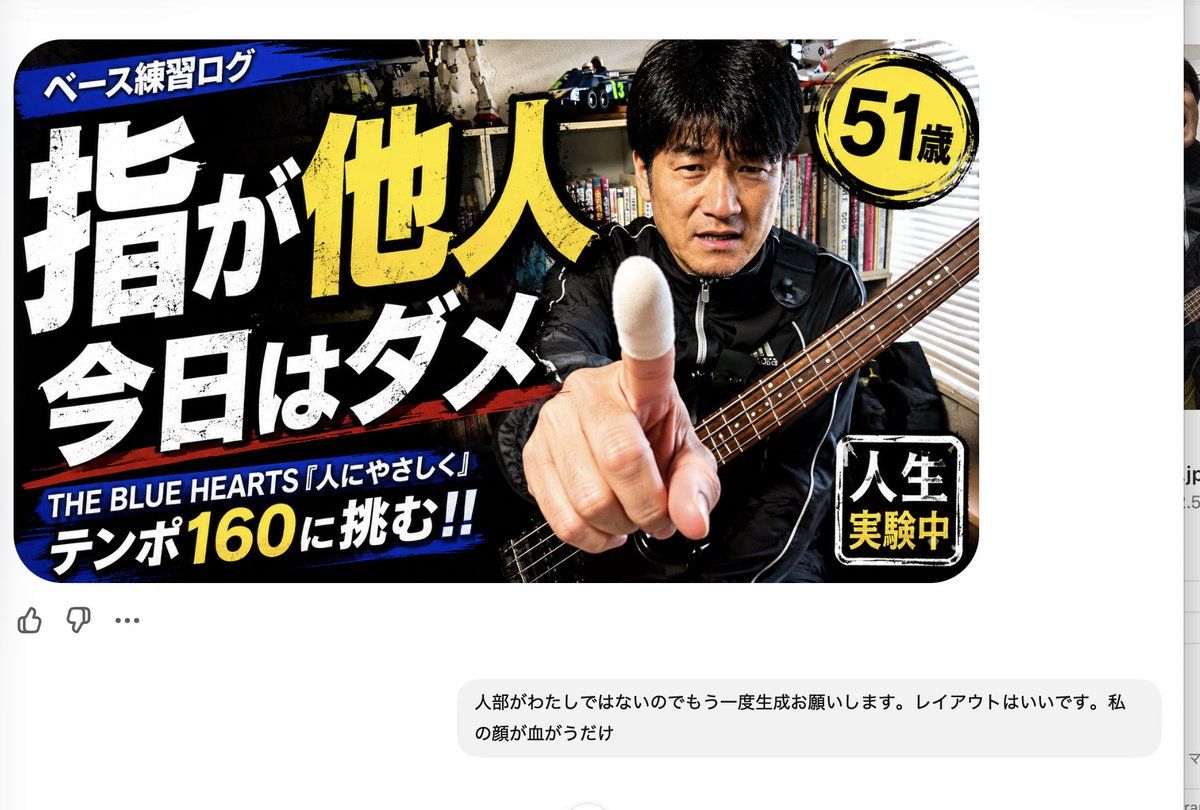
Using REFERENCE_1 as the current YouTube-style thumbnail and REFERENCE_0 as the identity reference, regenerate the thumbnail with the same layout and composition, but replace only the man's face so it matches the person in REFERENCE_0. Keep the existing pose, pointing finger, bass guitar, room background, lighting, high-contrast thumbnail style, and all Japanese typography unchanged. Preserve exactly 5 visible text/badge areas: the top blue banner, the large main headline, the bottom blue music/tempo line, the yellow circular age badge, and the bottom-right black square badge. Do not redesign the thumbnail; the layout is already good. The only intended correction is that the face should be {argument name="character identity" default="the same person as in REFERENCE_0"}.
Category
Charts & Infographics
Model
GPT Image 2
Views2
Source ID
24193
Published
Jun 4, 2026

Guide

About "修正现有缩略图中的人脸"

What is this prompt for?

"修正现有缩略图中的人脸" AI image prompt for GPT Image 2 (Charts & Infographics). 通过使用第二张参考图修正主体面部,同时保留完整设计,从而生成修订后的 YouTube 缩略图。 Copy it on Picva and recreate the look i…

The full copyable prompt and example visuals above are ready for AI image generation or one-click recreate in Picva.

How to use this prompt

  1. Step 1

    Open the prompt detail

    Review the example visuals, category, and full prompt text for "修正现有缩略图中的人脸".

  2. Step 2

    Copy the prompt

    Copy the prompt body from this page, or load it directly in Studio.

  3. Step 3

    Pick a model (GPT Image 2)

    Prefer GPT Image 2. If you switch models, keep subject and composition and tweak style terms.

  4. Step 4

    Generate and export

    Recreate the look in Picva, or export into your workflow for editing and publishing.

FAQ

What is the "修正现有缩略图中的人脸" prompt?
It is an AI image-generation prompt for GPT Image 2 in the Charts & Infographics category. This page includes the full prompt text, example visuals, and a one-click recreate path in Picva.
How do I use this prompt to generate an image?
Copy the prompt from this page, or use Generate / Studio. Paste it into a compatible image model, or recreate the look in Picva with optional reference images.
Which model is this prompt for?
This page lists GPT Image 2. Most descriptive prompts also transfer to nearby image models such as GPT Image, Flux, or Midjourney with light style tweaks.
Can I use the result commercially?
You can usually copy the prompt for creation, but commercial use of the final image depends on the model terms, reference-image rights, and the generated content. Follow the source author and platform rules.