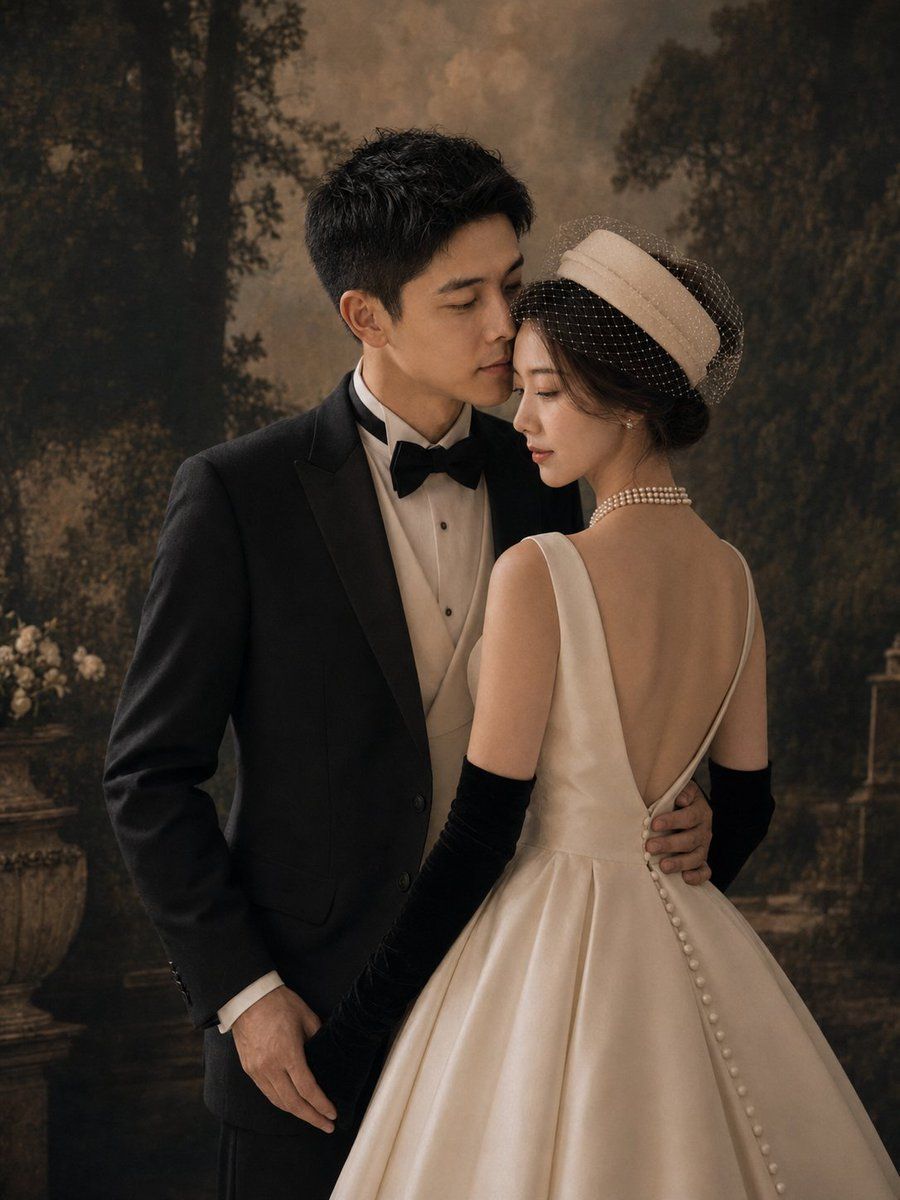
复古花园婚礼肖像
Prompt
Create a vertical 3:4 cinematic fine-art wedding portrait of an elegant couple in a vintage studio garden setting. The groom is an East Asian young adult man with short black textured hair, wearing a classic black tuxedo jacket, white dress shirt, cream waistcoat, and black bow tie; he stands on the left, angled slightly toward the bride, his left arm wrapped around her waist and his right hand relaxed by his side. The bride is an East Asian young adult woman standing on the right with her back mostly to the camera, turned slightly toward the groom in an intimate pose; she wears an ivory satin bridal gown with a deep V-shaped open back, full structured skirt, a vertical row of covered buttons down the back, long black opera gloves, a layered pearl necklace, pearl drop earrings, and a cream pillbox-style bridal hat with a dotted birdcage veil over dark updo hair. Their faces should be close together as if about to kiss, with the mood romantic, composed, and editorial. Use a dark painterly forest-and-garden backdrop with tall shadowy trees, warm sepia-brown haze, a stone planter with pale flowers on the left, and subtle vintage garden architecture in the distance. Lighting should be soft, warm, and directional, with gentle highlights on satin fabric and pearls, muted shadows, shallow depth of field, film-grain texture, and a luxurious old-Hollywood bridal magazine aesthetic. No text, no watermark, no extra people, keep the composition waist-up to full-skirt crop with the bride’s gown occupying the lower right foreground.
- Category
- Charts & Infographics
- Model
- GPT Image 2
- Creator
- 麻酱AI实验室
- Source ID
- 24212
- Published
- Jun 2, 2026
Views7








