16

Cinematic Noir Night Street Walk
Enlarge

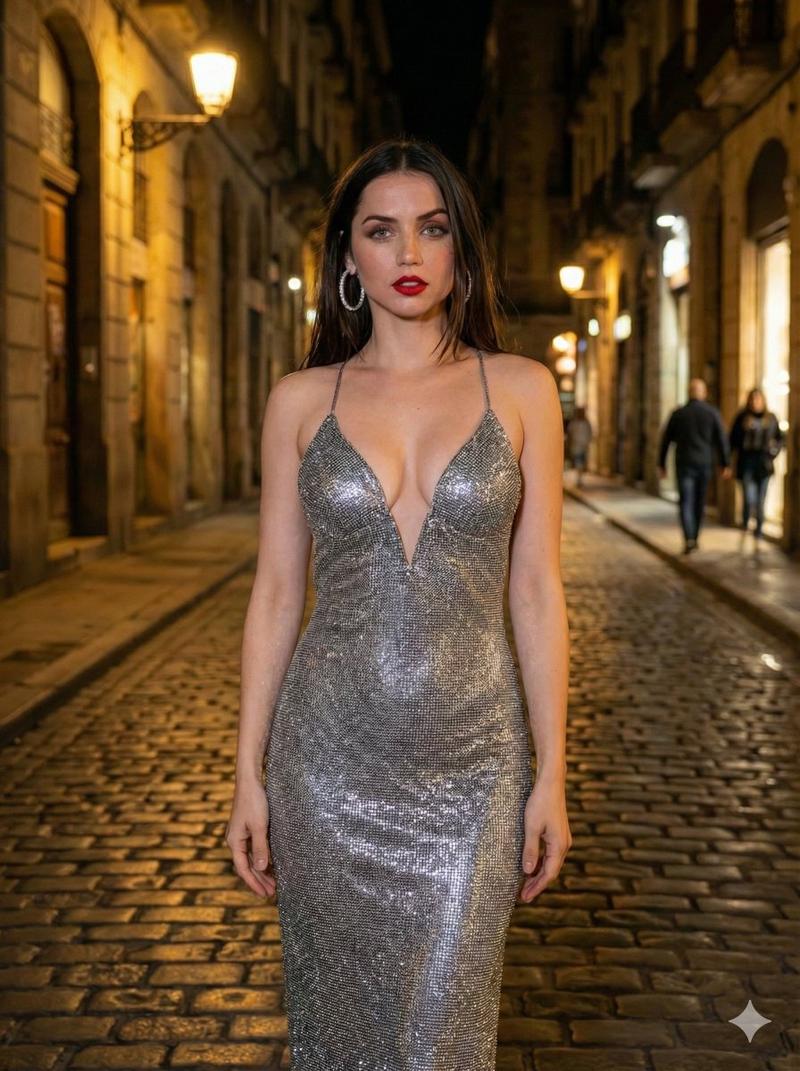
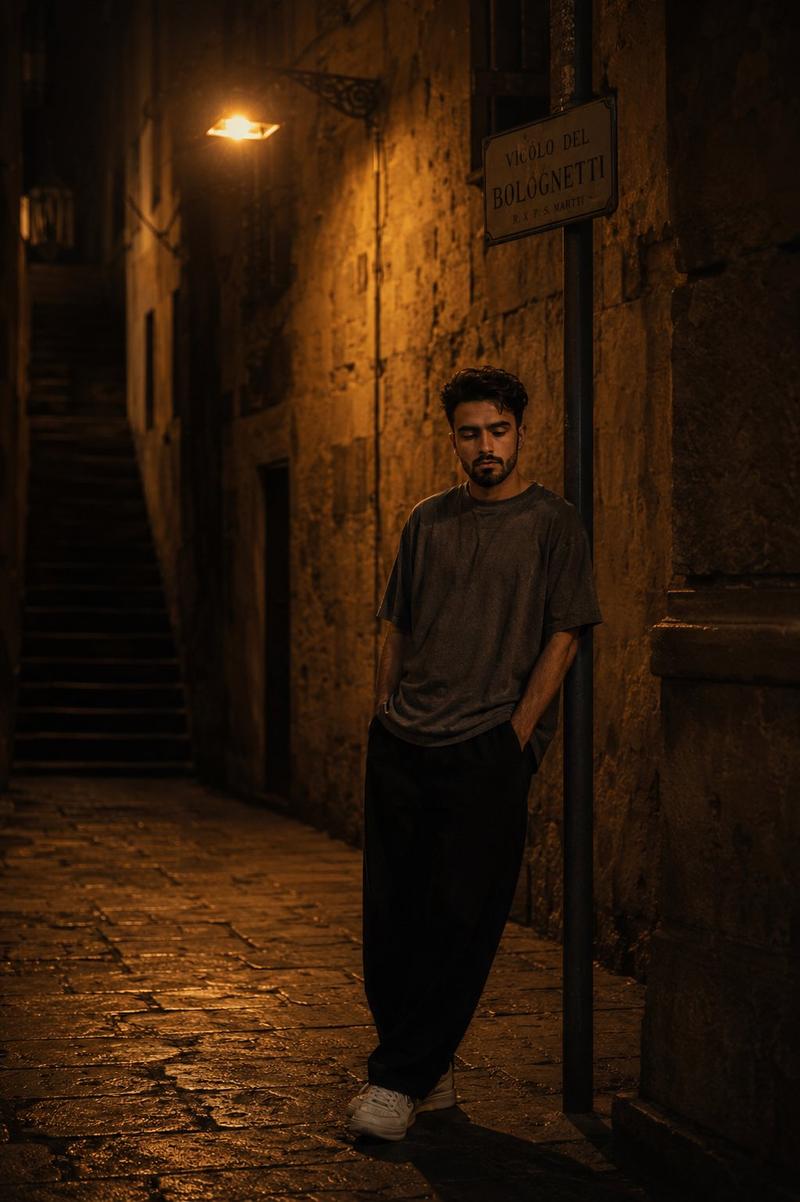
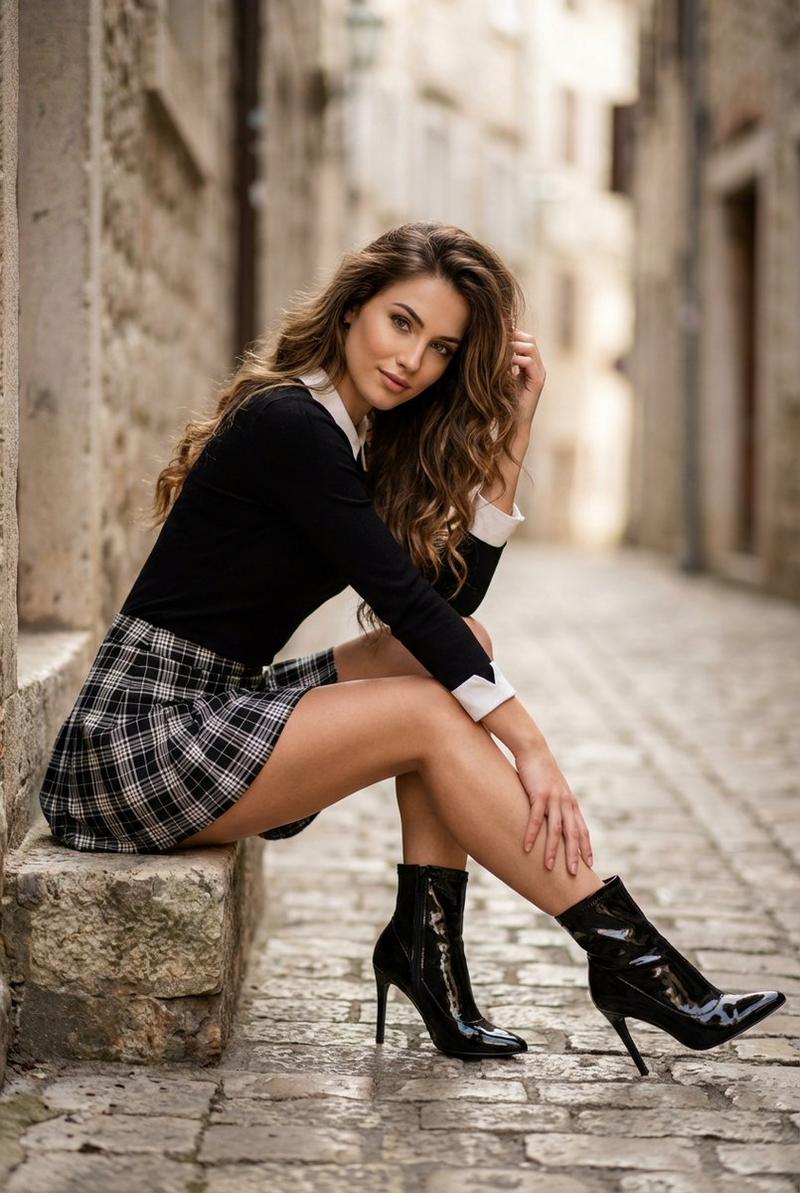
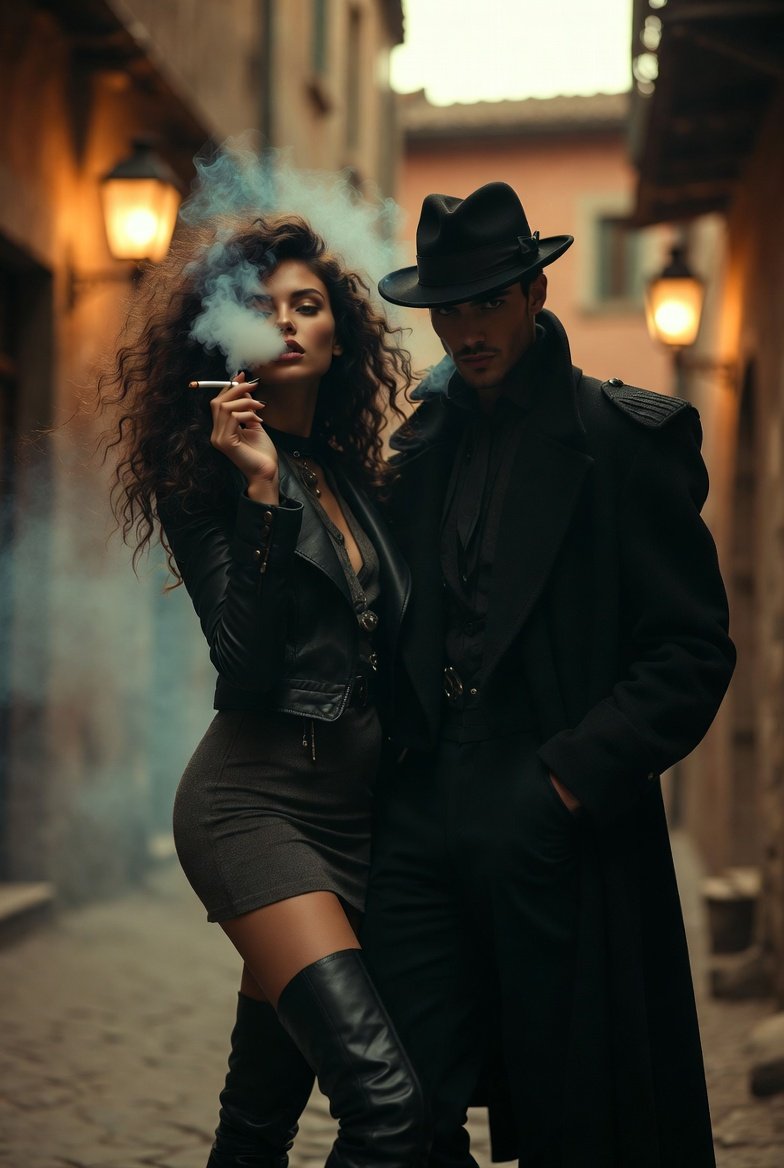
Example images

Cinematic Noir Night Street Walk

Prompt
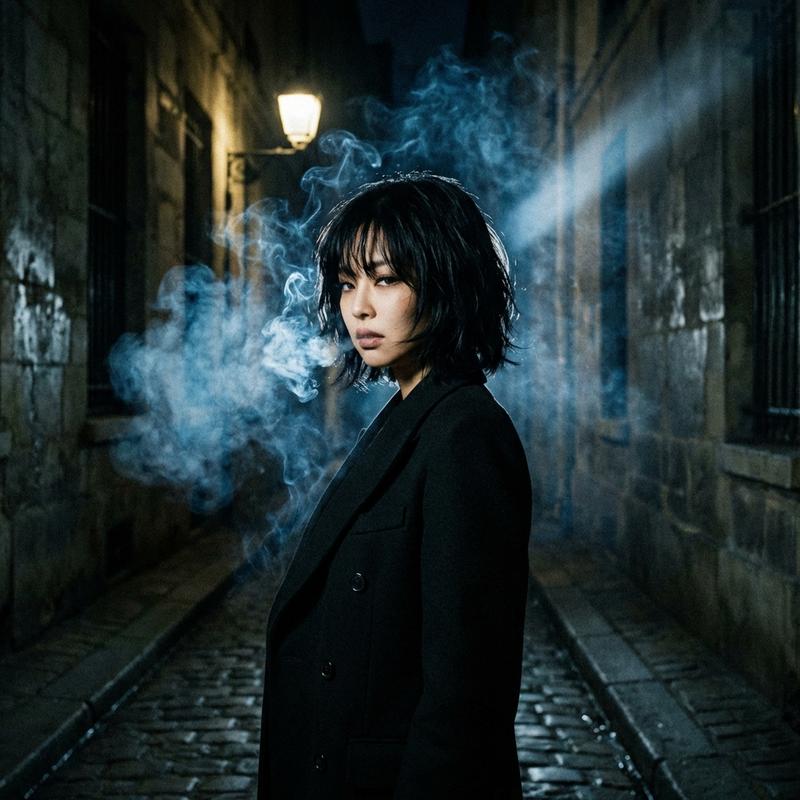
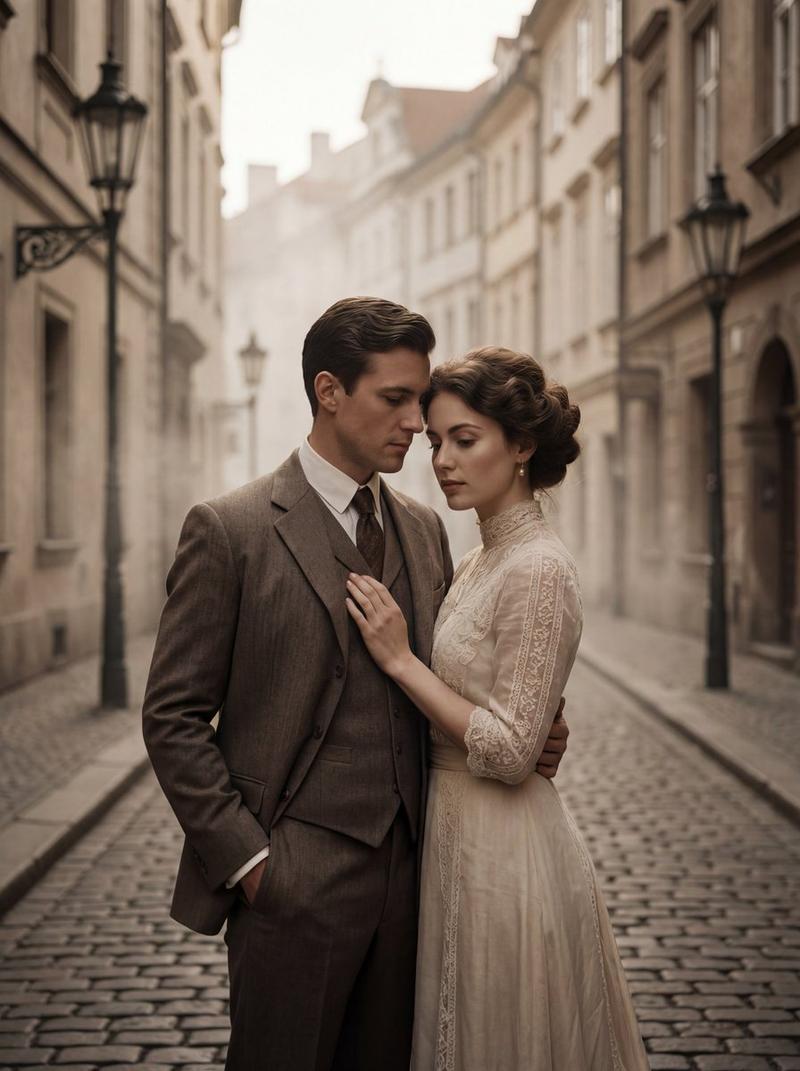
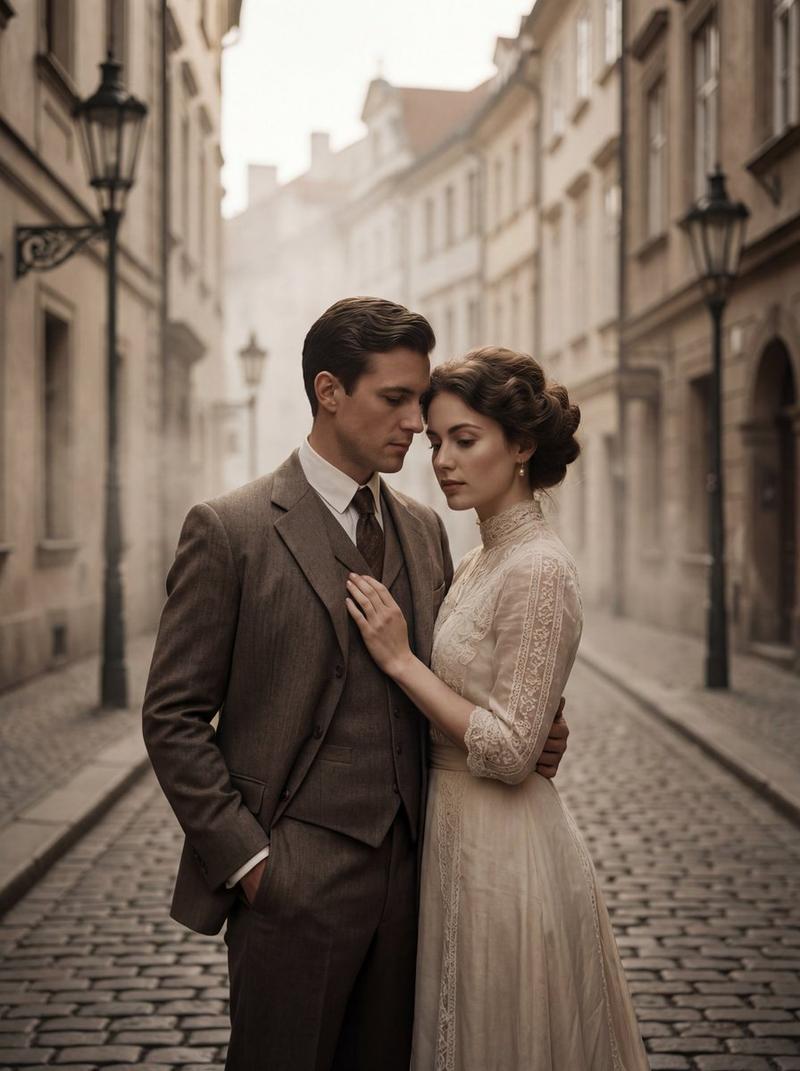
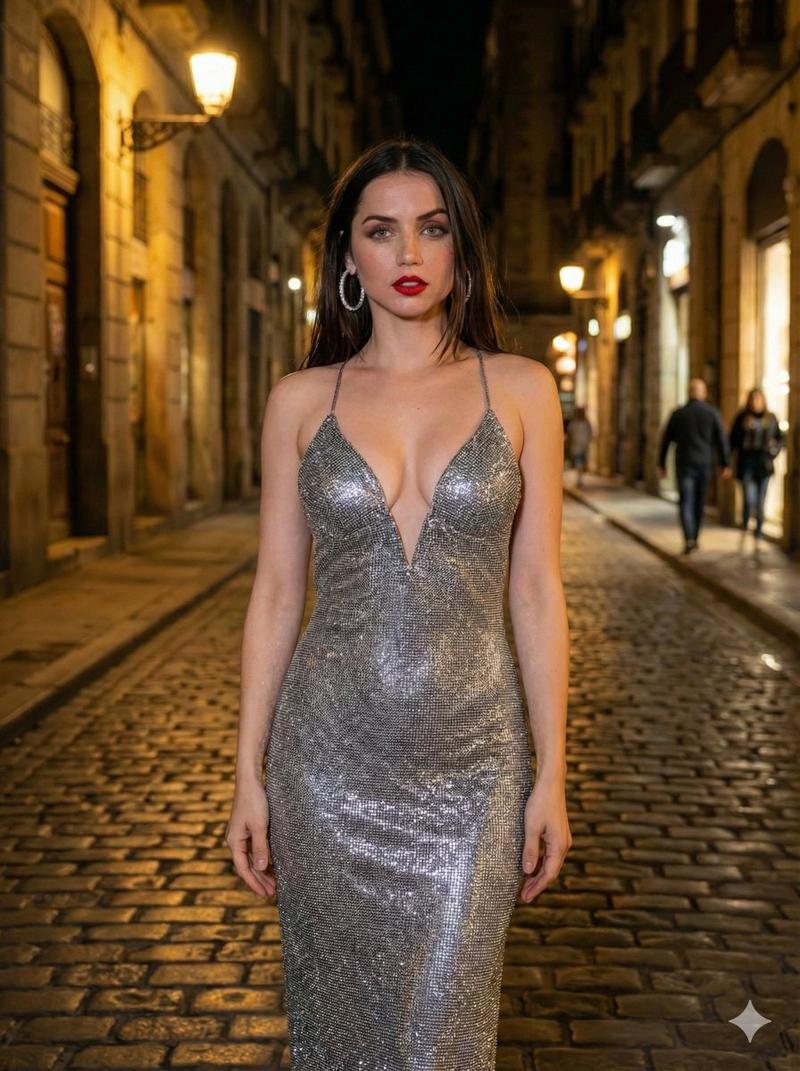
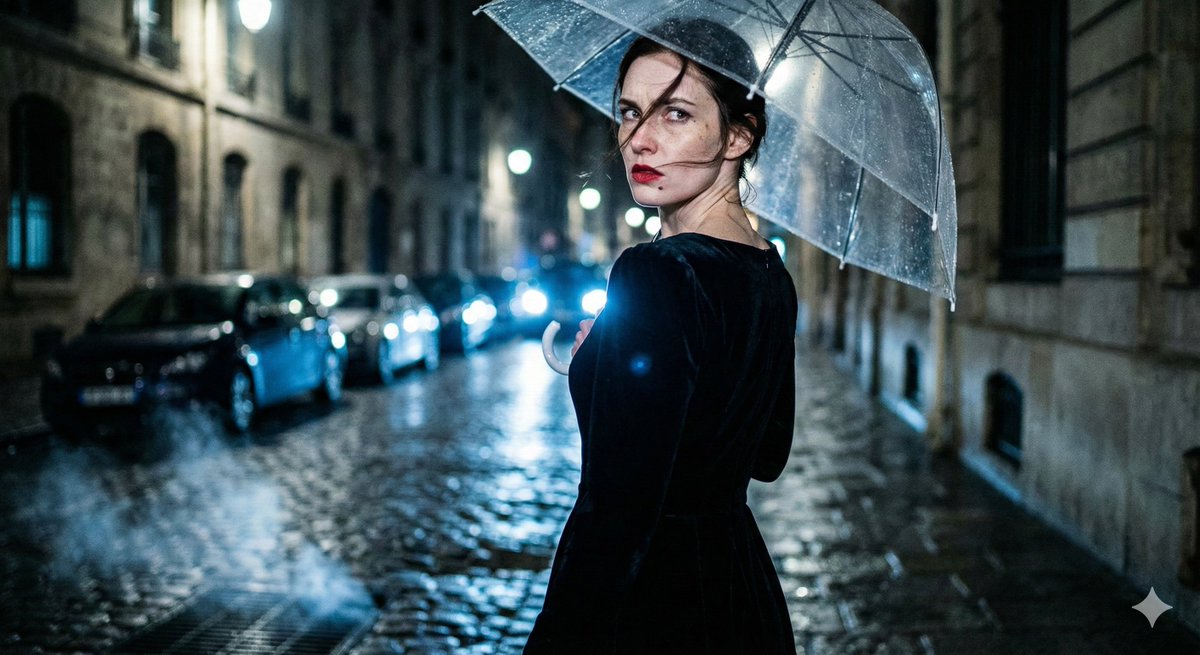
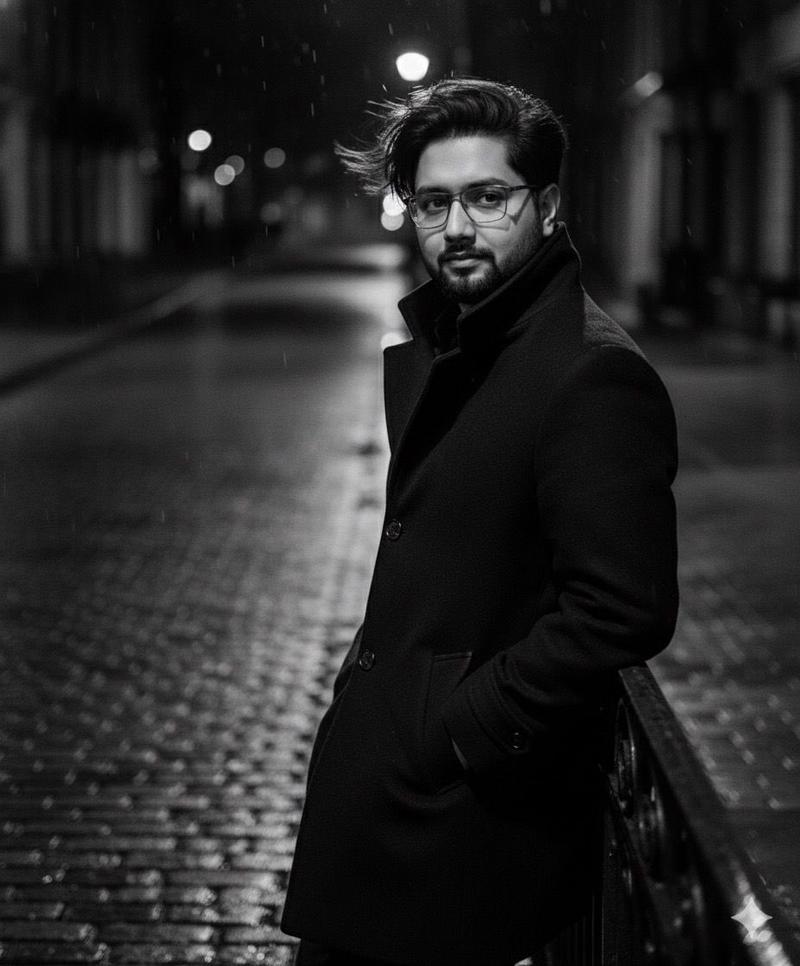
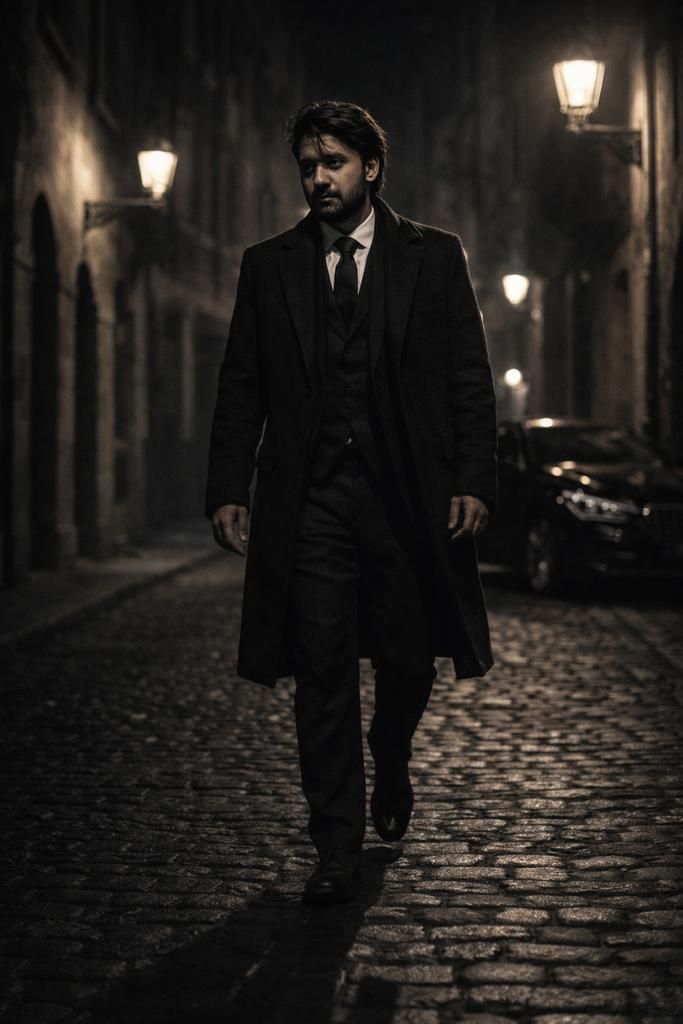
A hyper-realistic cinematic low-angle medium-long shot captured with an 85mm lens at f/2.4, featuring a male subject with uploaded face as reference walking alone down a narrow European stone street at night. The subject wears a {argument name="coat" default="heavy black overcoat"} over a {argument name="suit" default="tailored charcoal suit"}, hands relaxed at his sides, stride slow and deliberate. Street lamps cast long shadows across the cobblestone ground, subtly framing his silhouette. A {argument name="car" default="black luxury sedan"} is parked behind him, partially hidden in shadow. The street appears empty, silent, and controlled, as if the city itself respects his presence. Ultra-detailed 8k resolution, cinematic noir lighting, mafia boss dominance aesthetic with restrained fantasy.
Category
Architecture & Spaces
Model
GPT Image 2
Views2.1K
Source ID
24241
Published
Jun 5, 2026

Guide

About "Cinematic Noir Night Street Walk"

What is this prompt for?

"Cinematic Noir Night Street Walk" AI image prompt for GPT Image 2 (Architecture & Spaces). A hyper-realistic low-angle shot of a man in a black overcoat walki…

The full copyable prompt and example visuals above are ready for AI image generation or one-click recreate in Picva.

How to use this prompt

  1. Step 1

    Open the prompt detail

    Review the example visuals, category, and full prompt text for "Cinematic Noir Night Street Walk".

  2. Step 2

    Copy the prompt

    Copy the prompt body from this page, or load it directly in Studio.

  3. Step 3

    Pick a model (GPT Image 2)

    Prefer GPT Image 2. If you switch models, keep subject and composition and tweak style terms.

  4. Step 4

    Generate and export

    Recreate the look in Picva, or export into your workflow for editing and publishing.

FAQ

What is the "Cinematic Noir Night Street Walk" prompt?
It is an AI image-generation prompt for GPT Image 2 in the Architecture & Spaces category. This page includes the full prompt text, example visuals, and a one-click recreate path in Picva.
How do I use this prompt to generate an image?
Copy the prompt from this page, or use Generate / Studio. Paste it into a compatible image model, or recreate the look in Picva with optional reference images.
Which model is this prompt for?
This page lists GPT Image 2. Most descriptive prompts also transfer to nearby image models such as GPT Image, Flux, or Midjourney with light style tweaks.
Can I use the result commercially?
You can usually copy the prompt for creation, but commercial use of the final image depends on the model terms, reference-image rights, and the generated content. Follow the source author and platform rules.