15

Mixed-Media Street Art Fisheye
Enlarge

Example images

Mixed-Media Street Art Fisheye

Prompt
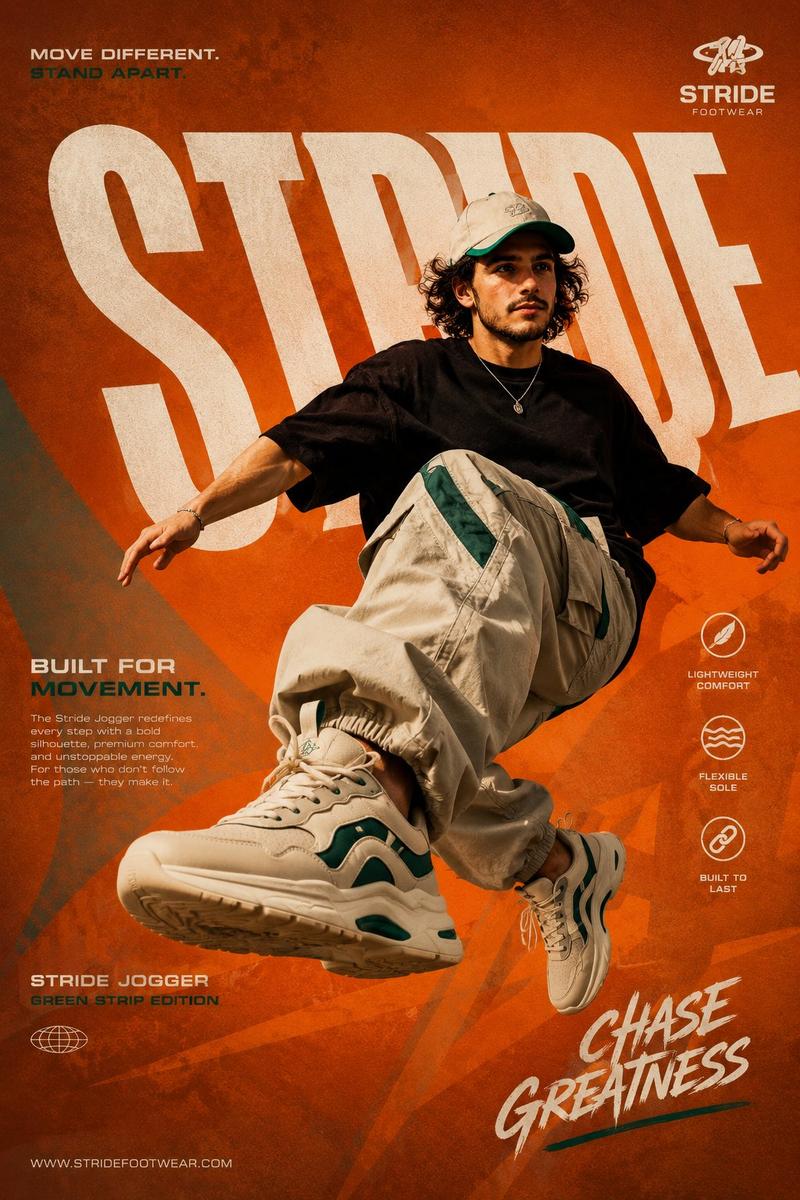
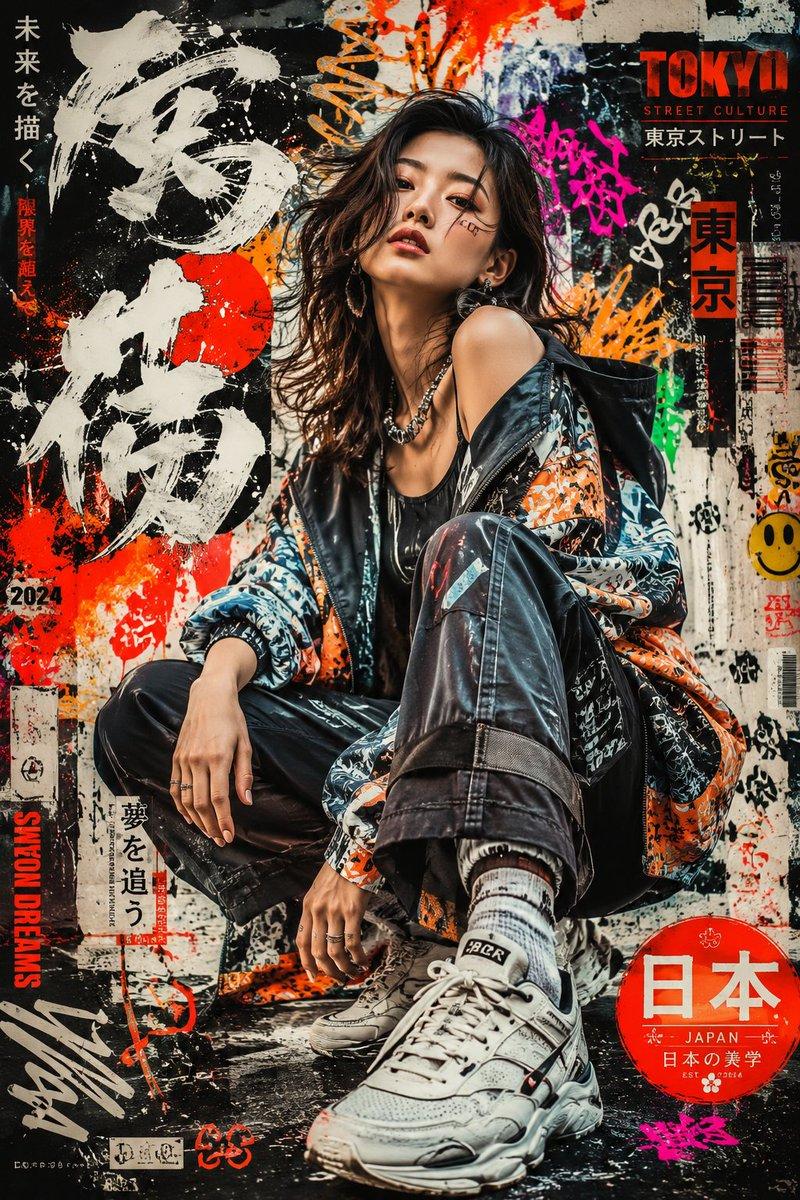
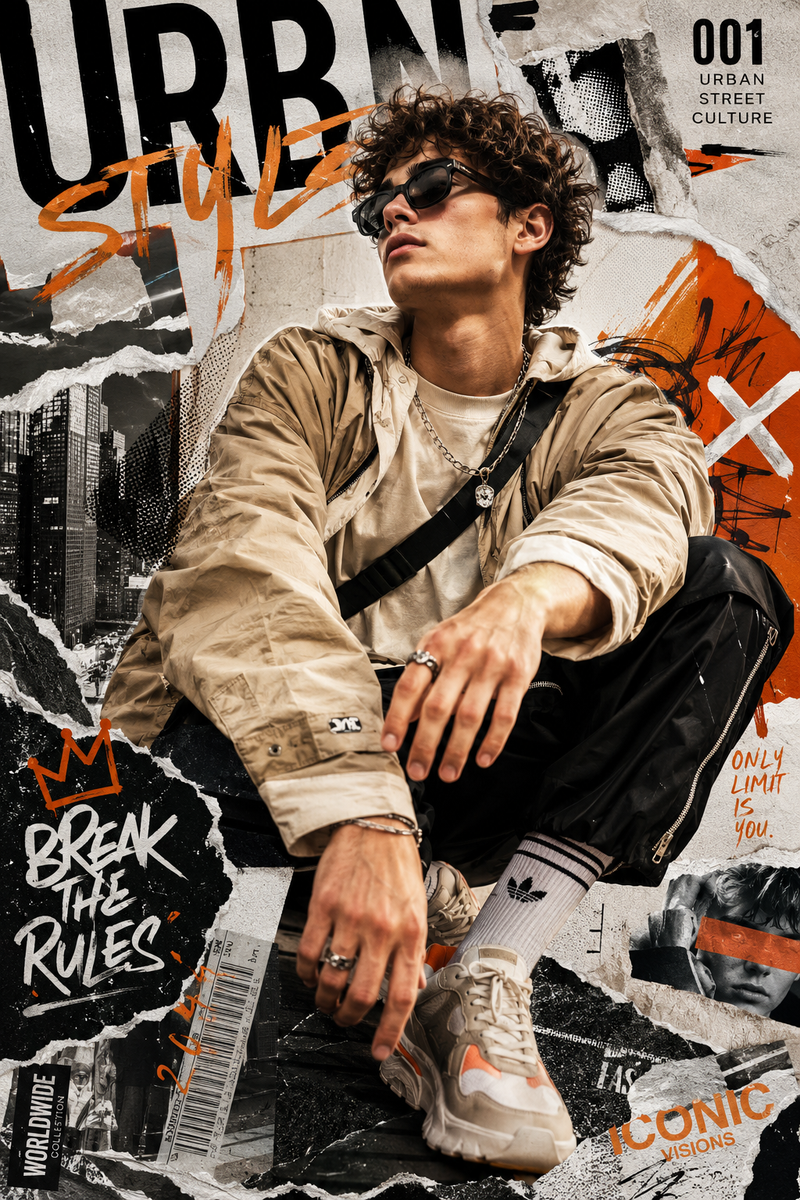
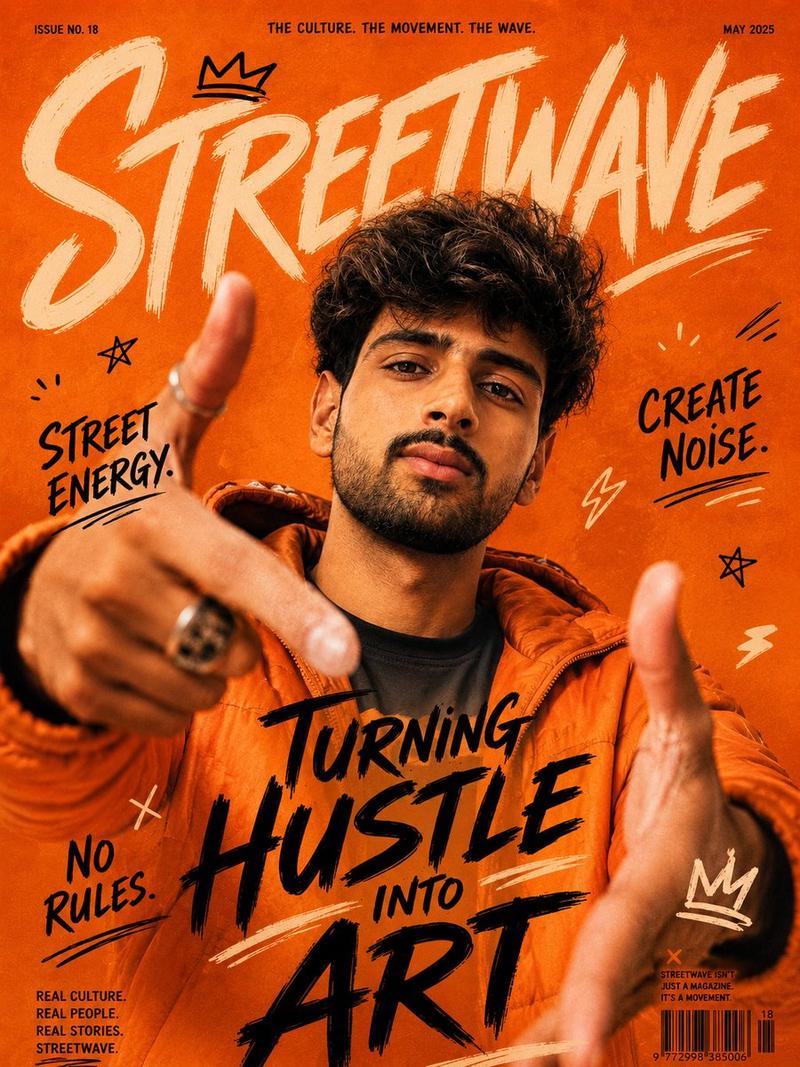
A vibrant mixed-media street-art illustration featuring a person with uploaded face as reference leaning dynamically forward into an extreme wide-angle fisheye lens. The character wears a {argument name="headwear" default="pink bucket hat"}, black-rimmed glasses, an open yellow jacket over a pink shirt, blue jeans with yellow paint splatters, and white sneakers, styled with bold cell-shaded comic outlines. Large, stylized 3D graffiti text reading "{argument name="text" default="BRING THE HEAT"}" in yellow and orange wraps around the subject, surrounded by cartoonish orange flames. Set against a sunny outdoor {argument name="setting" default="basketball court"} with palm trees under a bright blue sky, the composition uses high-contrast, saturated colors of pink, yellow, and blue to create an energetic, pop-art aesthetic.. 2:3r
Category
Architecture & Spaces
Model
GPT Image 2
Views440
Source ID
24262
Published
Jun 5, 2026

Guide

About "Mixed-Media Street Art Fisheye"

What is this prompt for?

"Mixed-Media Street Art Fisheye" AI image prompt for GPT Image 2 (Architecture & Spaces). A vibrant mixed-media street-art prompt featuring a character in a wi…

The full copyable prompt and example visuals above are ready for AI image generation or one-click recreate in Picva.

How to use this prompt

  1. Step 1

    Open the prompt detail

    Review the example visuals, category, and full prompt text for "Mixed-Media Street Art Fisheye".

  2. Step 2

    Copy the prompt

    Copy the prompt body from this page, or load it directly in Studio.

  3. Step 3

    Pick a model (GPT Image 2)

    Prefer GPT Image 2. If you switch models, keep subject and composition and tweak style terms.

  4. Step 4

    Generate and export

    Recreate the look in Picva, or export into your workflow for editing and publishing.

FAQ

What is the "Mixed-Media Street Art Fisheye" prompt?
It is an AI image-generation prompt for GPT Image 2 in the Architecture & Spaces category. This page includes the full prompt text, example visuals, and a one-click recreate path in Picva.
How do I use this prompt to generate an image?
Copy the prompt from this page, or use Generate / Studio. Paste it into a compatible image model, or recreate the look in Picva with optional reference images.
Which model is this prompt for?
This page lists GPT Image 2. Most descriptive prompts also transfer to nearby image models such as GPT Image, Flux, or Midjourney with light style tweaks.
Can I use the result commercially?
You can usually copy the prompt for creation, but commercial use of the final image depends on the model terms, reference-image rights, and the generated content. Follow the source author and platform rules.