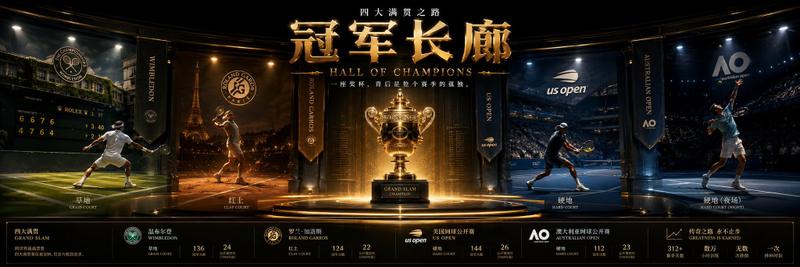
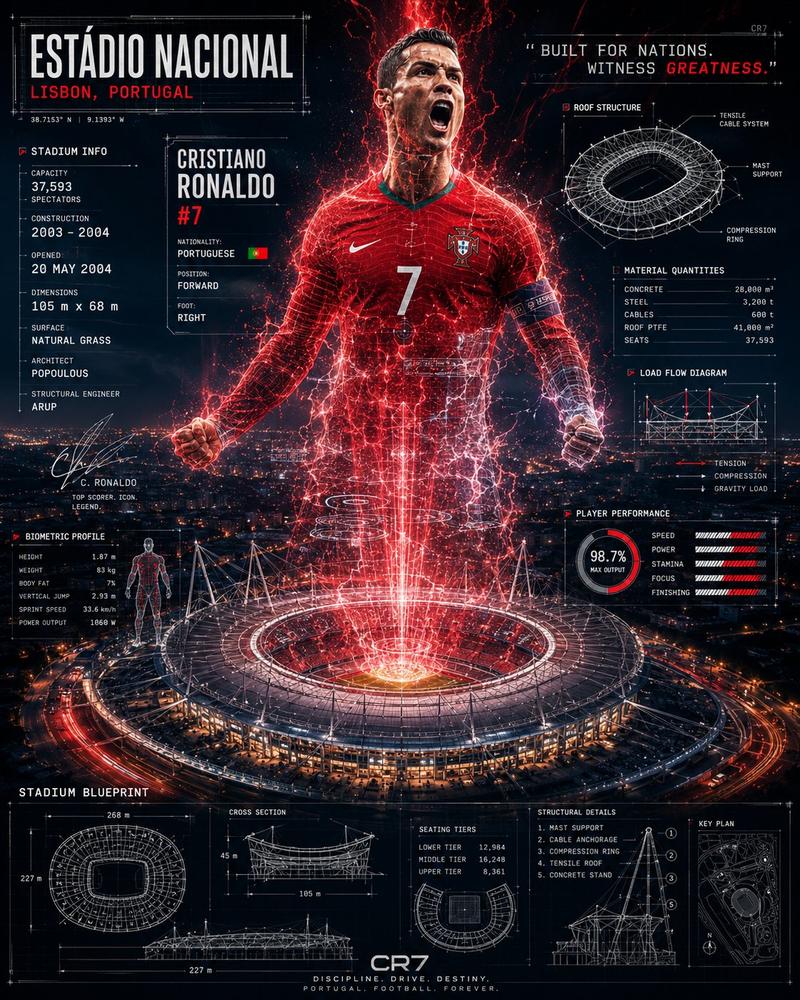
Cinematic World Cup 26 Stadium Poster
Prompt
Create a cinematic widescreen sports poster for {argument name="event title" default="FIFA WORLD CUP 26"}. Show a packed night stadium viewed from field level with dramatic curved architecture, thousands of glowing spectators, red and gold pyrotechnic streaks, bright stadium floodlights, and a dusk-to-night sky over a New York–style skyline with One World Trade Center centered in the background. In the middle foreground, place a male soccer player seen from behind, wearing a white kit with gold trim and the number {argument name="player number" default="10"} on his back, standing with feet apart and both arms raised triumphantly toward a floating golden World Cup trophy above him. Put a detailed soccer ball on the grass in the lower left foreground. Add exactly three large waving national flags on tall poles across the upper stadium: United States flag on the left, Canada flag left of center, and Mexico flag on the right. Use ultra-detailed photorealistic fantasy sports advertising style, HDR contrast, golden rim lighting, lens flares, sparks, confetti, epic scale, sharp focus, and a red-gold-blue color palette. At the bottom, add bold metallic 3D gold typography reading {argument name="headline text" default="FIFA WORLD CUP 26"}; beneath it add smaller text reading "USA CANADA MEXICO" with USA in red, CANADA in white, MEXICO in green, separated by small gold dots; below that add the date line {argument name="date line" default="JUNE 11 - JULY 19"}. Keep the composition symmetrical and heroic, with the trophy, player, skyline tower, and headline aligned on the vertical center. No extra logos, no watermark, no additional text.- Category
- Charts & Infographics
- Model
- GPT Image 2
- Creator
- Tisho
- Source ID
- 24337
- Published
- Jun 5, 2026
Views25