20

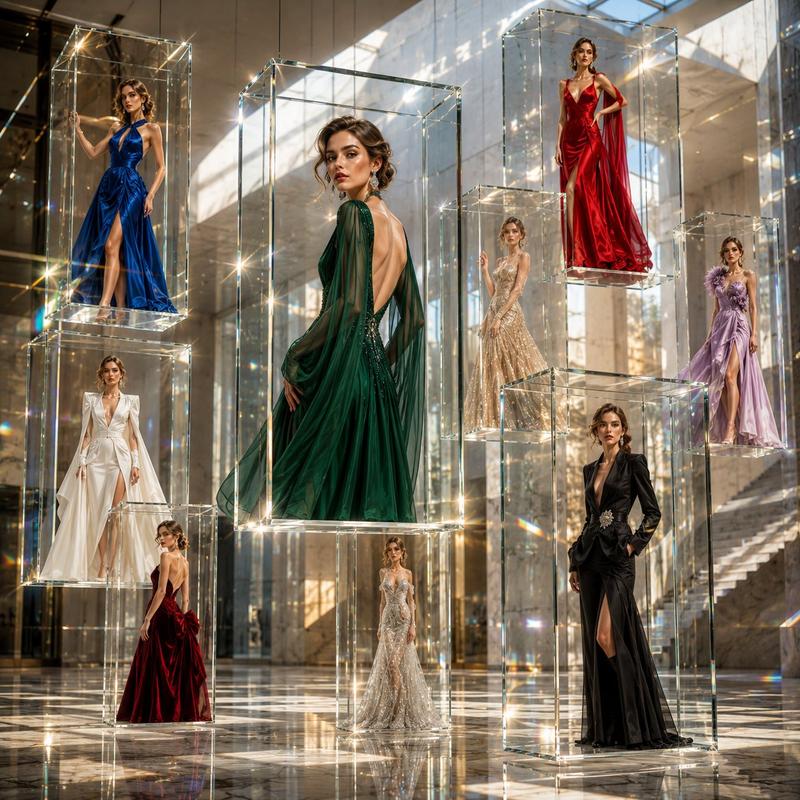
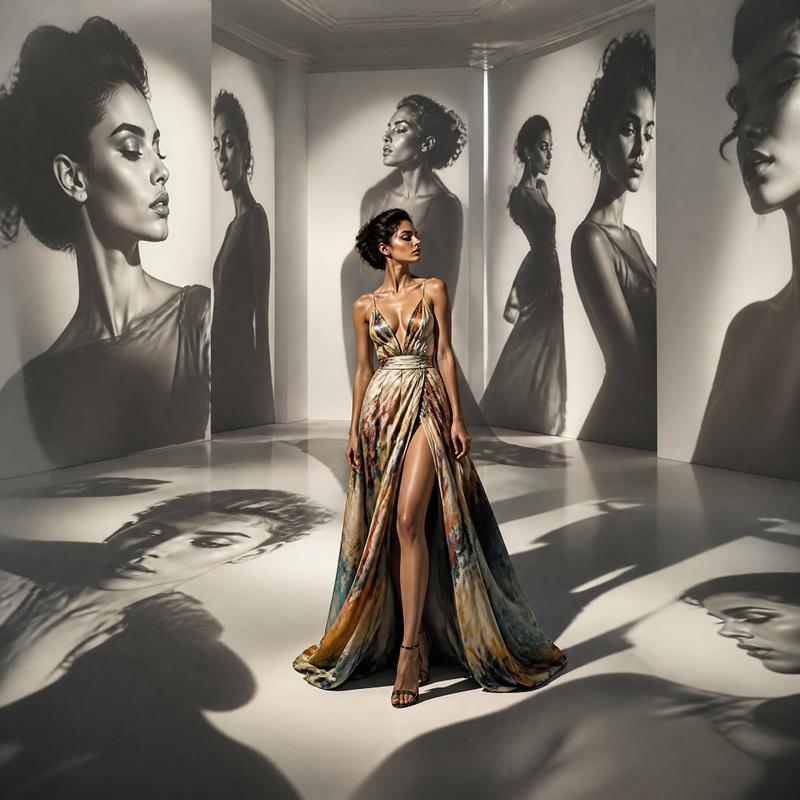
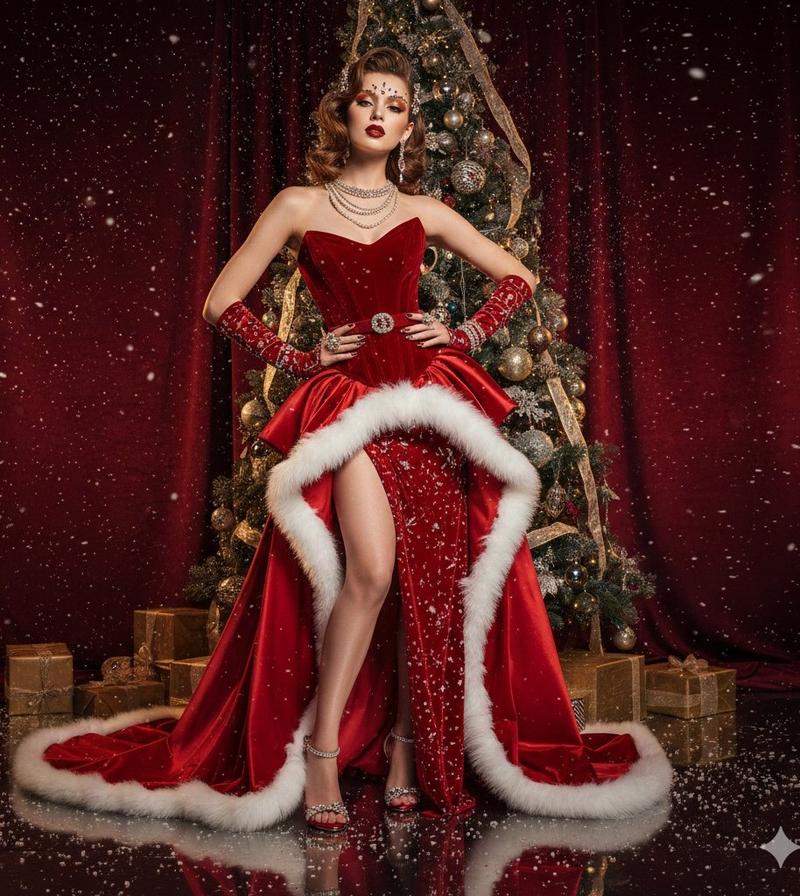
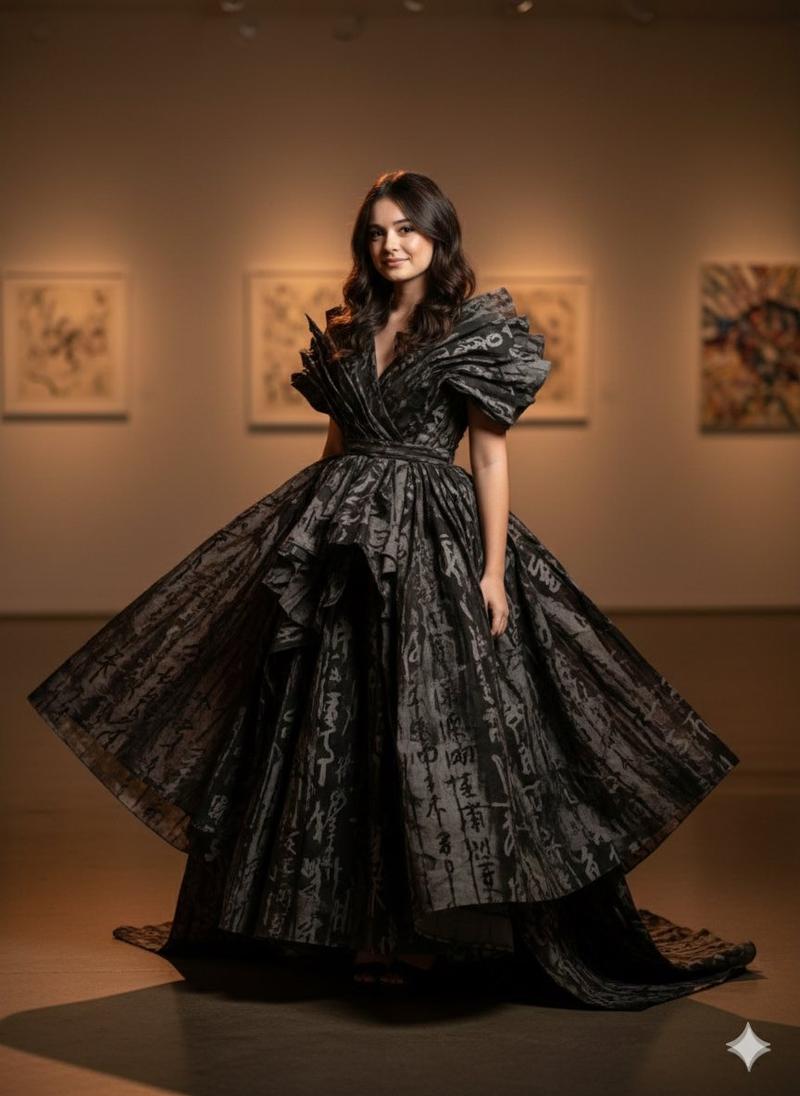
Luxury Art Figure Museum Display
Enlarge

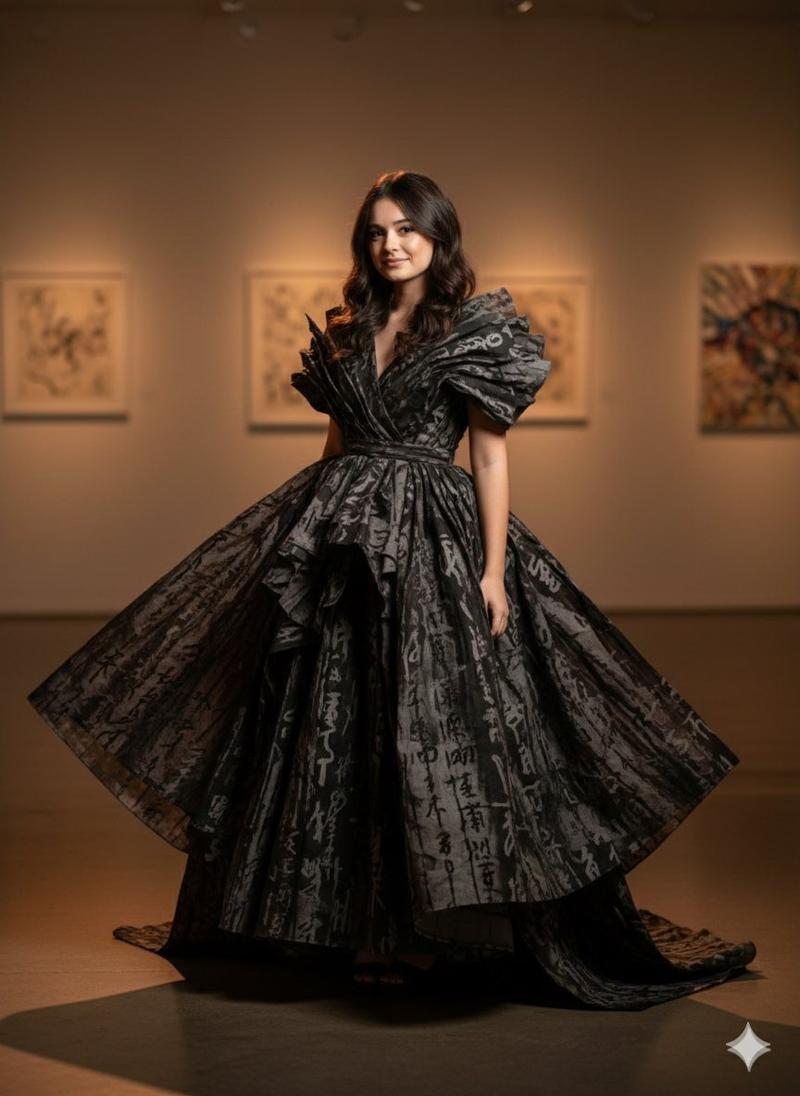
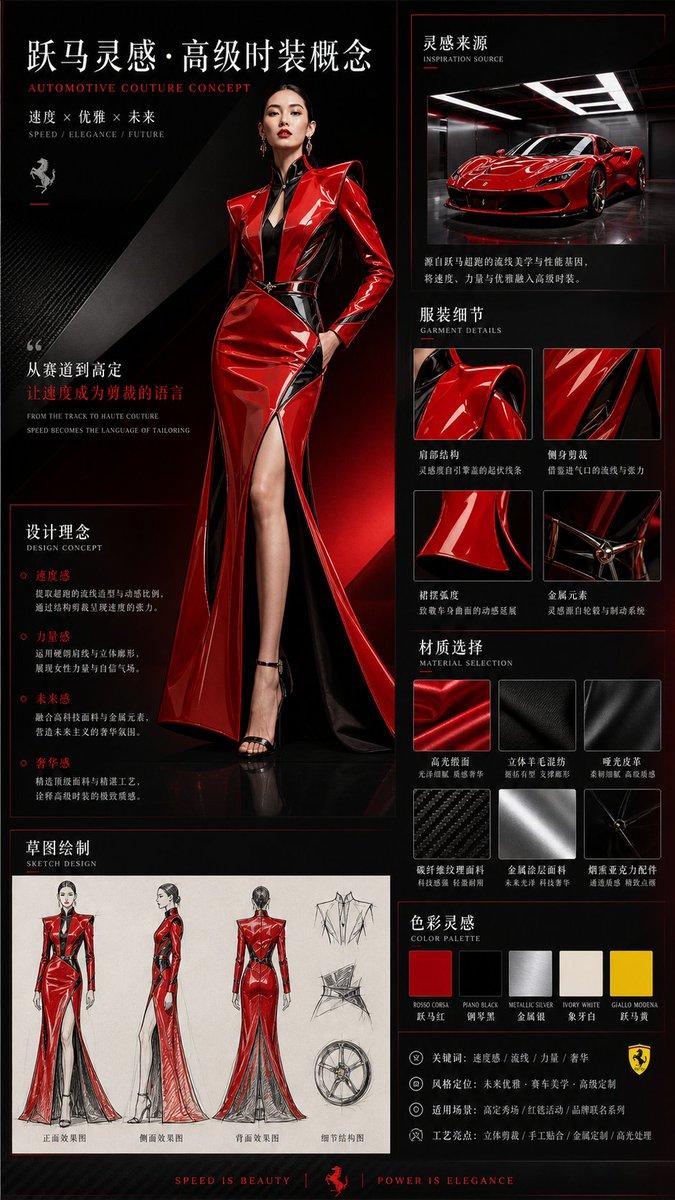
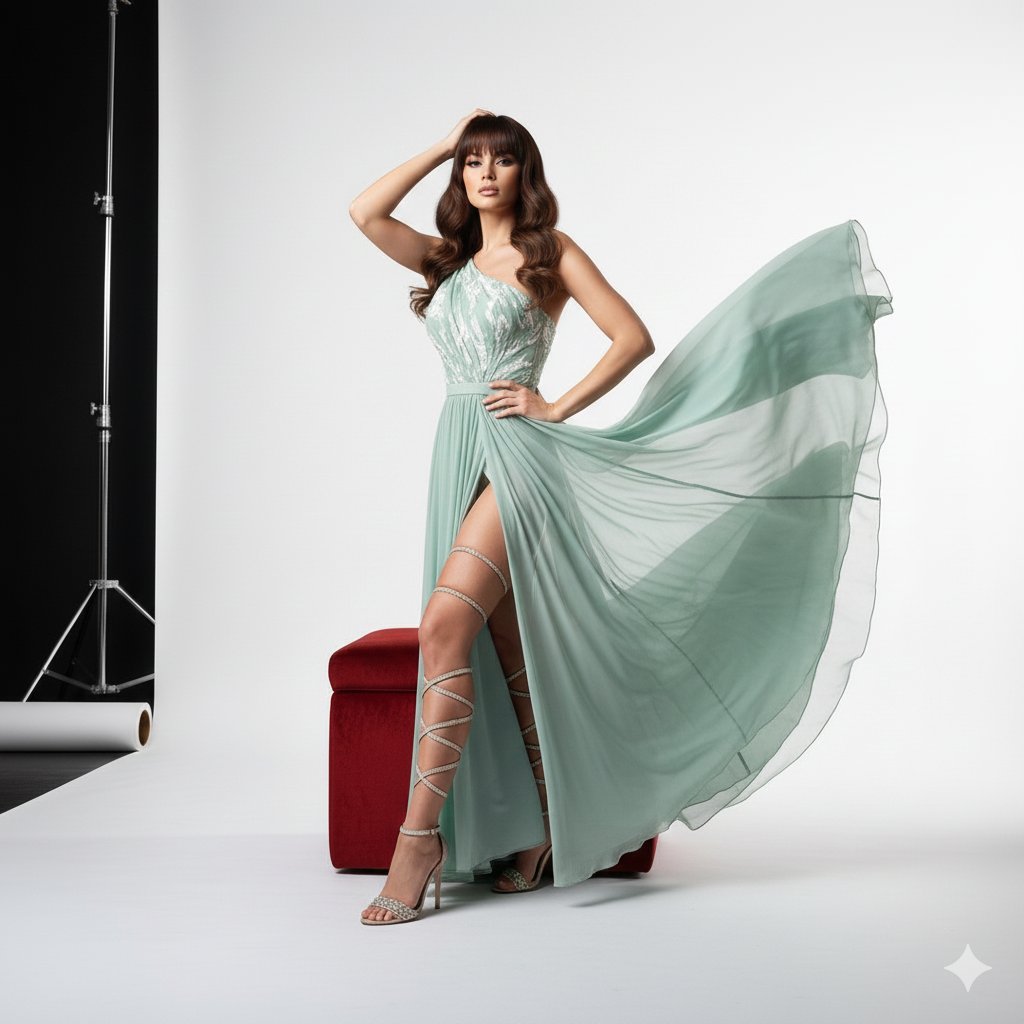
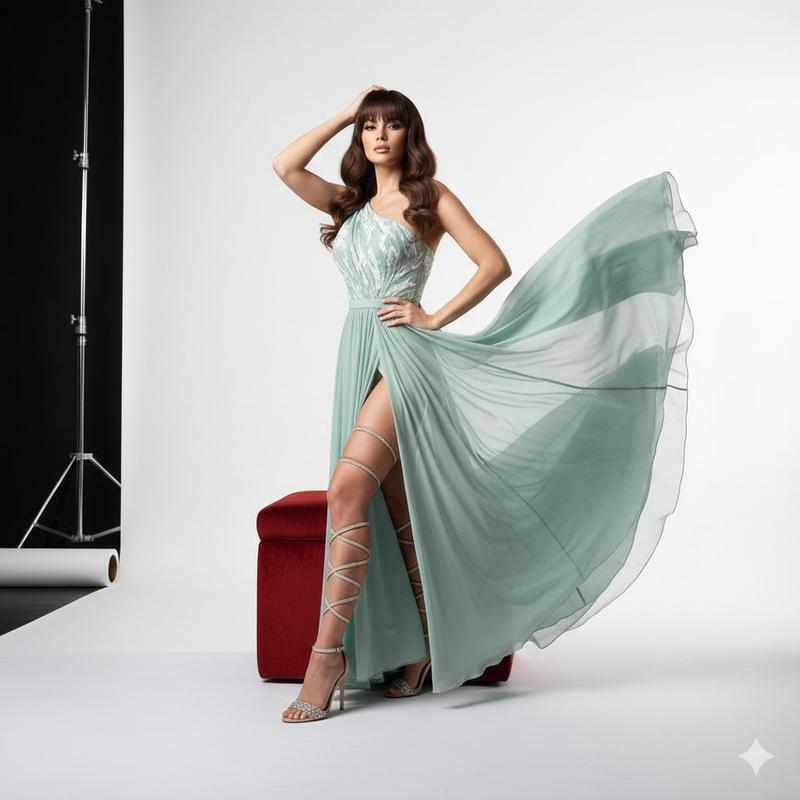
Example images

Luxury Art Figure Museum Display

Prompt
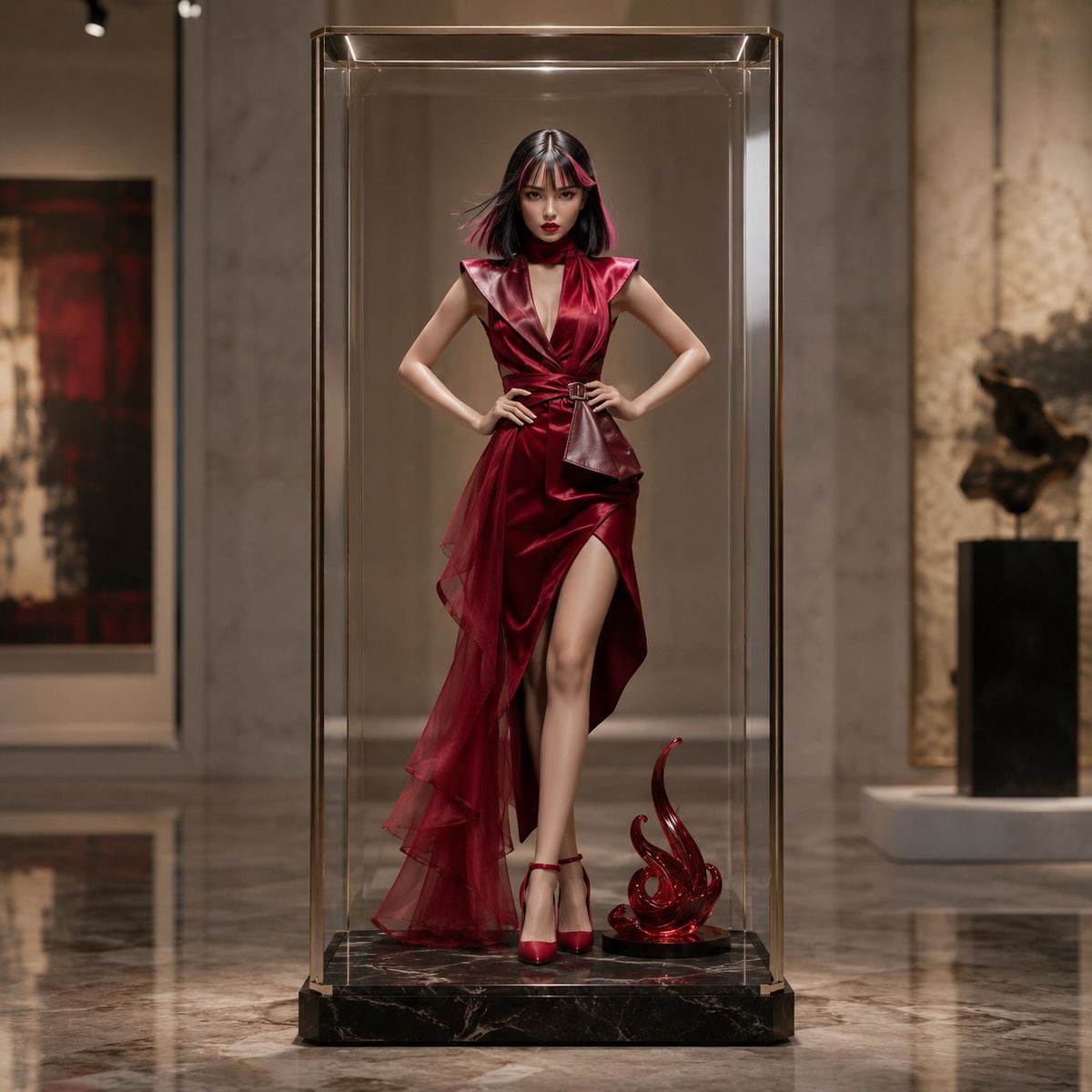
参照画像の全身人物をベースに、正方形の高品質3D商品ビジュアルを作成。参照人物の顔立ち、雰囲気、体型、立ち姿、全身シルエットを残し、別人になりすぎないように、大人向け高級4Dアートフィギュアへ再構成。{argument name="モデルの年齢" default="24歳"}の成人モデル体型、6.5〜7頭身、上品でミステリアスな表情。髪は参照画像の流れを活かした{argument name="髪色" default="黒髪+ピンクメッシュ"}。髪と衣装に、一瞬の動きを閉じ込めた奥行き、動勢、時間性を持たせる。マットレジン、半ツヤソフビ、透明樹脂、セラミック質感の高級コレクタブル。参照服は再現せず、{argument name="ドレスの色" default="深紅〜ワインレッド"}の高級モードドレスに置換。構築的ショルダー、彫刻的ドレープ、アシンメトリーシルエット、立体的スカート、サテン・ベルベット・オーガンジー・レザー調素材。上品でラグジュアリー、過度な露出なし。透明な縦長の角筒型アクリルカプセルケース内に中央配置。球体ではなくスリムな長方形型。厚い透明アクリル、自然な反射、エッジハイライト、丸みある角、極細シャンパンゴールドフレーム。足元に黒大理石の展示台座、必要なら抽象彫刻オブジェを1つ。背景は高級美術館。高天井、淡い大理石壁、磨かれた石床、静かな展示照明、ぼかした抽象アート。スポットライトと拡散光で、赤いドレス、黒髪、ピンクメッシュ、透明ケースに美しい反射とハイライト。
Category
Products & E-commerce
Model
GPT Image 2
Views5.8K
Source ID
24631
Published
Jun 7, 2026

Guide

About "Luxury Art Figure Museum Display"

What is this prompt for?

"Luxury Art Figure Museum Display" AI image prompt for GPT Image 2 (Products & E-commerce). A prompt for generating a high-end 3D art figure in a museum settin…

The full copyable prompt and example visuals above are ready for AI image generation or one-click recreate in Picva.

How to use this prompt

  1. Step 1

    Open the prompt detail

    Review the example visuals, category, and full prompt text for "Luxury Art Figure Museum Display".

  2. Step 2

    Copy the prompt

    Copy the prompt body from this page, or load it directly in Studio.

  3. Step 3

    Pick a model (GPT Image 2)

    Prefer GPT Image 2. If you switch models, keep subject and composition and tweak style terms.

  4. Step 4

    Generate and export

    Recreate the look in Picva, or export into your workflow for editing and publishing.

FAQ

What is the "Luxury Art Figure Museum Display" prompt?
It is an AI image-generation prompt for GPT Image 2 in the Products & E-commerce category. This page includes the full prompt text, example visuals, and a one-click recreate path in Picva.
How do I use this prompt to generate an image?
Copy the prompt from this page, or use Generate / Studio. Paste it into a compatible image model, or recreate the look in Picva with optional reference images.
Which model is this prompt for?
This page lists GPT Image 2. Most descriptive prompts also transfer to nearby image models such as GPT Image, Flux, or Midjourney with light style tweaks.
Can I use the result commercially?
You can usually copy the prompt for creation, but commercial use of the final image depends on the model terms, reference-image rights, and the generated content. Follow the source author and platform rules.