18

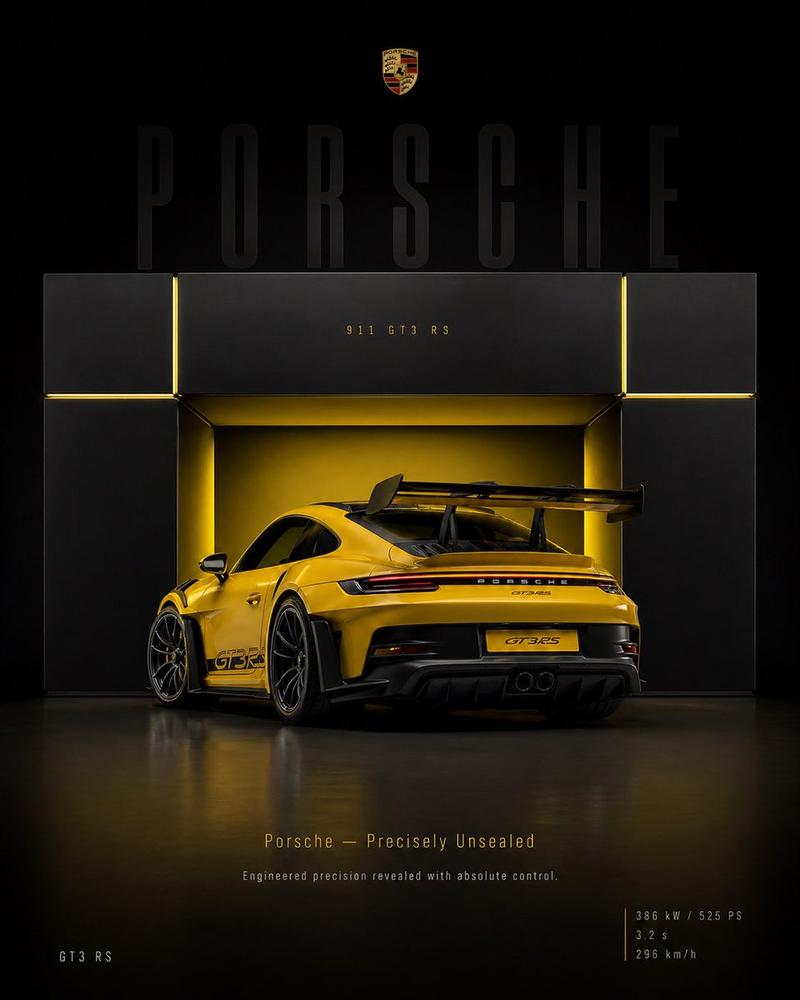
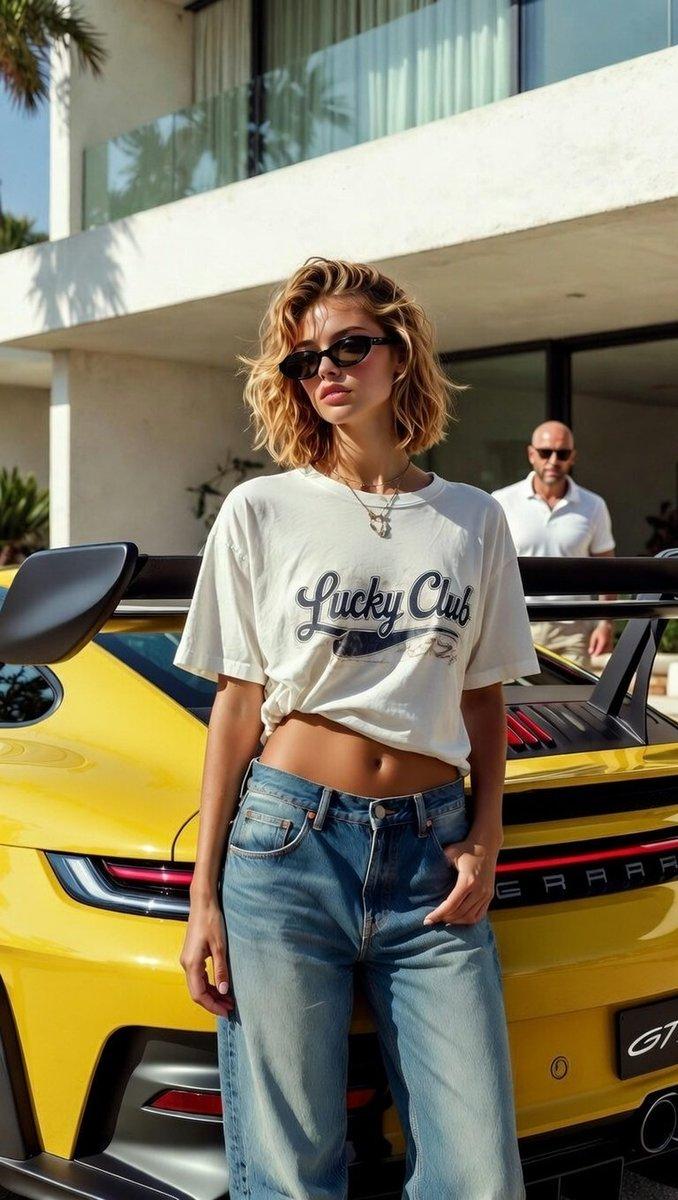
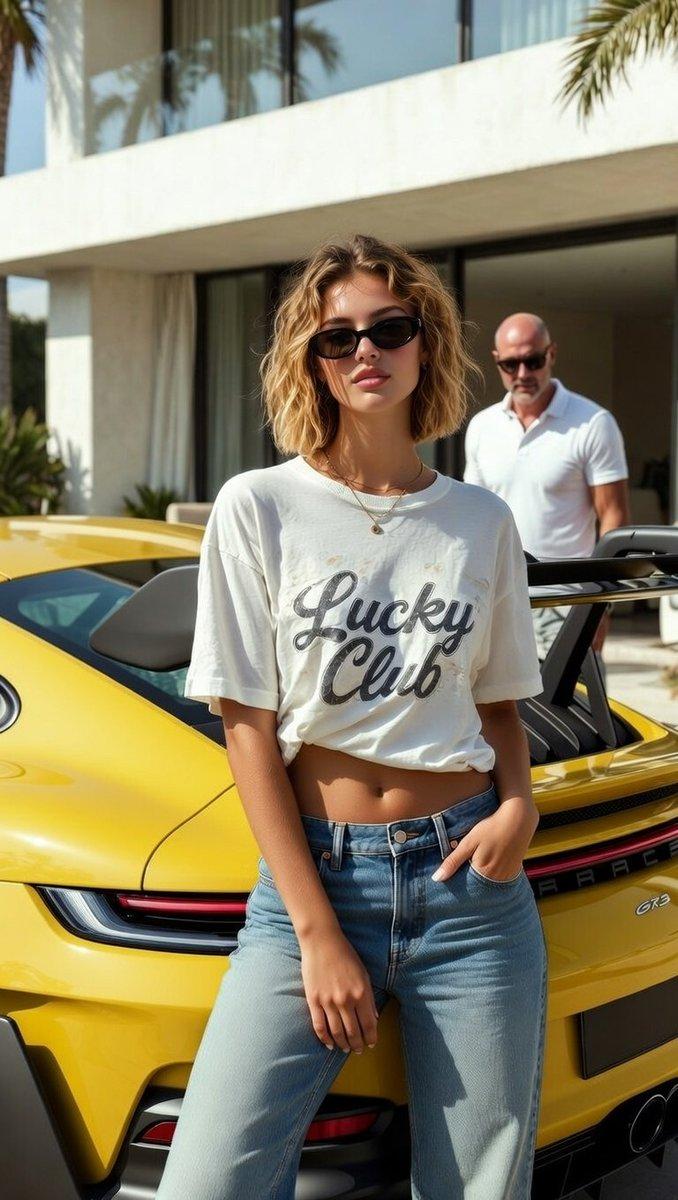
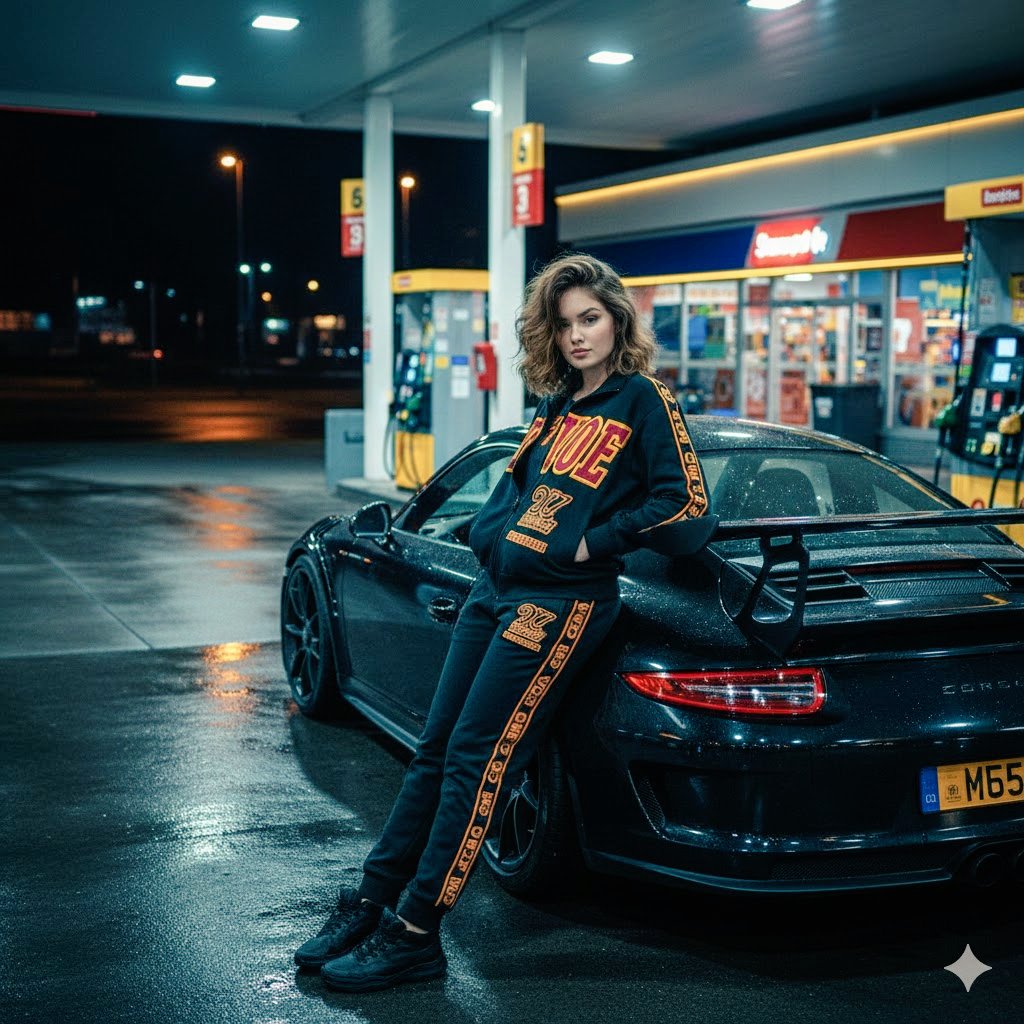
保时捷 911 GT3 RS 赛车海报
Enlarge

保时捷 911 GT3 RS 赛车海报

Prompt
Create a premium motorsport poster featuring a **{argument name="vehicle" default="Lizard Green Porsche 911 GT3 RS (991.2)"}** drifting through a racetrack corner. Rear three-quarter action shot with thick white tire smoke, red-and-white curbing, black center-lock wheels, yellow brake calipers, and a massive rear wing. Include a large faded close-up of the car’s rear in the background, emphasizing the GT3 RS badge and wing.

Add bold oversized {argument name="color" default="lime-green"} **“PORSCHE”** typography in the center with white brush-script **“GT3RS”** layered on top. Dramatic cloudy sky with soft sunlight, cinematic lighting, motion blur, gritty asphalt textures, and high-contrast color grading.

Luxury automotive poster design, racing magazine aesthetic, hyper-realistic photography, dynamic composition, premium editorial layout, lime green and monochrome gray palette, ultra-detailed, photorealistic, 8K.
Category
Posters & Typography
Model
GPT Image 2
Creator
NoorAI
Views0
Source ID
24881
Published
Jun 9, 2026

Guide

About "保时捷 911 GT3 RS 赛车海报"

What is this prompt for?

"保时捷 911 GT3 RS 赛车海报" AI image prompt for GPT Image 2 (Posters & Typography). 一款动感的汽车海报提示词,展示了在赛道上疾驰的蜥蜴绿保时捷 911 GT3 RS,采用醒目的排版和电影级灯光效果。 Copy it on Picva and re…

The full copyable prompt and example visuals above are ready for AI image generation or one-click recreate in Picva.

How to use this prompt

  1. Step 1

    Open the prompt detail

    Review the example visuals, category, and full prompt text for "保时捷 911 GT3 RS 赛车海报".

  2. Step 2

    Copy the prompt

    Copy the prompt body from this page, or load it directly in Studio.

  3. Step 3

    Pick a model (GPT Image 2)

    Prefer GPT Image 2. If you switch models, keep subject and composition and tweak style terms.

  4. Step 4

    Generate and export

    Recreate the look in Picva, or export into your workflow for editing and publishing.

FAQ

What is the "保时捷 911 GT3 RS 赛车海报" prompt?
It is an AI image-generation prompt for GPT Image 2 in the Posters & Typography category. This page includes the full prompt text, example visuals, and a one-click recreate path in Picva.
How do I use this prompt to generate an image?
Copy the prompt from this page, or use Generate / Studio. Paste it into a compatible image model, or recreate the look in Picva with optional reference images.
Which model is this prompt for?
This page lists GPT Image 2. Most descriptive prompts also transfer to nearby image models such as GPT Image, Flux, or Midjourney with light style tweaks.
Can I use the result commercially?
You can usually copy the prompt for creation, but commercial use of the final image depends on the model terms, reference-image rights, and the generated content. Follow the source author and platform rules.