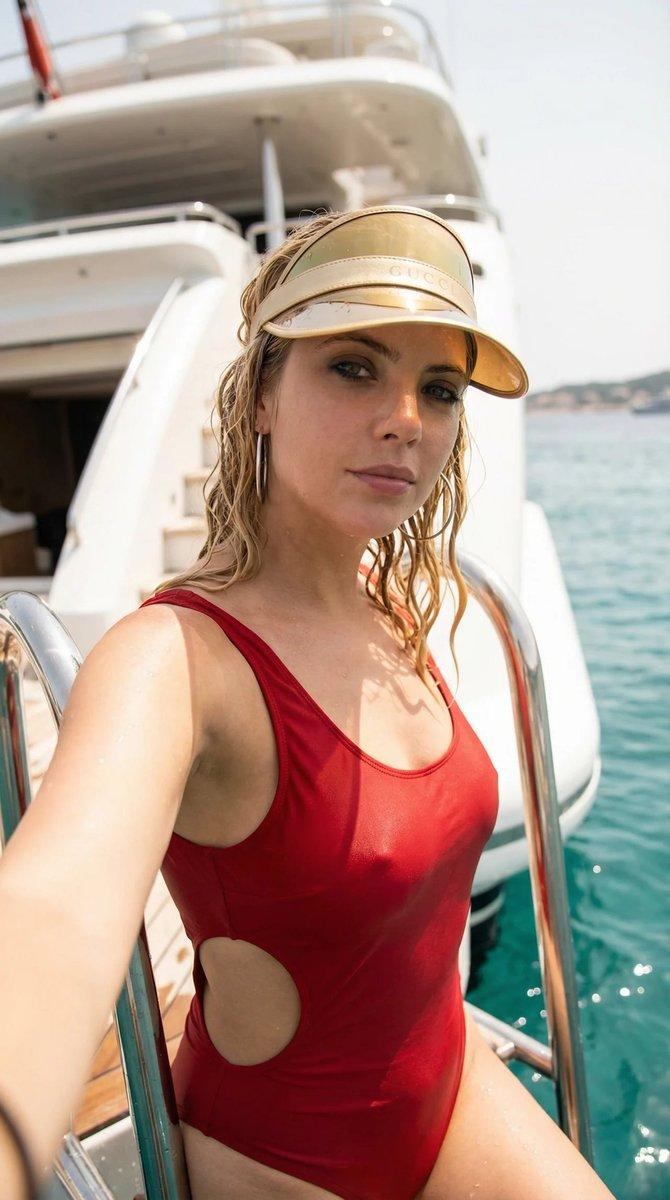
18

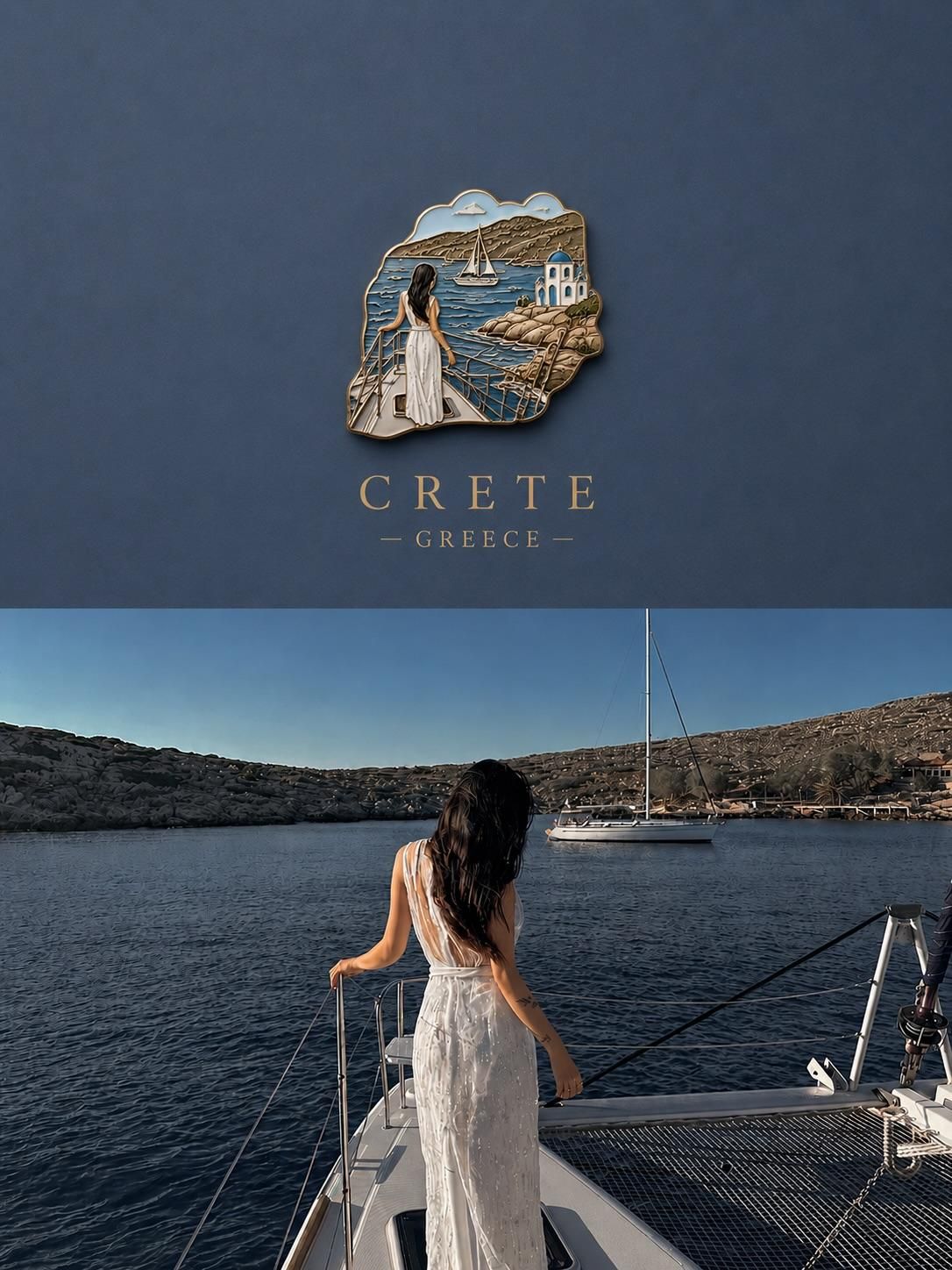
3D 纪念徽章旅行海报
Enlarge

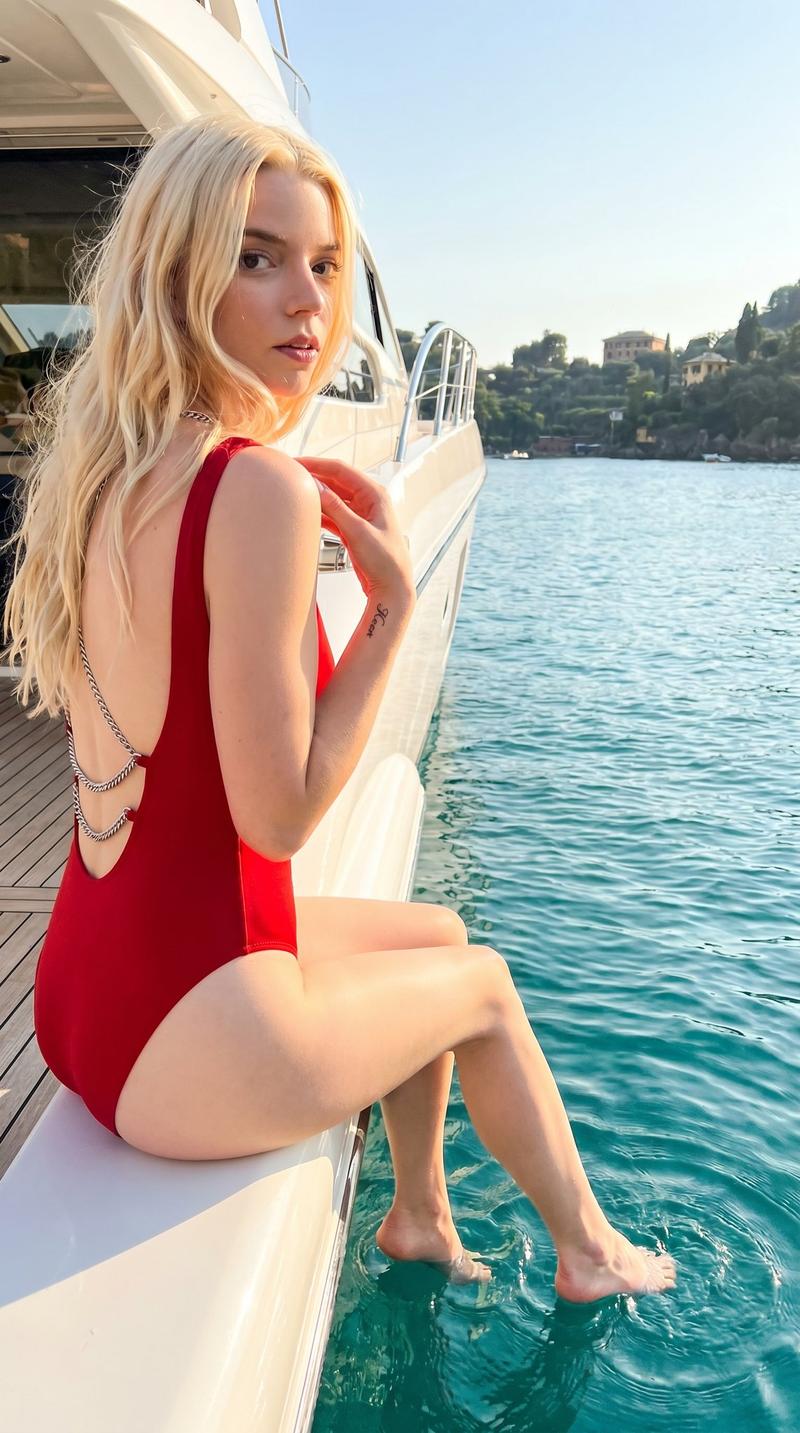
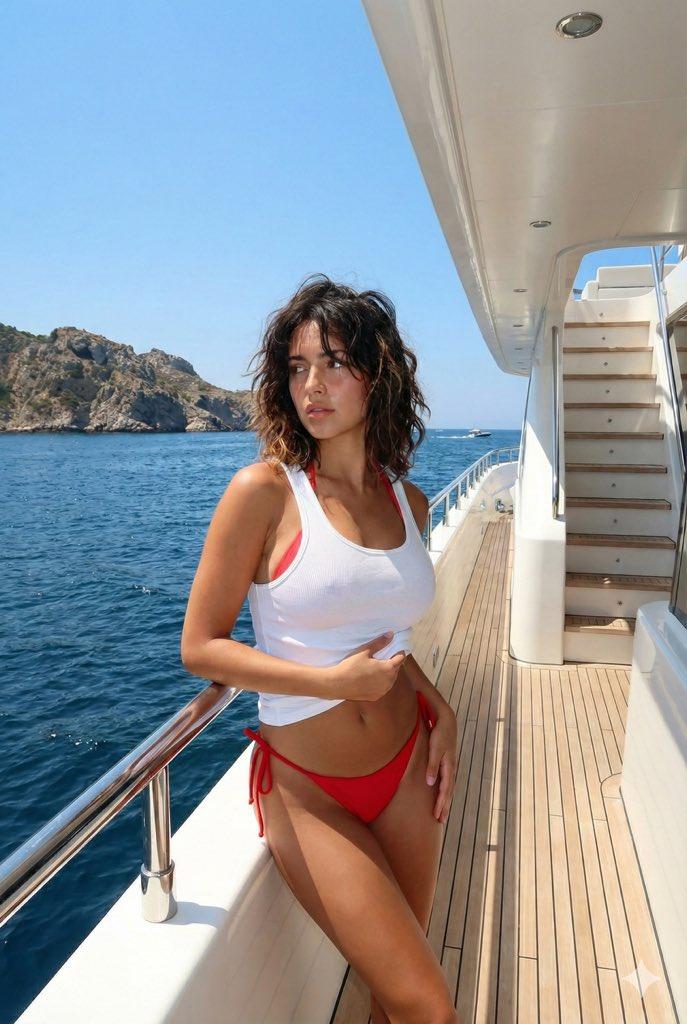
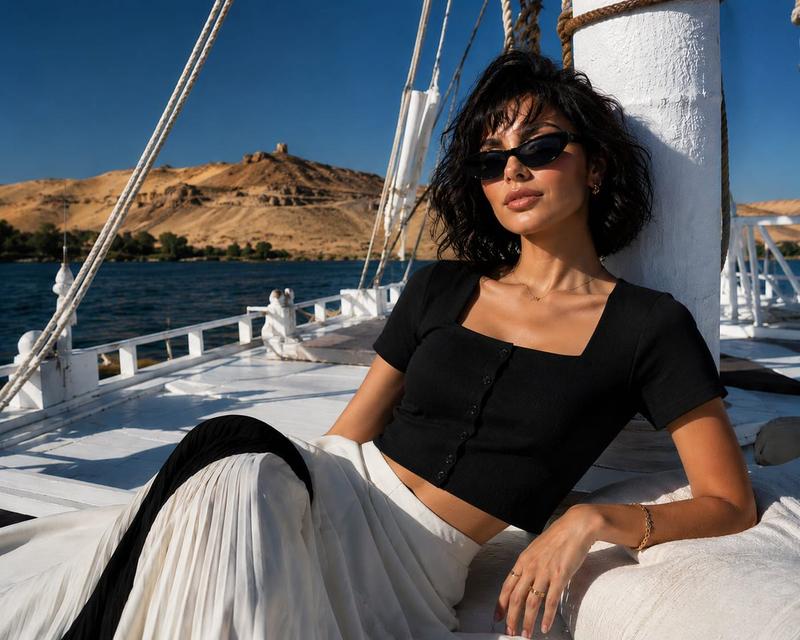
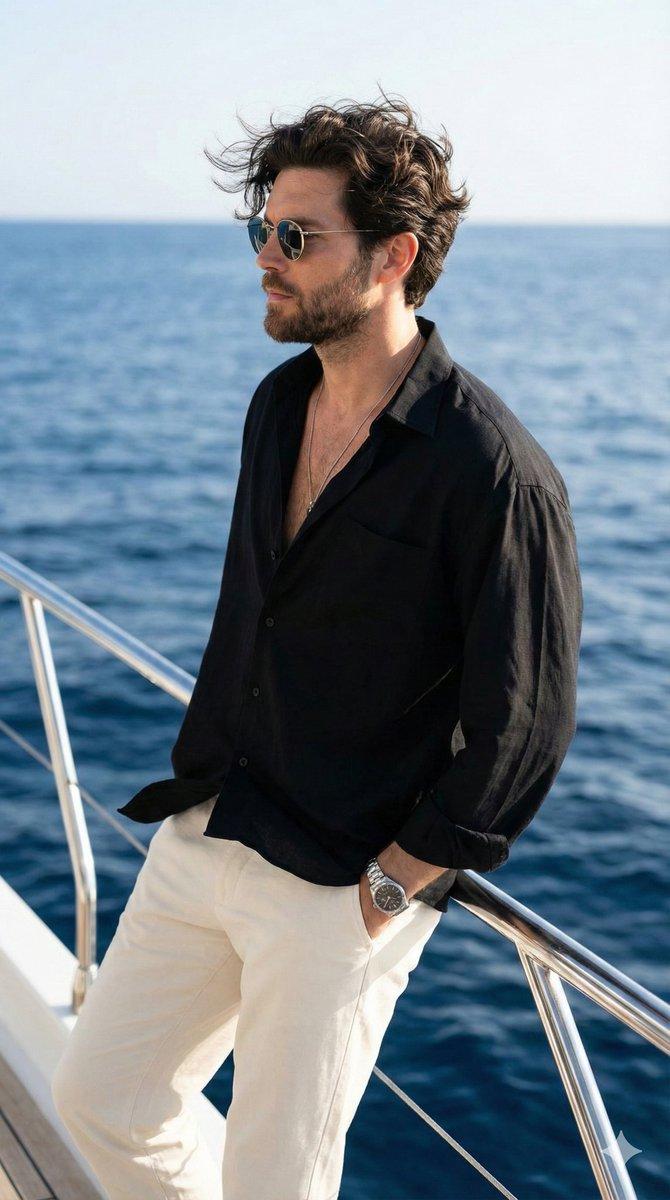
Example images

3D 纪念徽章旅行海报

Prompt
Create a premium travel poster featuring a {argument name="aesthetic" default="miniature 3D souvenir badge floating on a clean matte background"}. The badge contains a highly detailed miniature diorama recreating the {argument name="scene" default="exact travel photo scene: a traveler enjoying a panoramic cityscape/landmark view"}, realistic architecture, atmospheric lighting, and cinematic depth. The badge has sculpted edges, handcrafted resin enamel texture, intricate miniature details, soft shadows, and luxury collectible magnet aesthetics. Below the badge, elegant serif typography displays the {argument name="destination" default="destination name"} in large capital letters with the country name beneath it. Under the badge, show the original travel photograph seamlessly integrated as a reference scene. Minimalist design, muted color palette matching the destination mood, premium tourism branding, ultra-realistic 3D render, shallow depth of field, soft ambient lighting, sophisticated editorial layout, luxury postcard aesthetic, photorealistic materials, high-end travel campaign, 8K quality, centered composition, clean negative space, museum-quality artwork.
Category
Posters & Typography
Model
GPT Image 2
Creator
Taaruk
Views0
Source ID
24891
Published
Jun 9, 2026

Guide

About "3D 纪念徽章旅行海报"

What is this prompt for?

"3D 纪念徽章旅行海报" AI image prompt for GPT Image 2 (Posters & Typography). 一个用于 gpt-image-2 的创意提示词,旨在生成一张高级旅行海报,展示带有精细景观立体模型的 3D 微型纪念徽章。 Copy it on Picva and recrea…

The full copyable prompt and example visuals above are ready for AI image generation or one-click recreate in Picva.

How to use this prompt

  1. Step 1

    Open the prompt detail

    Review the example visuals, category, and full prompt text for "3D 纪念徽章旅行海报".

  2. Step 2

    Copy the prompt

    Copy the prompt body from this page, or load it directly in Studio.

  3. Step 3

    Pick a model (GPT Image 2)

    Prefer GPT Image 2. If you switch models, keep subject and composition and tweak style terms.

  4. Step 4

    Generate and export

    Recreate the look in Picva, or export into your workflow for editing and publishing.

FAQ

What is the "3D 纪念徽章旅行海报" prompt?
It is an AI image-generation prompt for GPT Image 2 in the Posters & Typography category. This page includes the full prompt text, example visuals, and a one-click recreate path in Picva.
How do I use this prompt to generate an image?
Copy the prompt from this page, or use Generate / Studio. Paste it into a compatible image model, or recreate the look in Picva with optional reference images.
Which model is this prompt for?
This page lists GPT Image 2. Most descriptive prompts also transfer to nearby image models such as GPT Image, Flux, or Midjourney with light style tweaks.
Can I use the result commercially?
You can usually copy the prompt for creation, but commercial use of the final image depends on the model terms, reference-image rights, and the generated content. Follow the source author and platform rules.