18

动漫少女吃拉面剪辑
Enlarge

动漫少女吃拉面剪辑

Prompt
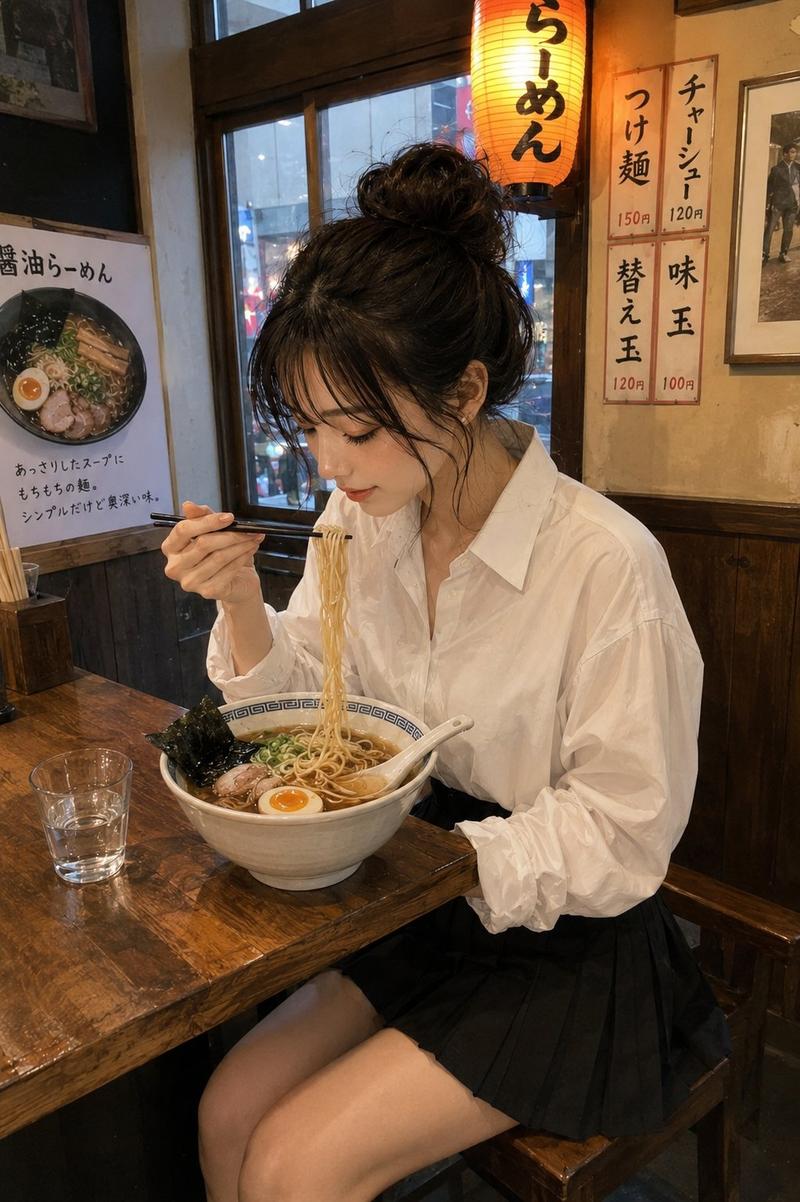
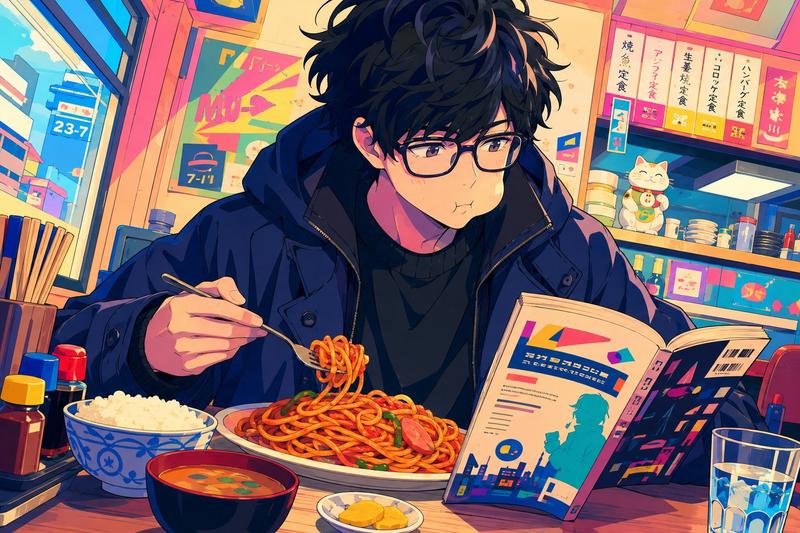
Using the provided reference image as the character base, keep the same anime girl, pink bob hair, oversized pale pink hoodie, and the square face-censor block unchanged, but transform the scene into a close-up ramen shop meal. Change her pose so she is seated at a counter, holding black chopsticks in one hand and lifting noodles from a large ramen bowl toward her mouth. Add exactly 1 black ramen bowl in the foreground with gold Japanese text {argument name="bowl text" default="横浜家系"}. The ramen should contain exactly 4 visible topping types: a large slice of chashu pork, sheets of nori seaweed, chopped green spinach/scallions, and noodles in broth. Add exactly 1 glass of iced tea/cola on the counter, exactly 1 condiment jar on the left, and a small chopstick/condiment holder on the right. Replace the plain white background with a warm Japanese ramen restaurant interior: wooden trim, counter seating, menu boards, and vertical wall signs including {argument name="right wall sign" default="家系最高"} and {argument name="left wall sign" default="ライス無料"}. Include a poster/menu on the left showing ramen and the price {argument name="ramen poster price" default="1100円"}. Keep the soft, polished anime illustration style, warm sunlight, detailed hair highlights, and shallow depth of field; do not change the character’s core design or remove the face censor.
Category
Posters & Typography
Model
GPT Image 2
Views0
Source ID
24962
Published
Jun 9, 2026

Guide

About "动漫少女吃拉面剪辑"

What is this prompt for?

"动漫少女吃拉面剪辑" AI image prompt for GPT Image 2 (Posters & Typography). 将参考动漫角色置入温馨的拉面店场景中,在保留角色设计的同时,添加特定的餐厅道具和日式招牌。 Copy it on Picva and recreate the look in one…

The full copyable prompt and example visuals above are ready for AI image generation or one-click recreate in Picva.

How to use this prompt

  1. Step 1

    Open the prompt detail

    Review the example visuals, category, and full prompt text for "动漫少女吃拉面剪辑".

  2. Step 2

    Copy the prompt

    Copy the prompt body from this page, or load it directly in Studio.

  3. Step 3

    Pick a model (GPT Image 2)

    Prefer GPT Image 2. If you switch models, keep subject and composition and tweak style terms.

  4. Step 4

    Generate and export

    Recreate the look in Picva, or export into your workflow for editing and publishing.

FAQ

What is the "动漫少女吃拉面剪辑" prompt?
It is an AI image-generation prompt for GPT Image 2 in the Posters & Typography category. This page includes the full prompt text, example visuals, and a one-click recreate path in Picva.
How do I use this prompt to generate an image?
Copy the prompt from this page, or use Generate / Studio. Paste it into a compatible image model, or recreate the look in Picva with optional reference images.
Which model is this prompt for?
This page lists GPT Image 2. Most descriptive prompts also transfer to nearby image models such as GPT Image, Flux, or Midjourney with light style tweaks.
Can I use the result commercially?
You can usually copy the prompt for creation, but commercial use of the final image depends on the model terms, reference-image rights, and the generated content. Follow the source author and platform rules.