18

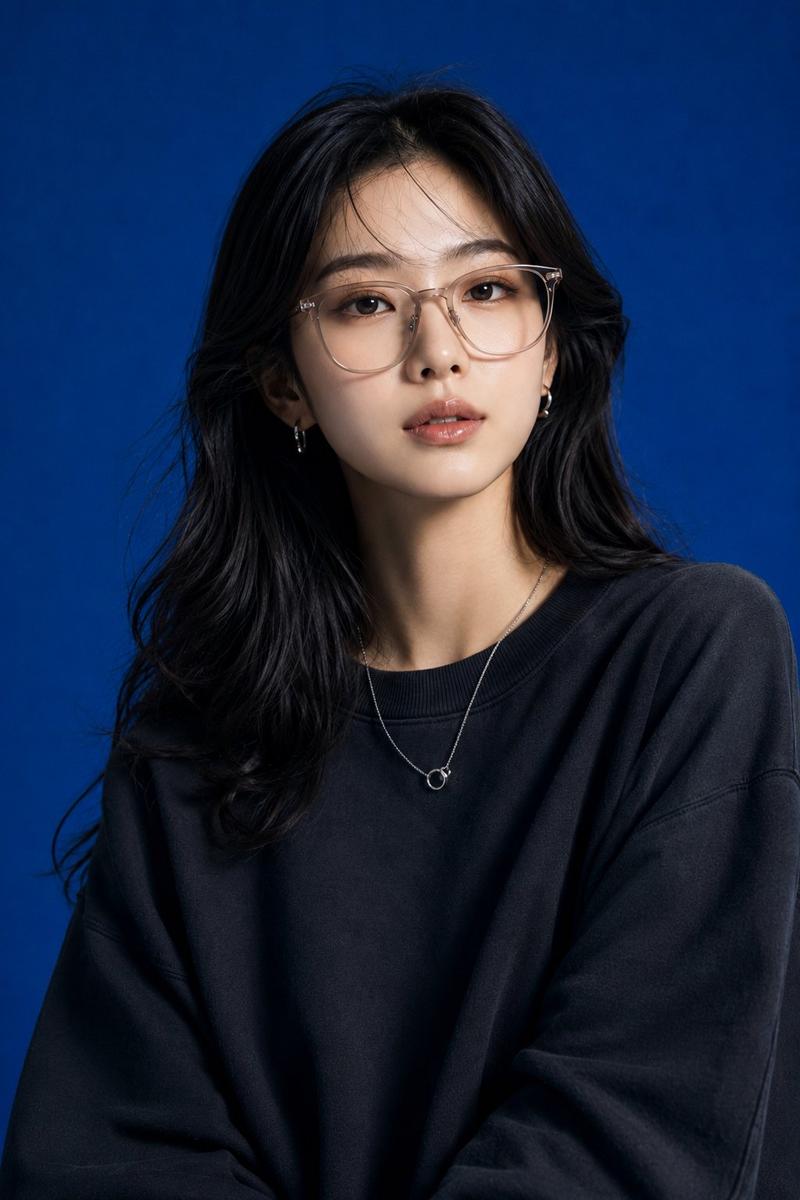
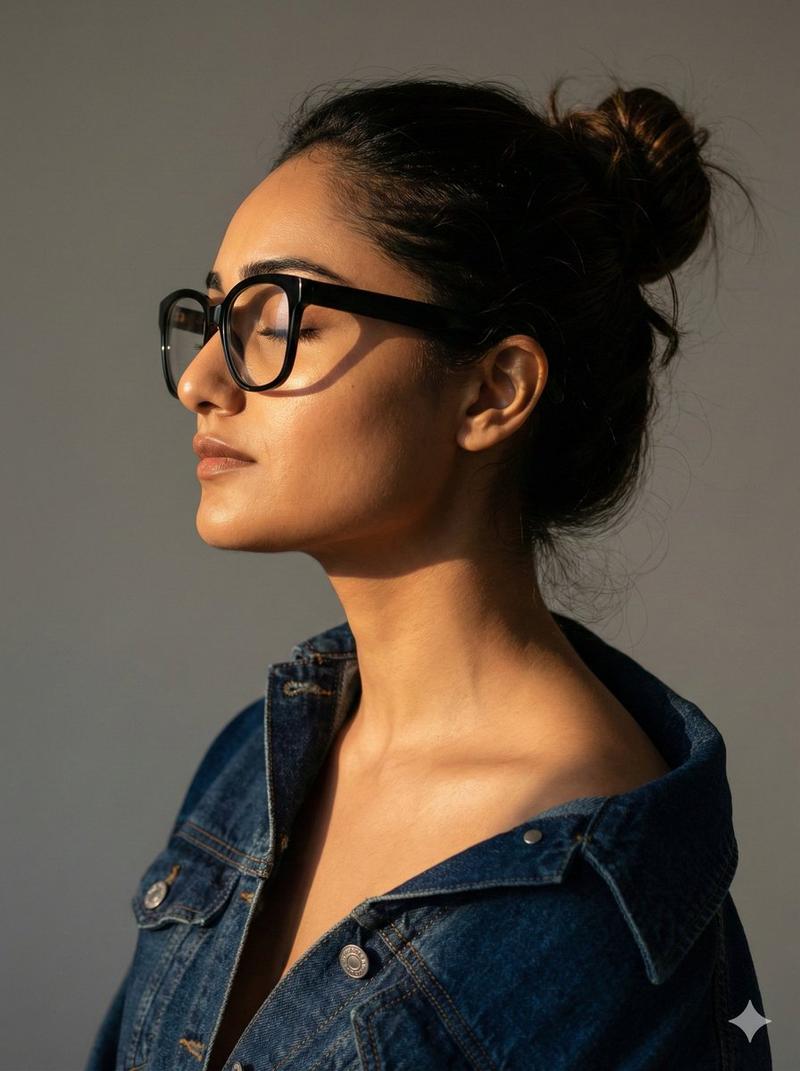
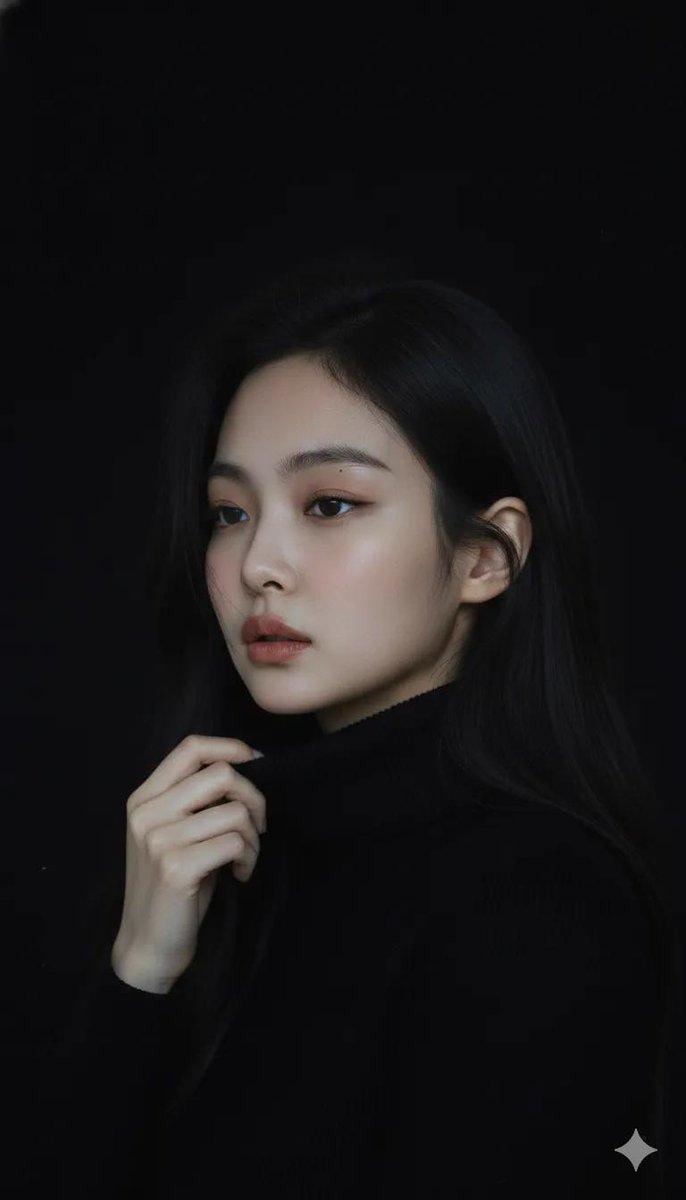
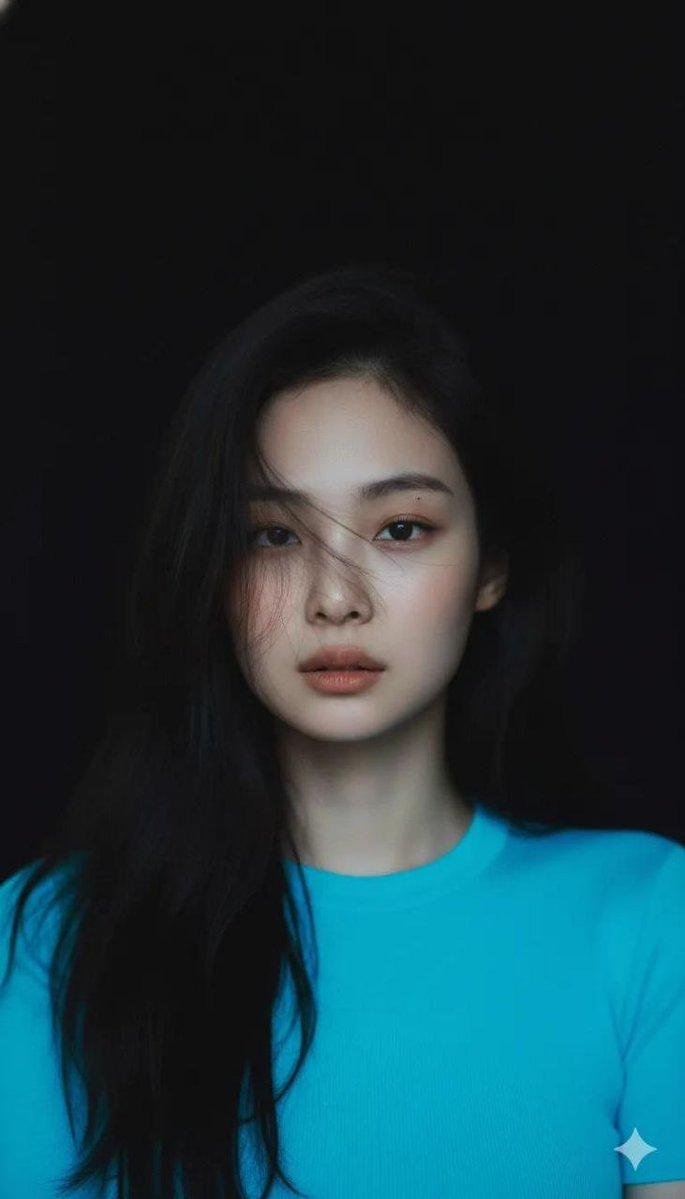
东亚高定时尚摄影棚人像
Enlarge

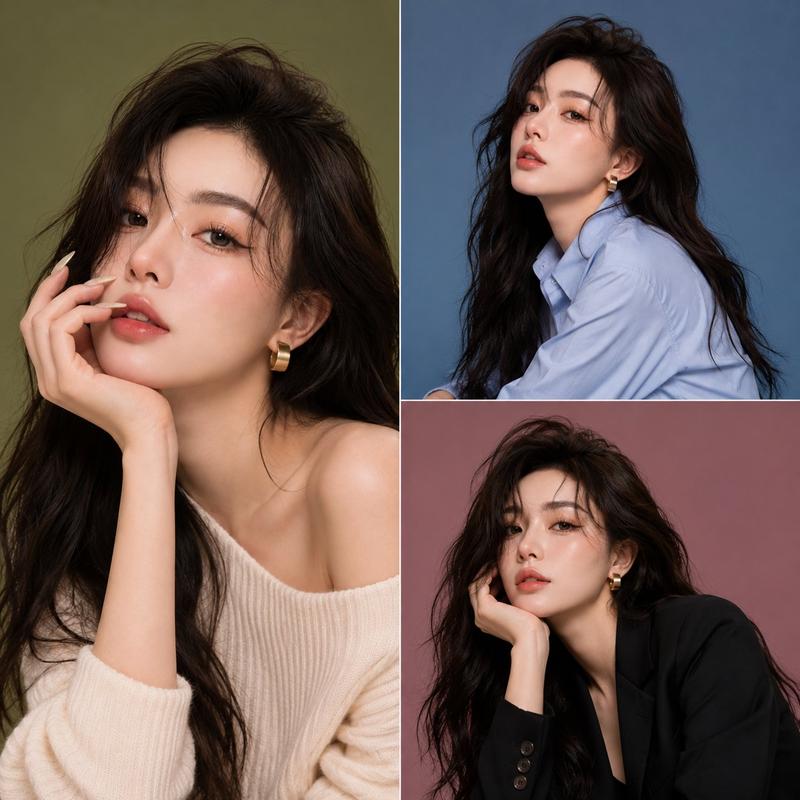
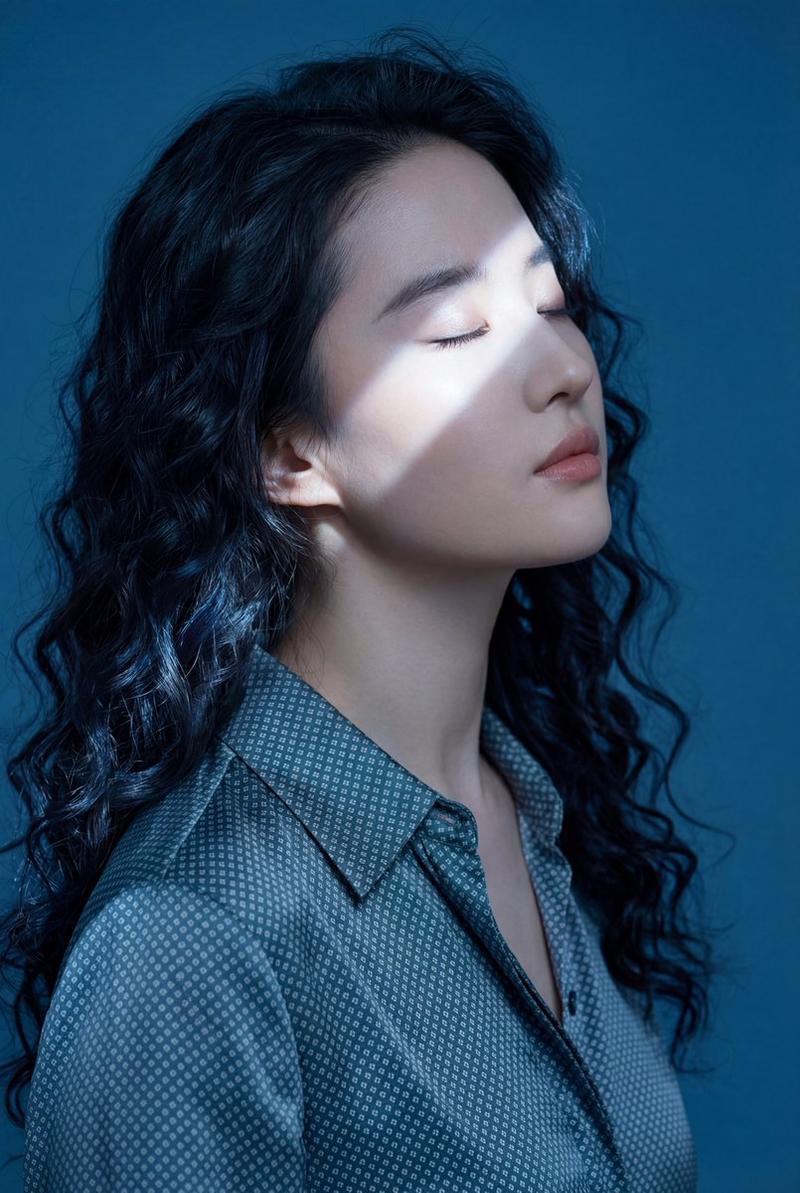
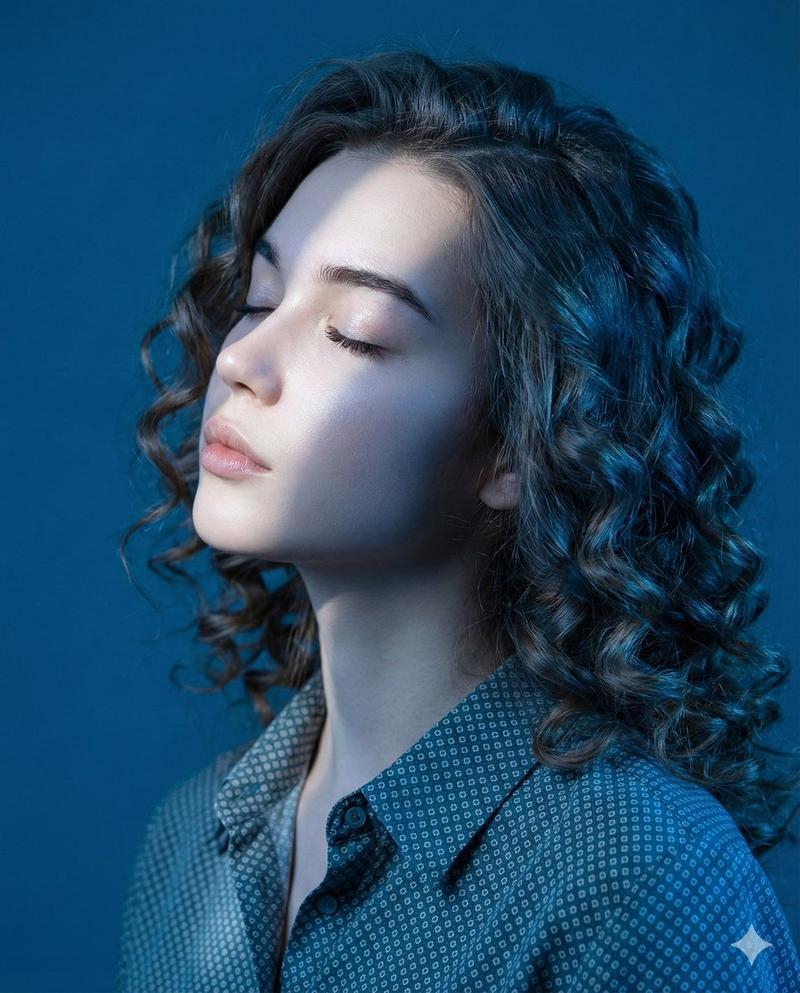
Example images

东亚高定时尚摄影棚人像

Prompt
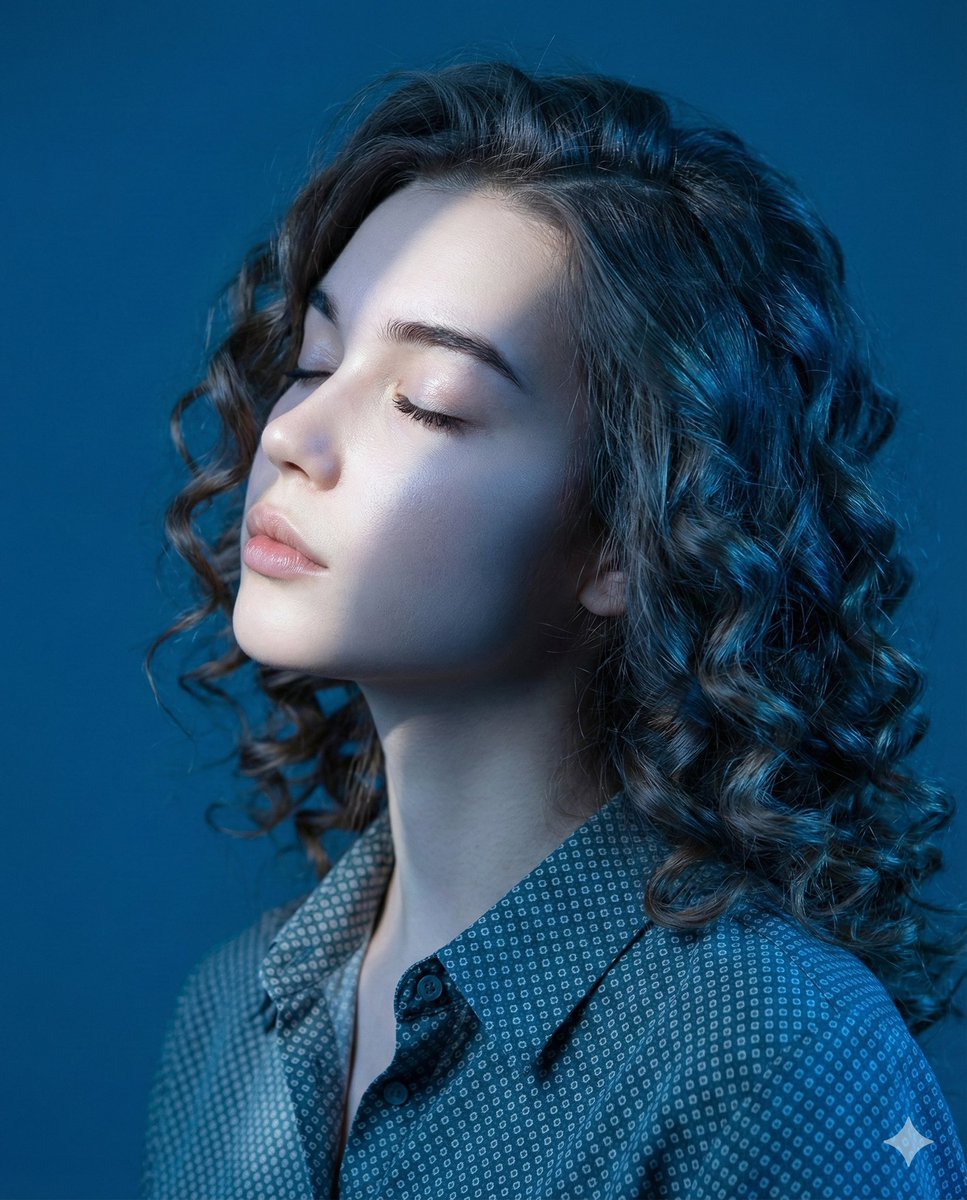
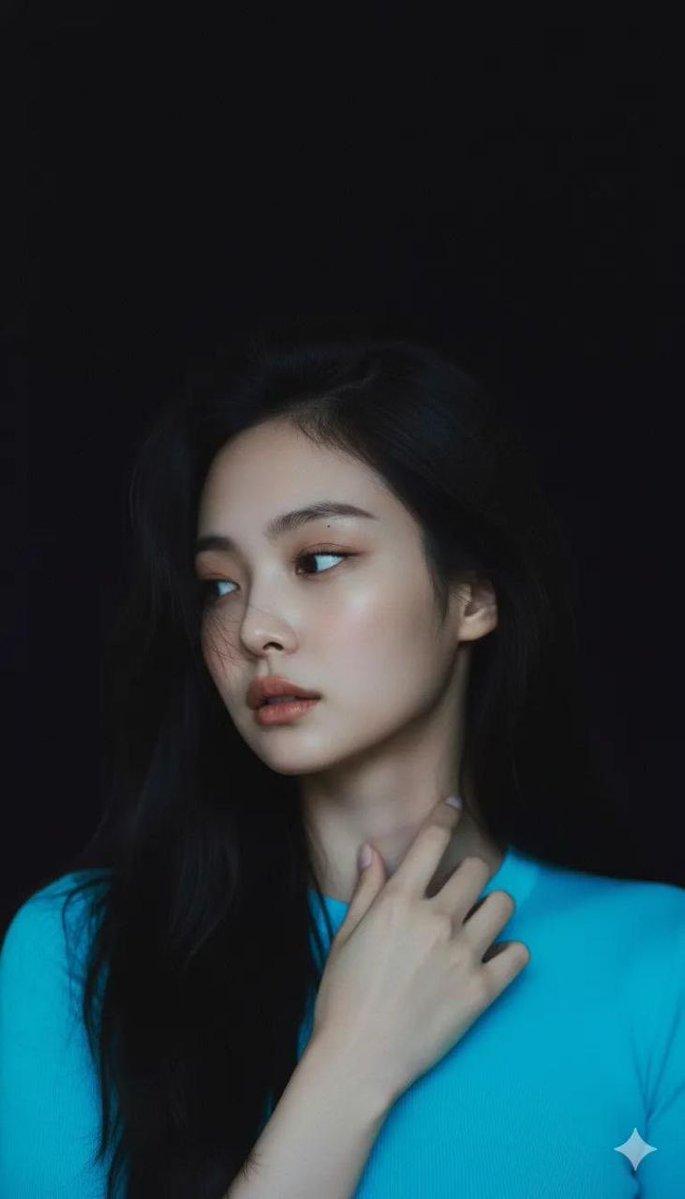
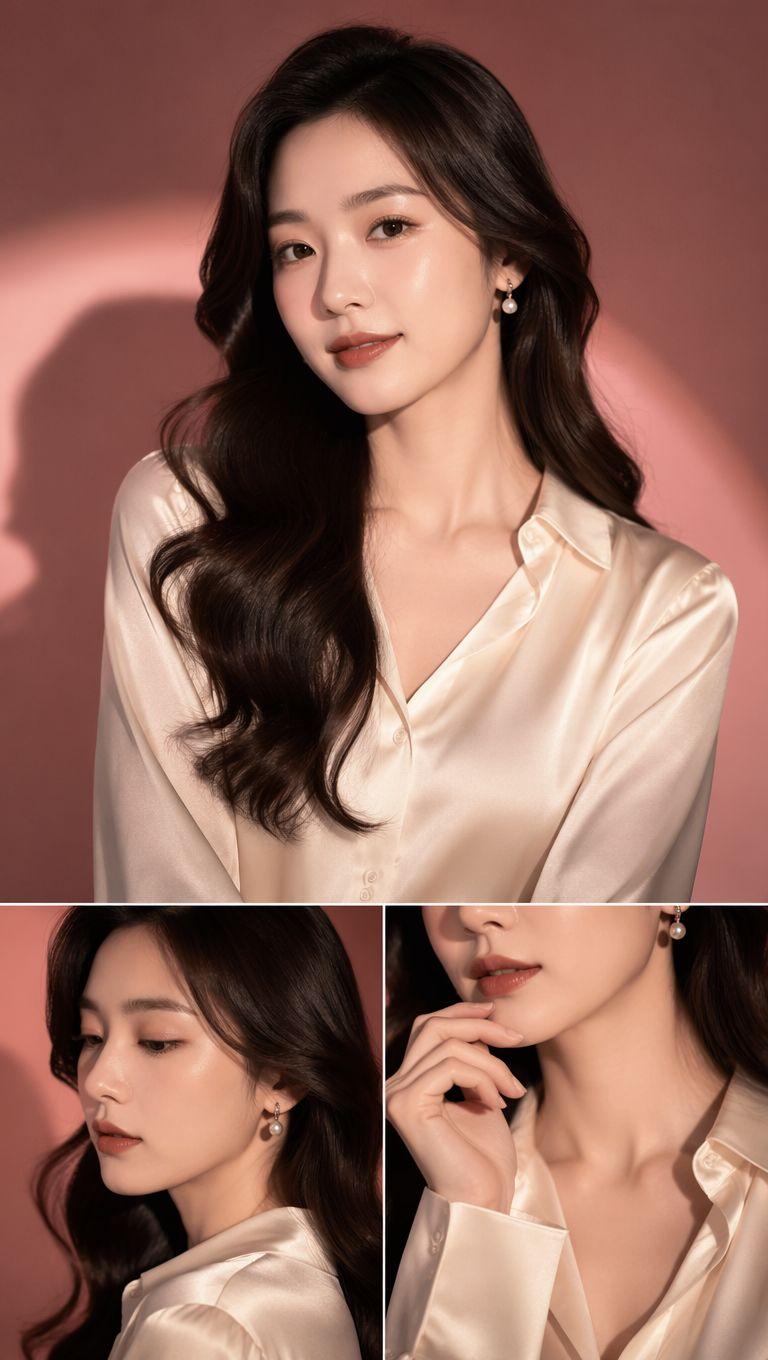
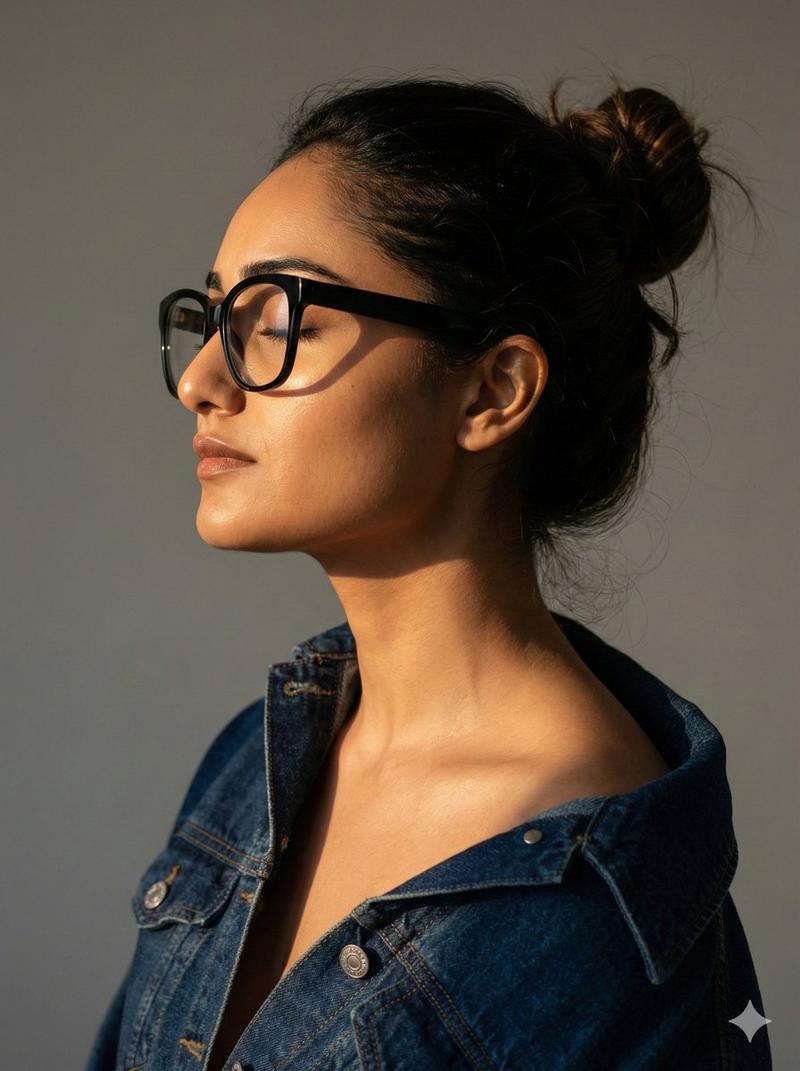
Ultra-realistic high-fashion studio portrait of a beautiful {argument name="subject" default="young East Asian woman"} with long wavy black hair, wearing transparent crystal-clear eyeglasses and an {argument name="clothing" default="elegant oversized crimson-red silk blouse"}. She poses gracefully with her head tilted upward and eyes gazing into the distance, creating a sophisticated, confident, editorial mood. Delicate silver jewelry including small hoop earrings, a minimalist heart pendant necklace, and subtle rings. Smooth flawless skin with natural luminous makeup, glossy lips, softly defined brows, and refined facial features.
{argument name="background color" default="Deep royal-blue"} seamless studio background with dramatic color contrast against the vibrant red clothing. Professional beauty photography, luxury eyewear campaign aesthetic, premium fashion magazine cover quality, soft directional studio lighting from the side, gentle shadows, high dynamic range, razor-sharp focus on the face, realistic skin texture, cinematic color grading, shallow depth of field, ultra-detailed, photorealistic, Vogue editorial style, luxury optical advertisement, 85mm lens, f/2.0, 8K resolution, clean composition, elegant posture, sophisticated modern fashion, premium commercial photography. Vertical portrait, 3:4 aspect ratio.
Category
Posters & Typography
Model
GPT Image 2
Creator
Jahan Zaib
Views0
Source ID
25214
Published
Jun 11, 2026

Guide

About "东亚高定时尚摄影棚人像"

What is this prompt for?

"东亚高定时尚摄影棚人像" AI image prompt for GPT Image 2 (Posters & Typography). 一款精致的时尚摄影棚提示词,用于生成具有鲜明色彩对比和高级布光效果的高端杂志风人像。 Copy it on Picva and recreate the look in one…

The full copyable prompt and example visuals above are ready for AI image generation or one-click recreate in Picva.

How to use this prompt

  1. Step 1

    Open the prompt detail

    Review the example visuals, category, and full prompt text for "东亚高定时尚摄影棚人像".

  2. Step 2

    Copy the prompt

    Copy the prompt body from this page, or load it directly in Studio.

  3. Step 3

    Pick a model (GPT Image 2)

    Prefer GPT Image 2. If you switch models, keep subject and composition and tweak style terms.

  4. Step 4

    Generate and export

    Recreate the look in Picva, or export into your workflow for editing and publishing.

FAQ

What is the "东亚高定时尚摄影棚人像" prompt?
It is an AI image-generation prompt for GPT Image 2 in the Posters & Typography category. This page includes the full prompt text, example visuals, and a one-click recreate path in Picva.
How do I use this prompt to generate an image?
Copy the prompt from this page, or use Generate / Studio. Paste it into a compatible image model, or recreate the look in Picva with optional reference images.
Which model is this prompt for?
This page lists GPT Image 2. Most descriptive prompts also transfer to nearby image models such as GPT Image, Flux, or Midjourney with light style tweaks.
Can I use the result commercially?
You can usually copy the prompt for creation, but commercial use of the final image depends on the model terms, reference-image rights, and the generated content. Follow the source author and platform rules.