18

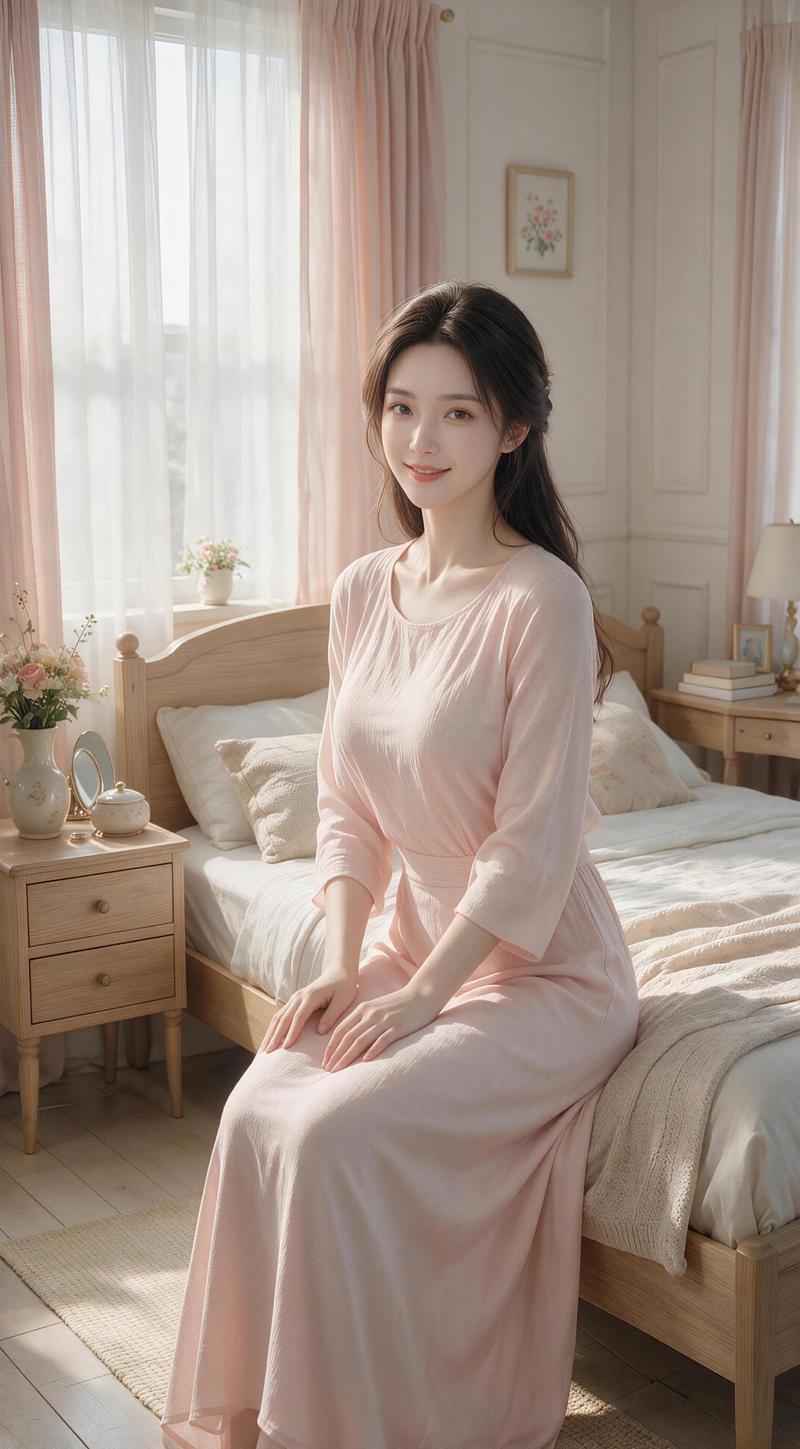
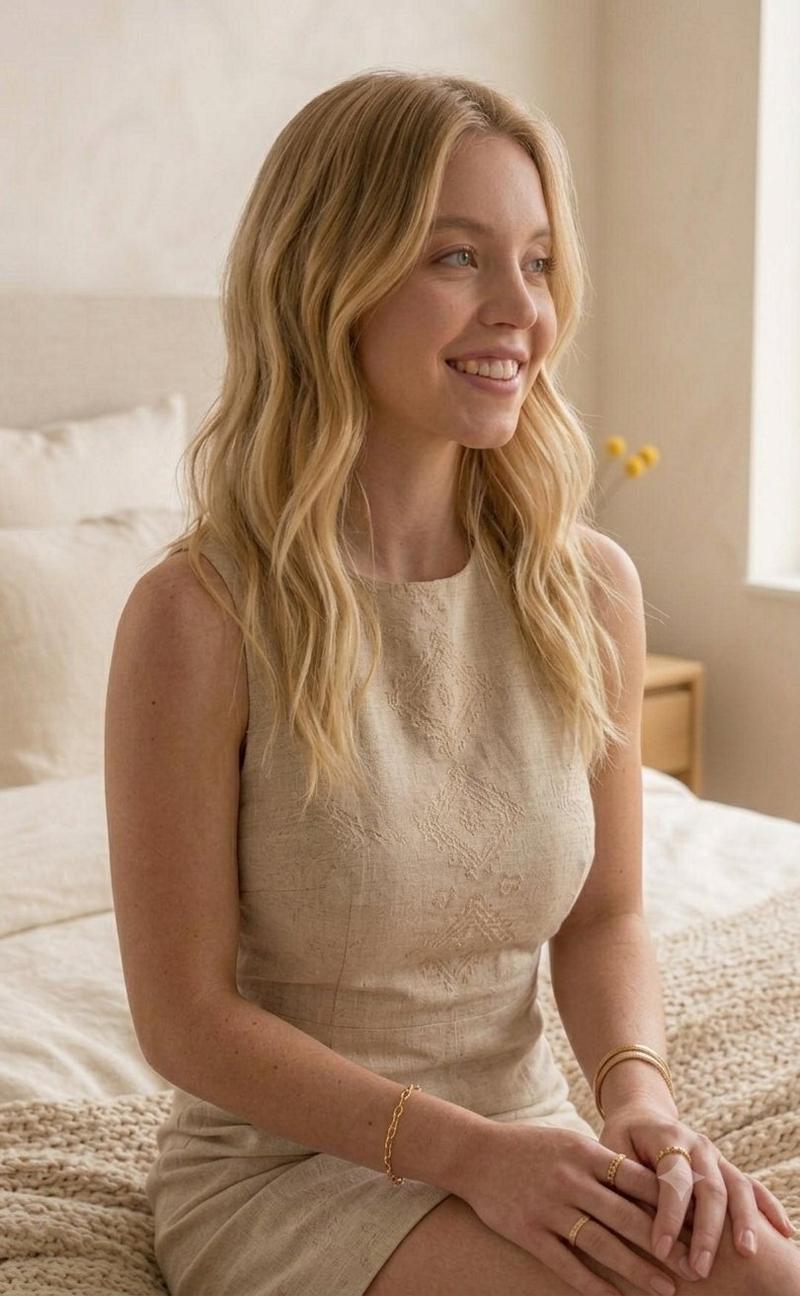
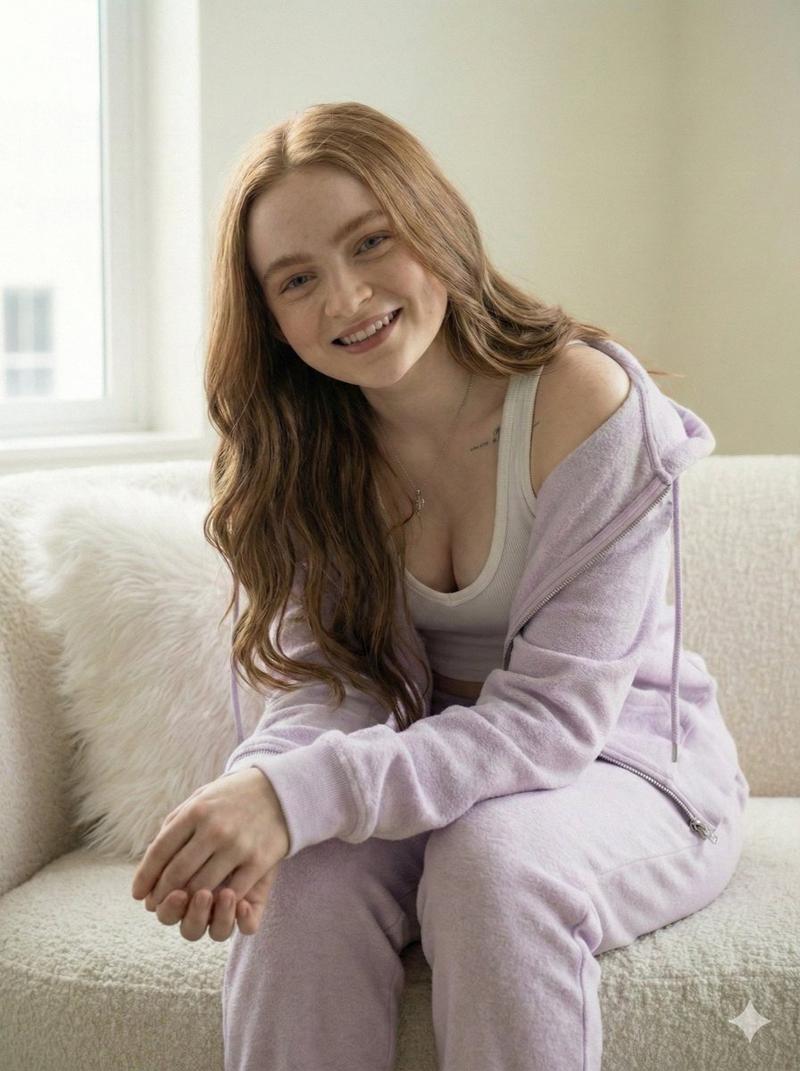
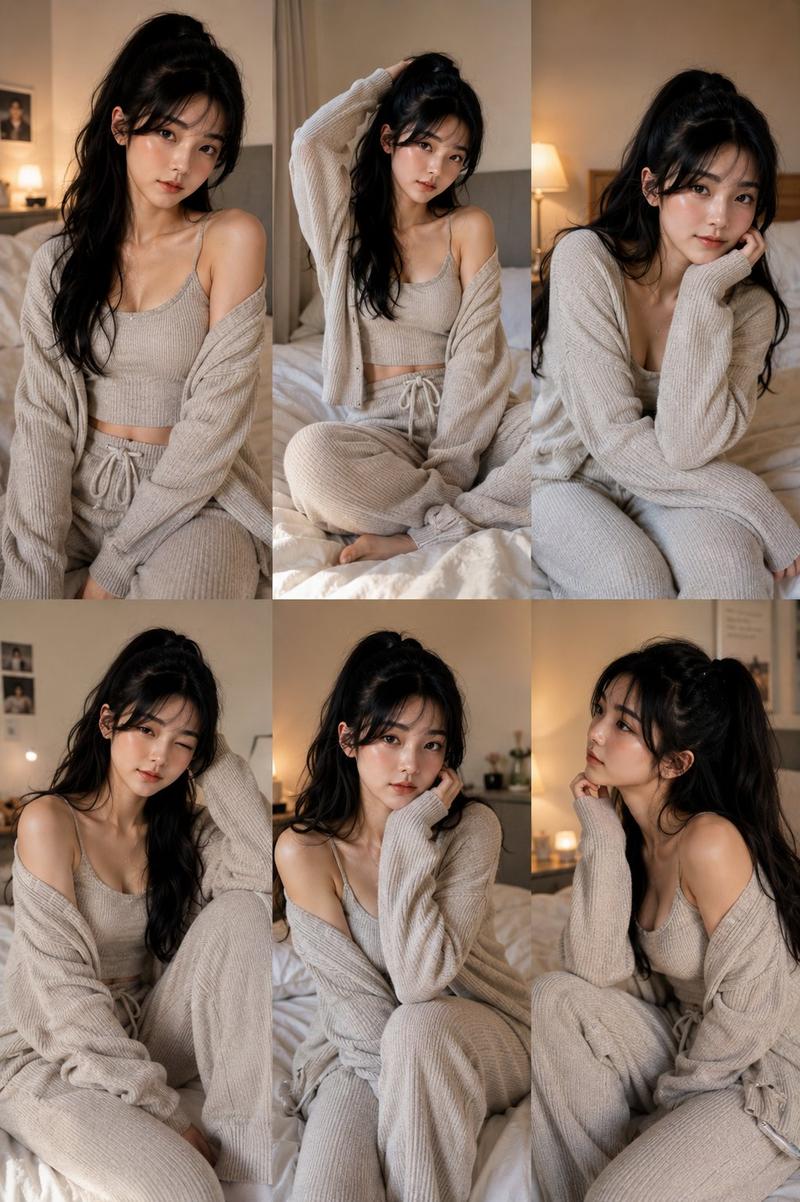
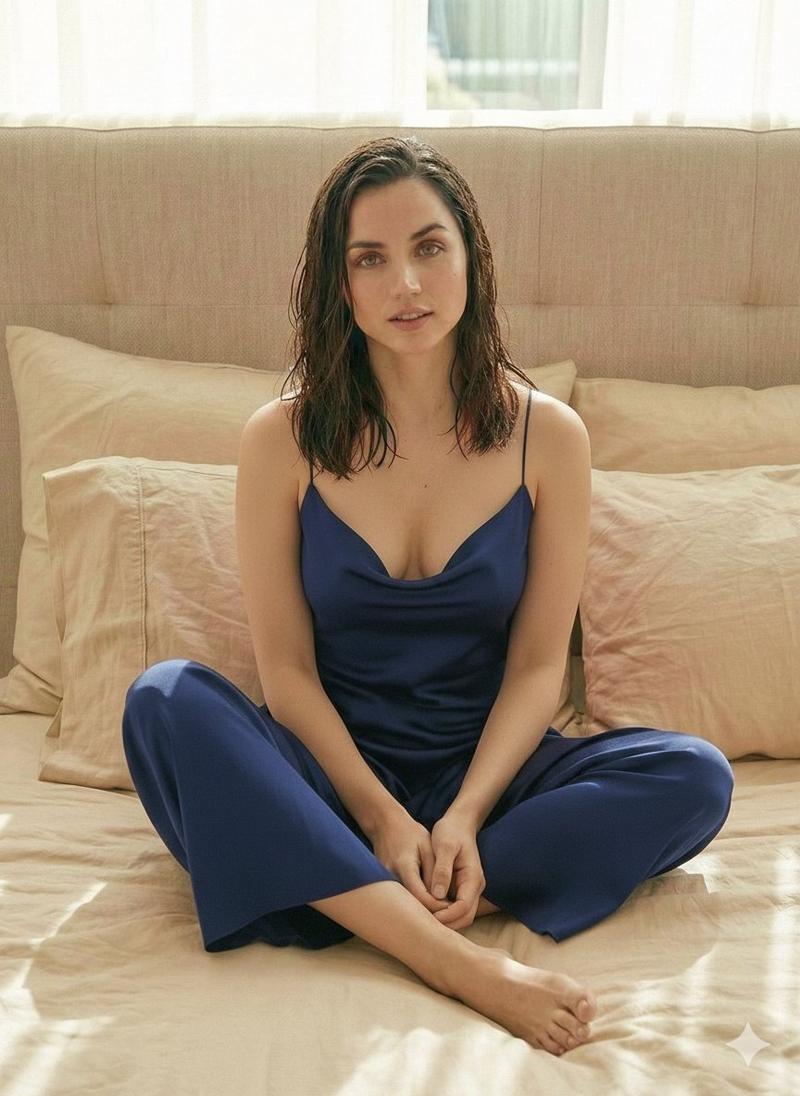
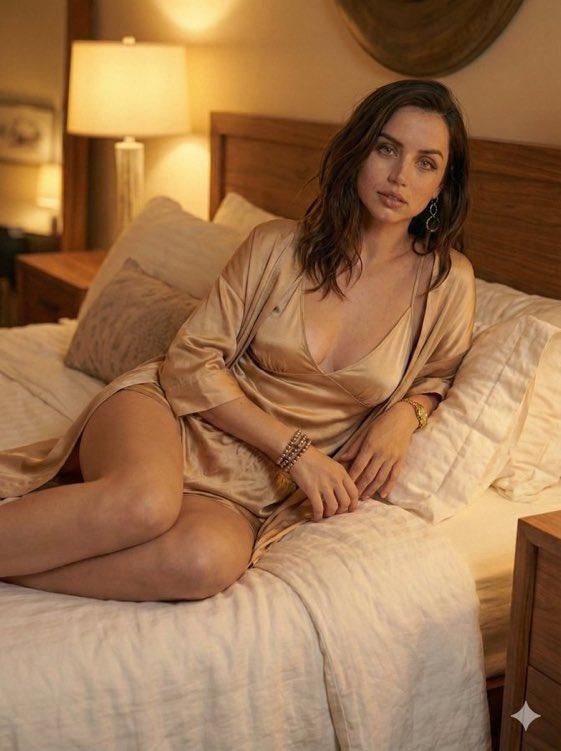
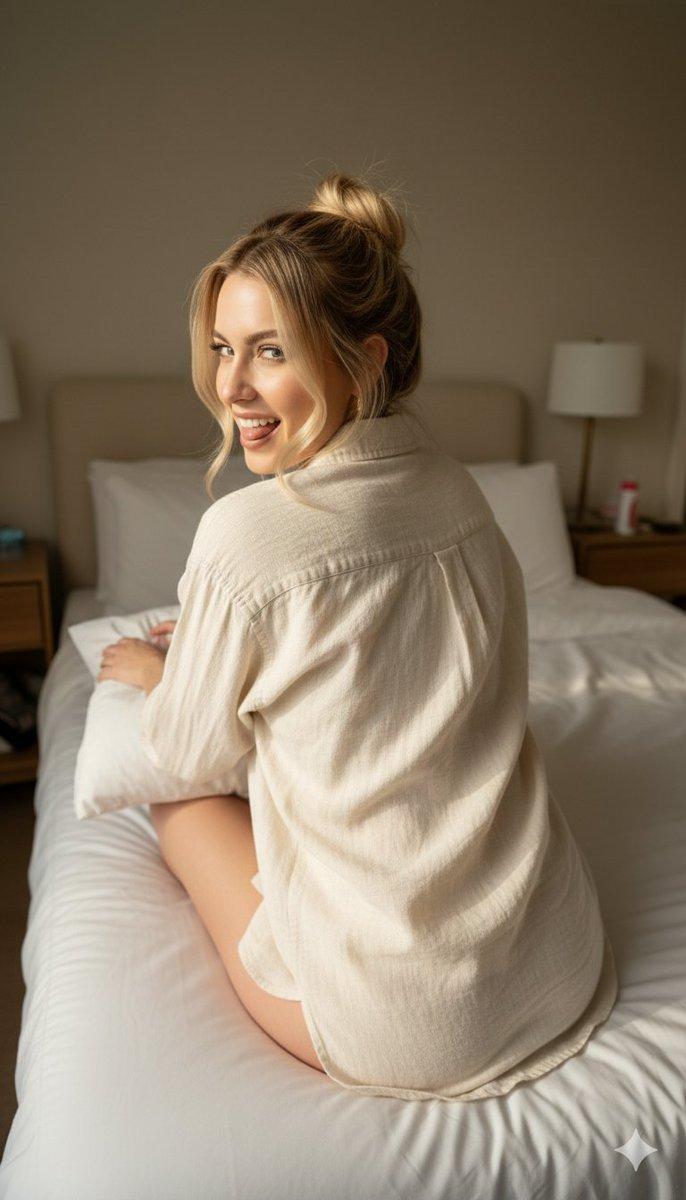
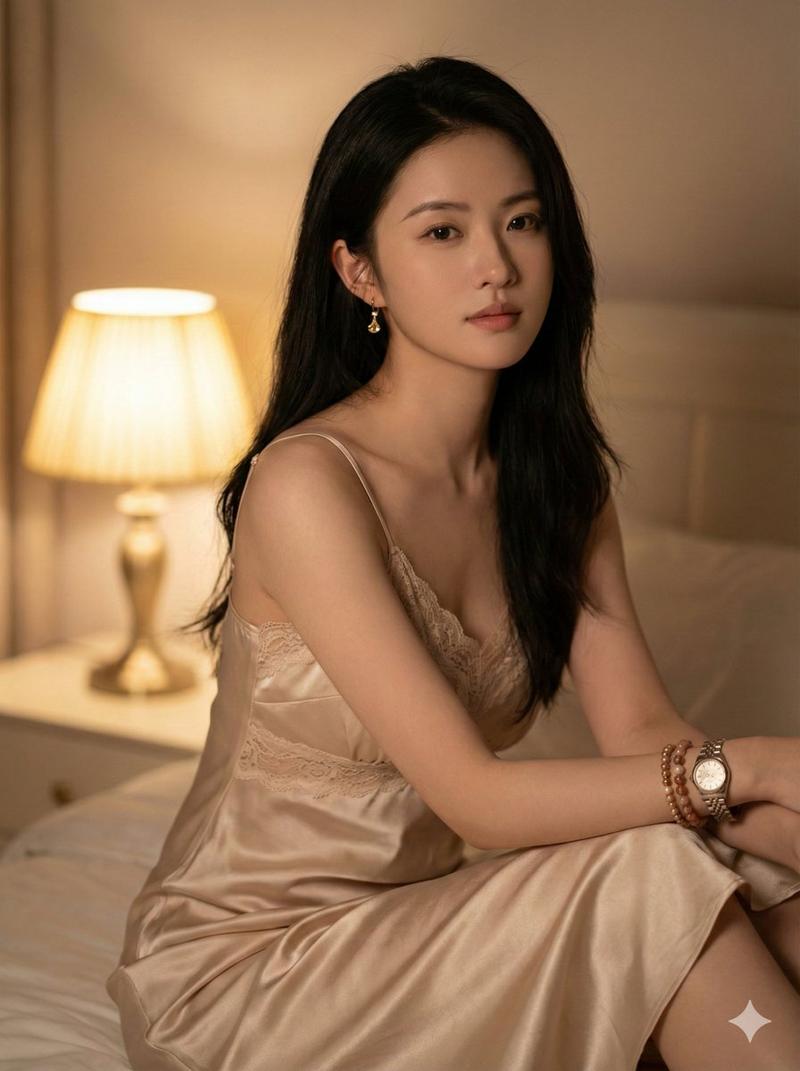
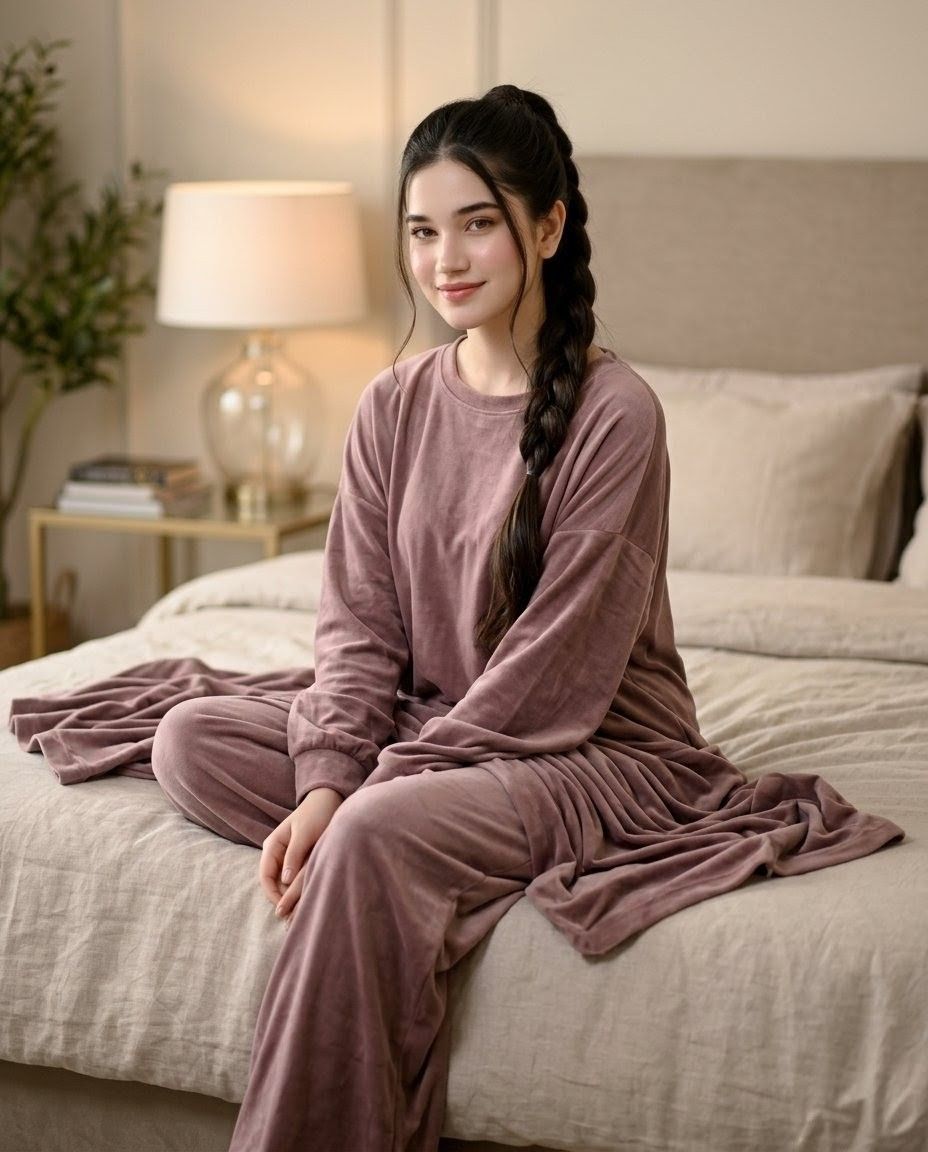
淡紫色家居服卧室人像
Enlarge

淡紫色家居服卧室人像

Prompt
Create an ultra-realistic vertical lifestyle photograph of a {argument name="subject" default="beautiful young woman with fair glowing skin"} sitting relaxed on a luxury bed in a cozy modern bedroom. She has {argument name="hair style" default="long silky black hair braided over one shoulder with loose wisps"} and her face is intentionally obscured by a centered square soft pixelated blur. She wears an elegant {argument name="outfit color" default="dusty mauve"} oversized velour lounge set: loose long-sleeve crewneck top, matching wide-leg lounge pants, and a draped cardigan or blanket-like robe pooling around her on the bed. Pose her seated near the front edge of the bed with one leg bent crosswise and the other relaxed downward, hands gently resting together in her lap, shoulders soft and calm. The bedroom has warm beige and cream tones, a padded upholstered headboard, rumpled linen bedding, pillows, a bedside table with stacked books, a glass-base table lamp glowing warmly, and a leafy plant softly blurred in the background. Use cinematic soft lighting, shallow depth of field, realistic fabric folds, natural skin texture where visible, warm ambient shadows, and a serene intimate morning/evening mood. No text, no watermark, photorealistic camera quality, 3:4 portrait composition.
Category
Architecture & Spaces
Model
GPT Image 2
Creator
Alina Ai
Views4
Source ID
25267
Published
Jun 11, 2026

Guide

About "淡紫色家居服卧室人像"

What is this prompt for?

"淡紫色家居服卧室人像" AI image prompt for GPT Image 2 (Architecture & Spaces). 一张超写实的舒适卧室生活方式人像,主角是一位身穿淡紫色家居服的年轻女性,面部经过柔和模糊处理。 Copy it on Picva and recreate the look in…

The full copyable prompt and example visuals above are ready for AI image generation or one-click recreate in Picva.

How to use this prompt

  1. Step 1

    Open the prompt detail

    Review the example visuals, category, and full prompt text for "淡紫色家居服卧室人像".

  2. Step 2

    Copy the prompt

    Copy the prompt body from this page, or load it directly in Studio.

  3. Step 3

    Pick a model (GPT Image 2)

    Prefer GPT Image 2. If you switch models, keep subject and composition and tweak style terms.

  4. Step 4

    Generate and export

    Recreate the look in Picva, or export into your workflow for editing and publishing.

FAQ

What is the "淡紫色家居服卧室人像" prompt?
It is an AI image-generation prompt for GPT Image 2 in the Architecture & Spaces category. This page includes the full prompt text, example visuals, and a one-click recreate path in Picva.
How do I use this prompt to generate an image?
Copy the prompt from this page, or use Generate / Studio. Paste it into a compatible image model, or recreate the look in Picva with optional reference images.
Which model is this prompt for?
This page lists GPT Image 2. Most descriptive prompts also transfer to nearby image models such as GPT Image, Flux, or Midjourney with light style tweaks.
Can I use the result commercially?
You can usually copy the prompt for creation, but commercial use of the final image depends on the model terms, reference-image rights, and the generated content. Follow the source author and platform rules.