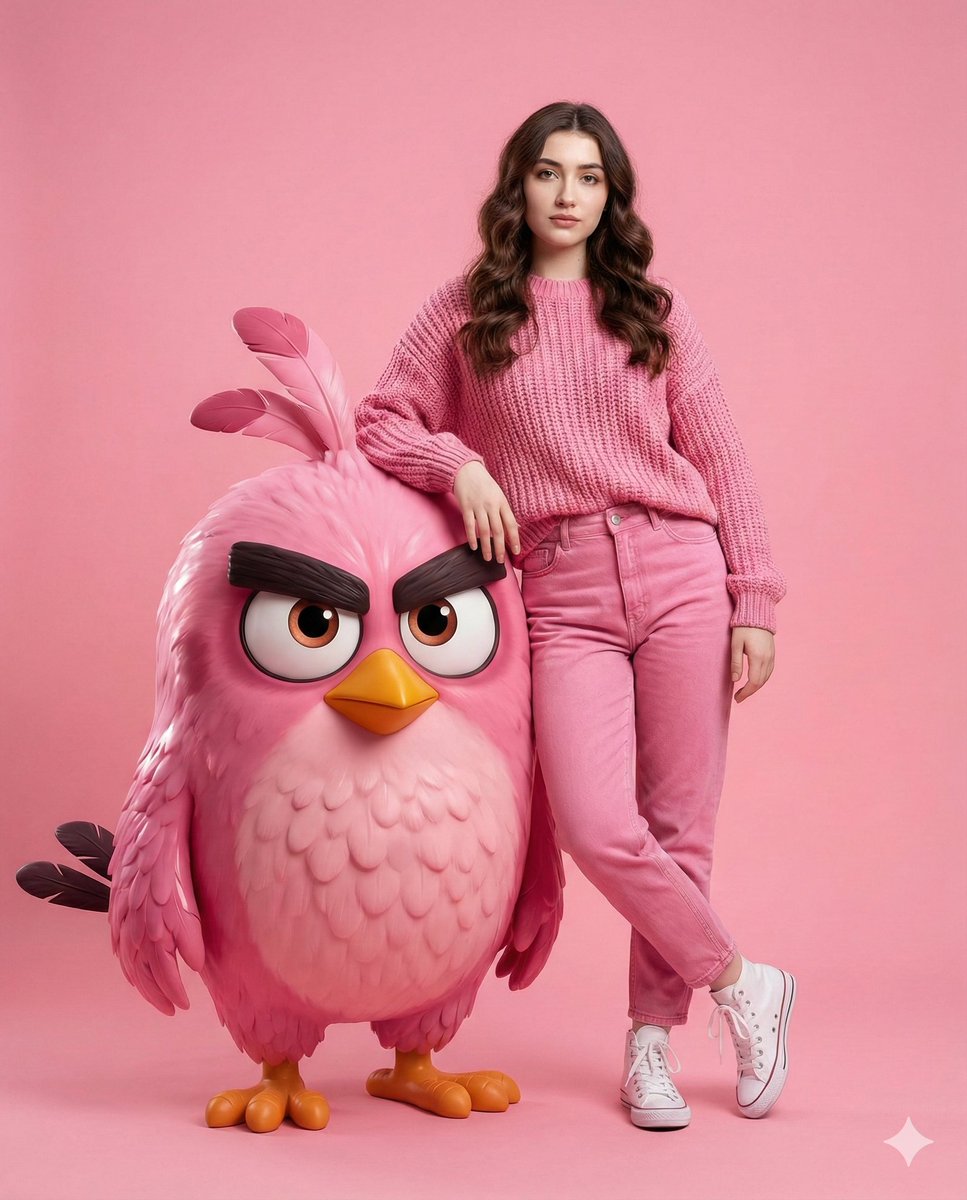
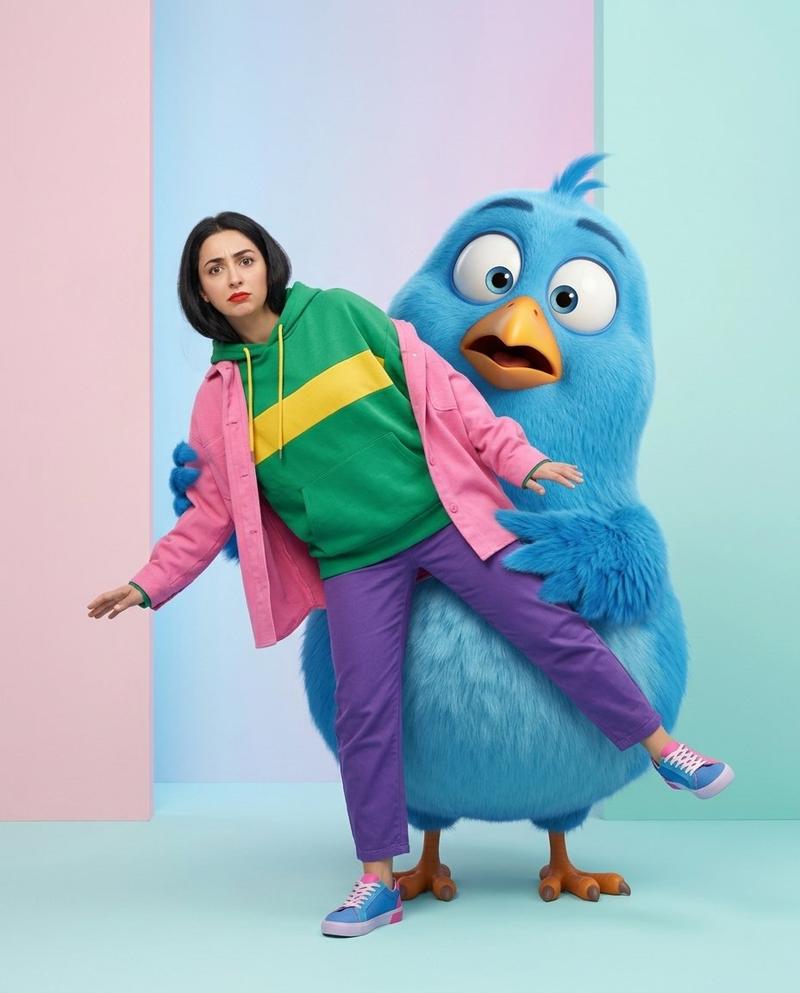
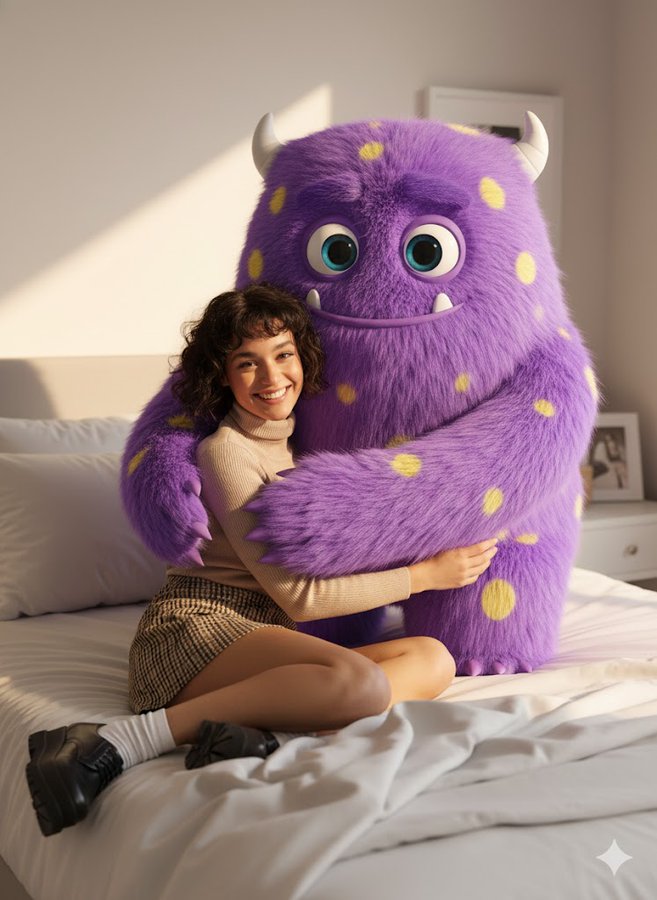
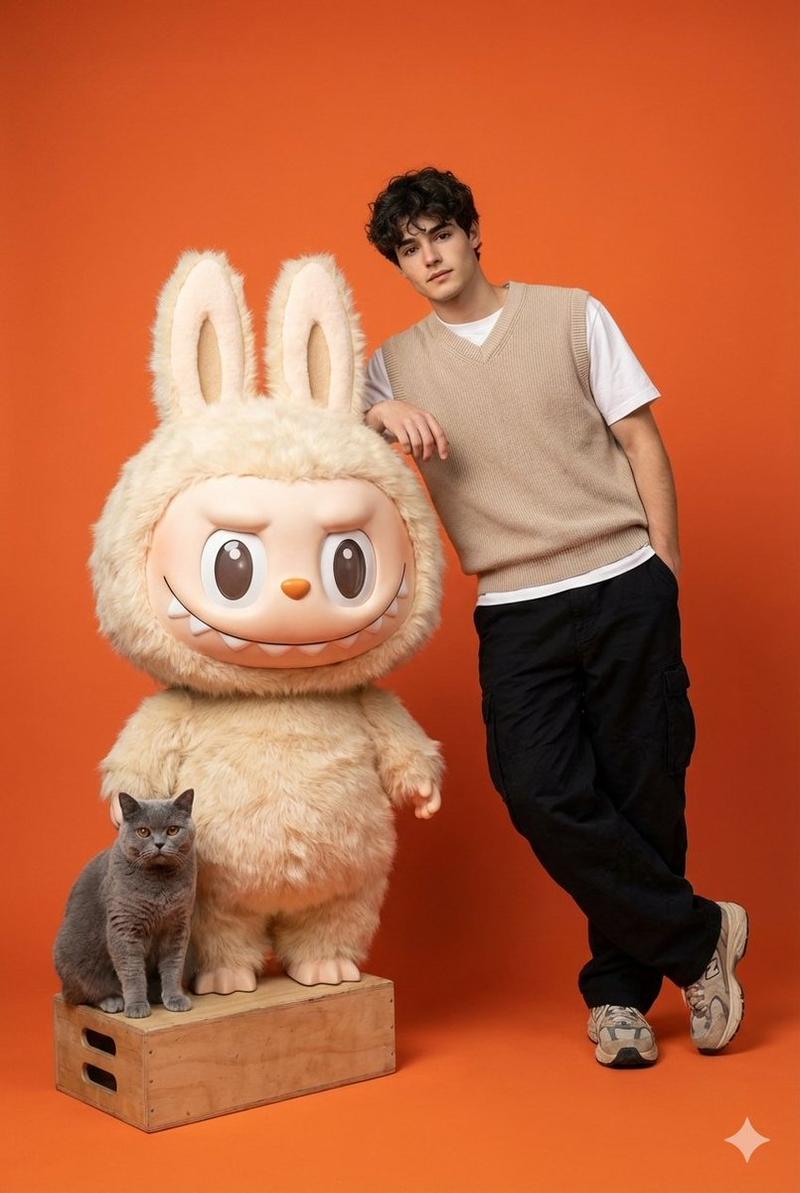
柔和色调小鸡吉祥物照片拼贴
Prompt
Goal: Create a polished 2x2 studio photo collage showing one young woman posing with a giant cute fluffy cartoon chick mascot in four coordinated color themes.

Canvas: Wide 16:9 image divided into exactly 4 equal rectangular panels, with clean hard borders and no text or watermark. Use high-end commercial photography mixed with adorable 3D character design, soft studio lighting, shallow depth of field, glossy fashion editorial quality.

Main subject: A stylish young East Asian woman, {argument name="character age" default="early 20s"}, with long black hair and a sweet expressive face, wearing casual color-coordinated outfits and sneakers. She poses beside a large round baby bird character about shoulder height when she crouches or sits. The bird has ultra-fluffy plush feathers, a round body, big glossy eyes, a small orange beak, orange feet with tiny claws, and three feather tufts on top of its head.

Layout and exact 4-panel content:
1. Top-left pink panel: pastel pink seamless studio background and floor. A fluffy {argument name="pink chick color" default="cotton-candy pink"} chick stands on the left, looking wide-eyed and happy with open beak. The woman crouches on the right wearing an oversized pink knit sweater, light blue jeans, white sneakers, and long loose wavy hair, resting her chin on her hand in a cute pose.
2. Top-right yellow panel: saturated golden yellow studio scene with a large circular sun-like backdrop and soft tropical plant silhouettes. A fluffy {argument name="yellow chick color" default="bright golden yellow"} chick stands on the left, winking, smiling with open beak, and holding up a peace sign. The woman sits cross-legged on the right wearing a yellow chunky sweater, light blue jeans, white sneakers, hair in a high bun, making a double peace sign and playful pout.
3. Bottom-left blue panel: vivid cyan-blue studio background and floor with neon outline decorations. Include exactly 2 neon shapes: one star on the left and one heart near the upper right. Add a skateboard leaning in the background on the right. A fluffy {argument name="blue chick color" default="electric cyan blue"} chick stands on the left, smiling and gesturing cutely. The woman crouches on the right wearing a light blue hoodie, white pants, blue-and-white sneakers, hair in a messy bun, forming a heart with her hands.
4. Bottom-right purple panel: lavender studio set with a circular platform, soft draped fabric, a small pedestal with flowers and vases, and several pastel balls on the floor. A fluffy {argument name="purple chick color" default="soft lavender purple"} chick sits or stands close to the woman on the left, looking sweetly at camera. The woman sits relaxed on the right wearing a purple cardigan, white pants, purple sneakers, long wavy hair with small clips, one hand resting on the chick’s head.

Visual style: Hyper-cute K-pop fashion photoshoot, vibrant monochrome color blocking, plush Pixar-like baby bird characters, realistic human photography, soft rim lights, smooth seamless backgrounds, crisp details, big sparkling eyes, warm cheerful mood.

Constraints: Exactly 4 panels, exactly 1 woman and 1 chick in each panel, no extra people, no captions, no logos, no visible interface elements, no distorted hands or faces.- Category
- Posters & Typography
- Model
- GPT Image 2
- Creator
- Cherry 2.O
- Source ID
- 25277
- Published
- Jun 11, 2026
Views0