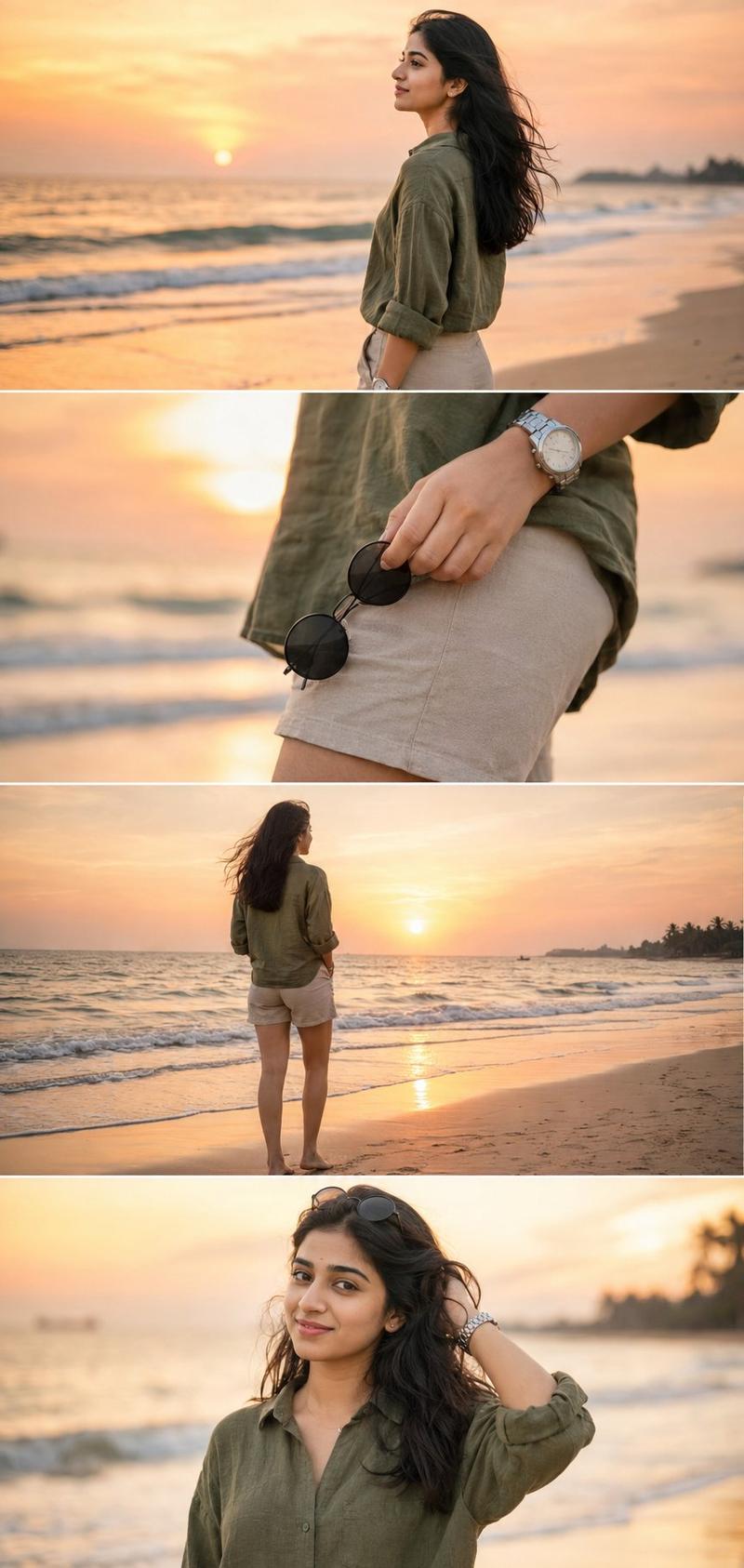
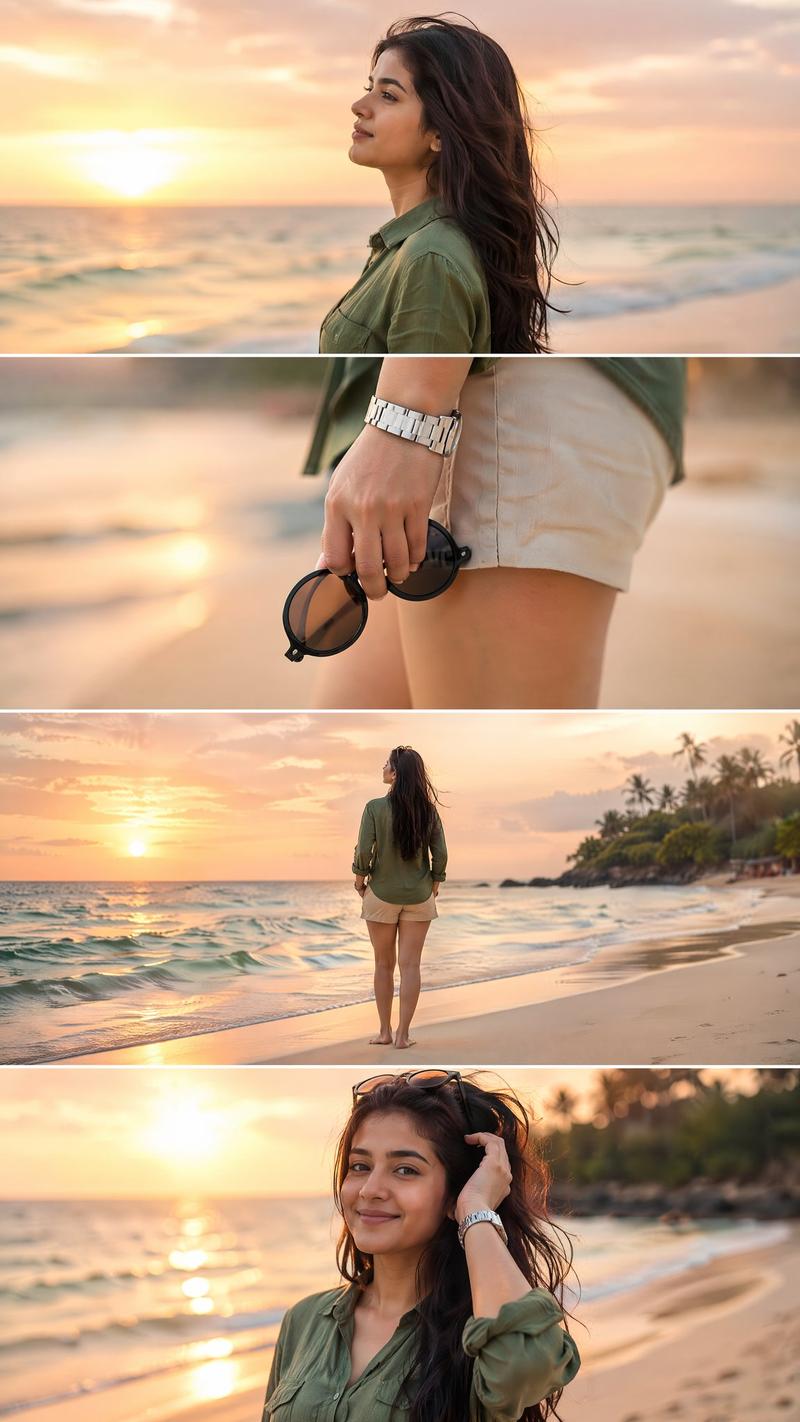
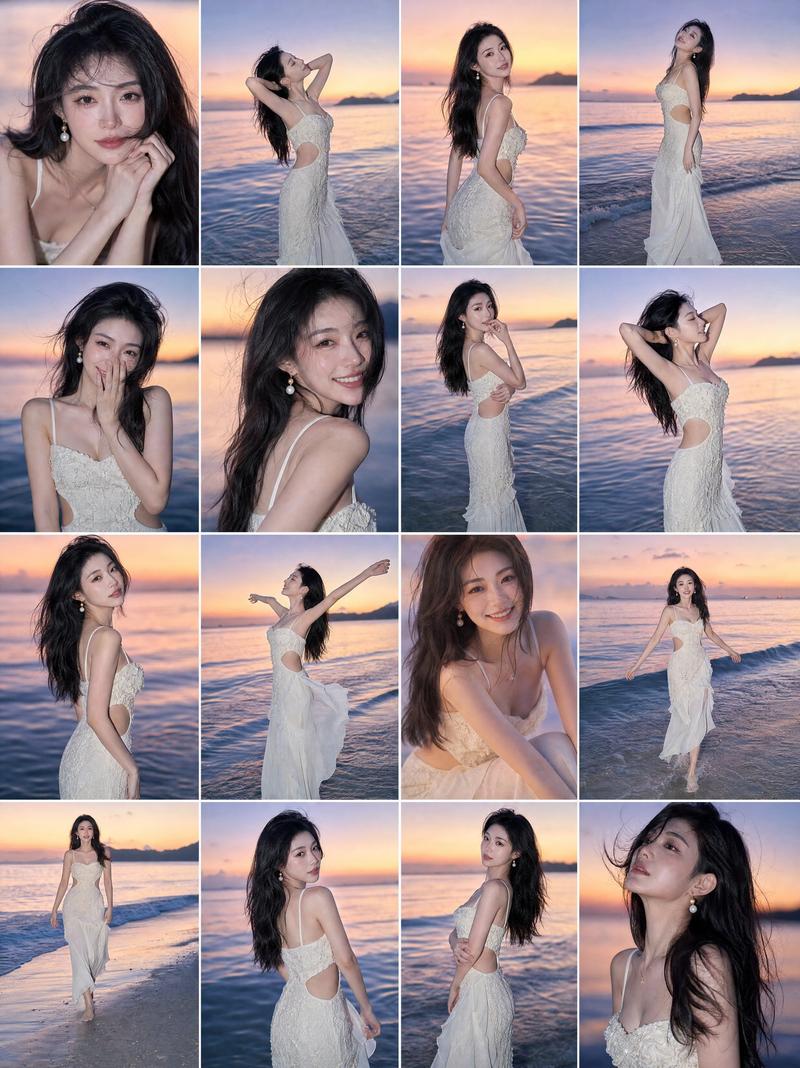
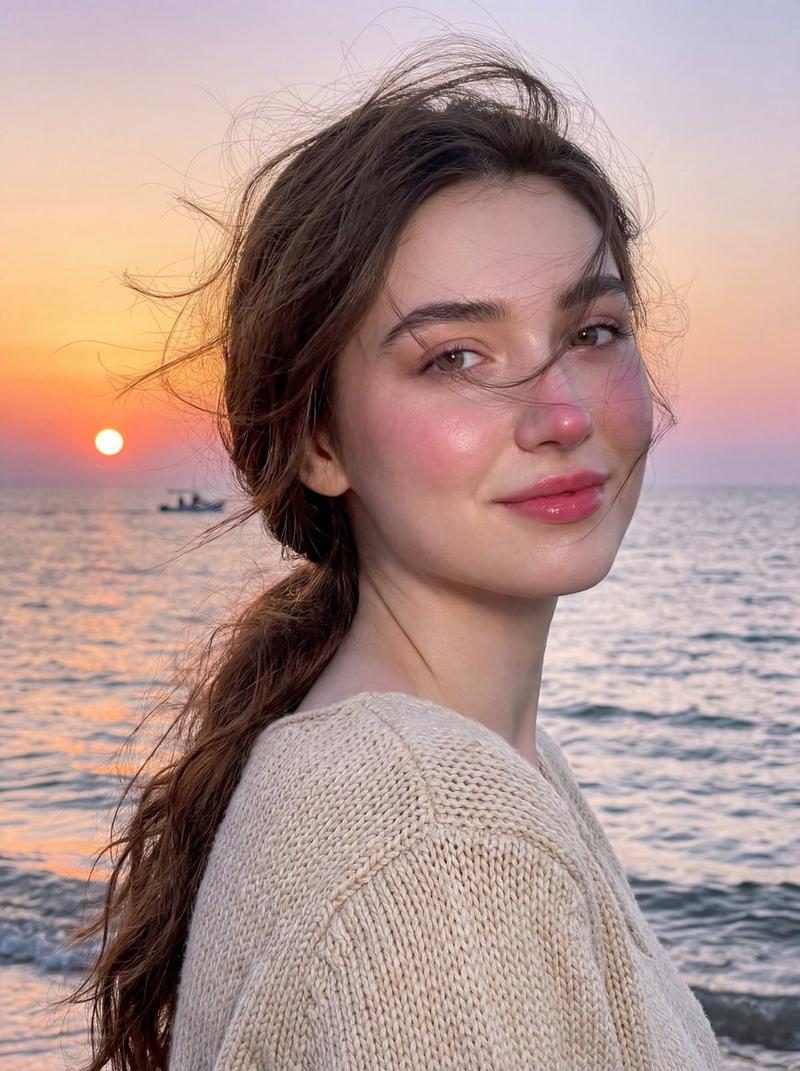
高级 Instagram 海滩摄影拼贴画
Prompt
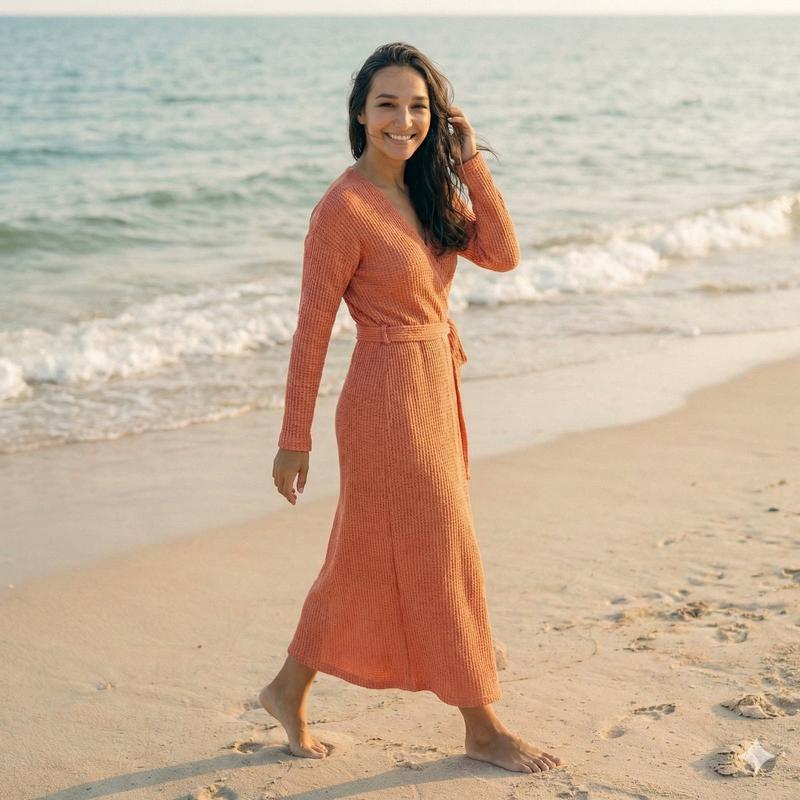
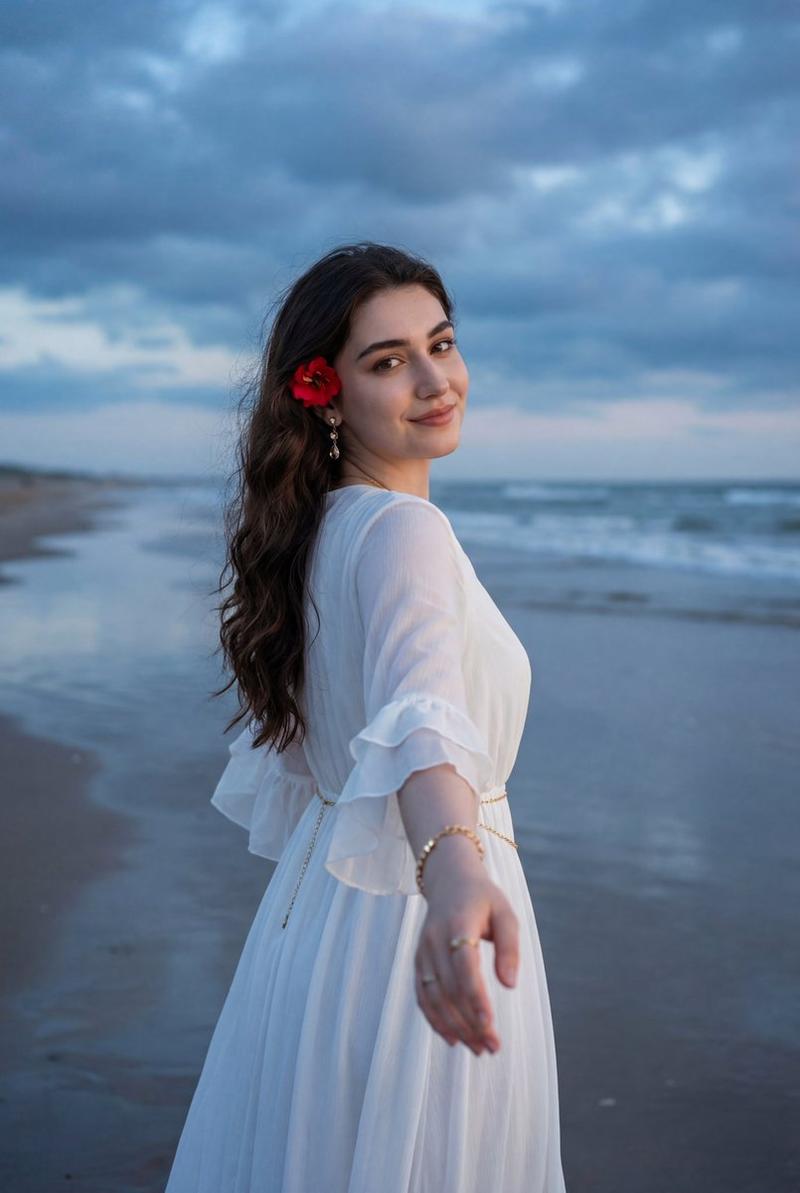
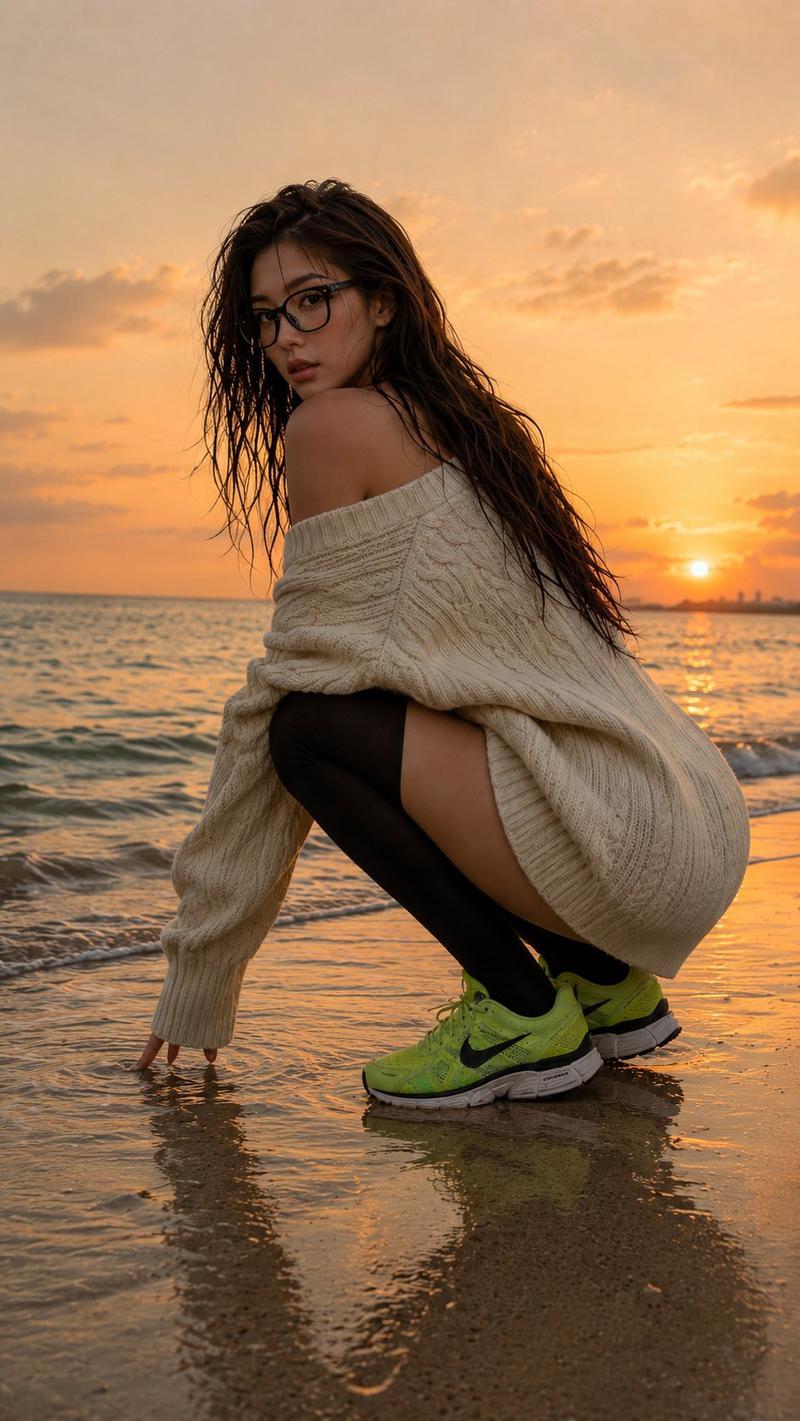
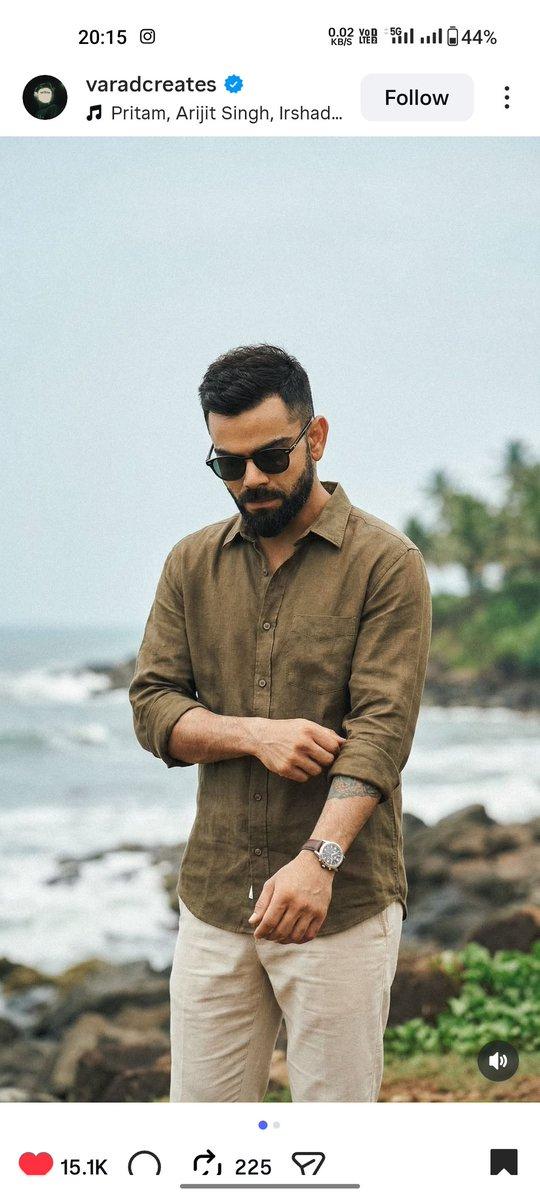
Ultra-realistic DSLR cinematic beach photoshoot collage featuring the SAME girl from the uploaded reference image. Use the uploaded image as the facial identity reference and preserve her face exactly — identical facial structure, jawline, eyes, nose, lips, skin tone, hairstyle, expression style, body proportions, and natural appearance. Maintain a perfect realistic likeness with no beautification, age modification, face enhancement, or stylization. Create a premium Instagram portrait collage in 3:4 ratio (1080×1440), consisting of 4 vertically stacked photos separated by thin white dividers. The layout should resemble a luxury cinematic Instagram reel cover with balanced spacing and elegant composition. Environment: Golden sunset beach, pastel orange-pink sky, soft ocean waves, reflective wet sand, dreamy tropical atmosphere, warm cinematic sunlight, shallow depth of field, realistic DSLR photography, natural colors, highly detailed textures. Outfit: Olive green linen shirt with rolled sleeves, beige beach shorts, silver wristwatch, holding black round sunglasses. Photo 1: Medium side-profile portrait looking toward the horizon, calm and relaxed expression, soft ocean waves in the background, golden-hour lighting. Photo 2: Close-up detail shot of the hand holding black round sunglasses near the shorts pocket, shallow depth of field, cinematic focus, blurred beach background. Photo 3: Back-view full-body shot standing near the shoreline facing the ocean during sunset, relaxed posture, gentle sea breeze moving the hair naturally. Photo 4: Candid portrait touching hair with a subtle smile, warm sunlight illuminating the face, dreamy beach atmosphere, authentic natural emotion. Photography Style: Professional travel photography, DSLR camera, 85mm lens, f/1.8 aperture, HDR, ultra-realistic skin texture, realistic shadows, cinematic color grading, 4K detail, premium editorial quality. Face Match Priority: 100% facial identity match with the uploaded reference image. Identical facial features, hairstyle, skin tone, proportions, and realistic appearance. The same person must appear consistently across all four photos. Negative Prompt: Different face, face change, face swap errors, AI-generated face, beautified face, cartoon, anime, illustration, unrealistic skin, distorted anatomy, extra fingers, duplicate person, blurry face, low resolution, overexposed lighting, watermark, text, logo, artificial beauty filters, altered facial features.
- Category
- Posters & Typography
- Model
- GPT Image 2
- Creator
- Avelyrah
- Source ID
- 25317
- Published
- Jun 12, 2026
Views1