18

战术狙击手城市摄影
Enlarge

Example images

战术狙击手城市摄影

Prompt
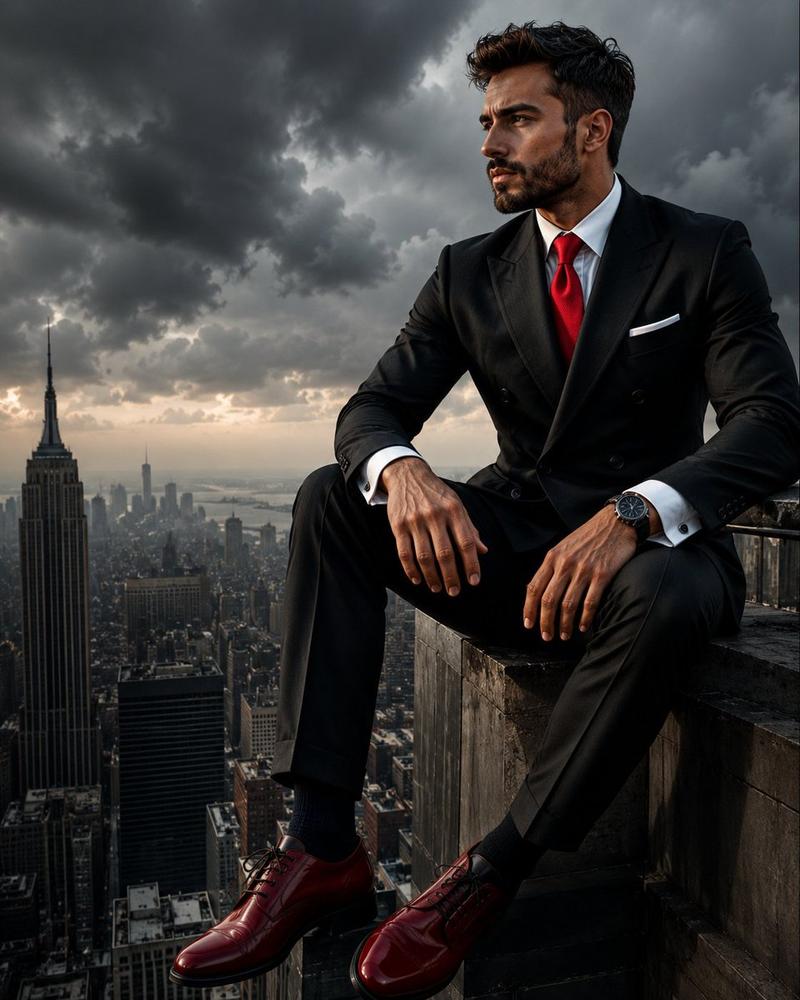
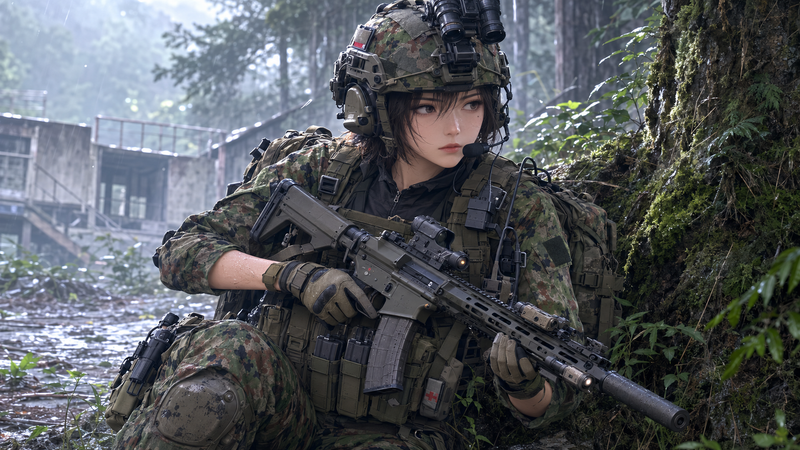
Ultra-realistic cinematic military reconnaissance photography, a {argument name="subject" default="highly trained sniper"} lying flat on his belly at the edge of a {argument name="location" default="tall urban rooftop"}, maintaining a low-profile tactical position. The sniper wears modern black tactical combat gear, reinforced body armor, gloves, and sleek black protective spectacles with subtle reflections on the lenses. A precision sniper rifle equipped with a long-range scope and bipod is positioned directly in front of him, aligned toward a distant city skyline.
The rooftop features realistic concrete textures, weathered surfaces, scattered debris, ventilation units, and communication equipment. The sniper's posture is professional and disciplined, elbows firmly planted on the ground while carefully observing the surroundings through the rifle scope. {argument name="lighting" default="Dramatic golden-hour sunlight"} casts long shadows across the rooftop, highlighting intricate details of the tactical equipment.
Background shows a vast metropolitan city with towering skyscrapers, atmospheric haze, and realistic depth compression. Cinematic composition, low-angle side perspective, intense military realism, ultra-detailed facial features partially visible beneath the spectacles, realistic fabric folds, photorealistic textures, shallow depth of field, natural color grading, HDR lighting, 8K resolution, professional war-photography aesthetic, masterpiece quality, razor-sharp focus, authentic special-forces atmosphere.
Category
Architecture & Spaces
Model
GPT Image 2
Creator
Blitzer
Views2
Source ID
25336
Published
Jun 12, 2026

Guide

About "战术狙击手城市摄影"

What is this prompt for?

"战术狙击手城市摄影" AI image prompt for GPT Image 2 (Architecture & Spaces). 一张极具细节的电影感军事摄影作品,展示了一名身着战术装备的狙击手在黄金时段位于城市屋顶的姿态。 Copy it on Picva and recreate the look in…

The full copyable prompt and example visuals above are ready for AI image generation or one-click recreate in Picva.

How to use this prompt

  1. Step 1

    Open the prompt detail

    Review the example visuals, category, and full prompt text for "战术狙击手城市摄影".

  2. Step 2

    Copy the prompt

    Copy the prompt body from this page, or load it directly in Studio.

  3. Step 3

    Pick a model (GPT Image 2)

    Prefer GPT Image 2. If you switch models, keep subject and composition and tweak style terms.

  4. Step 4

    Generate and export

    Recreate the look in Picva, or export into your workflow for editing and publishing.

FAQ

What is the "战术狙击手城市摄影" prompt?
It is an AI image-generation prompt for GPT Image 2 in the Architecture & Spaces category. This page includes the full prompt text, example visuals, and a one-click recreate path in Picva.
How do I use this prompt to generate an image?
Copy the prompt from this page, or use Generate / Studio. Paste it into a compatible image model, or recreate the look in Picva with optional reference images.
Which model is this prompt for?
This page lists GPT Image 2. Most descriptive prompts also transfer to nearby image models such as GPT Image, Flux, or Midjourney with light style tweaks.
Can I use the result commercially?
You can usually copy the prompt for creation, but commercial use of the final image depends on the model terms, reference-image rights, and the generated content. Follow the source author and platform rules.