17

2026 年世界杯球迷照片生成器
Enlarge

2026 年世界杯球迷照片生成器

Prompt
根据上传的照片创作人物,保留其原有的面部特征、脸型结构、发型、肤色和身份,确保人物具有辨识度。首要任务是让人物看起来与本人一致,并准确捕捉 2026 年 FIFA 世界杯的现场氛围,其次是保证高质量的视觉效果。

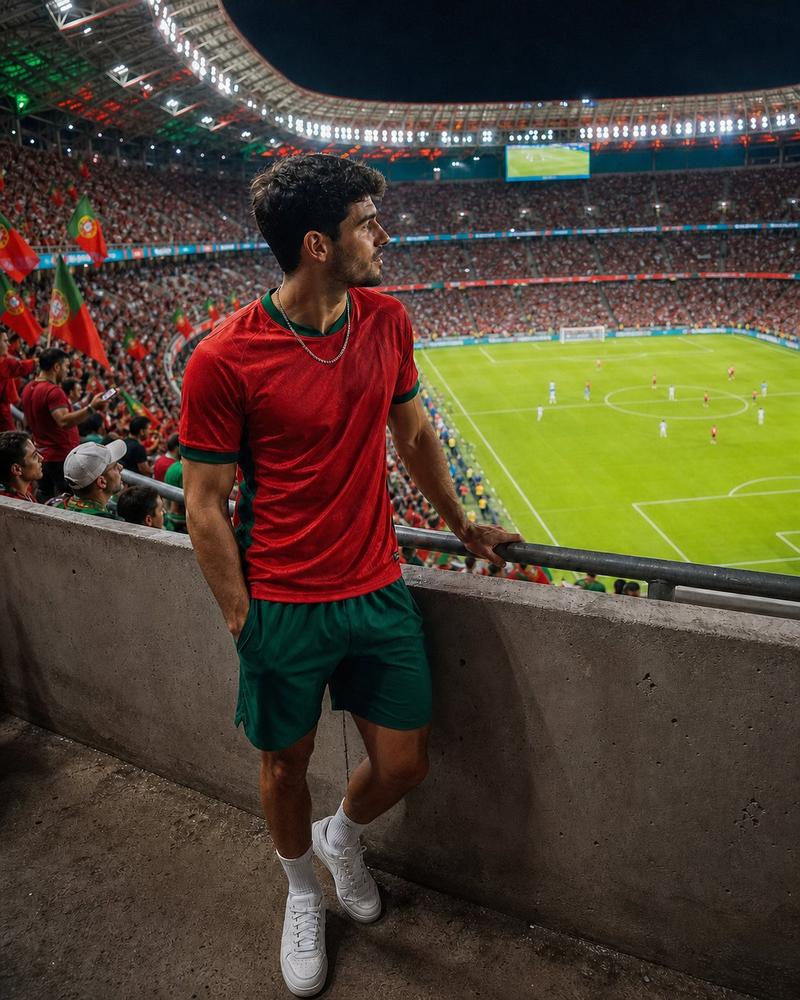
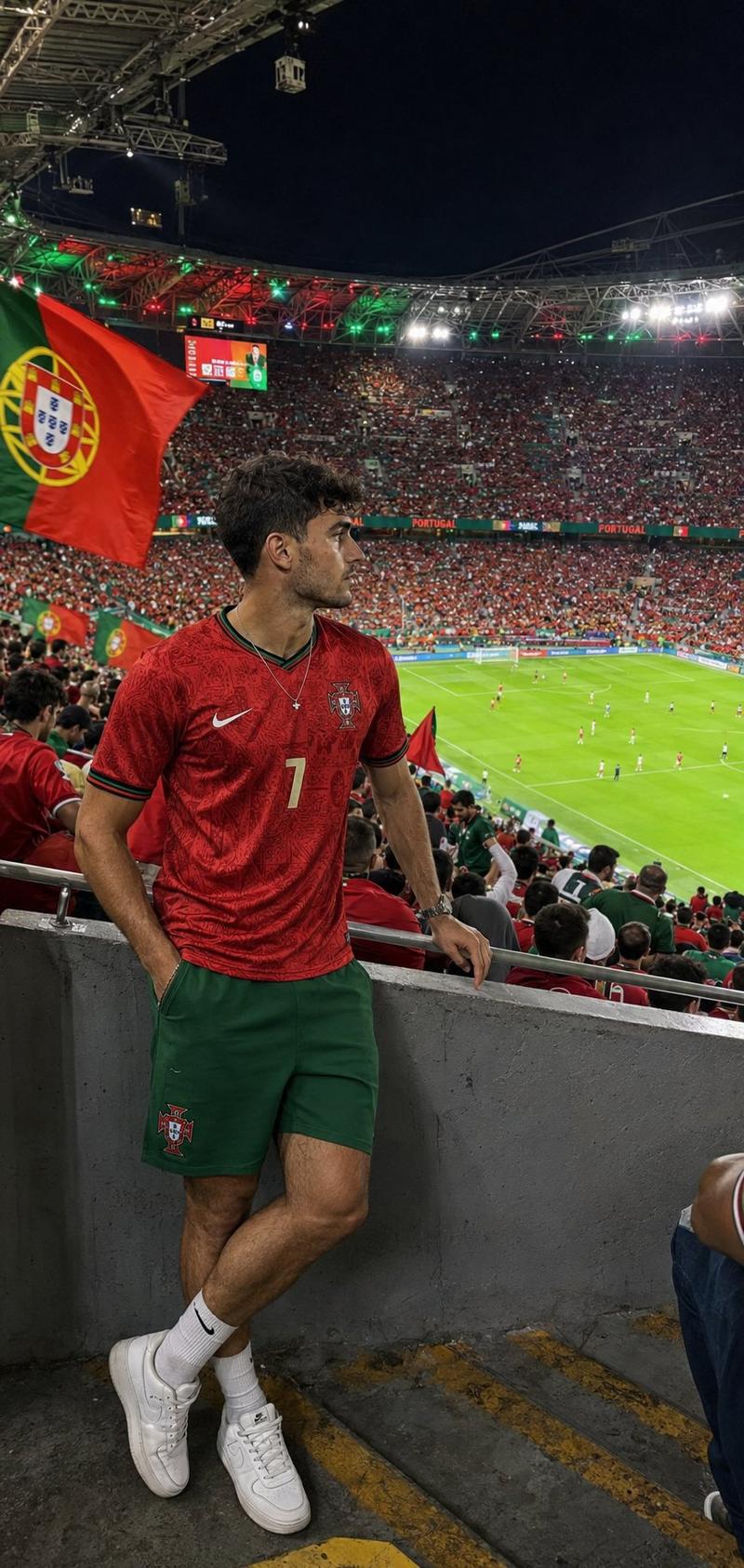
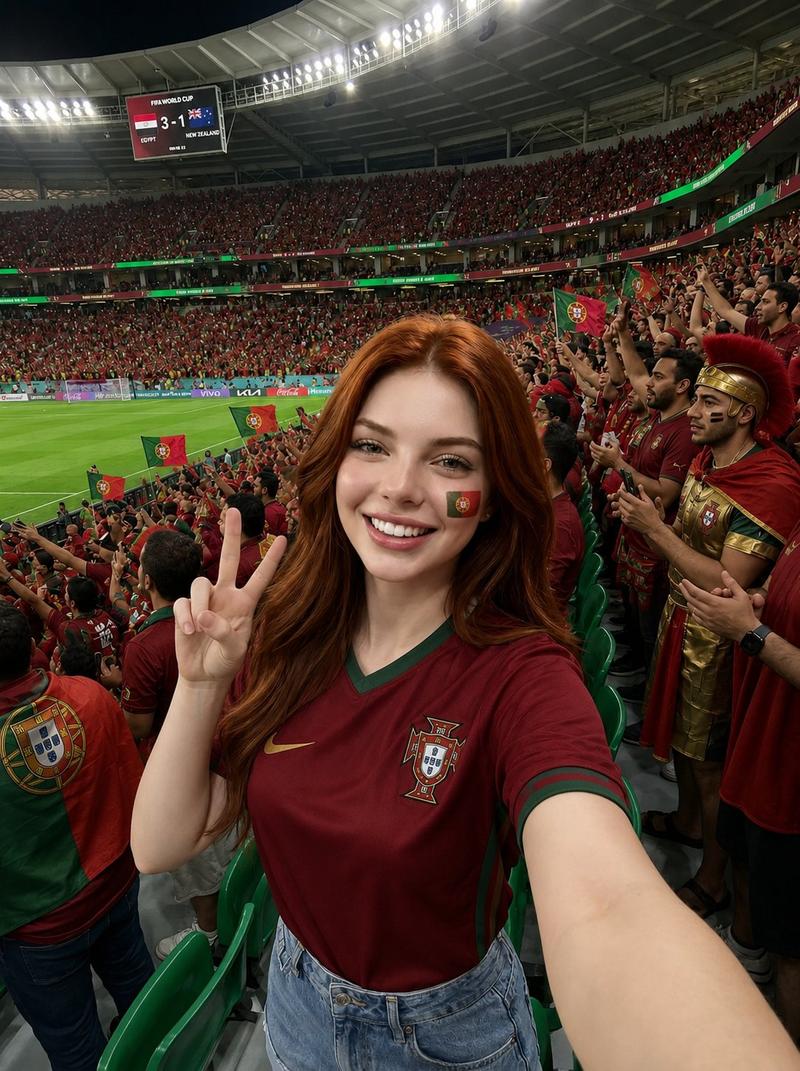
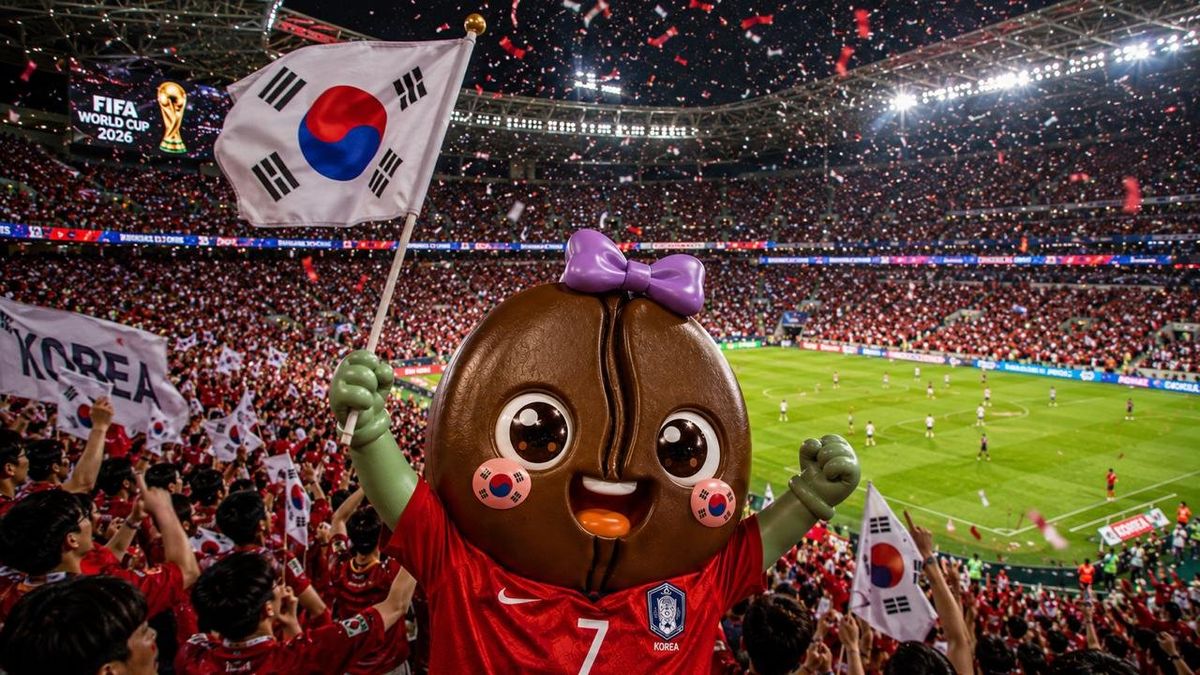
生成一张沉浸式、逼真的照片,呈现人物身处 2026 年 FIFA 世界杯体育场的场景。人物应位于看台或球场附近,身穿 {argument name="cheering uniform color" default="红色"} 的 {argument name="country" default="韩国"} 国家队助威服,或带有 {argument name="country" default="韩国"} 元素的助威装束。脸上应有自然且精致的 {argument name="national flag" default="太极旗"} 彩绘,手中挥舞着一面 {argument name="national flag" default="太极旗"}。表情应表现出兴奋与沉浸感,营造出在世界杯赛场为 {argument name="country" default="韩国"} 队激情呐喊的氛围。

整体场景应强烈捕捉 2026 年 FIFA 世界杯的独特氛围:宏伟的现代化足球场、座无虚席的看台、来自世界各地的球迷、炫目的球场灯光、电子记分牌、助威横幅、飘扬的旗帜,以及远处清晰可见的绿茵场和真实的比赛氛围。画面应具备世界杯级别的国际足球盛会感,拥有强烈的临场感与宏大感。

像专业的体育摄影师或高质量现场报道摄影那样引导镜头。前景中的人物应清晰锐利,背景中的体育场应宏大开阔。构图应具有冲击力和动态感。强调层次分明、人群的压迫感、强烈的球场灯光以及助威的能量,展现出世界杯真实的张力与热度。

整体视觉风格应为细节丰富、具有电影质感、光影自然、皮肤真实、对焦清晰且色彩鲜艳的写实照片。运用 {argument name="country" default="韩国"} 队的 {argument name="cheering uniform color" default="红色"}、球场灯光和节日色彩,营造出宏大且震撼的世界杯氛围。

设置长宽比为 16:9,高清,高分辨率。如果出现文字,确保拼写准确且排版自然。避免卡通风格、面部扭曲、手部畸形或低分辨率元素。
Category
Posters & Typography
Model
GPT Image 2
Views0
Source ID
25384
Published
Jun 12, 2026

Guide

About "2026 年世界杯球迷照片生成器"

What is this prompt for?

"2026 年世界杯球迷照片生成器" AI image prompt for GPT Image 2 (Posters & Typography). 专为 GPT Image 2 设计的综合提示词,旨在创作出逼真、具有电影质感的照片,让用户化身为 2026 年世界杯赛场上充满激情的韩国队球迷。该提示词在保留用户面部特…

The full copyable prompt and example visuals above are ready for AI image generation or one-click recreate in Picva.

How to use this prompt

  1. Step 1

    Open the prompt detail

    Review the example visuals, category, and full prompt text for "2026 年世界杯球迷照片生成器".

  2. Step 2

    Copy the prompt

    Copy the prompt body from this page, or load it directly in Studio.

  3. Step 3

    Pick a model (GPT Image 2)

    Prefer GPT Image 2. If you switch models, keep subject and composition and tweak style terms.

  4. Step 4

    Generate and export

    Recreate the look in Picva, or export into your workflow for editing and publishing.

FAQ

What is the "2026 年世界杯球迷照片生成器" prompt?
It is an AI image-generation prompt for GPT Image 2 in the Posters & Typography category. This page includes the full prompt text, example visuals, and a one-click recreate path in Picva.
How do I use this prompt to generate an image?
Copy the prompt from this page, or use Generate / Studio. Paste it into a compatible image model, or recreate the look in Picva with optional reference images.
Which model is this prompt for?
This page lists GPT Image 2. Most descriptive prompts also transfer to nearby image models such as GPT Image, Flux, or Midjourney with light style tweaks.
Can I use the result commercially?
You can usually copy the prompt for creation, but commercial use of the final image depends on the model terms, reference-image rights, and the generated content. Follow the source author and platform rules.