18

皮克斯风格 CGI 角色冲刺
Enlarge

皮克斯风格 CGI 角色冲刺

Prompt
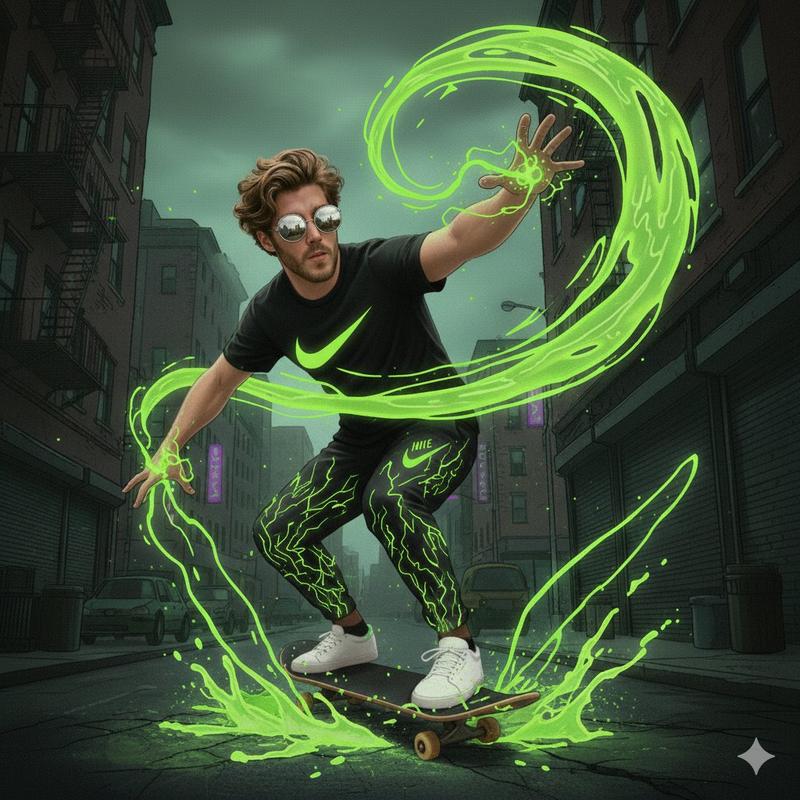
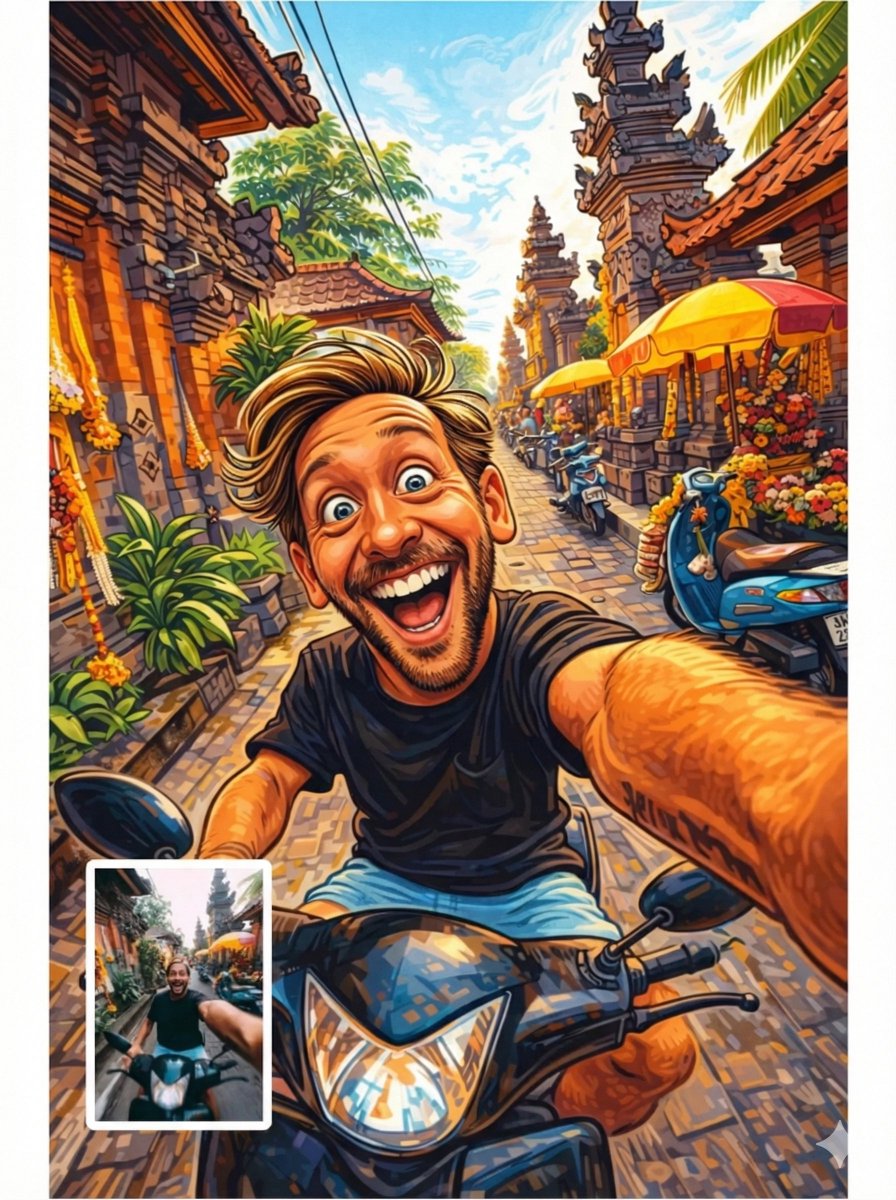
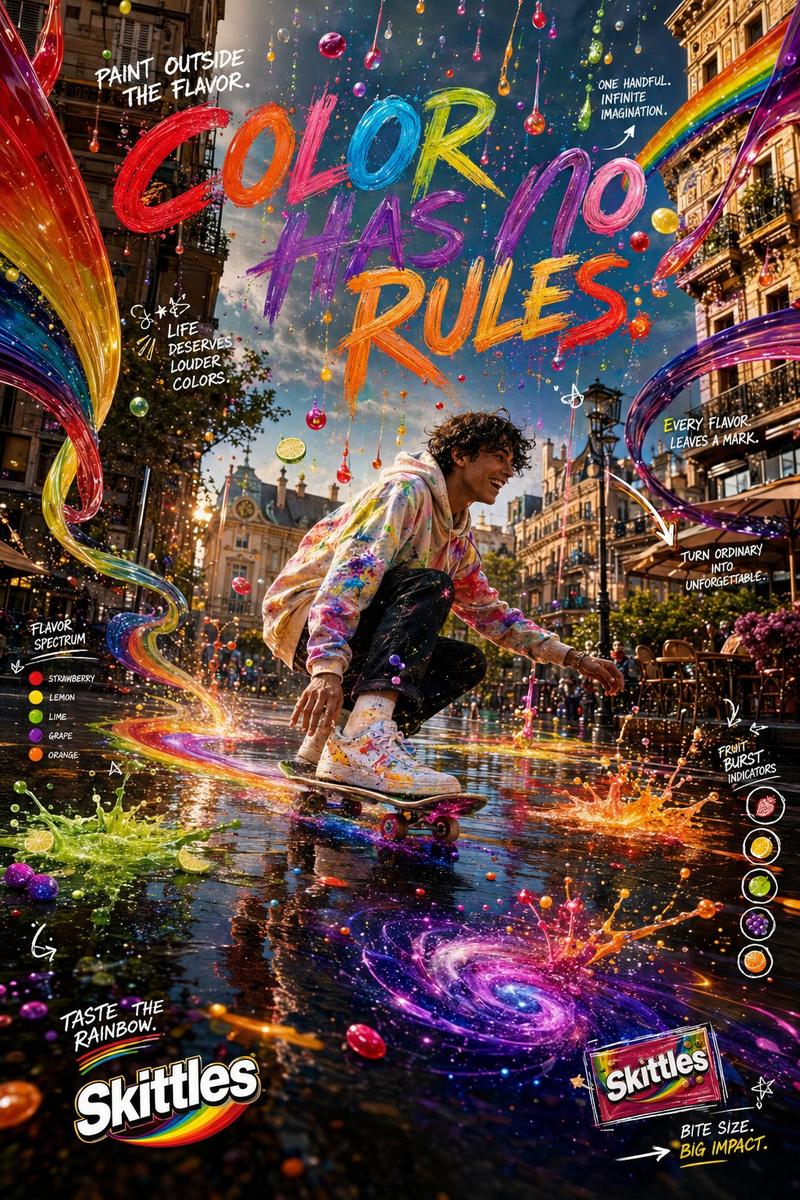
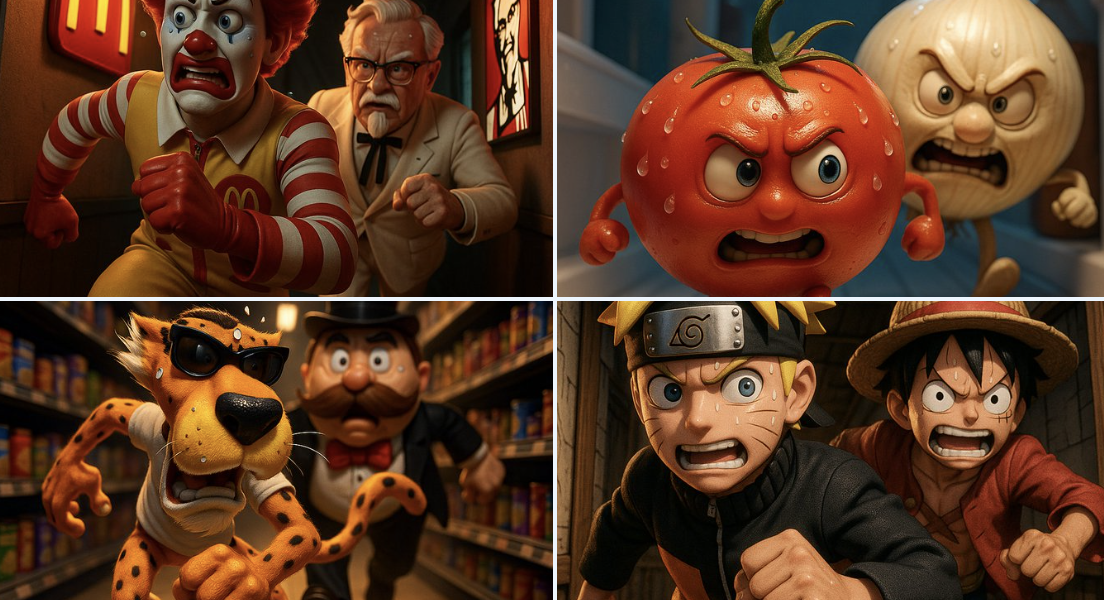
The {argument name="character" default="photorealistic character"} from the reference image 1(Use the uploaded photos as the facial reference and preserve the exact facial features, face shape, skin tone, hairstyle, and identity of both images.)image 1 is sprinting at full speed, body leaning forward, with an intense and euphoric expression on his face. He is wearing his real-world outfit as seen in the reference. He extends one hand toward a {argument name="version" default="tiny, 3D Pixar-style version"} of image 2. The miniature is a stylized, toy-like CGI figure with an exaggerated, comically panicked expression, running wildly ahead on tiny animated legs over a cartoonish pavement. "Environment" A {argument name="environment" default="bustling city street"} rendered entirely in the detailed, colorful, and charming 3D CGI style of a Pixar animated film. Stylized, whimsical cartoon buildings, rounded animated cars, and cheerful cartoon pedestrians line the street. Image expect ratio is 9:16. 4k
Category
Architecture & Spaces
Model
GPT Image 2
Creator
MoreD
Views0
Source ID
25481
Published
Jun 13, 2026

Guide

About "皮克斯风格 CGI 角色冲刺"

What is this prompt for?

"皮克斯风格 CGI 角色冲刺" AI image prompt for GPT Image 2 (Architecture & Spaces). 将写实角色转换为具有面部一致性的皮克斯风格动画场景。 Copy it on Picva and recreate the look in one click.

The full copyable prompt and example visuals above are ready for AI image generation or one-click recreate in Picva.

How to use this prompt

  1. Step 1

    Open the prompt detail

    Review the example visuals, category, and full prompt text for "皮克斯风格 CGI 角色冲刺".

  2. Step 2

    Copy the prompt

    Copy the prompt body from this page, or load it directly in Studio.

  3. Step 3

    Pick a model (GPT Image 2)

    Prefer GPT Image 2. If you switch models, keep subject and composition and tweak style terms.

  4. Step 4

    Generate and export

    Recreate the look in Picva, or export into your workflow for editing and publishing.

FAQ

What is the "皮克斯风格 CGI 角色冲刺" prompt?
It is an AI image-generation prompt for GPT Image 2 in the Architecture & Spaces category. This page includes the full prompt text, example visuals, and a one-click recreate path in Picva.
How do I use this prompt to generate an image?
Copy the prompt from this page, or use Generate / Studio. Paste it into a compatible image model, or recreate the look in Picva with optional reference images.
Which model is this prompt for?
This page lists GPT Image 2. Most descriptive prompts also transfer to nearby image models such as GPT Image, Flux, or Midjourney with light style tweaks.
Can I use the result commercially?
You can usually copy the prompt for creation, but commercial use of the final image depends on the model terms, reference-image rights, and the generated content. Follow the source author and platform rules.