15

赛博朋克 Q 版战术英雄
Enlarge

赛博朋克 Q 版战术英雄

Prompt
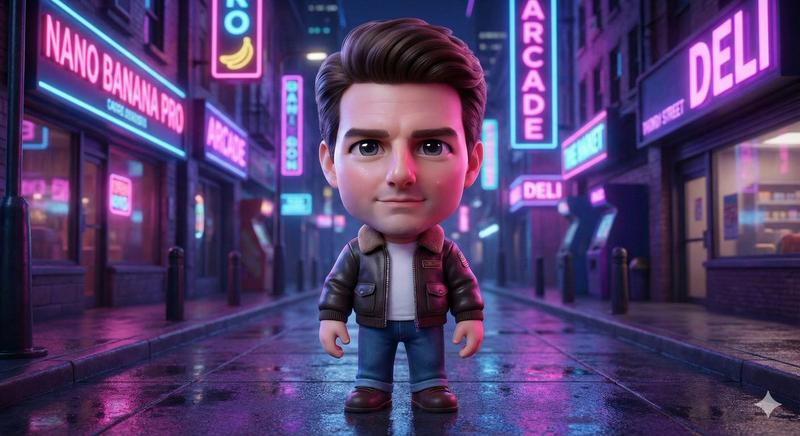
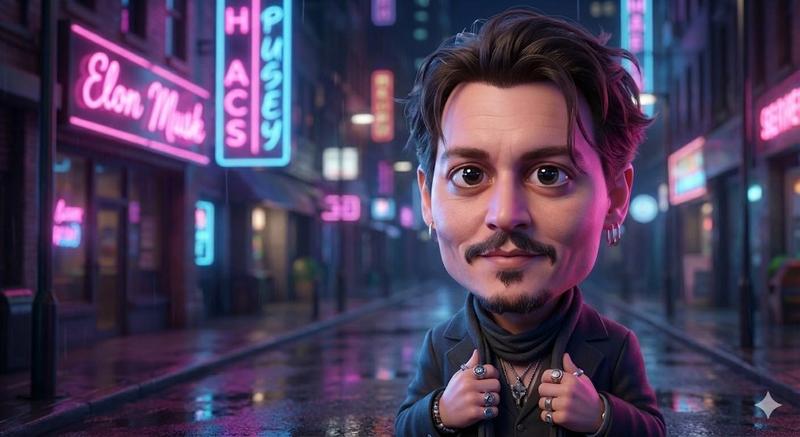
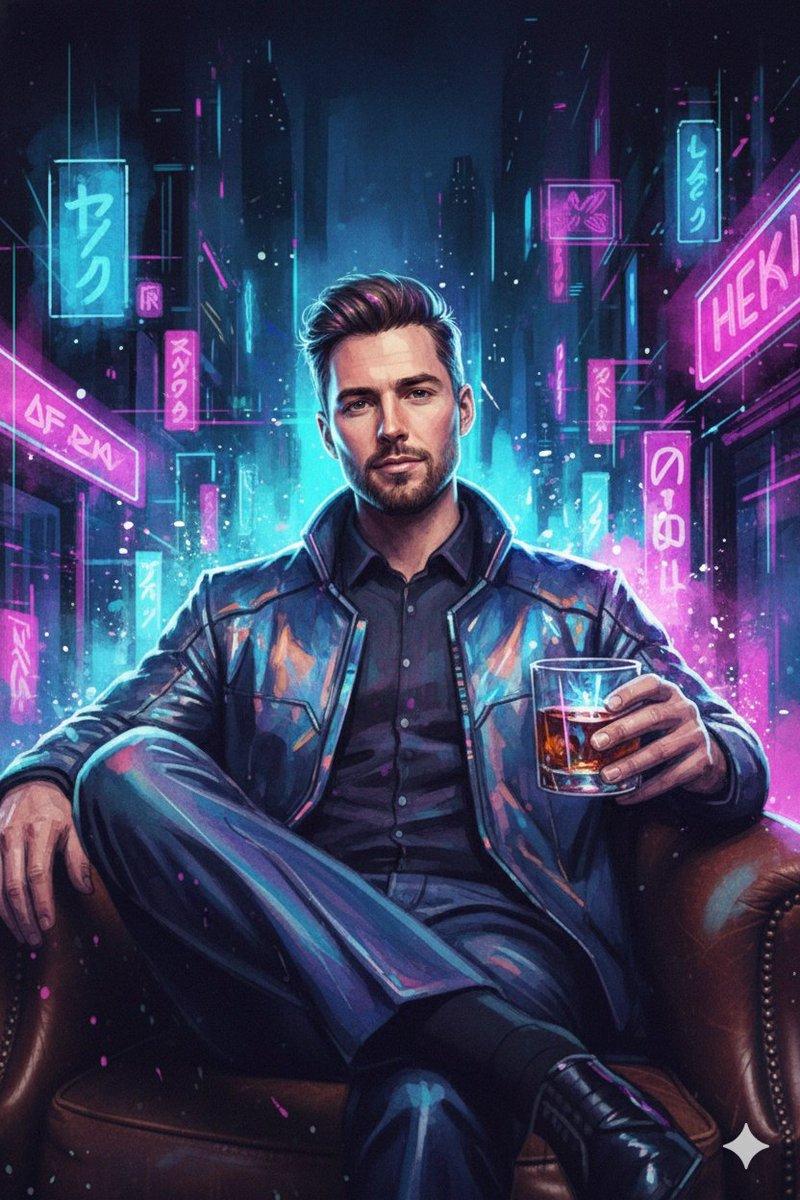
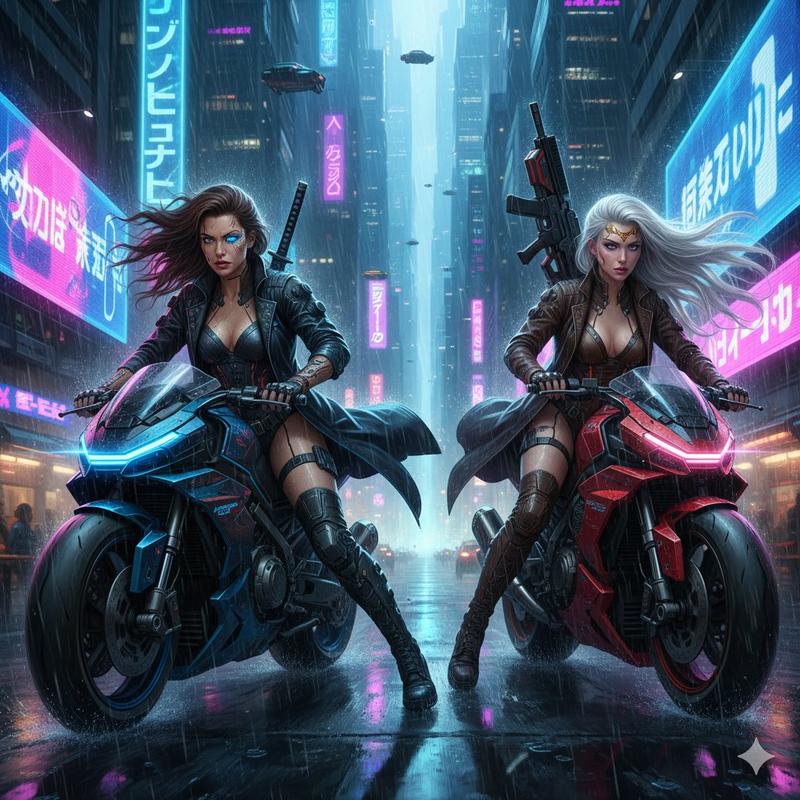
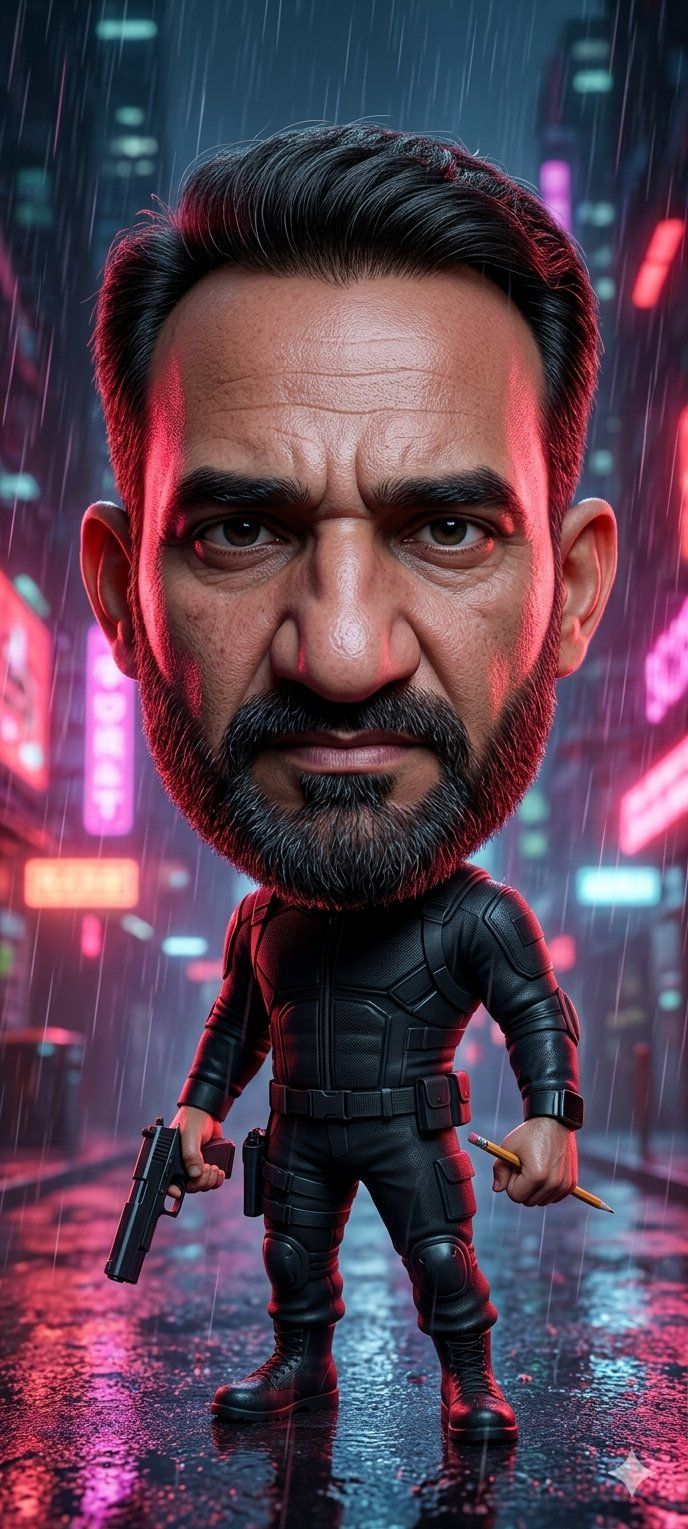
Create a vertical cinematic cyberpunk character portrait of a stylized chibi action hero standing full-body in the middle of a rain-soaked neon city street at night. The character has an oversized head with neatly swept-back {argument name="hair color" default="black"} hair, visible ears, and a large smooth rectangular face placeholder covering the entire face area from forehead to chin, filled with a muted brown-to-purple gradient and no facial features. The small body wears a fitted black tactical armored suit with segmented chest plates, elbow and knee pads, utility belt, thigh pouches, gloves, and heavy black combat boots. The character stands confidently with legs apart, holding exactly 2 items: a black pistol pointed downward in the left hand and a short golden pencil or baton in the right hand. Set the scene in heavy rain with long visible raindrops, wet reflective pavement, puddles, and blurred skyscrapers in the background. Add glowing neon signs and bokeh lights in exactly 4 dominant accent colors: hot pink, cyan, red, and blue. Use dramatic rim lighting from both sides, red highlights on one side and cool cyan highlights on the other, with glossy reflections on the suit and ground. Make it highly detailed, cinematic, shallow depth of field, ultra-realistic toy-like proportions, vertical 9:16 composition, centered subject, no text, no watermark, no extra characters.
Category
Architecture & Spaces
Model
GPT Image 2
Creator
Lipstick
Views0
Source ID
25697
Published
Jun 14, 2026

Guide

About "赛博朋克 Q 版战术英雄"

What is this prompt for?

"赛博朋克 Q 版战术英雄" AI image prompt for GPT Image 2 (Architecture & Spaces). 一个用于生成雨中霓虹赛博朋克 Q 版动作英雄的竖屏电影感提示词,包含战术装备和空白面部占位符。 Copy it on Picva and recreate the look…

The full copyable prompt and example visuals above are ready for AI image generation or one-click recreate in Picva.

How to use this prompt

  1. Step 1

    Open the prompt detail

    Review the example visuals, category, and full prompt text for "赛博朋克 Q 版战术英雄".

  2. Step 2

    Copy the prompt

    Copy the prompt body from this page, or load it directly in Studio.

  3. Step 3

    Pick a model (GPT Image 2)

    Prefer GPT Image 2. If you switch models, keep subject and composition and tweak style terms.

  4. Step 4

    Generate and export

    Recreate the look in Picva, or export into your workflow for editing and publishing.

FAQ

What is the "赛博朋克 Q 版战术英雄" prompt?
It is an AI image-generation prompt for GPT Image 2 in the Architecture & Spaces category. This page includes the full prompt text, example visuals, and a one-click recreate path in Picva.
How do I use this prompt to generate an image?
Copy the prompt from this page, or use Generate / Studio. Paste it into a compatible image model, or recreate the look in Picva with optional reference images.
Which model is this prompt for?
This page lists GPT Image 2. Most descriptive prompts also transfer to nearby image models such as GPT Image, Flux, or Midjourney with light style tweaks.
Can I use the result commercially?
You can usually copy the prompt for creation, but commercial use of the final image depends on the model terms, reference-image rights, and the generated content. Follow the source author and platform rules.