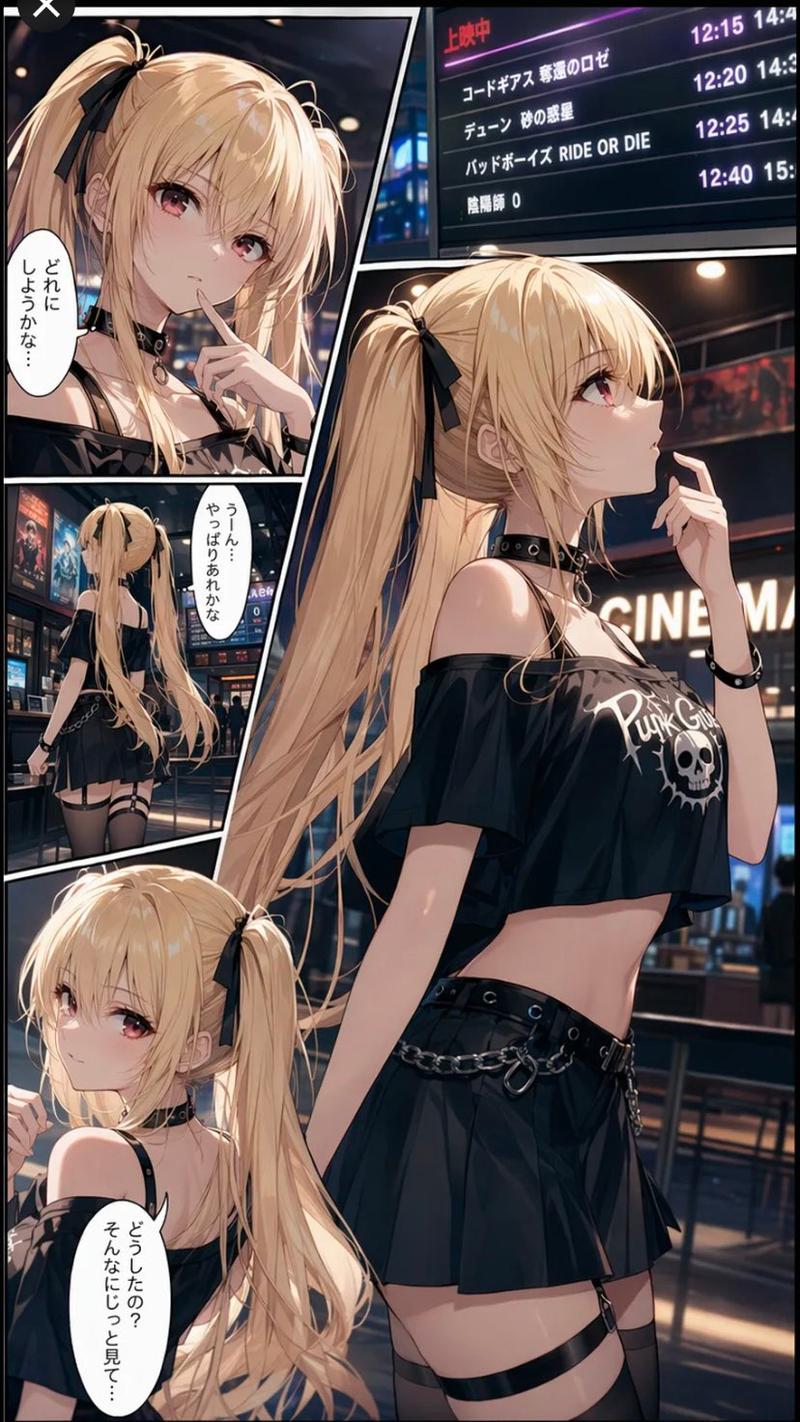
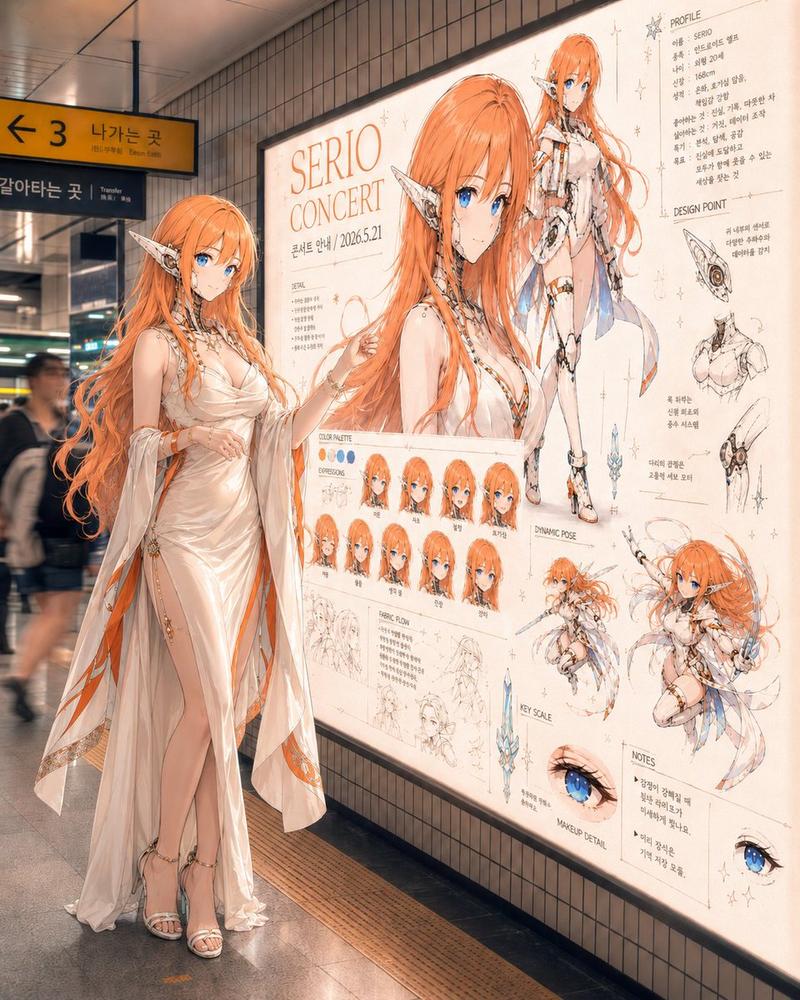
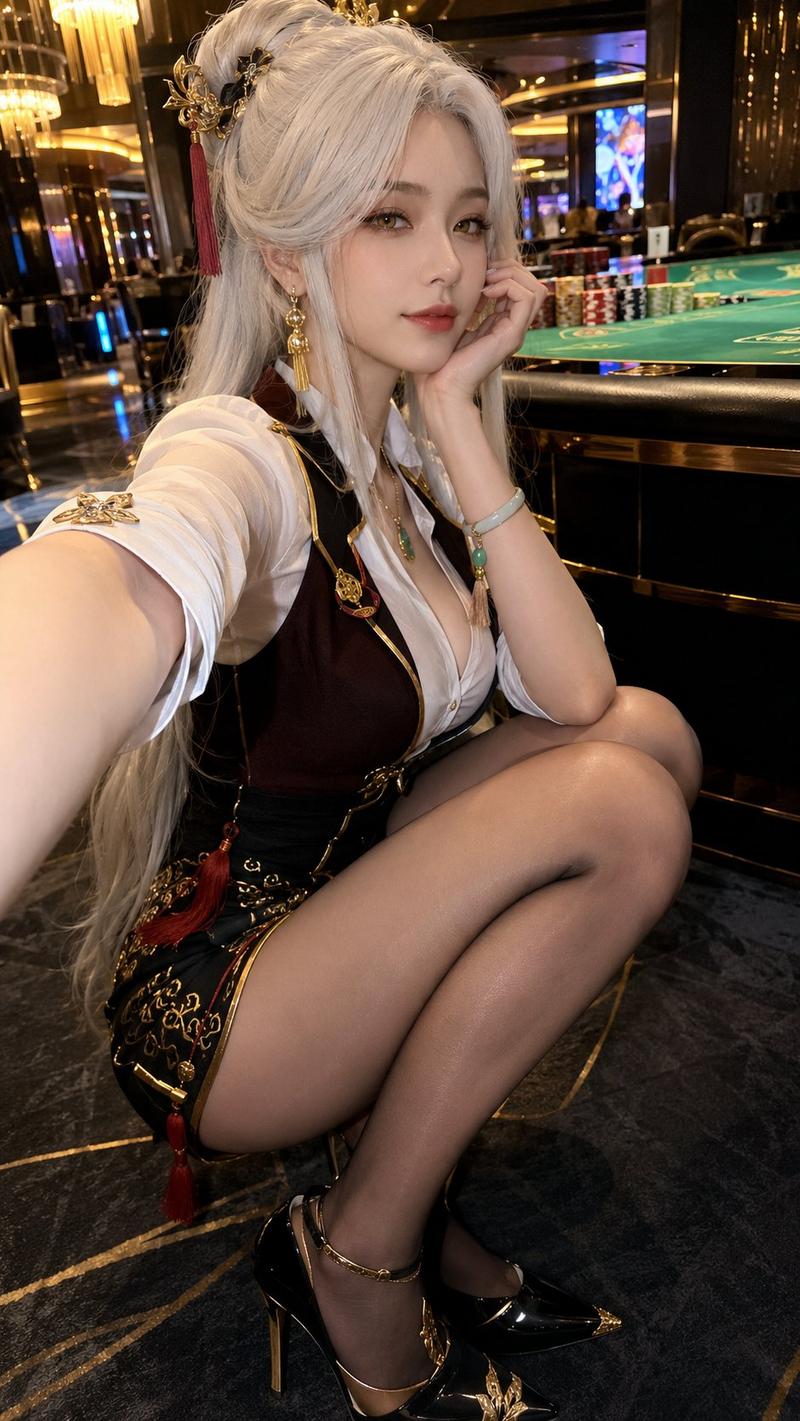
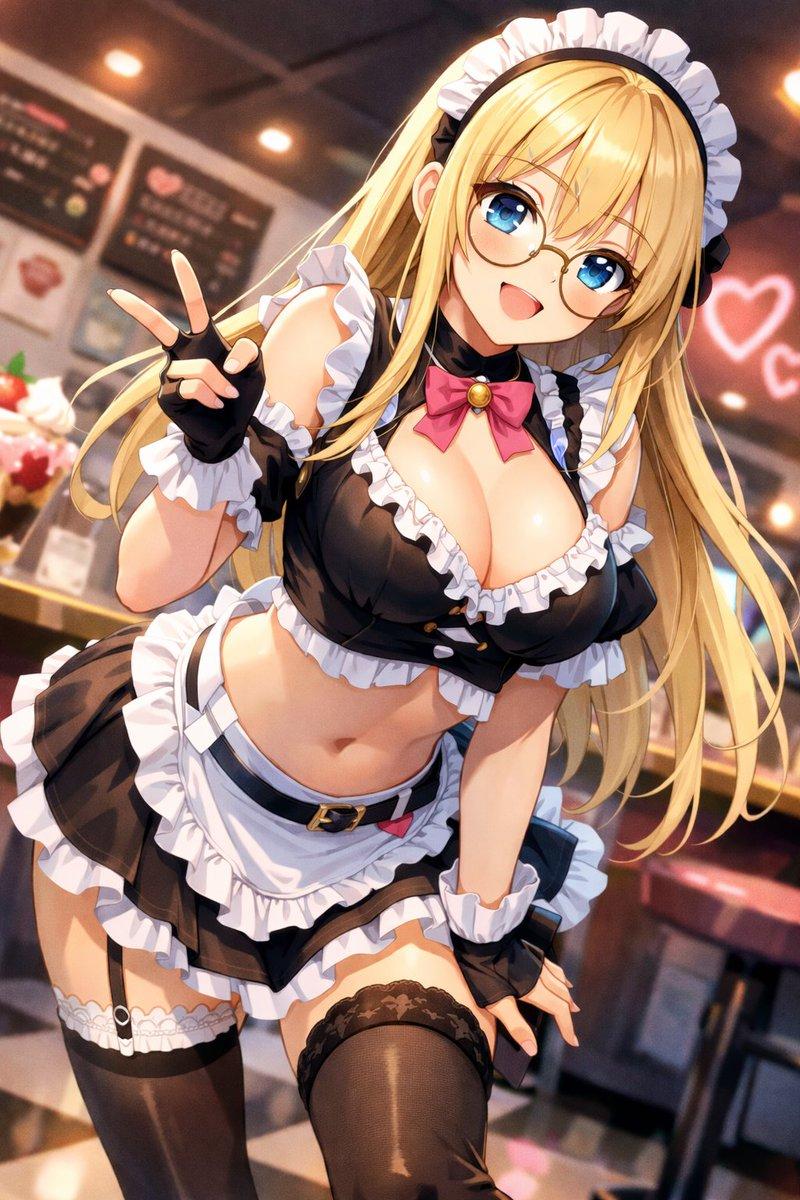
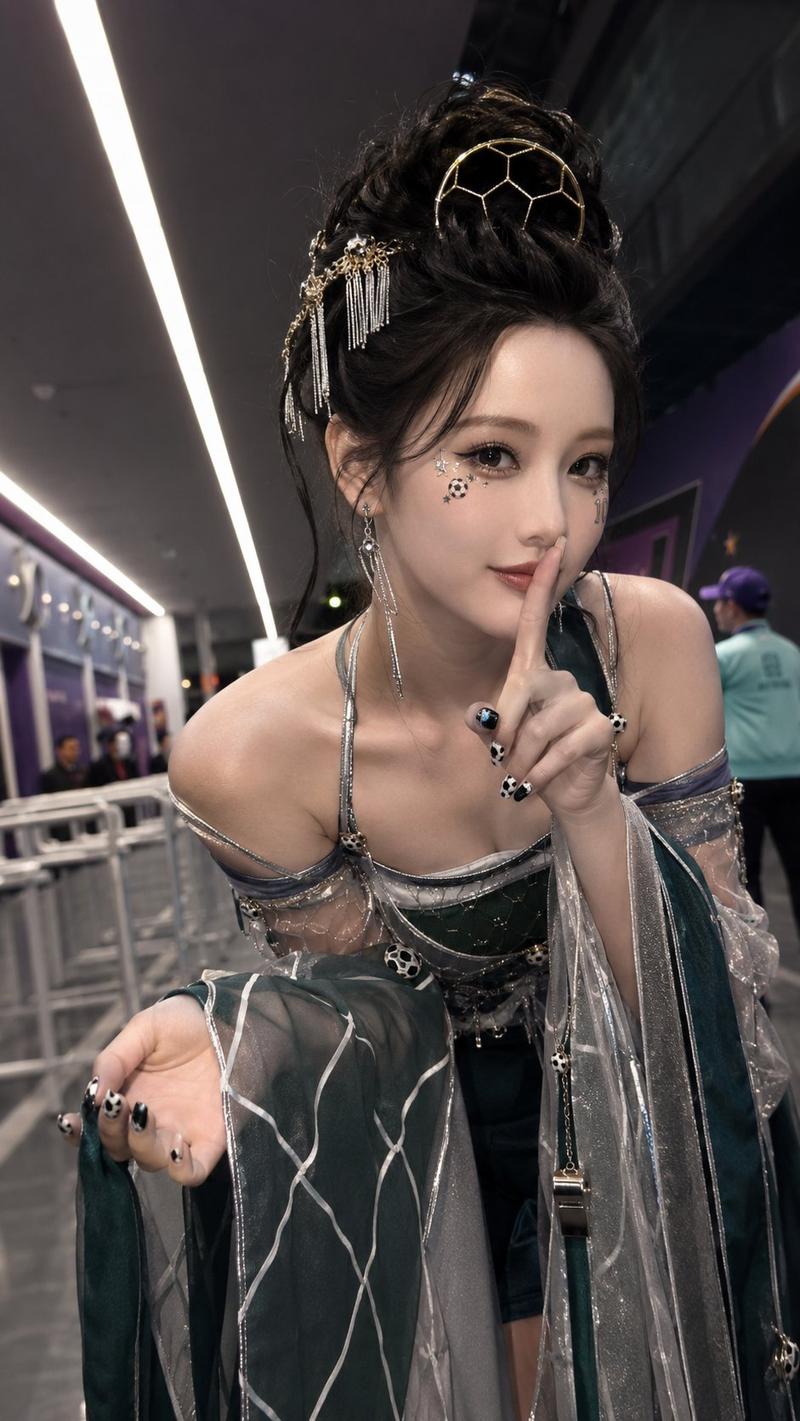
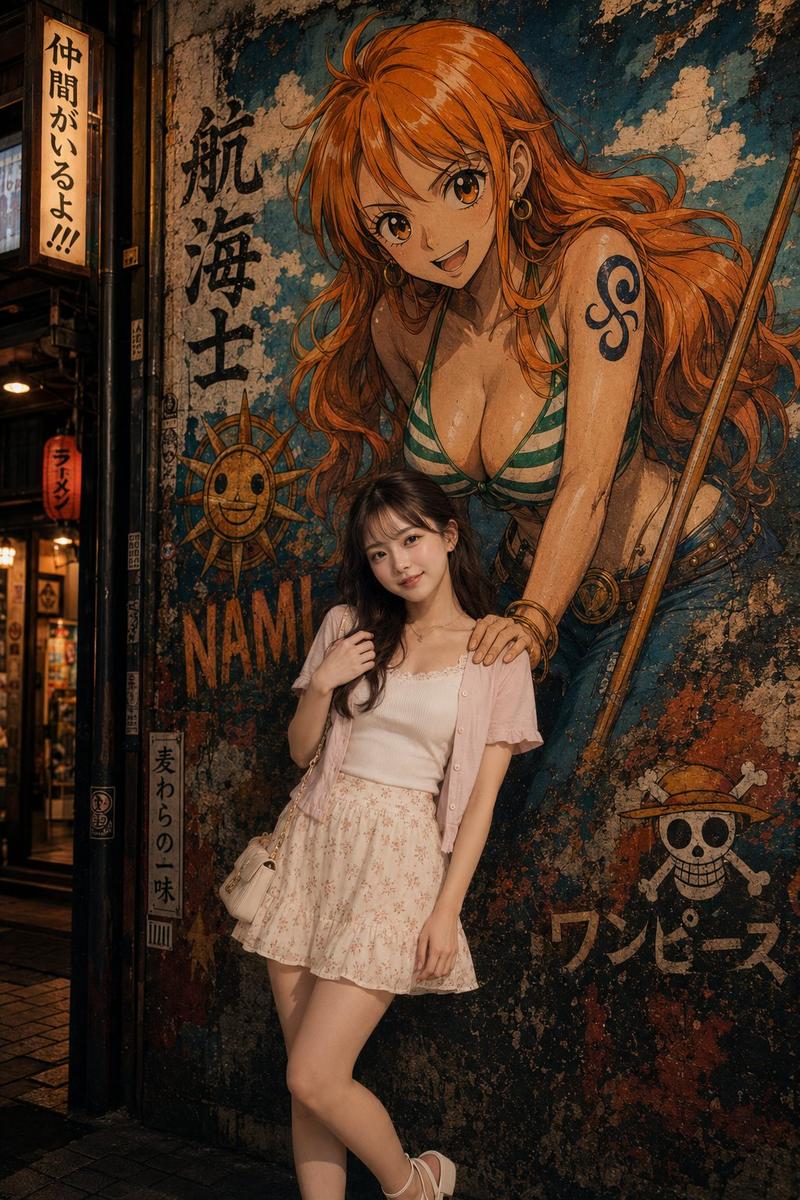
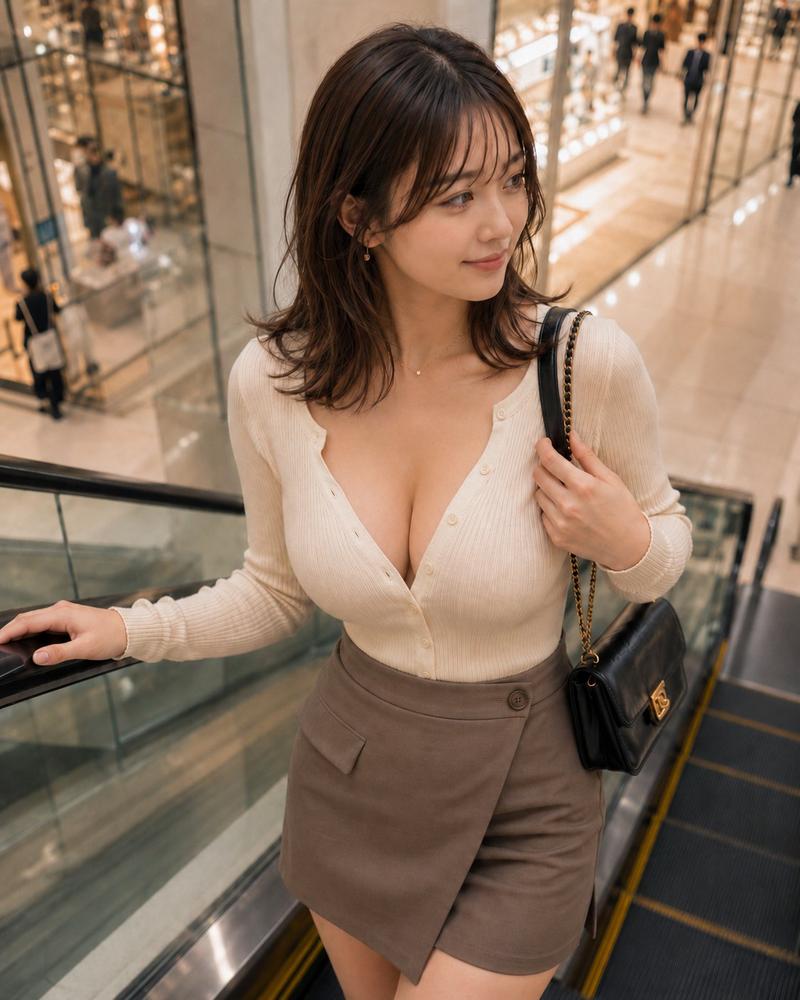
电影院大厅里的哥特风动漫少女
Prompt
Create a realistic vertical smartphone photo in a modern cinema lobby at night, showing an anime-inspired young woman named {argument name="character name" default="Emilia"} standing in three-quarter profile beneath a large digital “NOW SHOWING” schedule board. She has very long {argument name="hair color" default="platinum blonde"} hair in twin ponytails tied with black ribbons, pale skin, a slim figure, and her face is intentionally covered by a plain vertical beige rectangular privacy block. She poses thoughtfully with one hand raised near her cheek and the other arm folded across her waist, looking upward toward the movie listings. Her outfit is a gothic punk black ensemble with exactly 6 main visible pieces: an off-shoulder cropped black graphic T-shirt with white skull lettering, a black choker, a high-waisted black pleated mini skirt, a black grommet belt, two silver chain drapes at the hip, and black thigh garter straps. The cinema background should include exactly 5 Japanese movie titles on the digital board with showtimes 10:15, 12:30, 12:45, 14:45, 17:00, and 19:30, plus exactly 2 large illuminated upper poster panels labeled 3 and 4, exactly 2 framed lower movie posters on the wall, and red rope queue barriers with black stanchions. Use warm indoor theater lighting, glossy dark marble floors with reflections, shallow depth of field, slight handheld candid composition, realistic skin and hair texture, cinematic bokeh, and a photorealistic fashion snapshot style. Keep the scene in a {argument name="location" default="Japanese movie theater lobby"}, with Japanese signage such as {argument name="board heading" default="NOW SHOWING"} clearly visible but not overly crisp.- Category
- Posters & Typography
- Model
- GPT Image 2
- Creator
- レティシア・ノエル
- Source ID
- 25713
- Published
- Jun 14, 2026
Views0