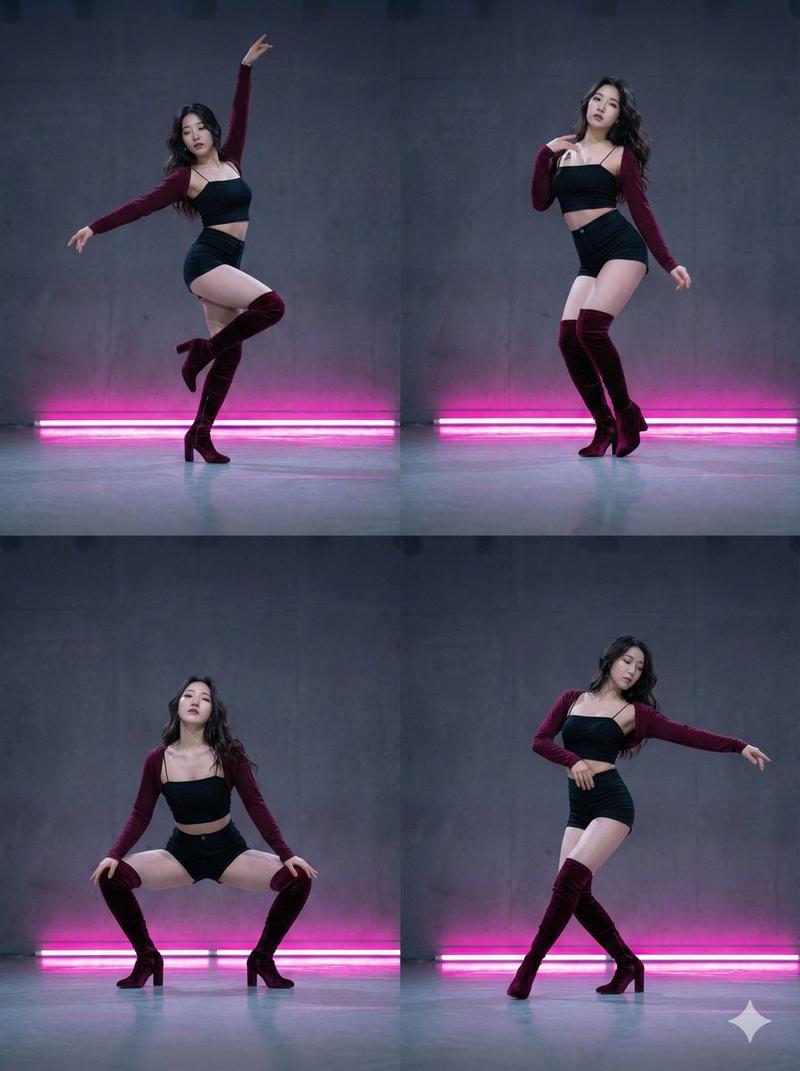
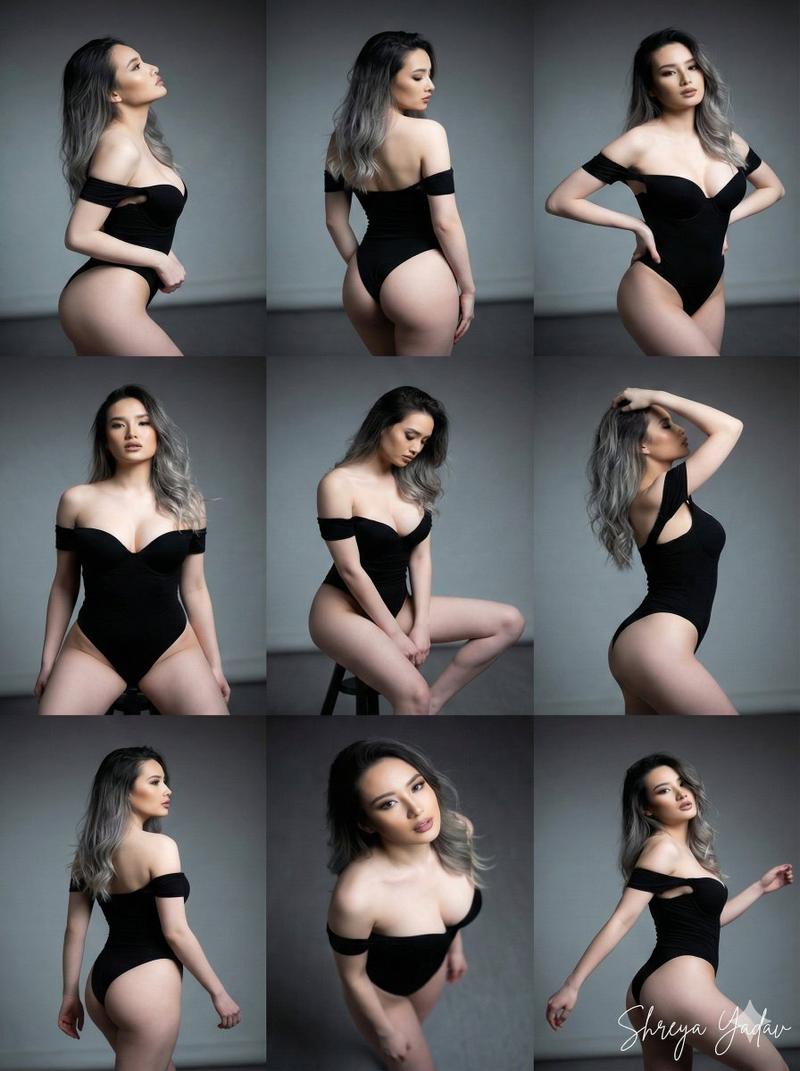
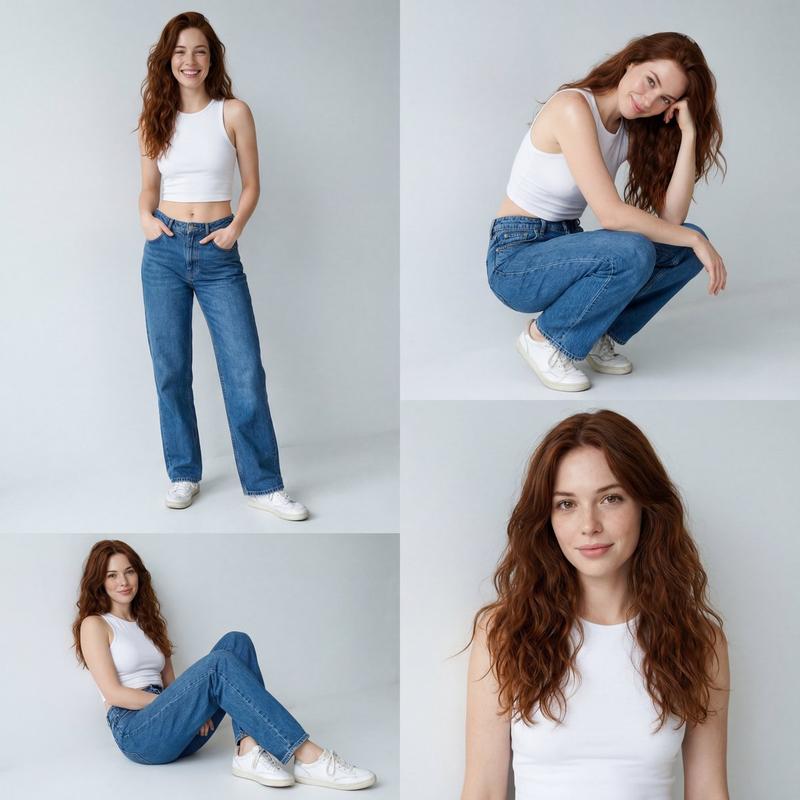
奢华黑白时尚编辑拼贴画
Prompt
[Reference Image]
Using the provided reference image, create an ultra-realistic 2×2 editorial collage featuring the same elegant young woman in a luxury monochrome studio photoshoot. The entire composition should be in high-contrast black and white, with a timeless fashion magazine aesthetic

She has {argument name="hair style" default="long, sleek jet-black hair with a precise center part"}, flawless porcelain skin, sharp cat-like eyes, naturally defined brows, subtle eyeliner, and soft matte lips. Her expression is calm, mysterious, and confident, embodying a high-fashion runway model.

She is dressed in a {argument name="outfit" default="minimalist fitted black mock-neck mini dress with short sleeves, paired with black fishnet tights and chunky knee-high platform leather boots"}. The styling is clean, sophisticated, and modern with no distracting accessories.

Create four distinct frames:

1. Top Left: Full-body standing portrait with arms crossed, facing the camera against a seamless black studio backdrop.

2. Top Right: Tight beauty close-up with one hand gently resting beneath the chin, intense editorial gaze, soft facial lighting.

3. Bottom Left: Seated pose on a low black cube, one knee raised, showcasing the boots and fishnet tights in a graceful fashion-editorial composition.

4. Bottom Right: Full-body standing portrait with one hand lightly touching the neck, elongated posture, minimalist runway-inspired pose.

The background should be a seamless dark studio with soft gradient lighting and subtle shadows. Use diffused softboxes to sculpt the face and body while maintaining dramatic contrast. Emphasize photorealistic skin texture, detailed hair strands, elegant fabric folds, and premium editorial quality.

Style: {argument name="aesthetic" default="luxury fashion campaign, monochrome photography, Vogue Korea editorial, Saint Laurent aesthetic"}, minimalist studio portrait, Korean model, high-fashion magazine cover, fine art photography, cinematic lighting, photorealistic, DSLR medium-format quality, 85mm lens, shallow depth of field, masterpiece, best quality, ultra realistic, 8K.

Negative Prompt

low quality, blurry, bad anatomy, extra fingers, extra limbs, duplicate body parts, distorted face, asymmetrical eyes, cartoon, anime, CGI, plastic skin, watermark, logo, text, oversaturated lighting, poorly drawn hands, unrealistic proportions, noise, artifacts, low resolution.

Style Keywords

black and white editorial, luxury fashion studio, monochrome portrait, Korean model aesthetic, minimalist couture, Vogue-inspired, Saint Laurent campaign, fine art photography, dramatic soft lighting, high-end beauty portrait, photorealistic, ultra detailed, 8K.- Category
- Posters & Typography
- Model
- GPT Image 2
- Creator
- Zephyra Leigh
- Source ID
- 25789
- Published
- Jun 15, 2026
Views0