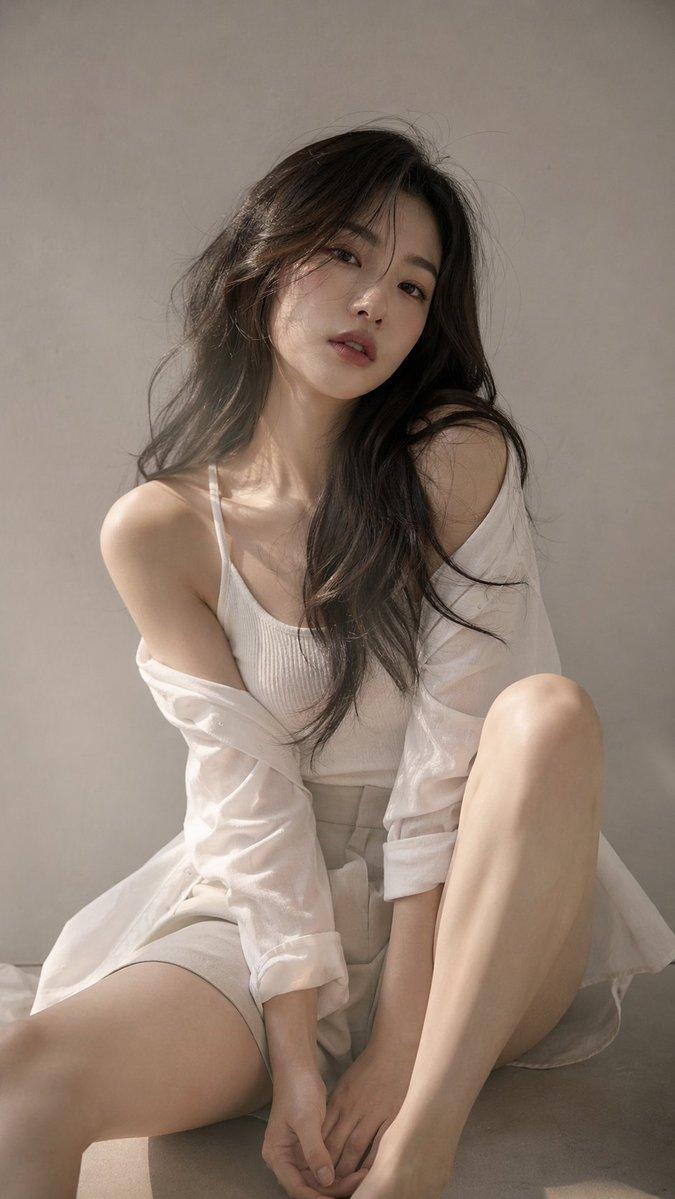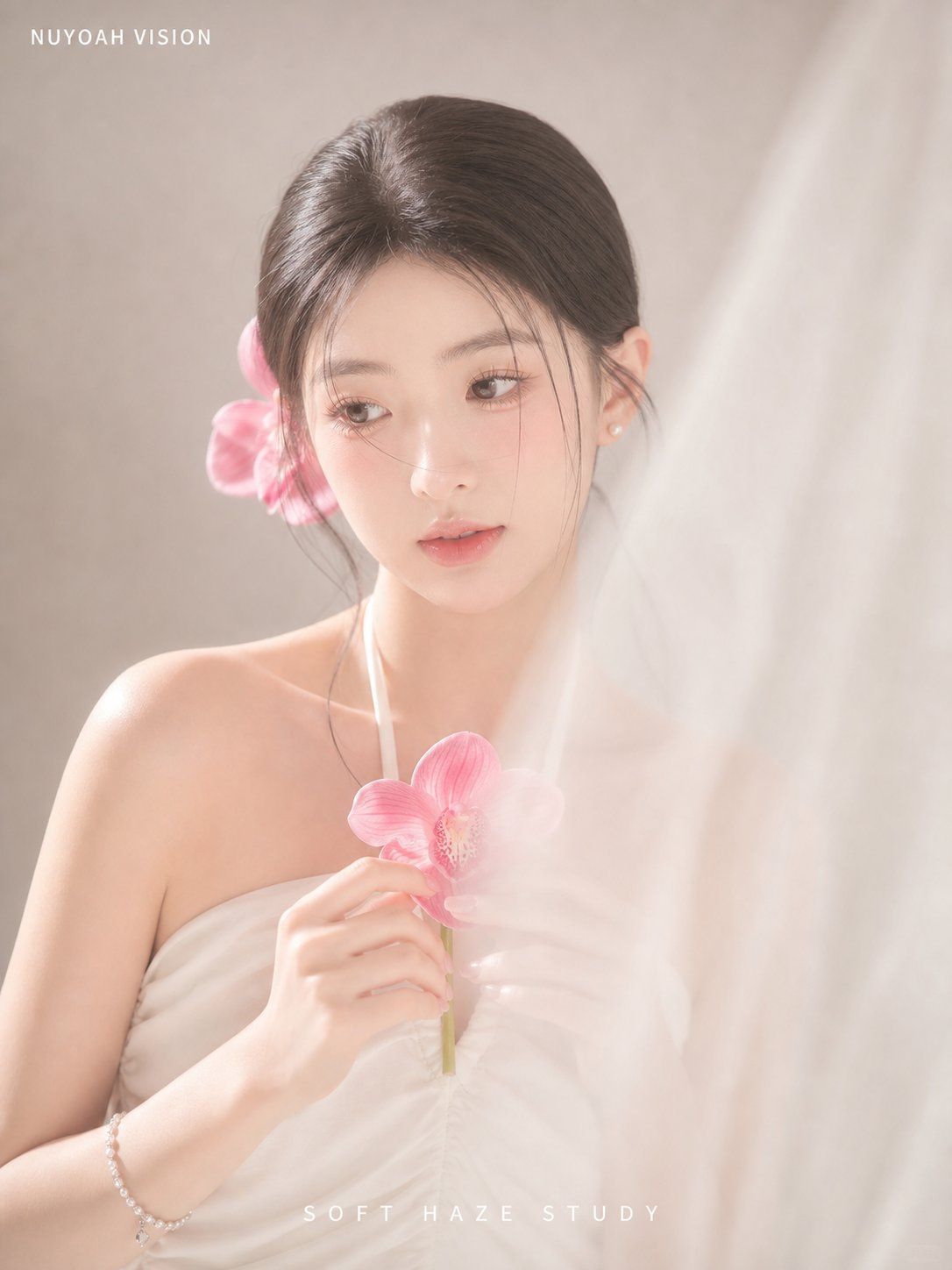
柔雾兰花影棚肖像
Prompt
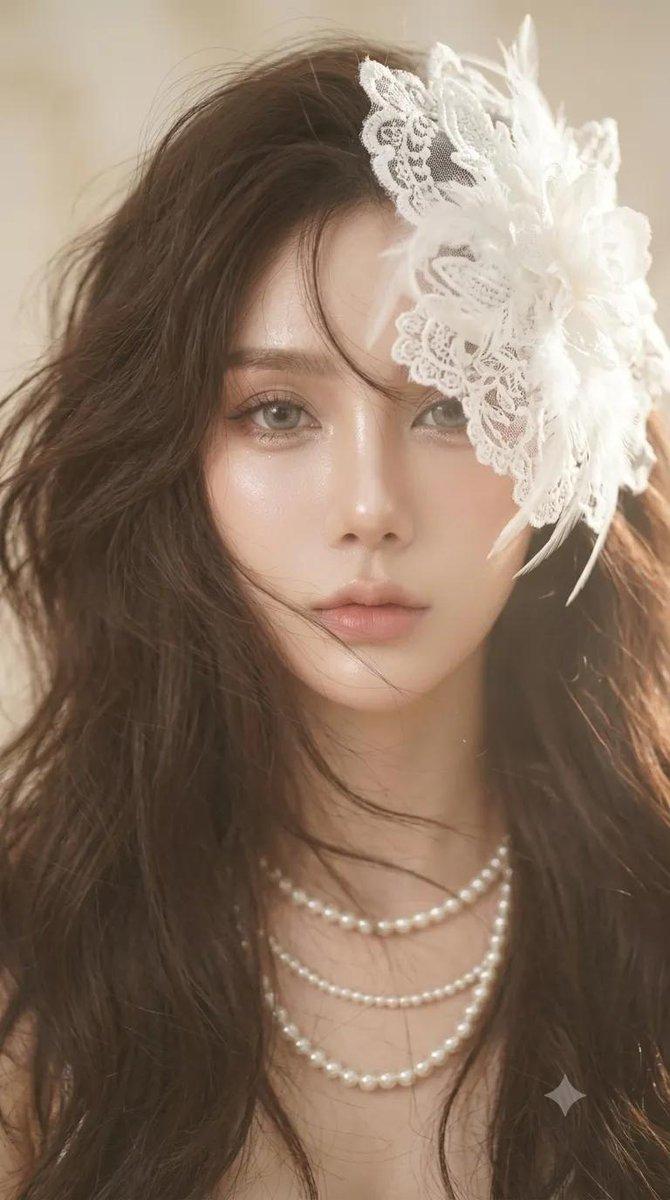
Create a vertical 3:4 high-key creamy soft-haze studio portrait of a young woman in a strapless white draped dress, photographed from chest up against a warm beige seamless backdrop. She has {argument name="hair color" default="dark brown"} hair parted in the center and tied into a low, neat updo, with a small pearl earring visible. Her face is deliberately hidden by a centered opaque square privacy block in a soft beige skin-tone gradient, covering the entire facial area from forehead to chin. Use low contrast, overexposed milky highlights, feathered edges, and a translucent white veil or gauze foreground drifting along the right side and partially across the lower face and chest, as if shooting through white mist. Include exactly 2 visible pink orchid flowers: one larger orchid held delicately at the center of her chest by her hand, and one pink orchid tucked behind her left ear. Add a slim white orchid stem rising beside her neck. Her pose is gentle and editorial, shoulders bare, one hand holding the flower, with a delicate bracelet on the wrist. Lighting should feel like a white orchid soft-fog studio photoshoot: bright diffused key light from upper right, slight highlight bloom, creamy beige shadows, no harsh outlines. Add small white uppercase text {argument name="top logo text" default="NUYOAH VISION"} at the top left, and spaced white uppercase text {argument name="bottom caption text" default="SOFT HAZE STUDY"} centered near the bottom. Minimal fashion editorial composition, elegant, airy, romantic, realistic photography, no extra objects, no watermark beyond the specified text.- Category
- Posters & Typography
- Model
- GPT Image 2
- Creator
- 南鸢 nuyoah
- Source ID
- 25808
- Published
- Jun 15, 2026
Views0