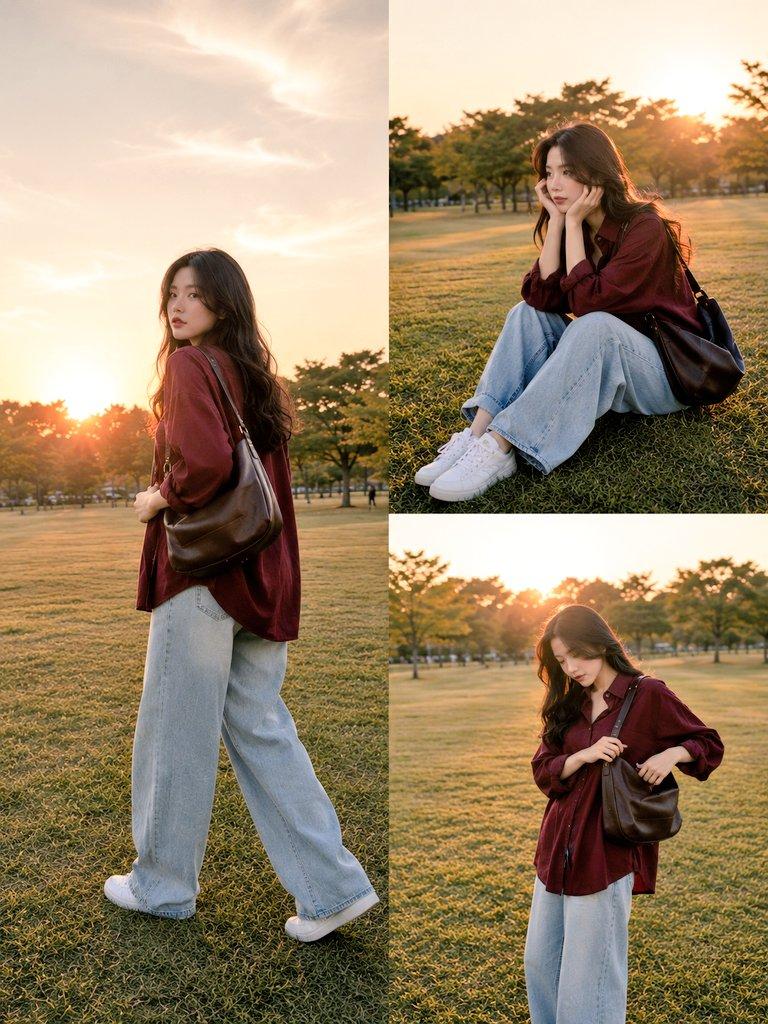
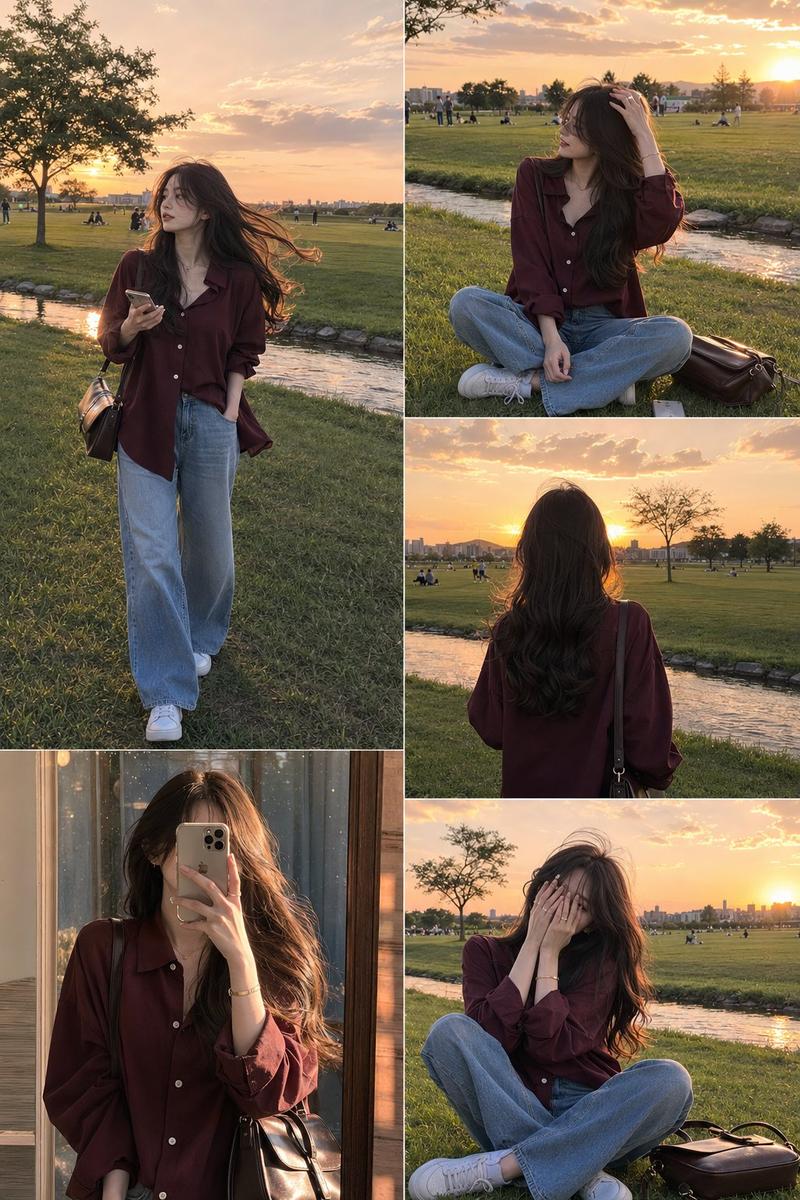
黄金时刻公园时尚拼贴画
Prompt
Create an ultra-realistic lifestyle fashion collage featuring {argument name="character description" default="a beautiful young woman with long brown hair in a loose side braid"} in a wide open green park during golden hour sunset. Use a warm cinematic natural-light look with soft sun flare, shallow depth of field, lush grass, leafy trees, and an aesthetic Korean casual fashion vibe. The woman wears {argument name="shirt" default="a deep burgundy oversized button-up shirt"}, {argument name="pants" default="light blue wide-leg denim jeans"}, white sneakers, and a brown leather crossbody shoulder bag. Compose a square 1:1 collage with exactly 5 photo panels: 1) top-left large panel, she sits cross-legged on a beige gingham picnic blanket reading an open book, with another closed book nearby; 2) top-right panel, she walks along a curving park path at sunset with the bag on her shoulder; 3) bottom-left panel, side profile close-up as she holds a small glass jar bouquet of wildflowers; 4) bottom-center panel, medium close-up as she raises a small vintage compact camera to take a photo; 5) bottom-right panel, rear three-quarter view as she stands on a grassy hill looking toward a distant city skyline under a glowing sunset. Keep the styling consistent across all panels: same outfit, same bag, same braided hairstyle, same warm golden-hour park environment. Faces should be softly obscured or out of focus rather than detailed. Photorealistic DSLR quality, natural skin and fabric texture, dreamy editorial lifestyle mood, no text, no watermark, no extra people.- Category
- Posters & Typography
- Model
- GPT Image 2
- Creator
- Alina Ai
- Source ID
- 25857
- Published
- Jun 16, 2026
Views0