20

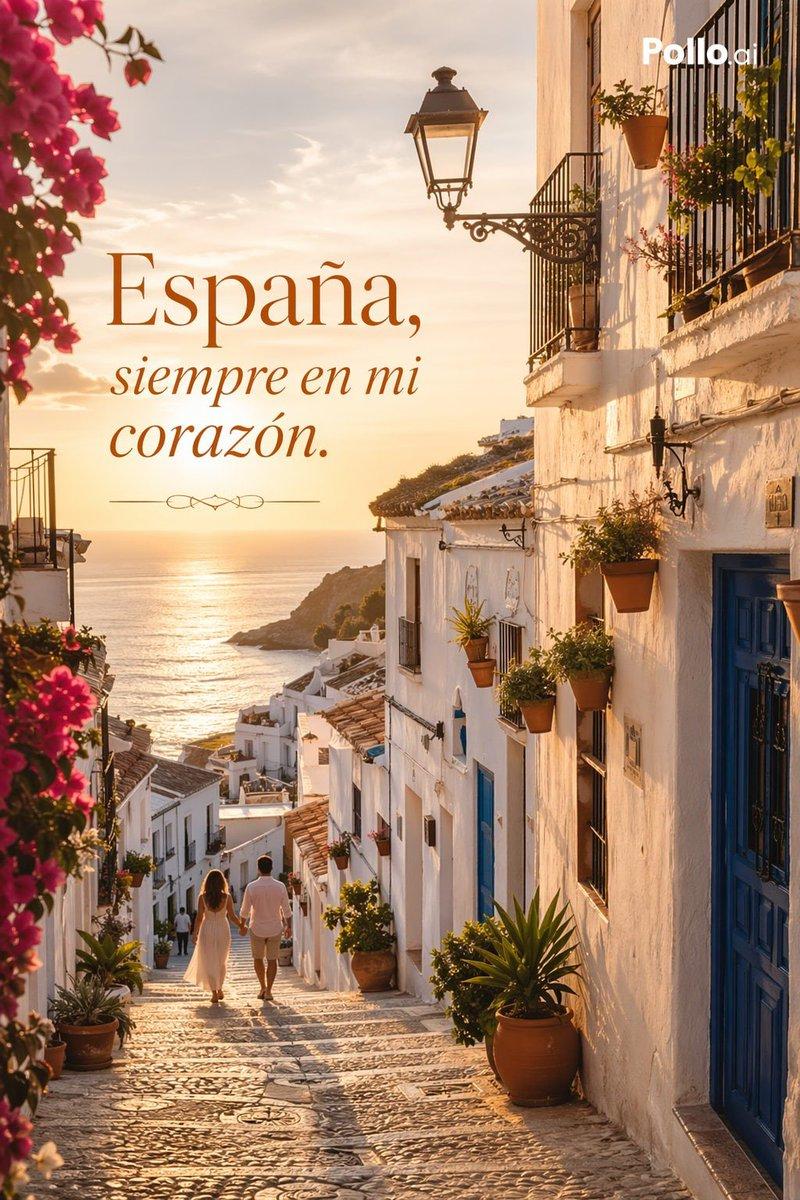
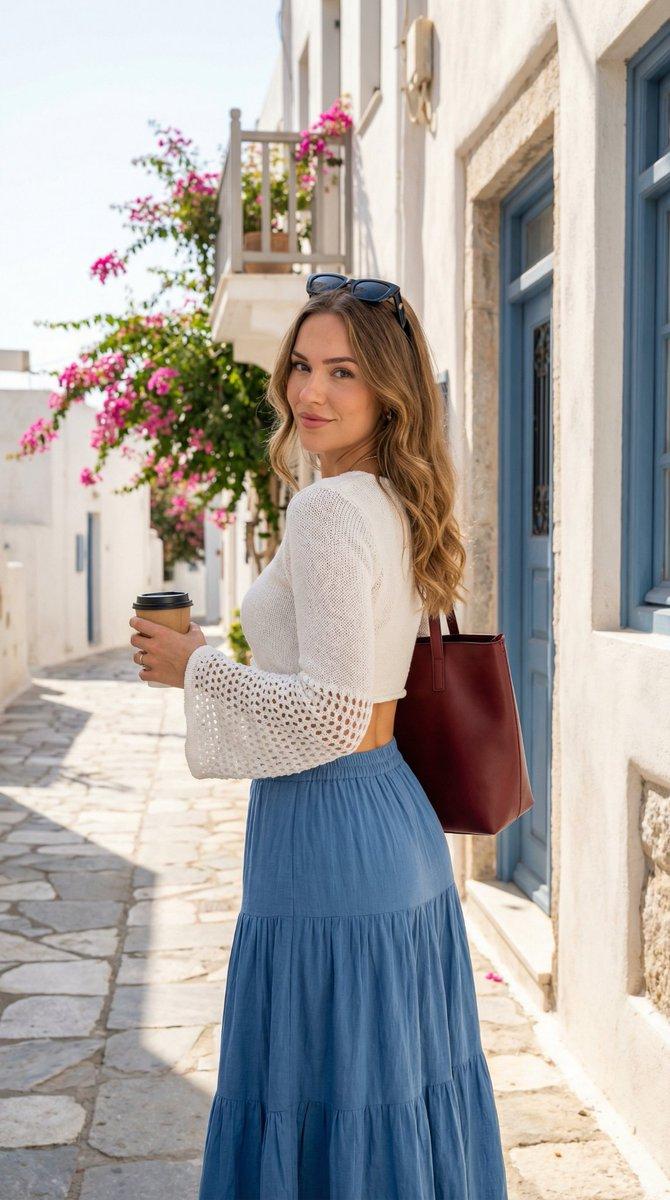
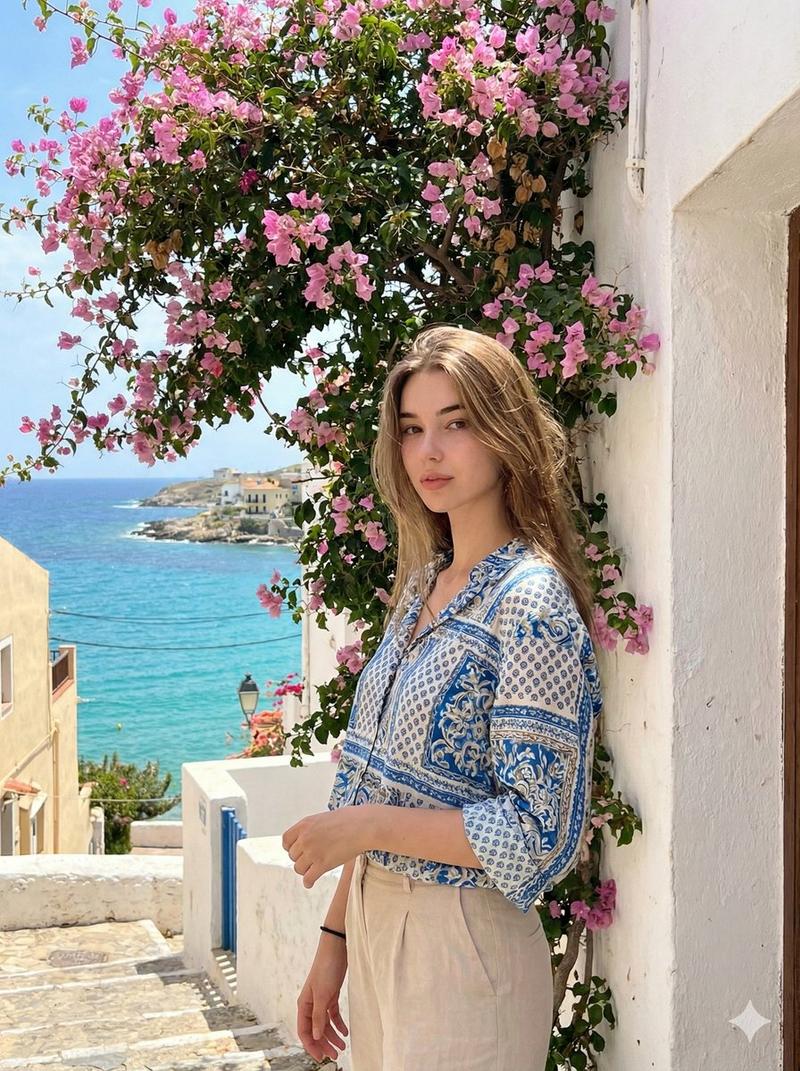
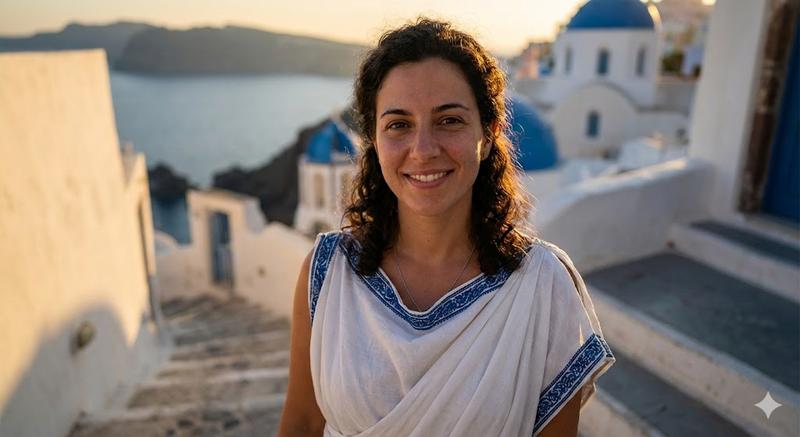
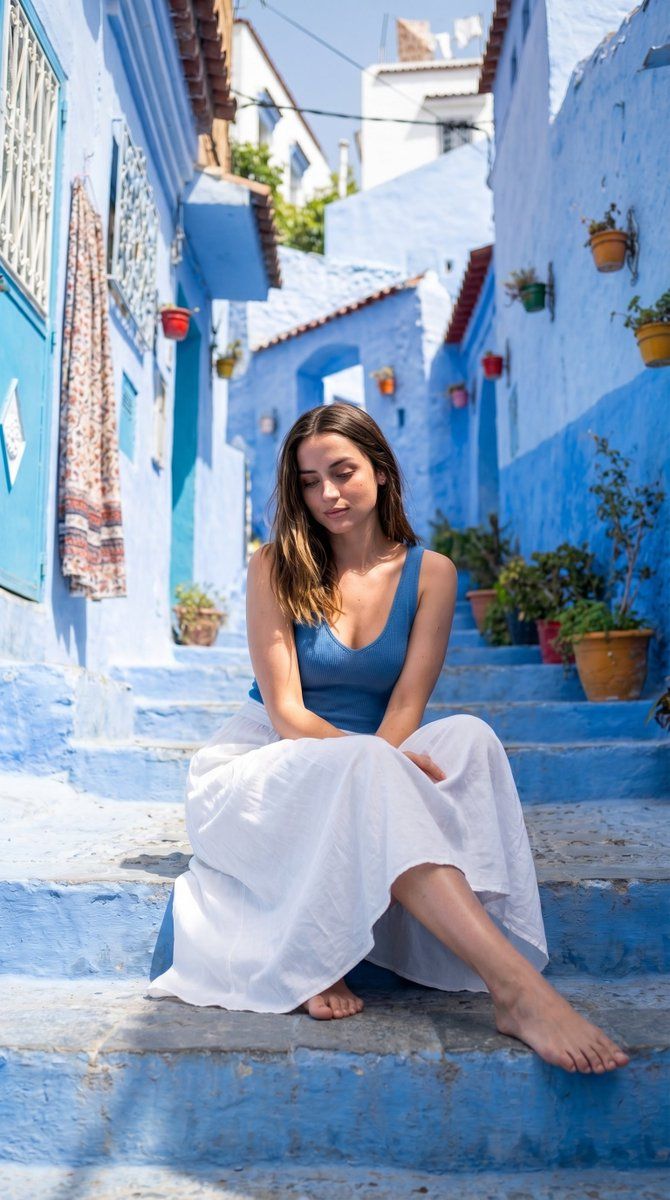
地中海巷弄肖像
Enlarge

Example images

地中海巷弄肖像

Prompt
Ultra-realistic photo of a {argument name="subject" default="woman"} seated on stone steps in a {argument name="location" default="vibrant Mediterranean alley with vivid blue-painted walls"}, stairs, and buildings with white accents. She wears a blue fitted sleeveless top and a long flowing white skirt, barefoot, with a calm relaxed expression and eyes slightly downward. Long wavy hair falls naturally over her shoulders. {argument name="lighting style" default="Strong natural sunlight"} creates high contrast shadows and saturated colors. Shot from a slightly low front-facing angle with full body framing, sharp focus on subject against a detailed background of blue walls, hanging patterned fabric, small windows, and plants above. Highly saturated blues contrasted with natural white and skin tones, ultra-realistic textures, crisp shadows, realistic depth.
Category
Architecture & Spaces
Model
GPT Image 2
Creator
PromptLab
Views0
Source ID
26003
Published
Jun 18, 2026

Guide

About "地中海巷弄肖像"

What is this prompt for?

"地中海巷弄肖像" AI image prompt for GPT Image 2 (Architecture & Spaces). 一张超写实的女性肖像,背景为充满活力的蓝色地中海巷弄,呈现出高对比度的自然光影与生动的质感。 Copy it on Picva and recreate the look in one…

The full copyable prompt and example visuals above are ready for AI image generation or one-click recreate in Picva.

How to use this prompt

  1. Step 1

    Open the prompt detail

    Review the example visuals, category, and full prompt text for "地中海巷弄肖像".

  2. Step 2

    Copy the prompt

    Copy the prompt body from this page, or load it directly in Studio.

  3. Step 3

    Pick a model (GPT Image 2)

    Prefer GPT Image 2. If you switch models, keep subject and composition and tweak style terms.

  4. Step 4

    Generate and export

    Recreate the look in Picva, or export into your workflow for editing and publishing.

FAQ

What is the "地中海巷弄肖像" prompt?
It is an AI image-generation prompt for GPT Image 2 in the Architecture & Spaces category. This page includes the full prompt text, example visuals, and a one-click recreate path in Picva.
How do I use this prompt to generate an image?
Copy the prompt from this page, or use Generate / Studio. Paste it into a compatible image model, or recreate the look in Picva with optional reference images.
Which model is this prompt for?
This page lists GPT Image 2. Most descriptive prompts also transfer to nearby image models such as GPT Image, Flux, or Midjourney with light style tweaks.
Can I use the result commercially?
You can usually copy the prompt for creation, but commercial use of the final image depends on the model terms, reference-image rights, and the generated content. Follow the source author and platform rules.