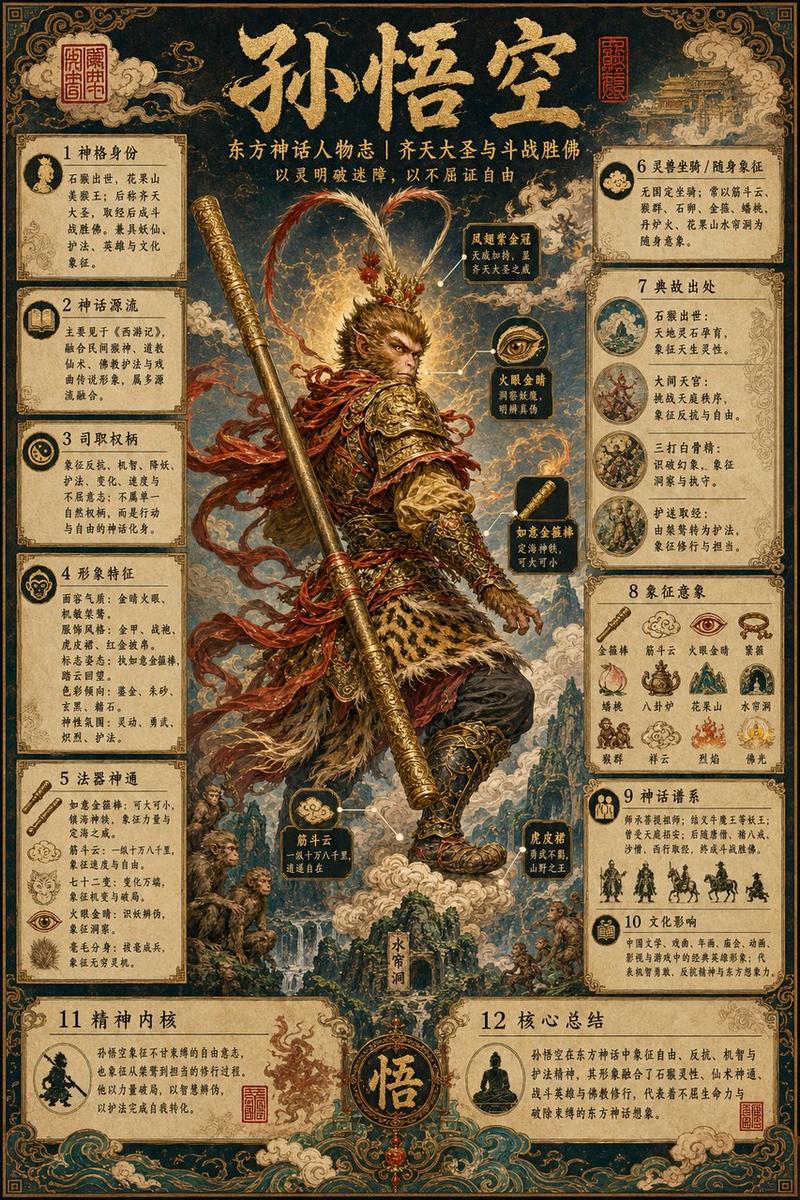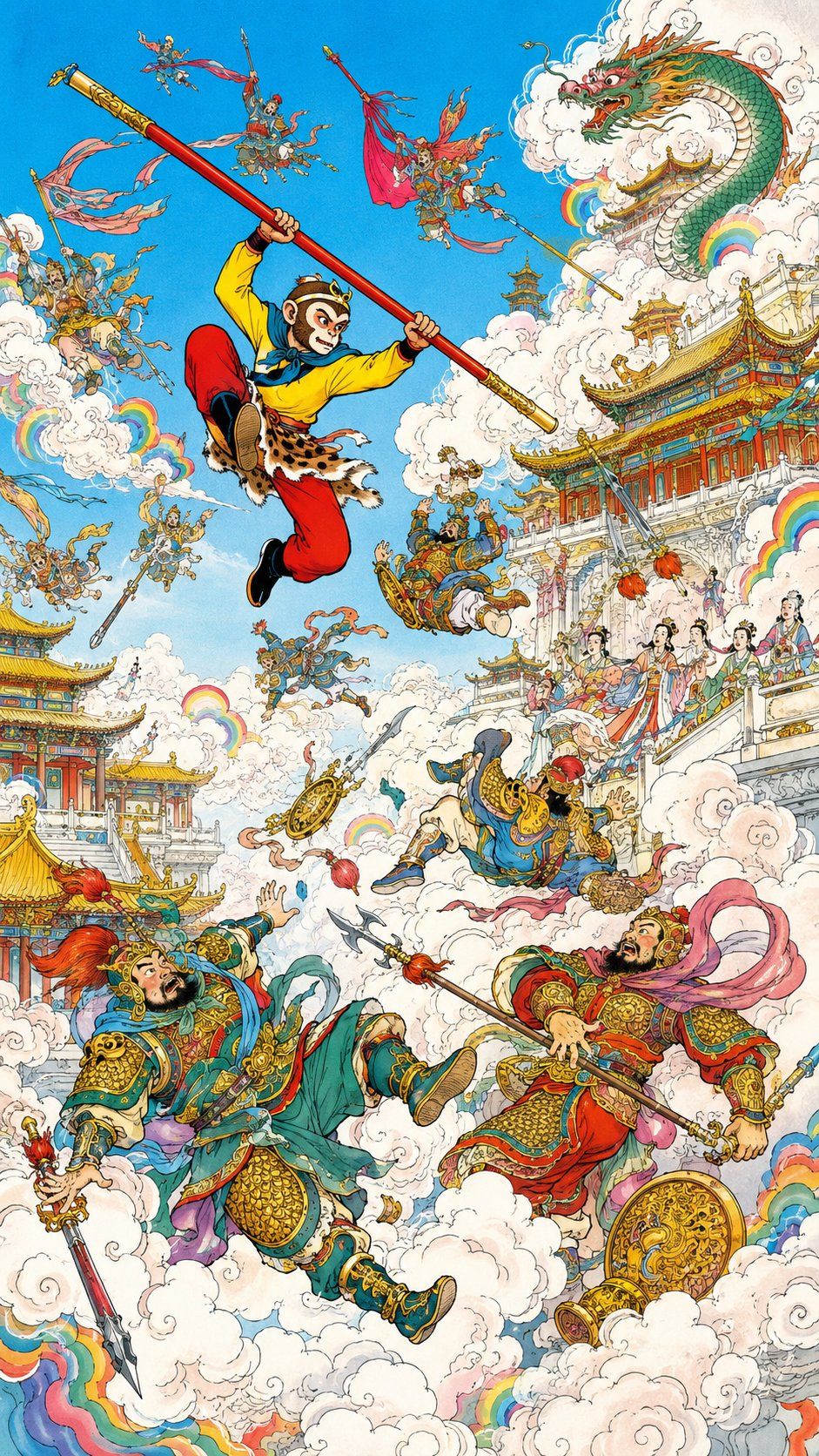
孙悟空大闹天宫插画
Prompt
Create a highly detailed vertical fantasy illustration inspired by Journey to the West, showing {argument name="character name" default="Sun Wukong"} storming through a heavenly palace battlefield. Use a classic Chinese comic-book and hand-painted ink illustration style: crisp black linework, dense ornamental detail, saturated colors, watercolor-like shading, gold accents, swirling white clouds, and a bright cyan-blue sky.

Canvas: Tall vertical poster composition, 9:16 ratio, packed with action from top to bottom.

Main subject: In the upper center-left, show the Monkey King leaping dynamically through the sky, knees bent, wearing a yellow tunic, red trousers, black boots, leopard-skin waist wrap, blue scarf, gold circlet, and ornate arm bands. He grips a long red-and-gold magical staff diagonally from upper left to center right. His face is intentionally covered by a small vertical soft beige blur rectangle, as if anonymized.

Main visible elements, exactly 5 large focal figures:
1. The leaping Monkey King with the diagonal staff.
2. A huge green-and-gold Chinese dragon emerging from white clouds in the upper right, with orange whiskers, red mouth, and fierce eyes.
3. A large armored blue-green celestial warrior falling backward in the lower left, holding a spear, with a red plume helmet and shocked expression.
4. A large red-and-gold armored celestial warrior in the lower right, holding a polearm, with pink flowing ribbons and a round golden shield near his feet.
5. A smaller blue-robed armored warrior tumbling upside down near the center, dropping a golden wheel-like weapon.

Secondary figures: Add exactly 13 small flying celestial soldiers and attendants scattered through the sky and clouds: three near the upper left, two near the upper center around the staff, two near the upper right with banners and spears, three around the left-middle clouds, two near the center-lower clouds, and one tiny figure standing on the palace balcony at mid-right. Give them ornate armor, fluttering ribbons, banners, spears, halberds, and expressive battle poses.

Architecture and environment: Fill the right side and lower left with elaborate heavenly Chinese palace buildings: red pillars, turquoise and gold tiled roofs, white marble terraces, carved railings, layered pavilions, and decorative eaves. The largest palace complex rises on the right side behind clouds; a smaller pavilion cluster sits at the lower left. Add groups of elegant court ladies on the right balcony wearing colorful Tang-style robes and hair ornaments, watching the battle.

Clouds and effects: Use dense billowing white clouds throughout the scene, with curled ink outlines and soft shadows. Add exactly 8 small rainbow arcs embedded among the clouds: one left-middle, one lower-left edge, one center-left, one center, two near the dragon in the upper right, one mid-right beside the balcony, and one lower-right edge. Include scattered weapons, ribbons, and golden ornaments flying through the air.

Color palette: Bright sky blue background, white clouds, red and gold architecture, jade green armor, crimson ribbons, yellow Monkey King tunic, turquoise roof tiles, and rainbow accents.

Constraints: No modern objects, no photorealism, no 3D rendering, no empty background, no text or watermark. Keep the entire image as a dense mythological action scene with traditional Chinese fantasy details.- Category
- Posters & Typography
- Model
- GPT Image 2
- Creator
- Luo
- Source ID
- 26043
- Published
- Jun 17, 2026
Views0