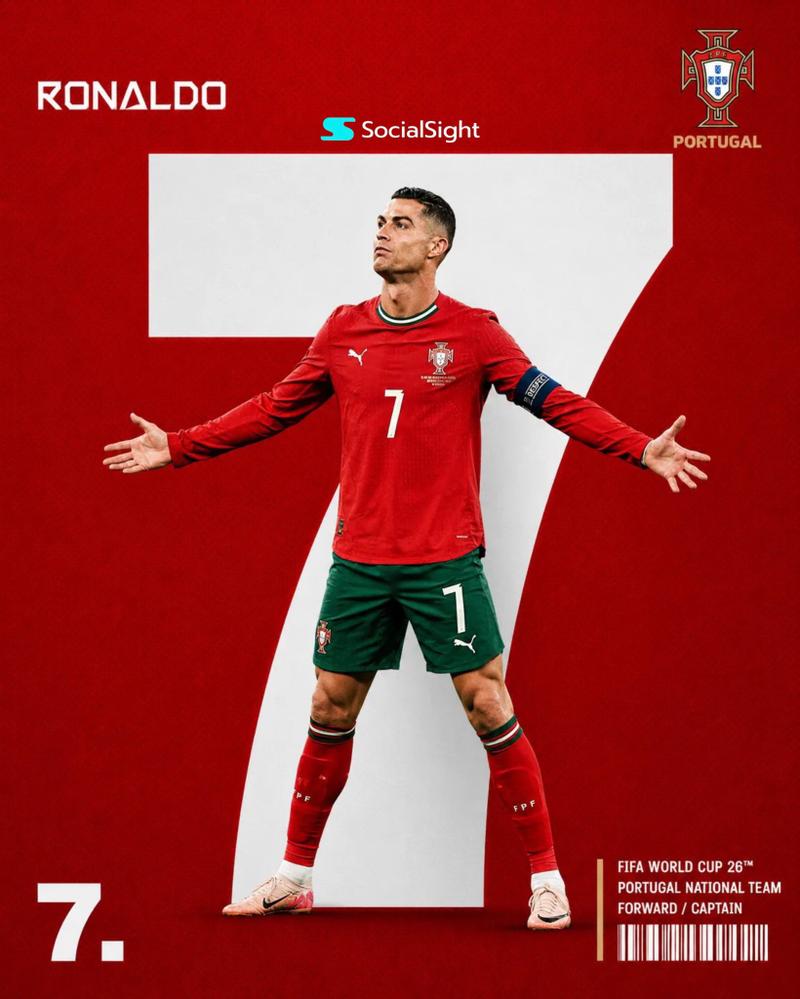
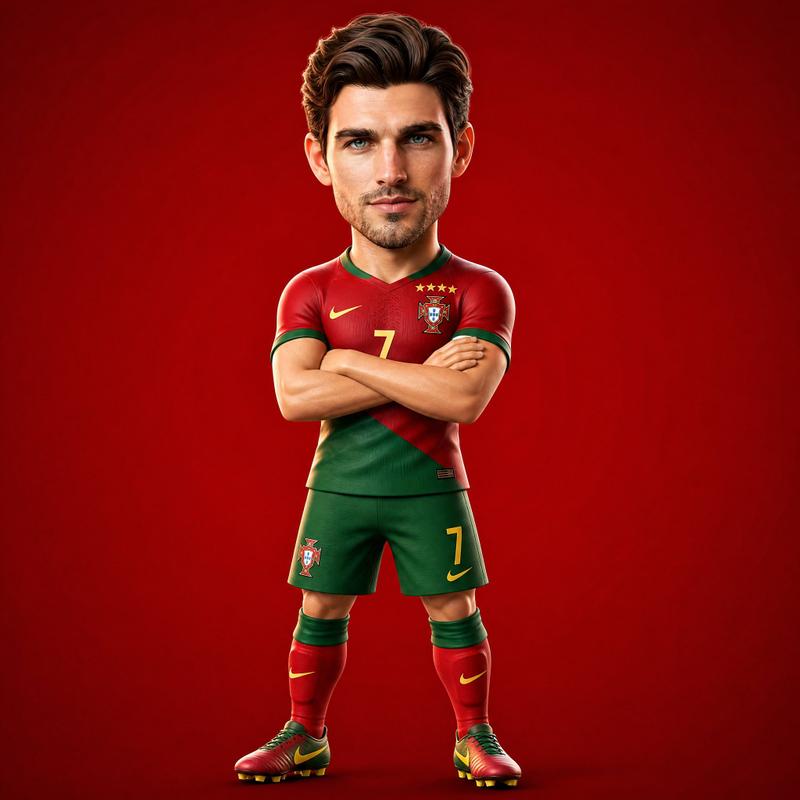
皮克斯风格 Q 版手办生成器
Prompt
Create a premium studio campaign portrait featuring the uploaded person standing beside a collectible {argument name="figurine style" default="Pixar-style chibi figurine"} version of themselves.

FORMAT LOCK
Vertical 4:5 composition. Full-body view. Both subjects fully visible from head to toe. Premium magazine-cover quality. Clean centered studio composition.

IDENTITY LOCK
Use the uploaded image as the only identity reference. Preserve exact facial structure, facial proportions, hairstyle, hair color, skin tone, expression, body proportions, clothing, accessories, jewelry, watch, shoes, and recognizable identity traits. The real person and the figurine must clearly represent the same individual.

STUDIO ENVIRONMENT
Medium {argument name="backdrop color" default="neutral grey"} seamless backdrop with a subtle radial gradient, slightly brighter behind the subjects and darker toward the edges. Professional photography studio setup. Clean floor. No props. No distractions.

LIGHTING
{argument name="lighting style" default="Large softbox key light"} from upper-left. Gentle warm fill light from the right. Subtle rim light from behind. Soft premium studio shadows. Natural skin rendering. Both subjects must share identical lighting direction and shadow behavior.

REAL PERSON
Standing on the right side of the frame. Full height visible. Three-quarter stance toward camera. Relaxed confident pose. Weight on the back leg. Direct eye contact with the camera. Exact outfit and appearance from the reference image.

CHIBI FIGURINE
Standing on the left side, slightly in front of the real person.
Height reaches approximately the real person's chest level (about 60% of their height).
Balanced Pixar-style proportions. Head approximately 30% of total figure height. Body approximately 70% of total figure height. Full visible torso, arms, legs, and feet. Not a bobblehead. Not a Funko Pop. Not oversized head proportions.
Facial design should be a highly recognizable Pixar-style interpretation of the real person. Large expressive eyes with detailed irises and bright catchlights. Sculpted hairstyle matching the reference. Soft rounded cheeks. Warm friendly smile. Premium collectible figure quality.

WARDROBE MATCH
The figurine wears the exact same outfit, shoes, accessories, jewelry, watch, colors, patterns, and styling as the real person, adapted naturally to chibi proportions.

INTERACTION
The real person's right arm rests naturally on top of the figurine's head. Palm touching the hair. Relaxed elbow position. Comfortable natural interaction. Both subjects appear photographed together in the same studio at the same moment.

OUTPUT STYLE
Premium studio campaign photography. Photoreal human subject. High-end Pixar/Disney-style collectible figurine. Luxury advertising aesthetic. Realistic shadows. Seamless integration. Ultra-detailed materials. 8K quality. Fine film grain.

NEGATIVE PROMPT
Avoid bobblehead proportions. Avoid Funko Pop style. Avoid giant floating head. Avoid childlike- Category
- Posters & Typography
- Model
- GPT Image 2
- Creator
- H A J R A
- Source ID
- 26213
- Published
- Jun 19, 2026
Views0