17

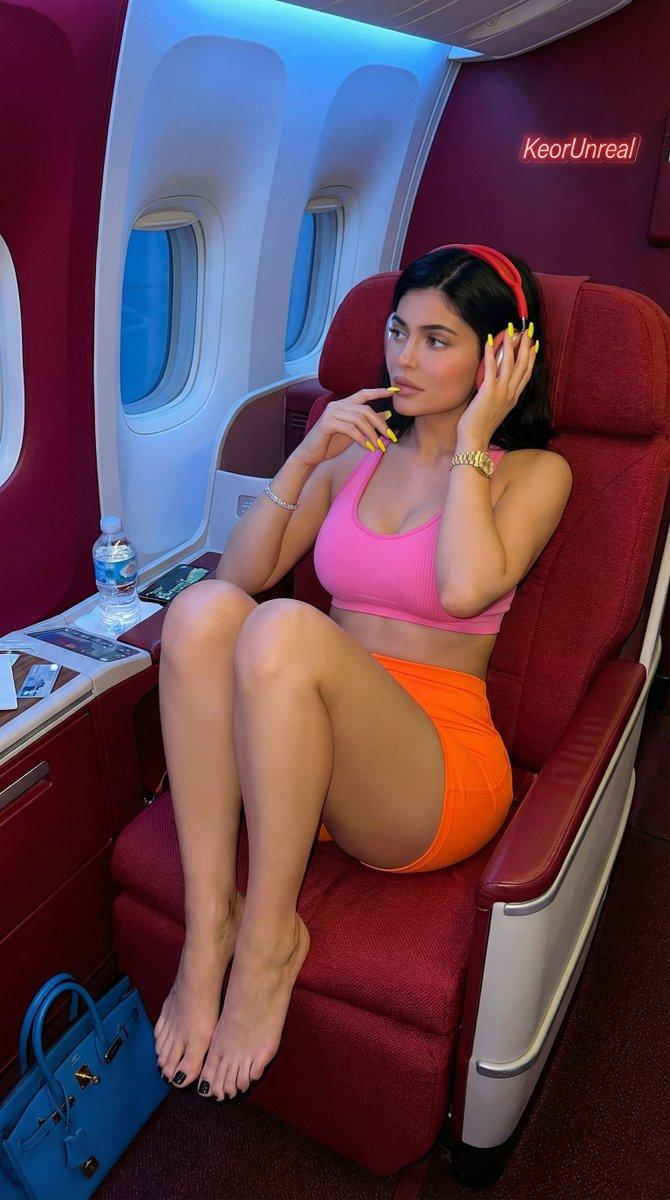
保持面部特征的旅行抓拍人像
Enlarge

保持面部特征的旅行抓拍人像

Prompt
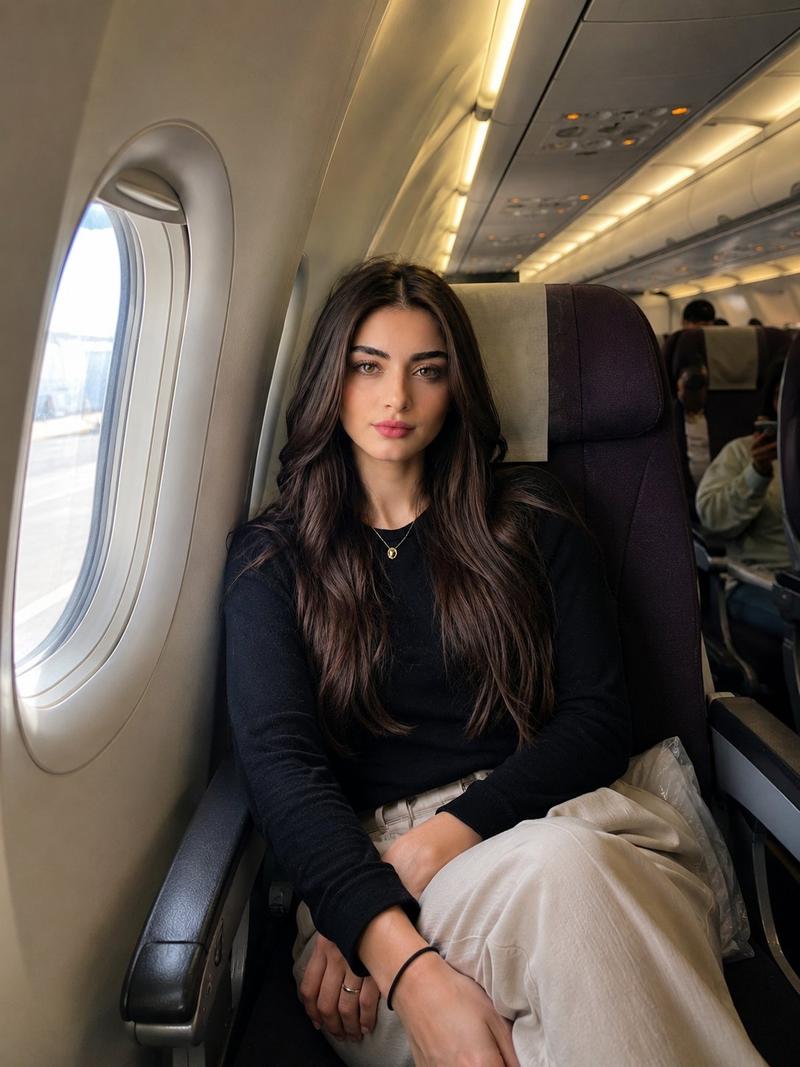
Use the attached reference image. Preserve her facial identity 100% — same face shape, eyes, eyebrows, nose, lips, skin tone, hair color, hairstyle, and natural expression. Remove the glasses while keeping her appearance realistic and instantly recognizable. A natural iPhone-style travel photo taken inside a {argument name="setting" default="modern commercial airplane cabin"}. The woman is seated comfortably in a window seat, looking calmly toward the camera. Full upper body and legs visible, slightly zoomed-out composition showing the airplane seat, armrest, window, and part of the cabin behind her. She wears elegant, modest travel clothing: {argument name="outfit" default="a fitted black long-sleeve top, cream linen trousers"}, white sneakers, and a delicate gold necklace. Soft natural daylight enters through the airplane window, creating flattering highlights on her face and hair. Realistic airline cabin environment, subtle depth of field, a few blurred passengers in the background, authentic travel atmosphere. No posing like a model, no glamour shoot, no heavy makeup, no AI-generated look. Just a beautiful candid travel moment captured on an iPhone by a friend sitting nearby. Ultra-photorealistic, natural skin texture, realistic lighting, authentic airplane details, travel influencer aesthetic, candid photography, premium economy or business-class cabin, clean composition, shallow depth of field, 4K, DSLR quality but iPhone feel, highly realistic, no text, no branding, no filters.
Category
Brand & Logos
Model
GPT Image 2
Creator
Mira
Views0
Source ID
26251
Published
Jun 19, 2026

Guide

About "保持面部特征的旅行抓拍人像"

What is this prompt for?

"保持面部特征的旅行抓拍人像" AI image prompt for GPT Image 2 (Brand & Logos). 一个专为图像编辑设计的提示词,旨在改变场景并移除眼镜等配饰的同时,保持面部特征不变,呈现 iPhone 抓拍风格。 Copy it on Picva and recreate the lo…

The full copyable prompt and example visuals above are ready for AI image generation or one-click recreate in Picva.

How to use this prompt

  1. Step 1

    Open the prompt detail

    Review the example visuals, category, and full prompt text for "保持面部特征的旅行抓拍人像".

  2. Step 2

    Copy the prompt

    Copy the prompt body from this page, or load it directly in Studio.

  3. Step 3

    Pick a model (GPT Image 2)

    Prefer GPT Image 2. If you switch models, keep subject and composition and tweak style terms.

  4. Step 4

    Generate and export

    Recreate the look in Picva, or export into your workflow for editing and publishing.

FAQ

What is the "保持面部特征的旅行抓拍人像" prompt?
It is an AI image-generation prompt for GPT Image 2 in the Brand & Logos category. This page includes the full prompt text, example visuals, and a one-click recreate path in Picva.
How do I use this prompt to generate an image?
Copy the prompt from this page, or use Generate / Studio. Paste it into a compatible image model, or recreate the look in Picva with optional reference images.
Which model is this prompt for?
This page lists GPT Image 2. Most descriptive prompts also transfer to nearby image models such as GPT Image, Flux, or Midjourney with light style tweaks.
Can I use the result commercially?
You can usually copy the prompt for creation, but commercial use of the final image depends on the model terms, reference-image rights, and the generated content. Follow the source author and platform rules.