17

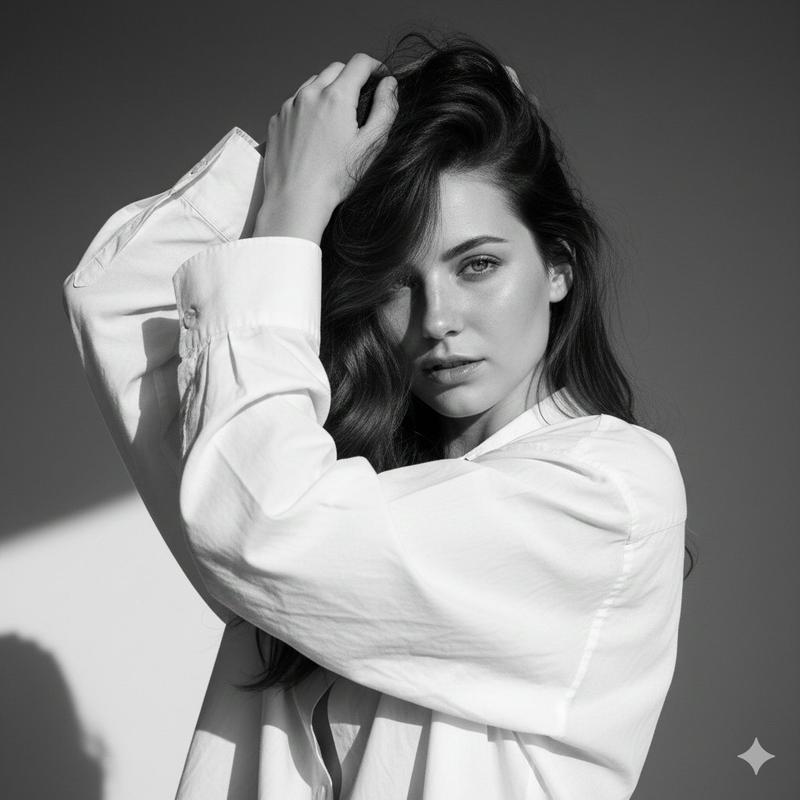
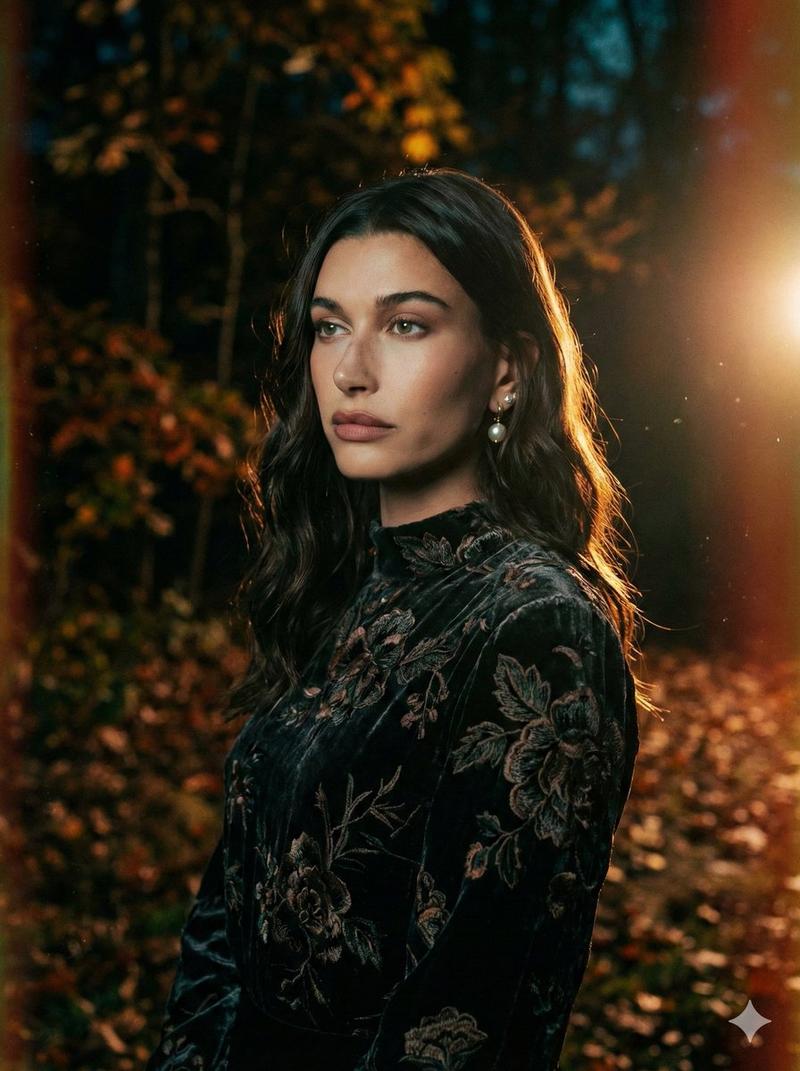
具有风动感的时尚杂志人像
Enlarge

Example images

具有风动感的时尚杂志人像

Prompt
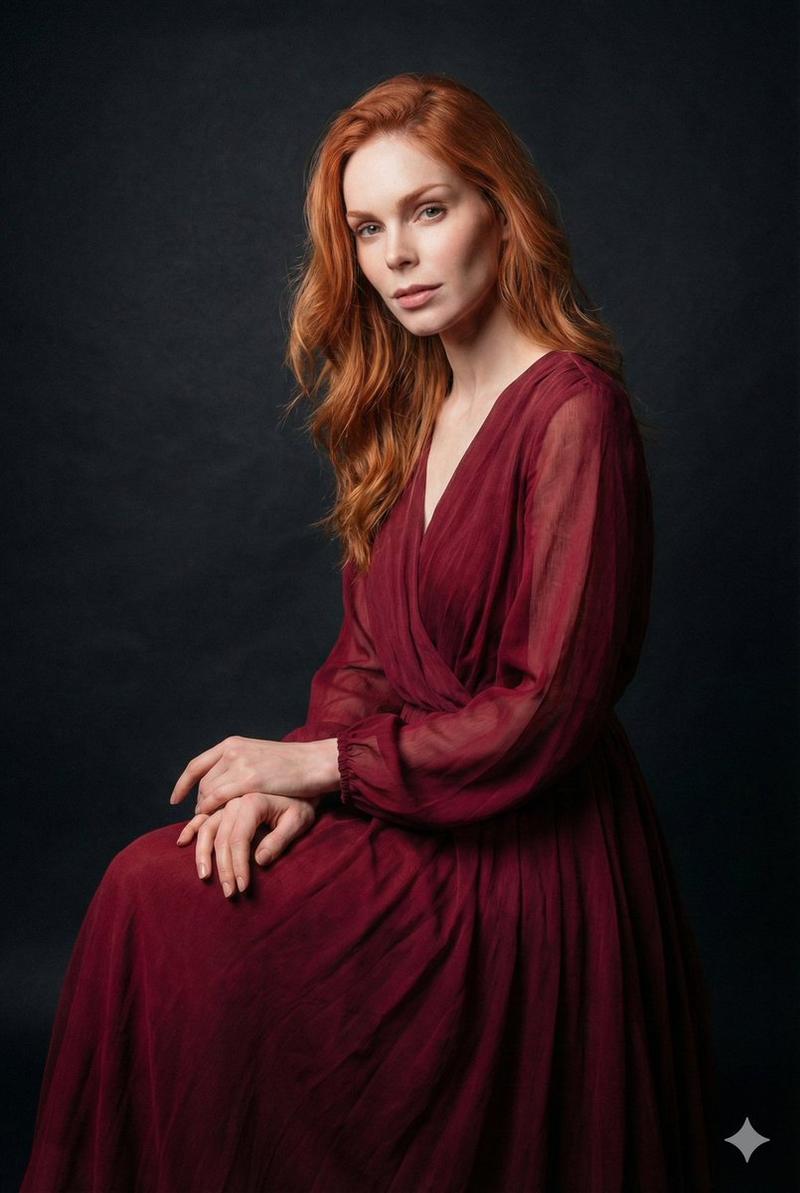
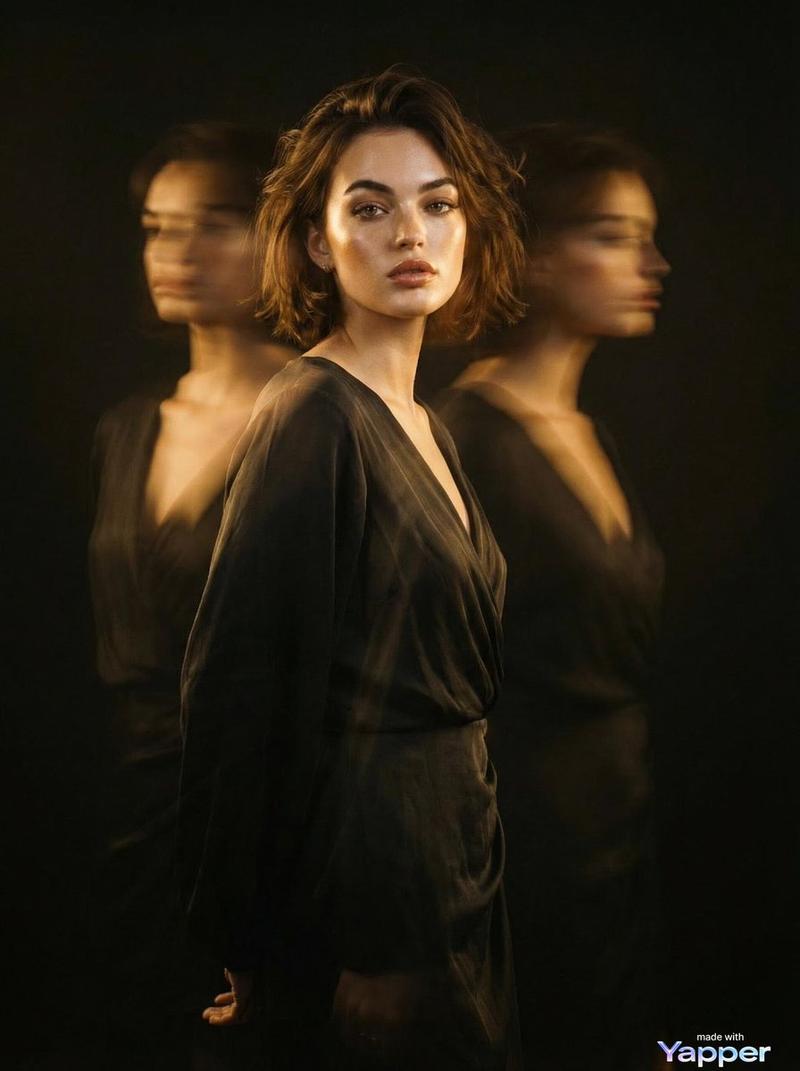
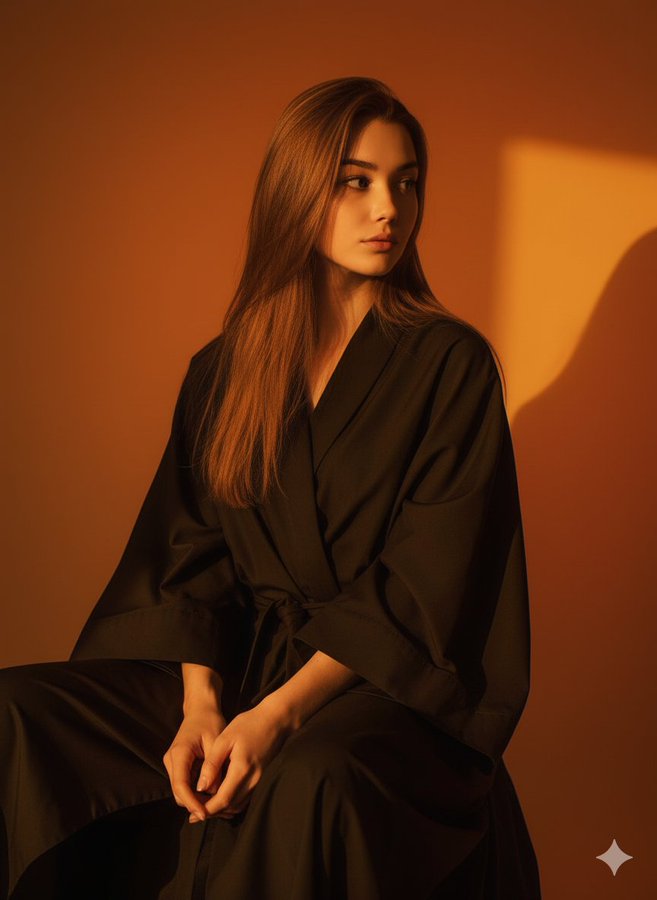
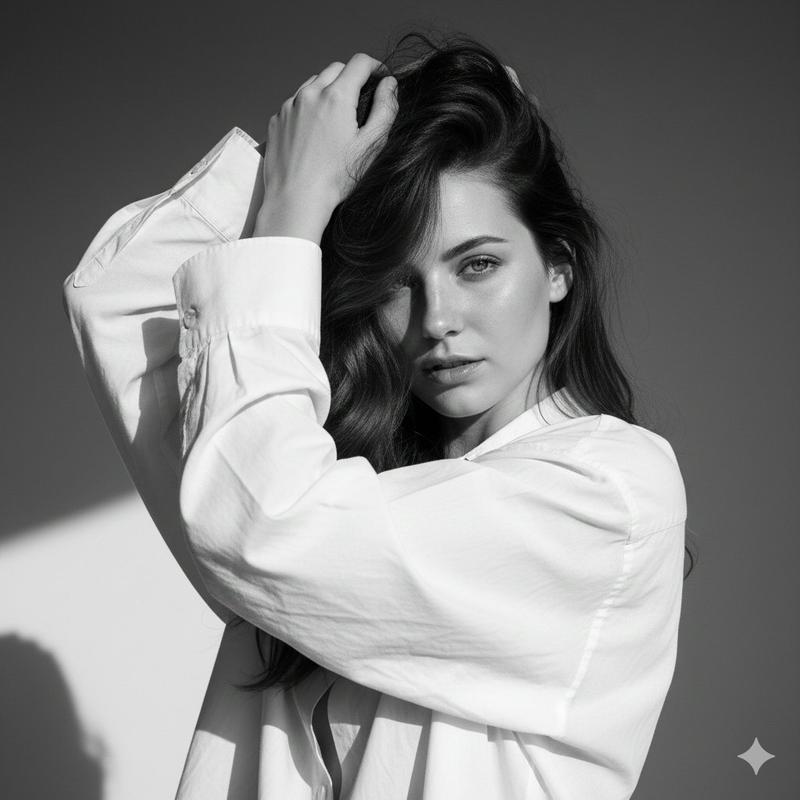
Editorial fashion portrait, woman wearing {argument name="clothing" default="flowing red bell-sleeve wrap dress"}, dramatic hard rim lighting from camera-left casting golden edge glow on fabric, direct intense eye contact with camera, parted lips, confident expression, wind-blown sleeve fabric captured mid-motion with natural fabric ripple, hair strands lifted by wind, deep saturated red shadows contrasted against {argument name="lighting highlight" default="warm blown-out gold highlights"}, asymmetric tight crop with one sleeve extending off-frame, cinematic color grading, high dynamic range, shot on {argument name="camera" default="Hasselblad medium format"}, 85mm lens, f/1.8 shallow depth of field, warm amber gradient backdrop with subtle atmospheric haze and soft lens flare bottom-left corner, skin texture realistic with subtle highlight sheen, professional studio fashion photography, ultra detailed
Category
Posters & Typography
Model
GPT Image 2
Views0
Source ID
26364
Published
Jun 20, 2026

Guide

About "具有风动感的时尚杂志人像"

What is this prompt for?

"具有风动感的时尚杂志人像" AI image prompt for GPT Image 2 (Posters & Typography). 一个用于高端时尚人像摄影的复杂提示词,包含戏剧性的轮廓光和捕捉到的织物风动效果。 Copy it on Picva and recreate the look in one c…

The full copyable prompt and example visuals above are ready for AI image generation or one-click recreate in Picva.

How to use this prompt

  1. Step 1

    Open the prompt detail

    Review the example visuals, category, and full prompt text for "具有风动感的时尚杂志人像".

  2. Step 2

    Copy the prompt

    Copy the prompt body from this page, or load it directly in Studio.

  3. Step 3

    Pick a model (GPT Image 2)

    Prefer GPT Image 2. If you switch models, keep subject and composition and tweak style terms.

  4. Step 4

    Generate and export

    Recreate the look in Picva, or export into your workflow for editing and publishing.

FAQ

What is the "具有风动感的时尚杂志人像" prompt?
It is an AI image-generation prompt for GPT Image 2 in the Posters & Typography category. This page includes the full prompt text, example visuals, and a one-click recreate path in Picva.
How do I use this prompt to generate an image?
Copy the prompt from this page, or use Generate / Studio. Paste it into a compatible image model, or recreate the look in Picva with optional reference images.
Which model is this prompt for?
This page lists GPT Image 2. Most descriptive prompts also transfer to nearby image models such as GPT Image, Flux, or Midjourney with light style tweaks.
Can I use the result commercially?
You can usually copy the prompt for creation, but commercial use of the final image depends on the model terms, reference-image rights, and the generated content. Follow the source author and platform rules.