15

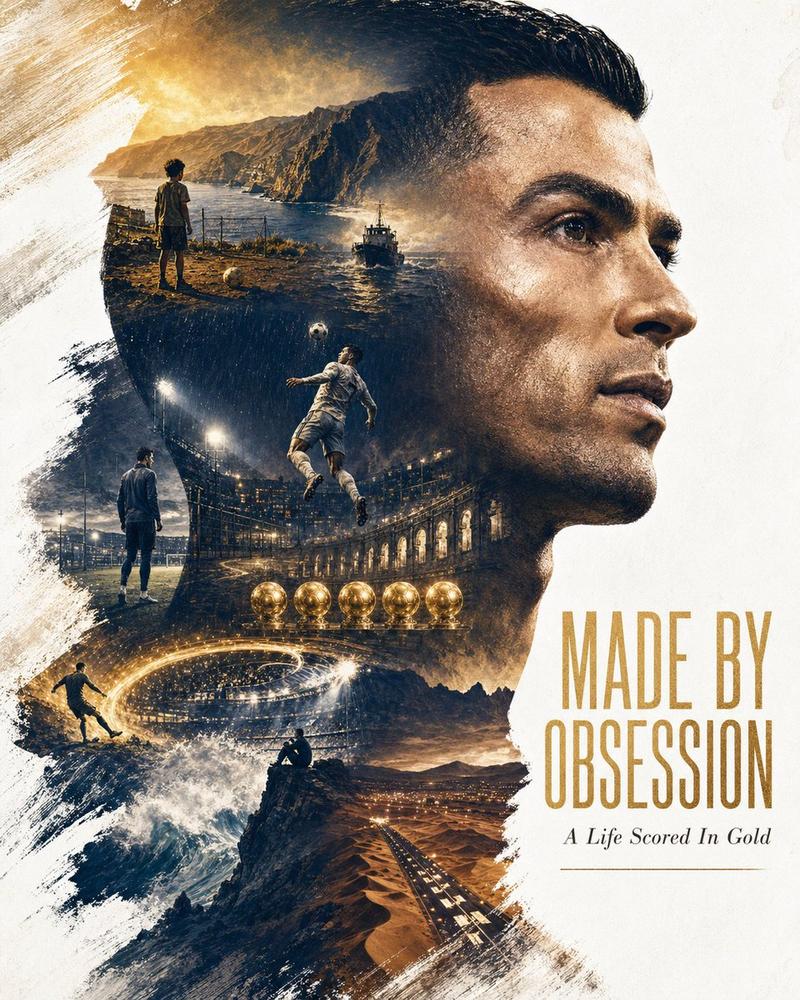
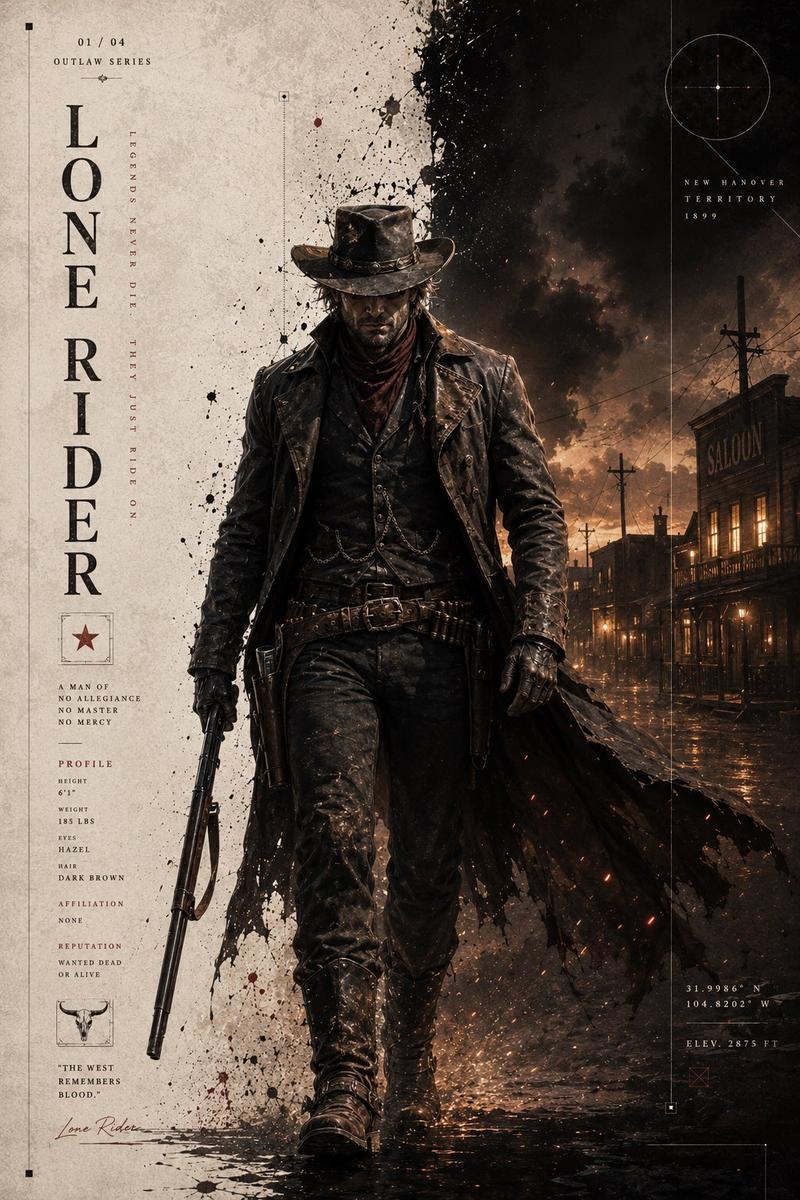
狂野西部双重曝光海报
Enlarge

Example images

狂野西部双重曝光海报

Prompt
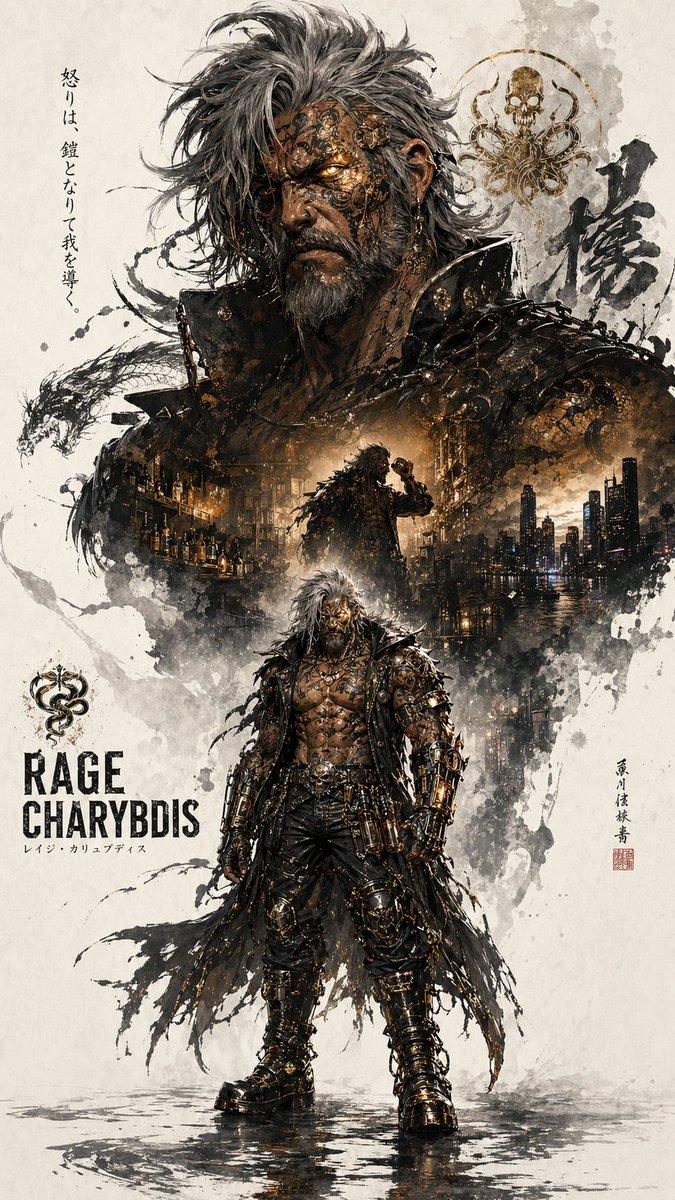
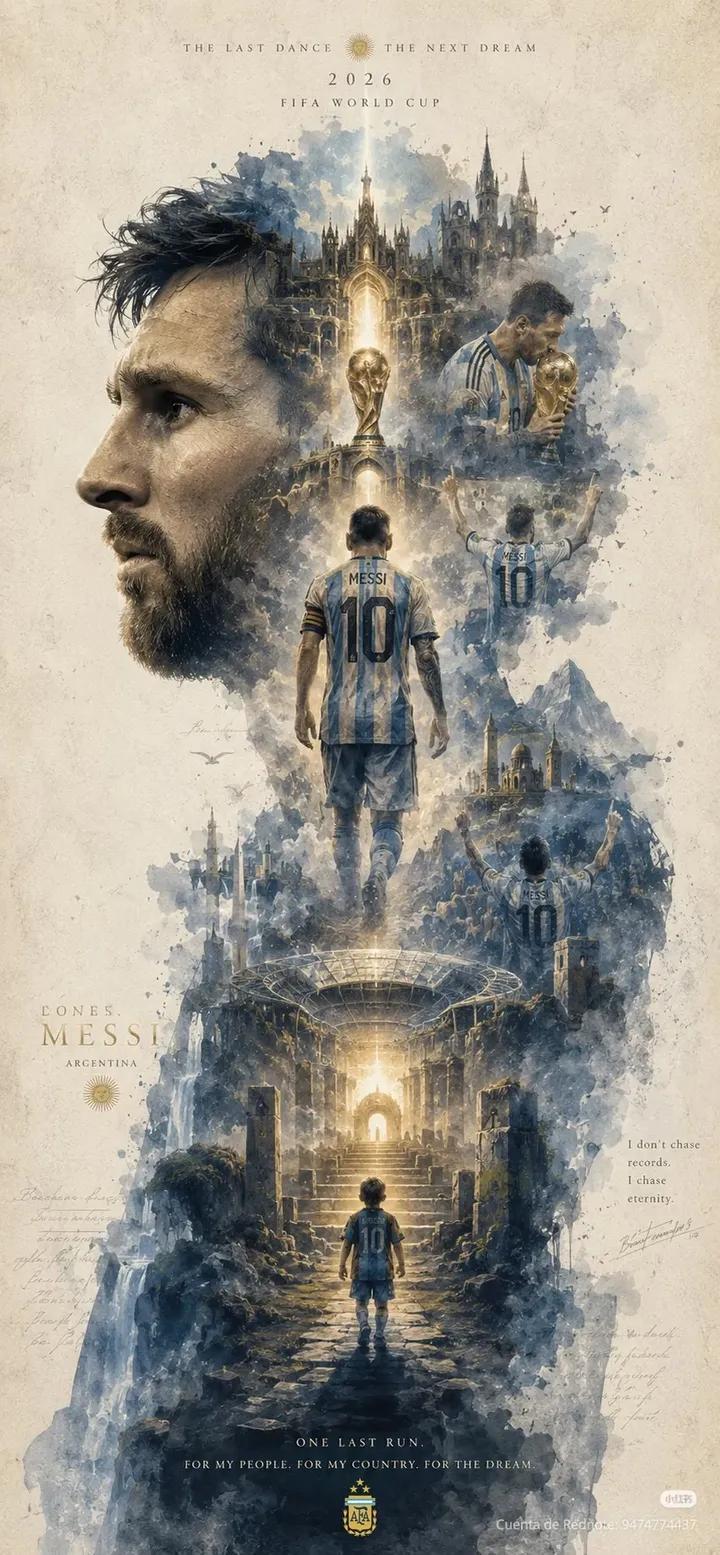
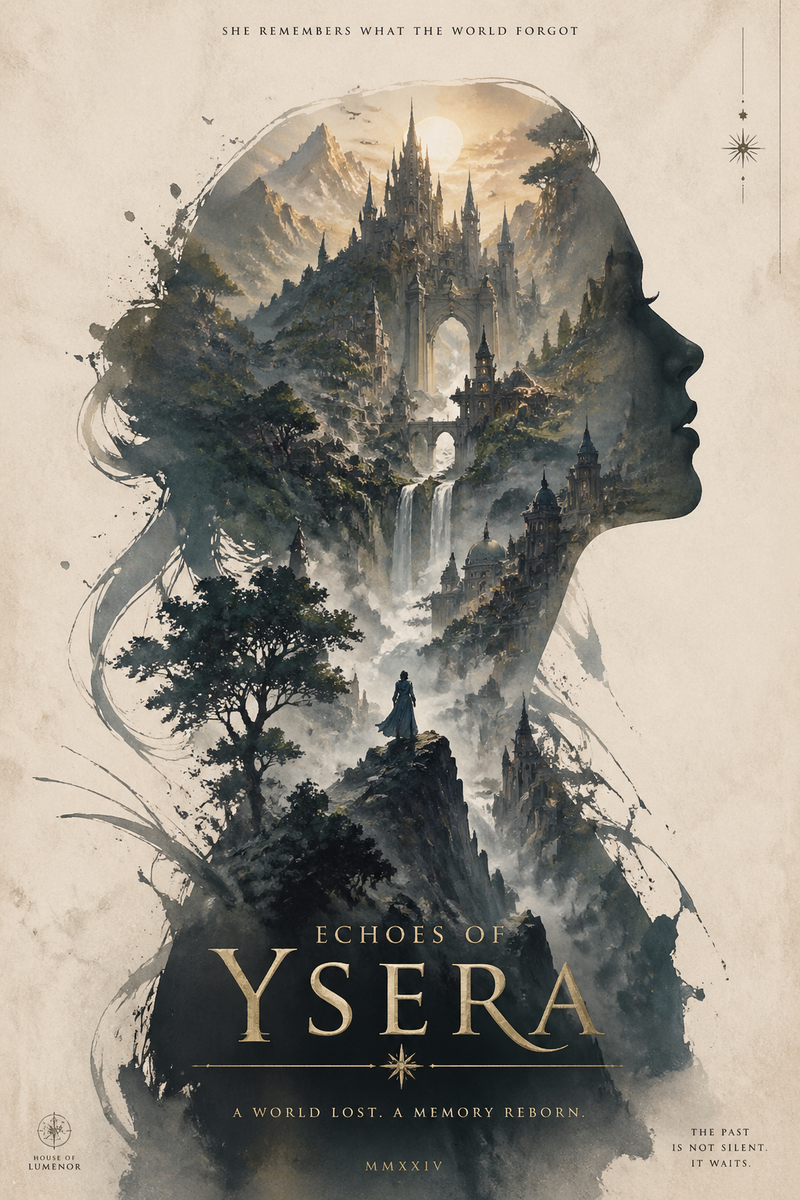
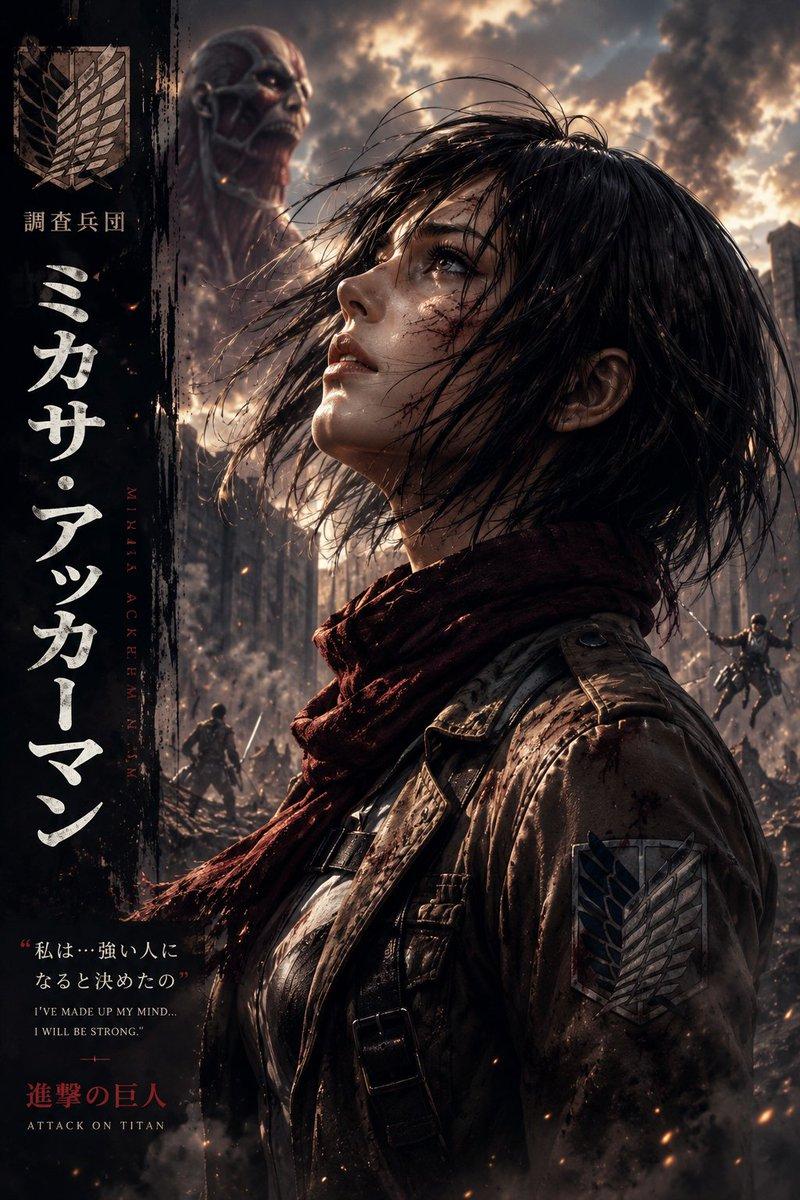
Masterpiece double exposure poster, {argument name="subject" default="rugged wild west cowboy"} in side profile wearing a {argument name="accessory" default="black hat"}, cinematic silhouette filled with multiple western scenes, horseback riders crossing a desert at sunset, dramatic mountain landscape, steam train, outlaw campfire, old frontier town, lone gunslinger walking through a muddy street, epic valley vista, dark moody atmosphere, vintage western aesthetic, {argument name="colors" default="sepia and burnt orange color palette"}, ink splatter edges, distressed parchment background, highly detailed digital painting, dramatic lighting, layered composition, concept art, movie poster design, ultra detailed, photorealistic, 8k, Red Dead Redemption inspired.
Category
Posters & Typography
Model
GPT Image 2
Creator
Anissa
Views0
Source ID
26433
Published
Jun 21, 2026

Guide

About "狂野西部双重曝光海报"

What is this prompt for?

"狂野西部双重曝光海报" AI image prompt for GPT Image 2 (Posters & Typography). 一个电影级海报提示词,利用双重曝光技术将牛仔剪影与标志性的西部沙漠场景及景观融合在一起。 Copy it on Picva and recreate the look in one…

The full copyable prompt and example visuals above are ready for AI image generation or one-click recreate in Picva.

How to use this prompt

  1. Step 1

    Open the prompt detail

    Review the example visuals, category, and full prompt text for "狂野西部双重曝光海报".

  2. Step 2

    Copy the prompt

    Copy the prompt body from this page, or load it directly in Studio.

  3. Step 3

    Pick a model (GPT Image 2)

    Prefer GPT Image 2. If you switch models, keep subject and composition and tweak style terms.

  4. Step 4

    Generate and export

    Recreate the look in Picva, or export into your workflow for editing and publishing.

FAQ

What is the "狂野西部双重曝光海报" prompt?
It is an AI image-generation prompt for GPT Image 2 in the Posters & Typography category. This page includes the full prompt text, example visuals, and a one-click recreate path in Picva.
How do I use this prompt to generate an image?
Copy the prompt from this page, or use Generate / Studio. Paste it into a compatible image model, or recreate the look in Picva with optional reference images.
Which model is this prompt for?
This page lists GPT Image 2. Most descriptive prompts also transfer to nearby image models such as GPT Image, Flux, or Midjourney with light style tweaks.
Can I use the result commercially?
You can usually copy the prompt for creation, but commercial use of the final image depends on the model terms, reference-image rights, and the generated content. Follow the source author and platform rules.