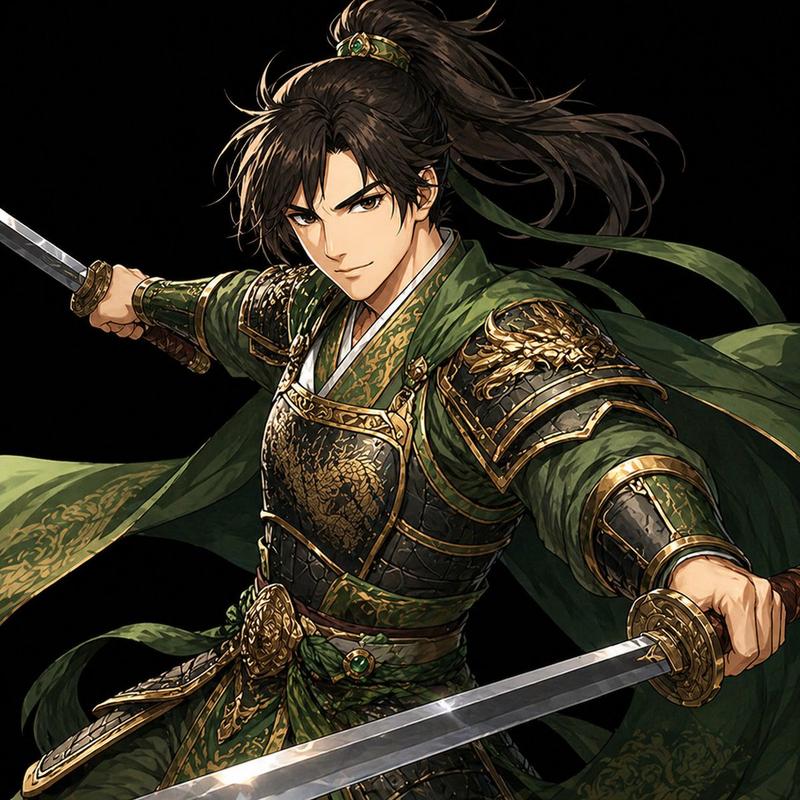
无面暗影忍者角色设计图
Prompt
Goal: Create a clean anime character concept sheet for a dark ninja warrior, suitable for an asset folder or character design reference.

Canvas: Square 1:1 canvas, light warm-gray background with faint construction guide lines, polished digital illustration, crisp inked linework, cel-shaded anime rendering, no watermark.

Layout: Show exactly 3 full-body character views across the sheet: 1 front standing pose on the left, 1 dynamic combat action pose in the center, and 1 back standing pose on the right. Add exactly 2 inset reference panels: 1 small square head close-up in the upper-right corner and 1 small square black silhouette action pose in the lower-right corner.

Character details: Depict {argument name="character name" default="a faceless shadow ninja"} as a young male anime shinobi with wild spiky {argument name="hair color" default="black hair"}, an intentionally blank/blurred face area with no visible facial features, athletic build, and a serious stealth-warrior presence. Outfit is a layered dark shinobi costume in {argument name="outfit colors" default="deep navy, charcoal black, muted burgundy, and off-white accents"}: sleeveless dark wrap tunic over long sleeves, loose hakama-style pants, shin guards, arm guards, fingerless gloves, tabi boots, long waist sashes and trailing cloth strips. Include a cylindrical scroll case strapped diagonally across the back in the rear view, with light parchment panels and dark markings.

Pose count and content: Left pose: full-body front view, standing with legs apart, one fist lowered, long white and burgundy waist ties hanging and flowing. Center pose: full-body action stance, body turned away in a twisting martial-arts movement, one arm extended, knees bent, cloth belts whipping outward, surrounded by black ink-brush energy arcs and splatter marks. Right pose: full-body rear view, standing upright with the scroll case visible across the back and long sash tails trailing to the side. Upper-right inset: cropped head-and-hair close-up with the same blank face treatment. Lower-right inset: solid black silhouette of the same ninja in a dramatic action stance with trailing cloth strips.

Visual style: High-quality manga/anime concept art, sharp dynamic silhouettes, detailed folds and seams, subtle blue-gray highlights on black fabric, confident character-design sheet presentation. Keep all elements separated clearly on the gray sheet and avoid extra props, text labels, logos, or background scenery.- Category
- Brand & Logos
- Model
- GPT Image 2
- Creator
- Kennedy Hugo
- Source ID
- 26446
- Published
- Jun 21, 2026
Views0


![Create a premium collector-edition character poster of [Beast Gohan] from [Drago](https://i.pixshop.app/storage/v1/render/image/public/prompt-source-media/promptsref/work-16173/image-1-7045f8b52d023045.png?width=800&quality=75&resize=contain)