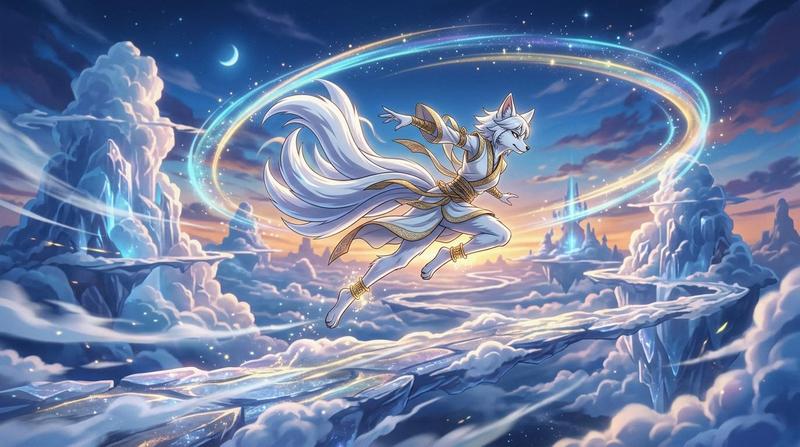
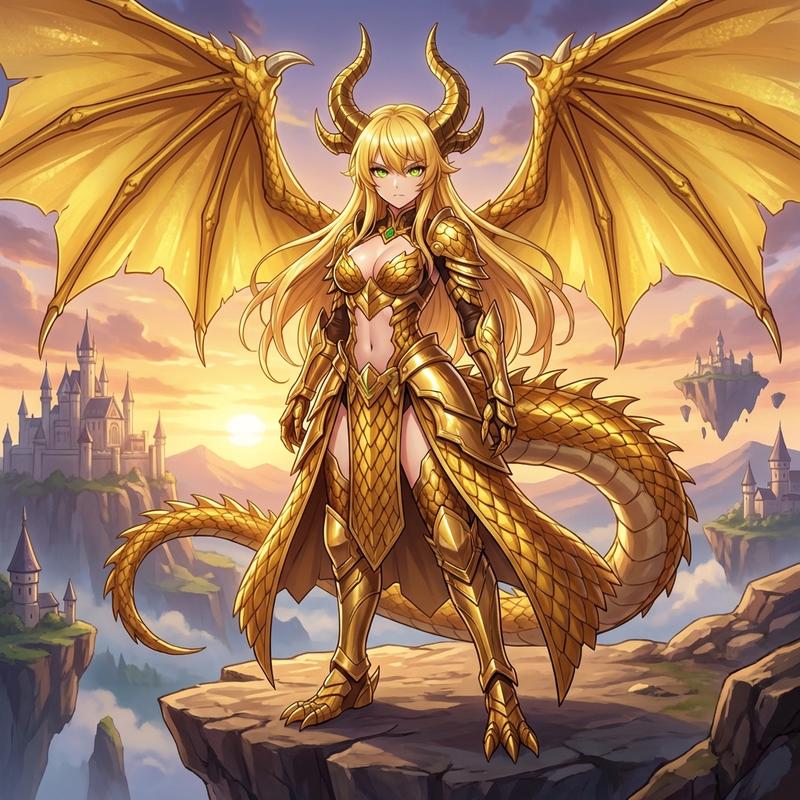
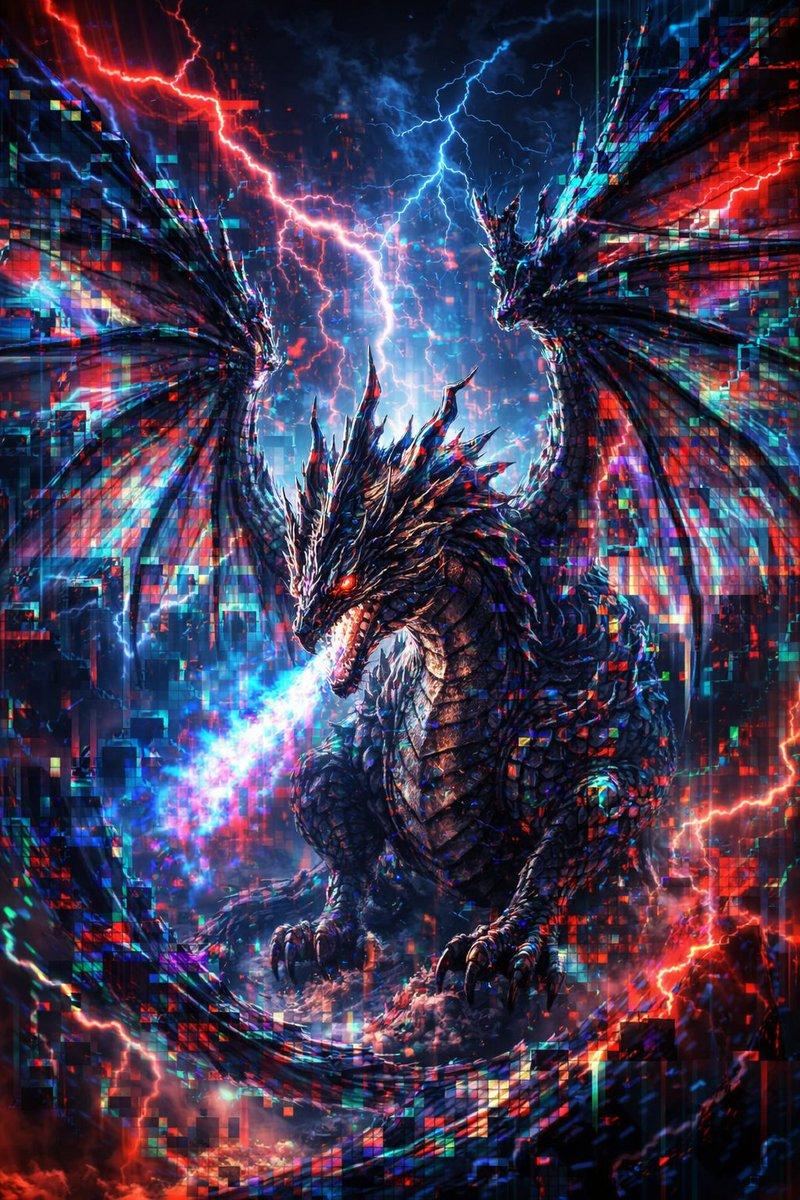
天界九尾灵狐
Prompt
Create a wide cinematic fantasy anime illustration of {argument name="character name" default="a white nine-tailed fox spirit"} leaping gracefully through the sky above a frozen cloud kingdom at twilight. The central subject is an anthropomorphic fox deity with white fur, flowing silver-white hair, pointed ears, a slim athletic build, and exactly nine large sweeping tails fanning behind them in a dramatic arc. Dress the character in an elegant white-and-gold celestial warrior outfit with ornate gold trim, arm bracers, ankle cuffs, ribbon-like sashes, and layered fabric panels; the pose is airborne and dynamic, with one arm extended forward, one arm back, and legs bent as if flying or dancing. Surround the character with two large luminous elliptical magic rings crossing the sky, one cyan-blue and one warm golden, with sparkling star particles scattered along the rings. The setting is a vast dreamlike high-altitude landscape of icy floating cliffs, cloud banks, crystalline blue spires, snow-covered rock formations, and winding pale bridges or ice paths suspended among the clouds. Include a small crescent moon in the upper left sky, distant stars, glowing blue crystal highlights, misty cloud trails, and a warm sunset glow near the horizon blending into deep navy night above. Use a polished high-detail anime fantasy style, vibrant but soft color grading, painterly lighting, crisp character linework, luminous rim light, epic scale, magical atmosphere, and a 16:9 composition with the character centered slightly above the horizon. No text, no watermark, no UI elements.- Category
- UI & Interfaces
- Model
- GPT Image 2
- Creator
- Pollitt Antonio
- Source ID
- 26473
- Published
- Jun 21, 2026
Views5