15

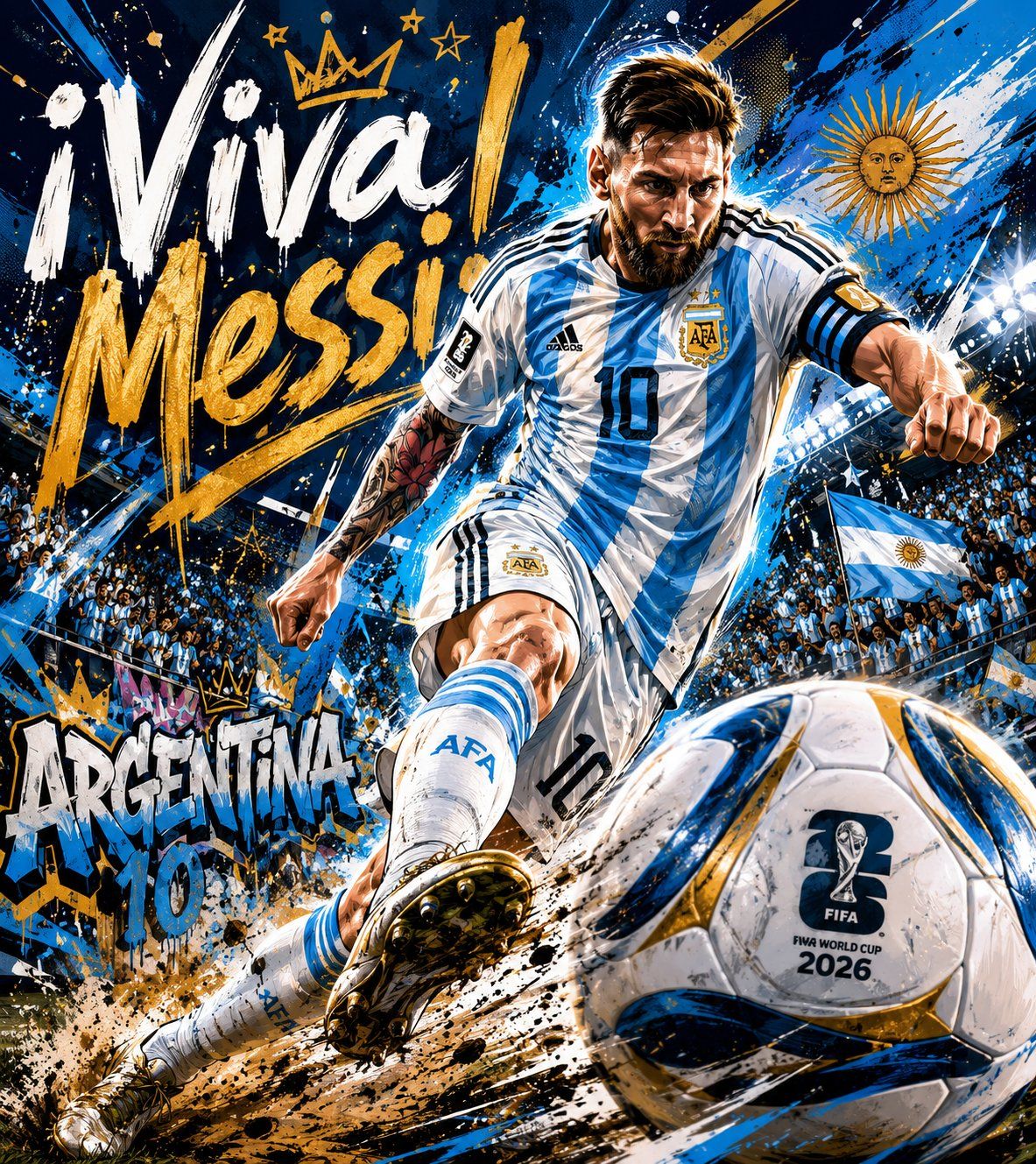
利昂内尔·梅西 (Lionel Messi) 街头艺术风格足球海报
Enlarge

利昂内尔·梅西 (Lionel Messi) 街头艺术风格足球海报

Prompt
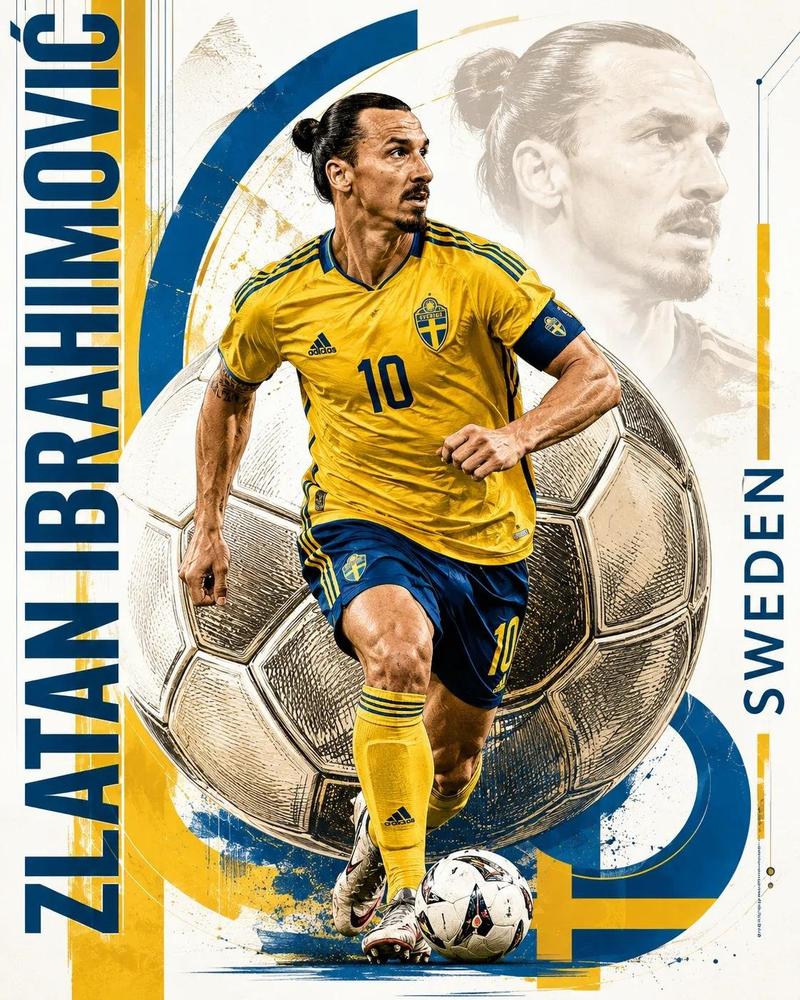
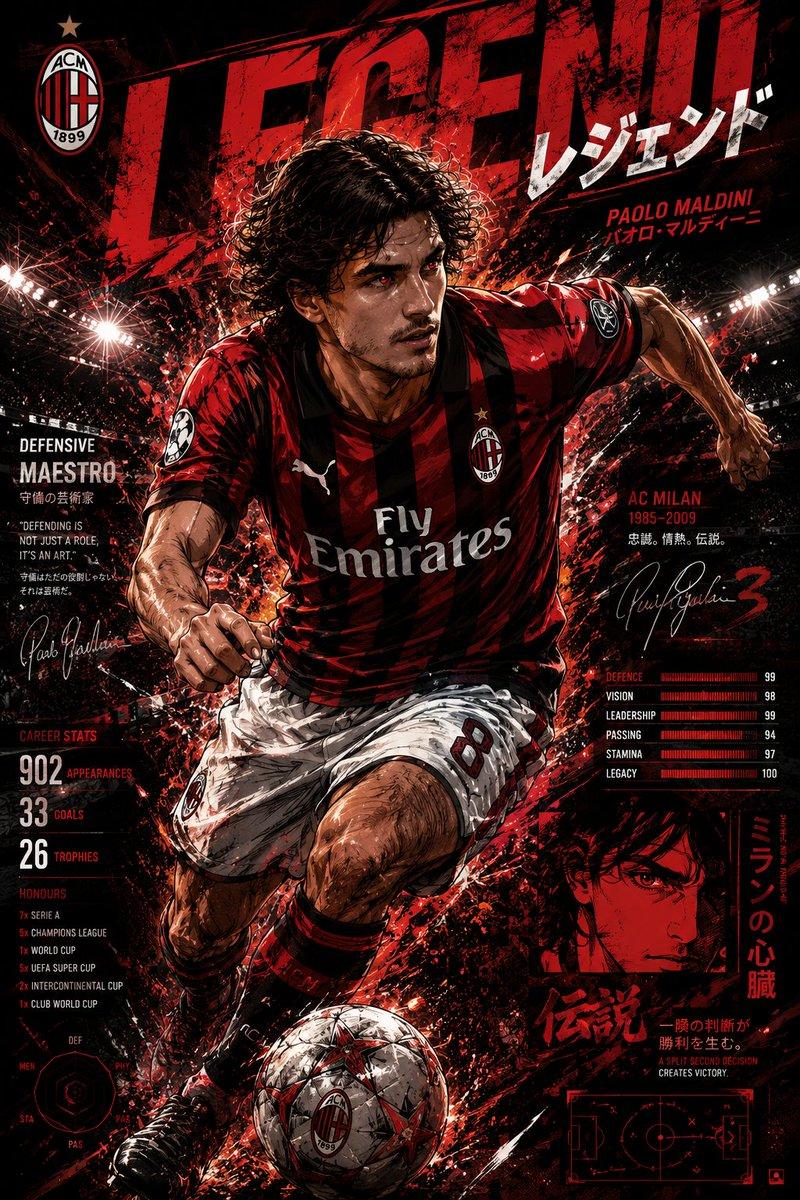
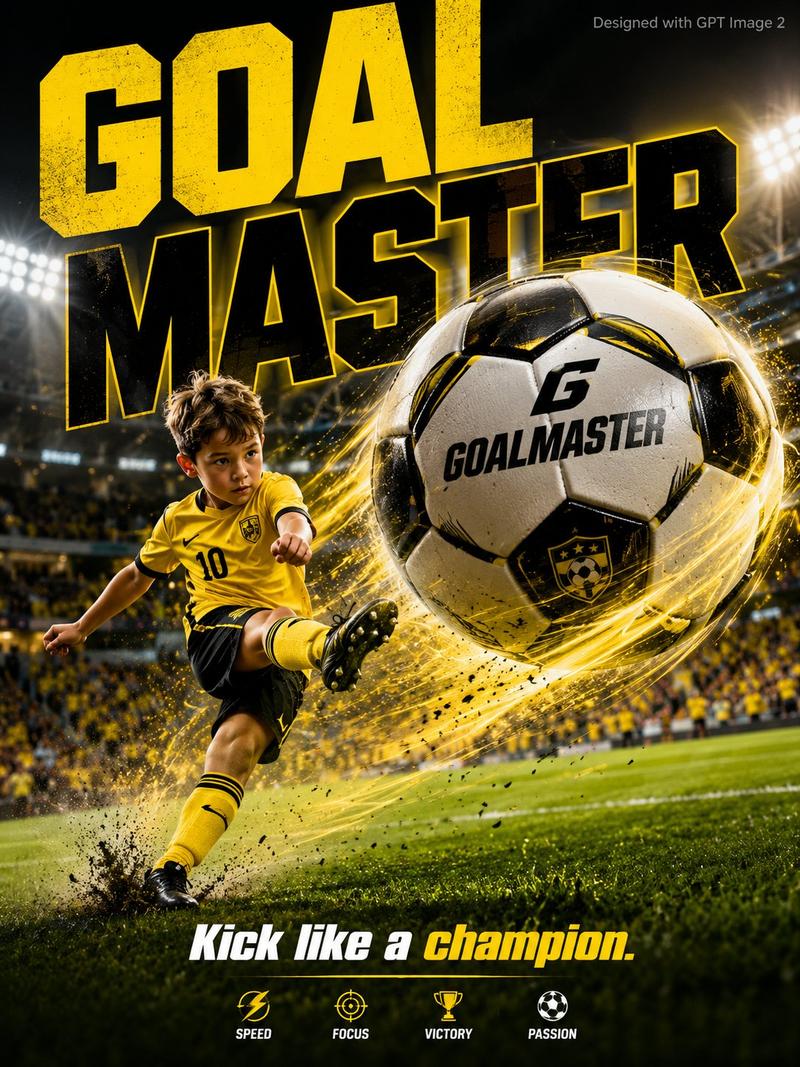
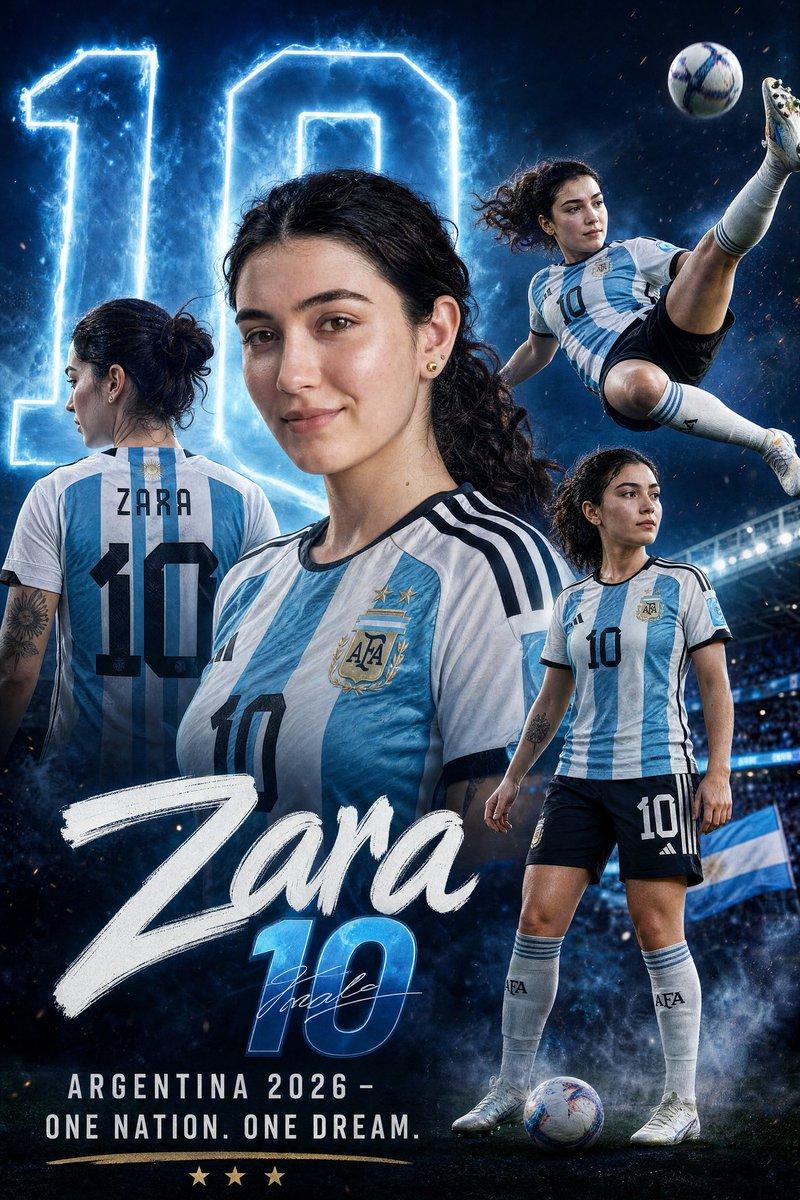
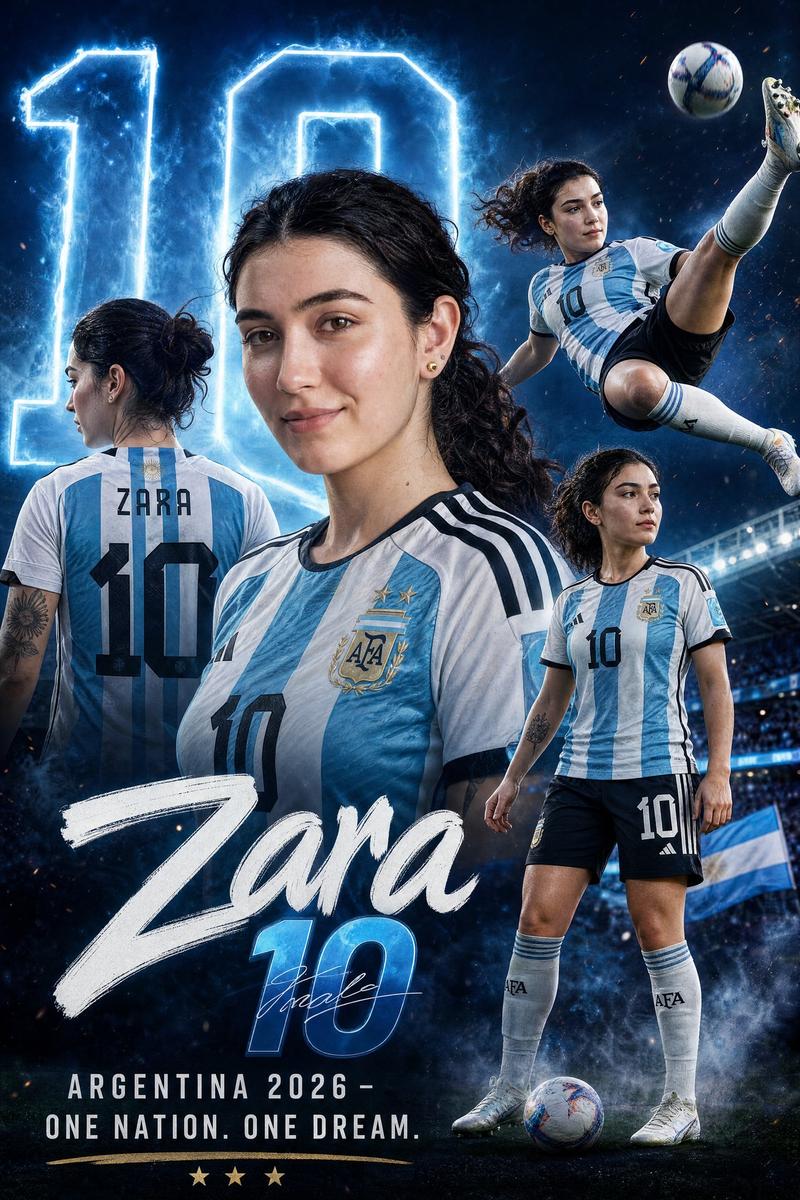
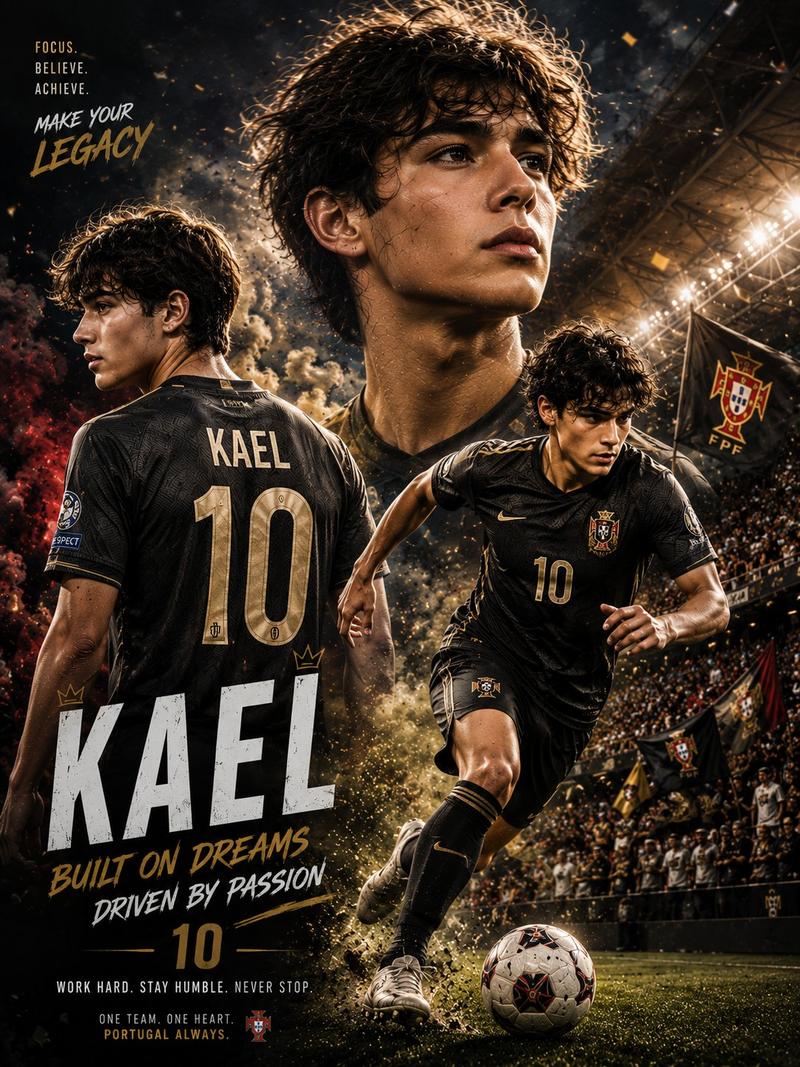
A dynamic illustrated football poster in explosive street art style, featuring {argument name="player name" default="Lionel Messi"} wearing Argentina’s updated 2026 World Cup inspired jersey, sprinting forward and striking the ball with intense focus. Low angle cinematic perspective, oversized football in the foreground, dramatic motion blur, flying dirt, paint splashes, {argument name="team colors" default="bold blue white Argentina colors"}, energetic graffiti background, hand-painted brush typography saying “{argument name="poster text" default="¡Viva Messi!"}”, powerful stadium atmosphere, ultra detailed sports illustration, heroic lighting, poster composition, high impact action, vibrant colors, 4K quality.
Category
Posters & Typography
Model
GPT Image 2
Creator
BMX
Views3
Source ID
26610
Published
Jun 24, 2026

Guide

About "利昂内尔·梅西 (Lionel Messi) 街头艺术风格足球海报"

What is this prompt for?

"利昂内尔·梅西 (Lionel Messi) 街头艺术风格足球海报" AI image prompt for GPT Image 2 (Posters & Typography). 创作一张极具视觉冲击力的利昂内尔·梅西 (Lionel Messi) 动态足球海报,采用爆发力十足的街头艺术风格,搭配鲜艳的色彩和动态…

The full copyable prompt and example visuals above are ready for AI image generation or one-click recreate in Picva.

How to use this prompt

  1. Step 1

    Open the prompt detail

    Review the example visuals, category, and full prompt text for "利昂内尔·梅西 (Lionel Messi) 街头艺术风格足球海报".

  2. Step 2

    Copy the prompt

    Copy the prompt body from this page, or load it directly in Studio.

  3. Step 3

    Pick a model (GPT Image 2)

    Prefer GPT Image 2. If you switch models, keep subject and composition and tweak style terms.

  4. Step 4

    Generate and export

    Recreate the look in Picva, or export into your workflow for editing and publishing.

FAQ

What is the "利昂内尔·梅西 (Lionel Messi) 街头艺术风格足球海报" prompt?
It is an AI image-generation prompt for GPT Image 2 in the Posters & Typography category. This page includes the full prompt text, example visuals, and a one-click recreate path in Picva.
How do I use this prompt to generate an image?
Copy the prompt from this page, or use Generate / Studio. Paste it into a compatible image model, or recreate the look in Picva with optional reference images.
Which model is this prompt for?
This page lists GPT Image 2. Most descriptive prompts also transfer to nearby image models such as GPT Image, Flux, or Midjourney with light style tweaks.
Can I use the result commercially?
You can usually copy the prompt for creation, but commercial use of the final image depends on the model terms, reference-image rights, and the generated content. Follow the source author and platform rules.