20

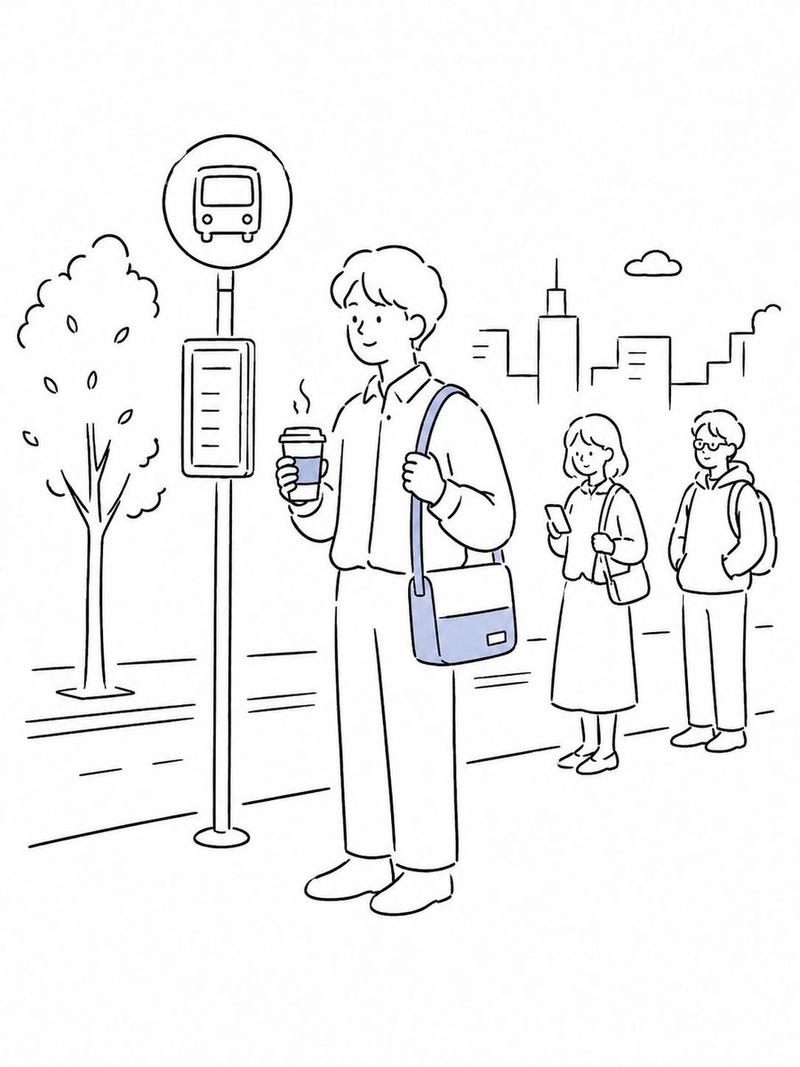
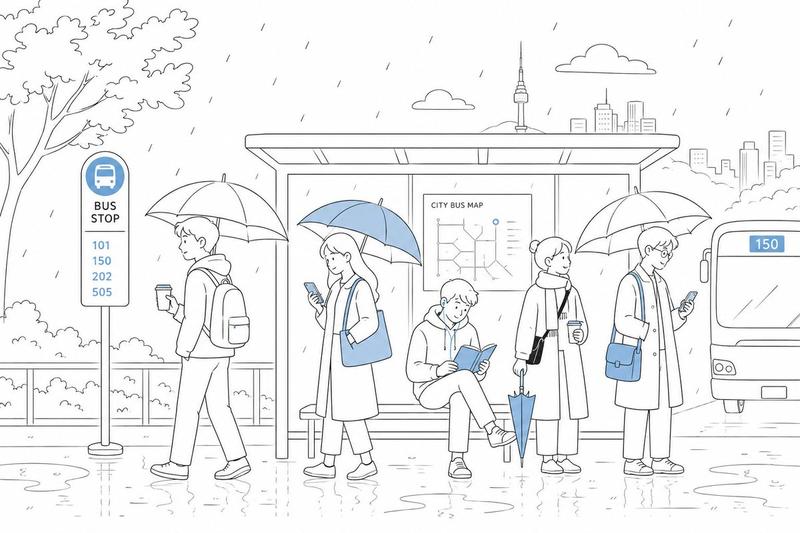
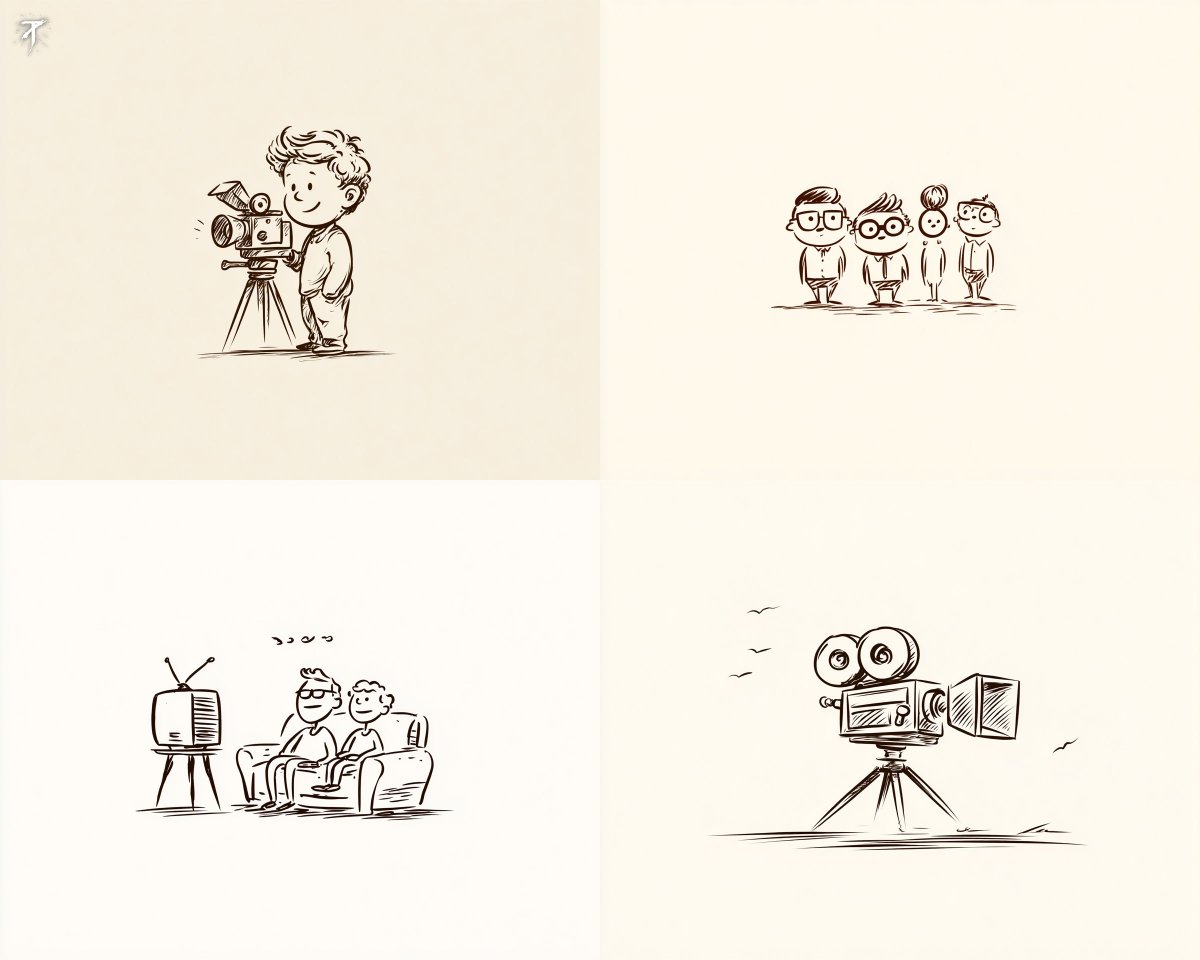
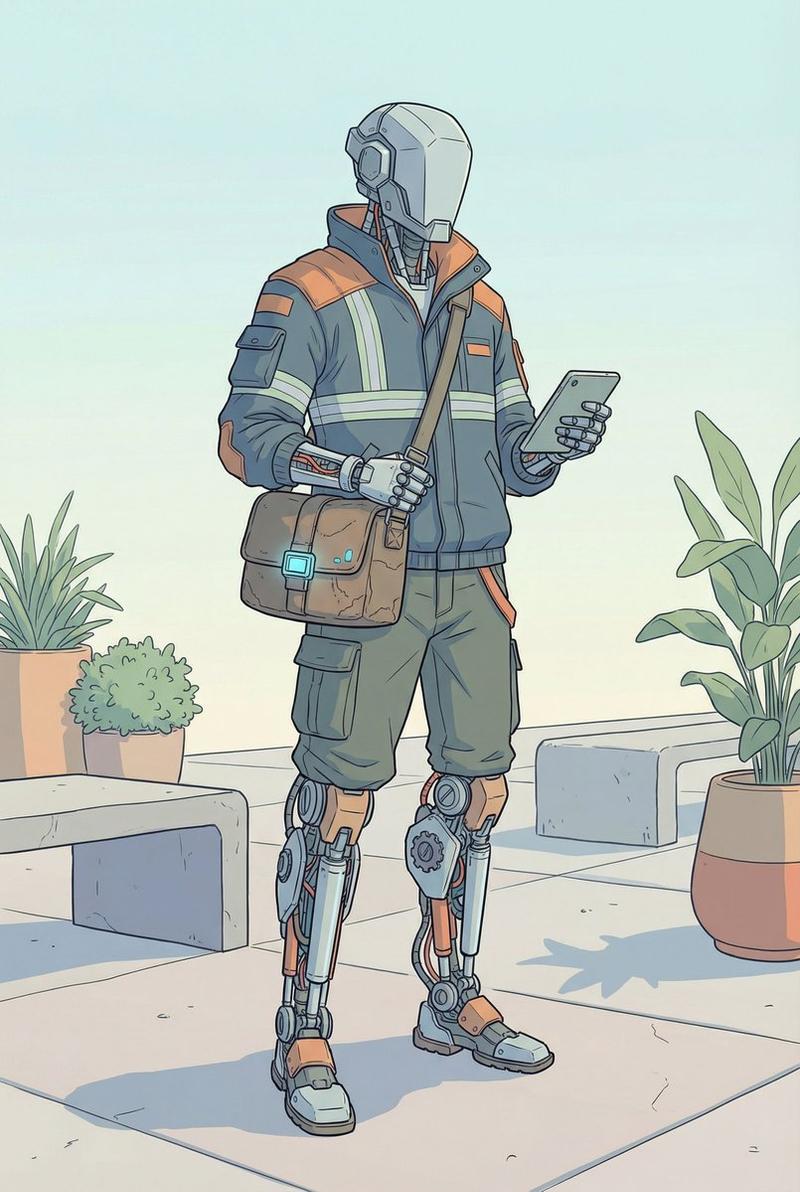
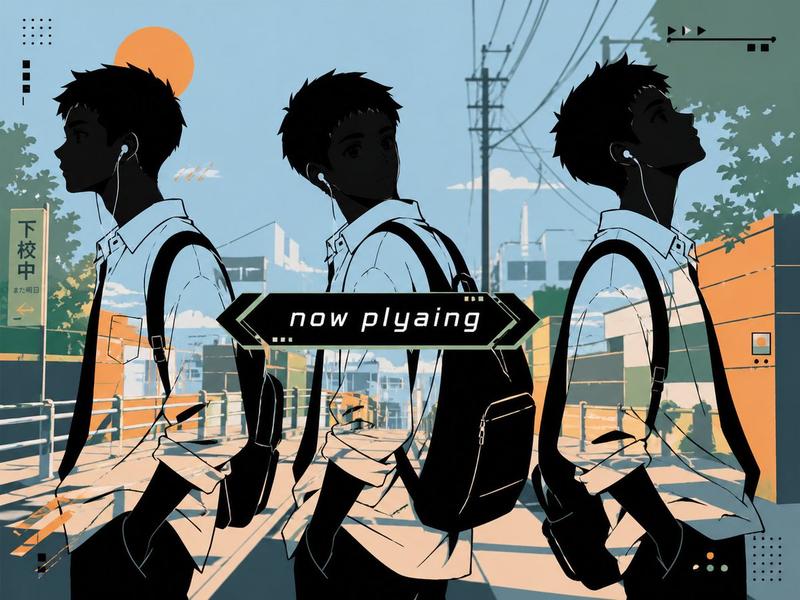
手绘编辑涂鸦风格
Enlarge

Example images

手绘编辑涂鸦风格

Prompt
Draw in a {argument name="medium" default="simple hand-drawn doodled style cartoon"}, as if sketched by a person with a {argument name="pen type" default="black felt-tip pen"}. Use natural marker lines, slightly wobbly contours, subtle hand-drawn imperfections, slightly open edges, and a warm editorial doodle feeling. Avoid polished vector-clean results, avoid overly crisp digital perfection, and keep the image simple, airy, flat, and understated. Use {argument name="accent color" default="sky blue"} only as the accent color.
Category
Creative Use Cases
Model
GPT Image 2
Creator
Oogie
Views4
Source ID
26644
Published
Jun 24, 2026

Guide

About "手绘编辑涂鸦风格"

What is this prompt for?

"手绘编辑涂鸦风格" AI image prompt for GPT Image 2 (Creative Use Cases). 一个用于创作简约手绘涂鸦卡通的提示词,具有黑色记号笔美学和不规则轮廓。 Copy it on Picva and recreate the look in one click.

The full copyable prompt and example visuals above are ready for AI image generation or one-click recreate in Picva.

How to use this prompt

  1. Step 1

    Open the prompt detail

    Review the example visuals, category, and full prompt text for "手绘编辑涂鸦风格".

  2. Step 2

    Copy the prompt

    Copy the prompt body from this page, or load it directly in Studio.

  3. Step 3

    Pick a model (GPT Image 2)

    Prefer GPT Image 2. If you switch models, keep subject and composition and tweak style terms.

  4. Step 4

    Generate and export

    Recreate the look in Picva, or export into your workflow for editing and publishing.

FAQ

What is the "手绘编辑涂鸦风格" prompt?
It is an AI image-generation prompt for GPT Image 2 in the Creative Use Cases category. This page includes the full prompt text, example visuals, and a one-click recreate path in Picva.
How do I use this prompt to generate an image?
Copy the prompt from this page, or use Generate / Studio. Paste it into a compatible image model, or recreate the look in Picva with optional reference images.
Which model is this prompt for?
This page lists GPT Image 2. Most descriptive prompts also transfer to nearby image models such as GPT Image, Flux, or Midjourney with light style tweaks.
Can I use the result commercially?
You can usually copy the prompt for creation, but commercial use of the final image depends on the model terms, reference-image rights, and the generated content. Follow the source author and platform rules.