19

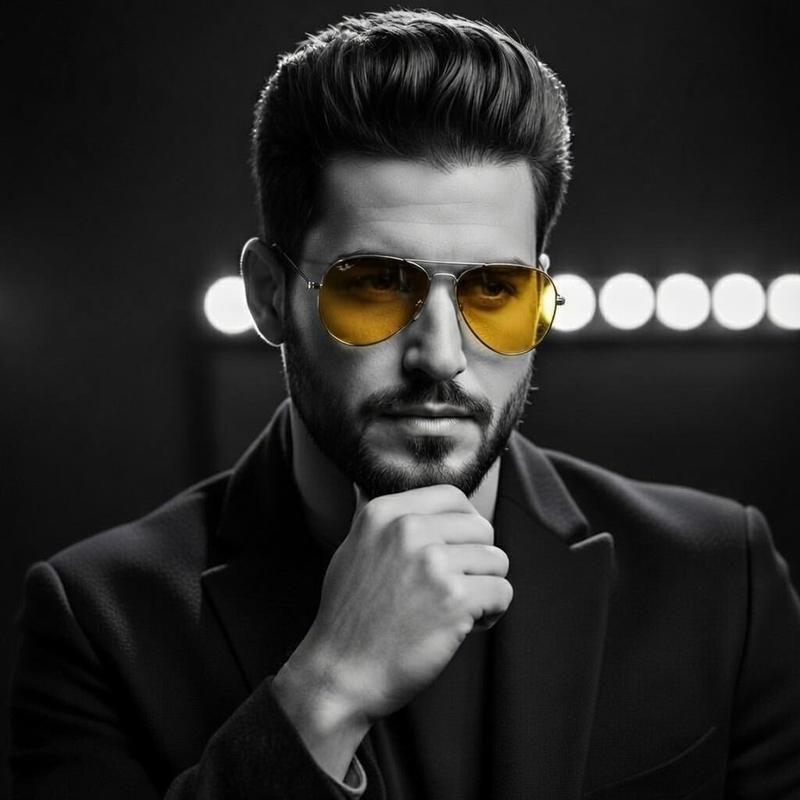
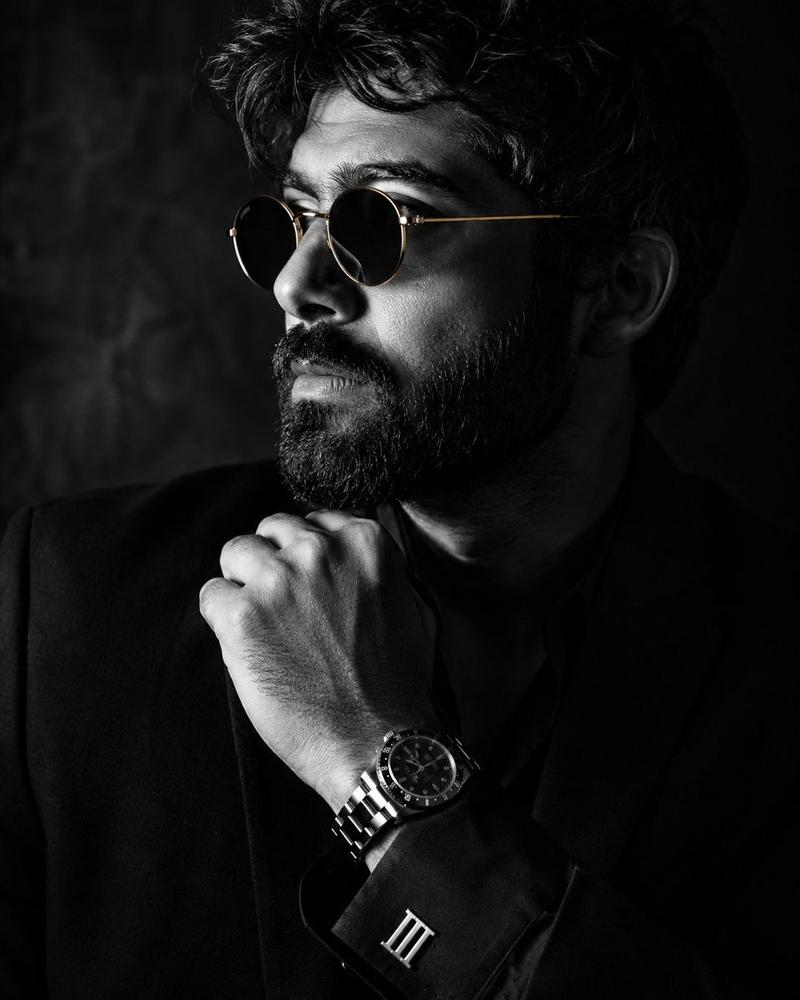
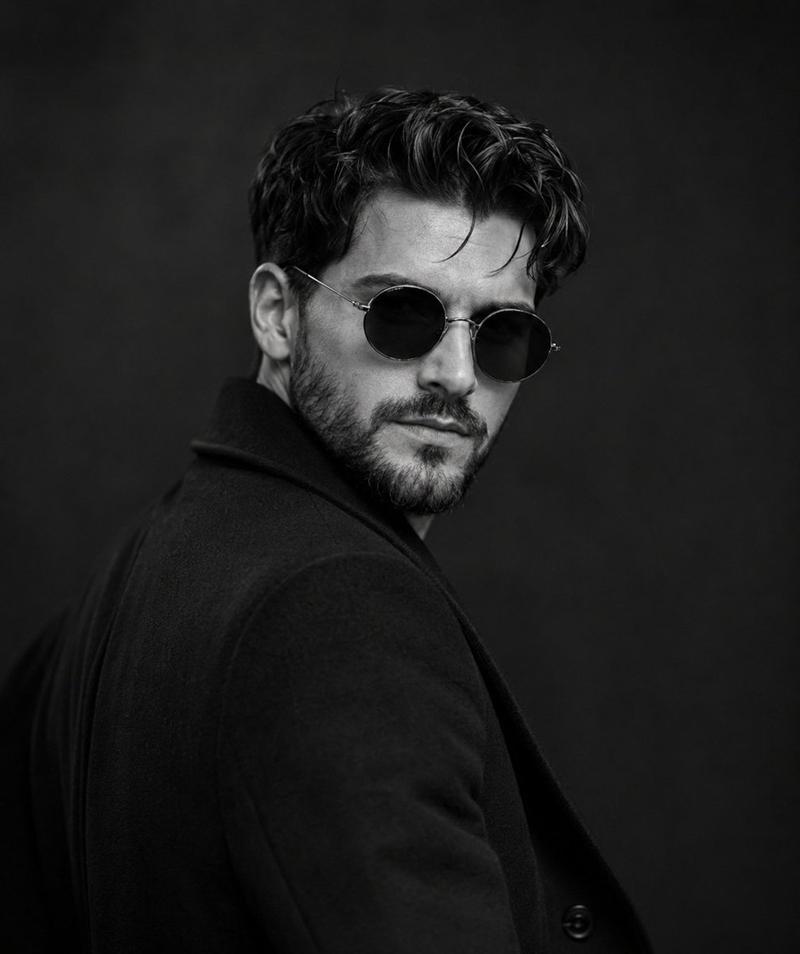
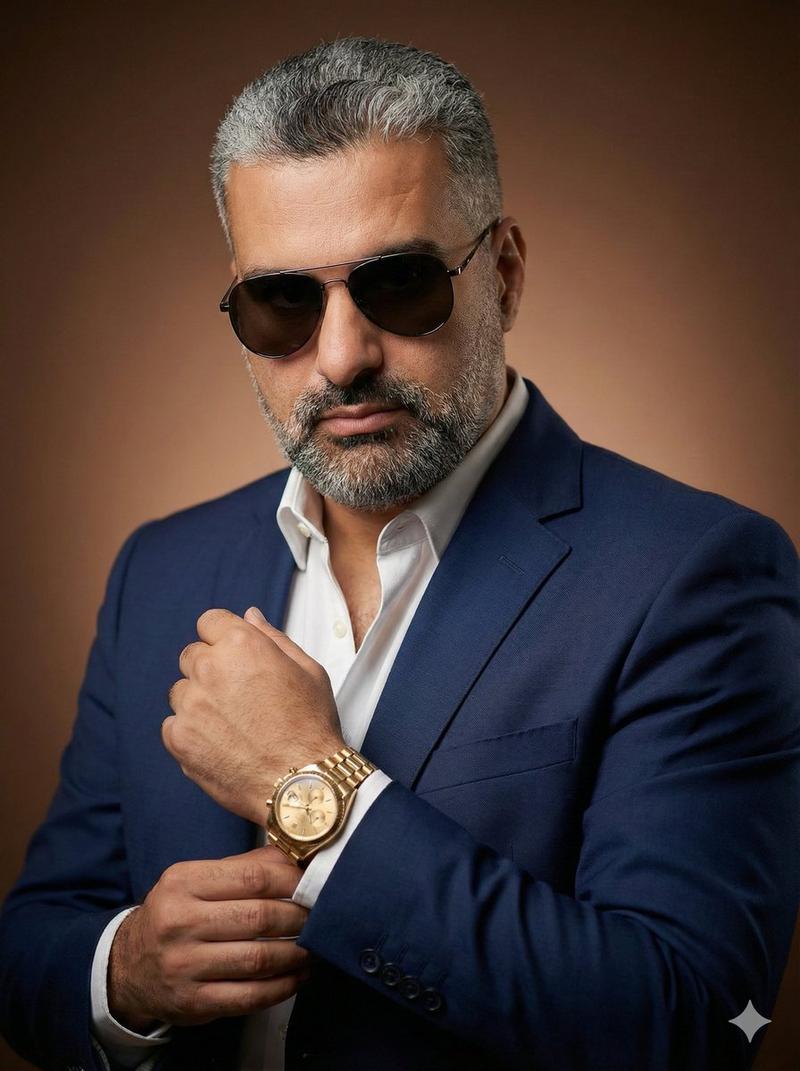
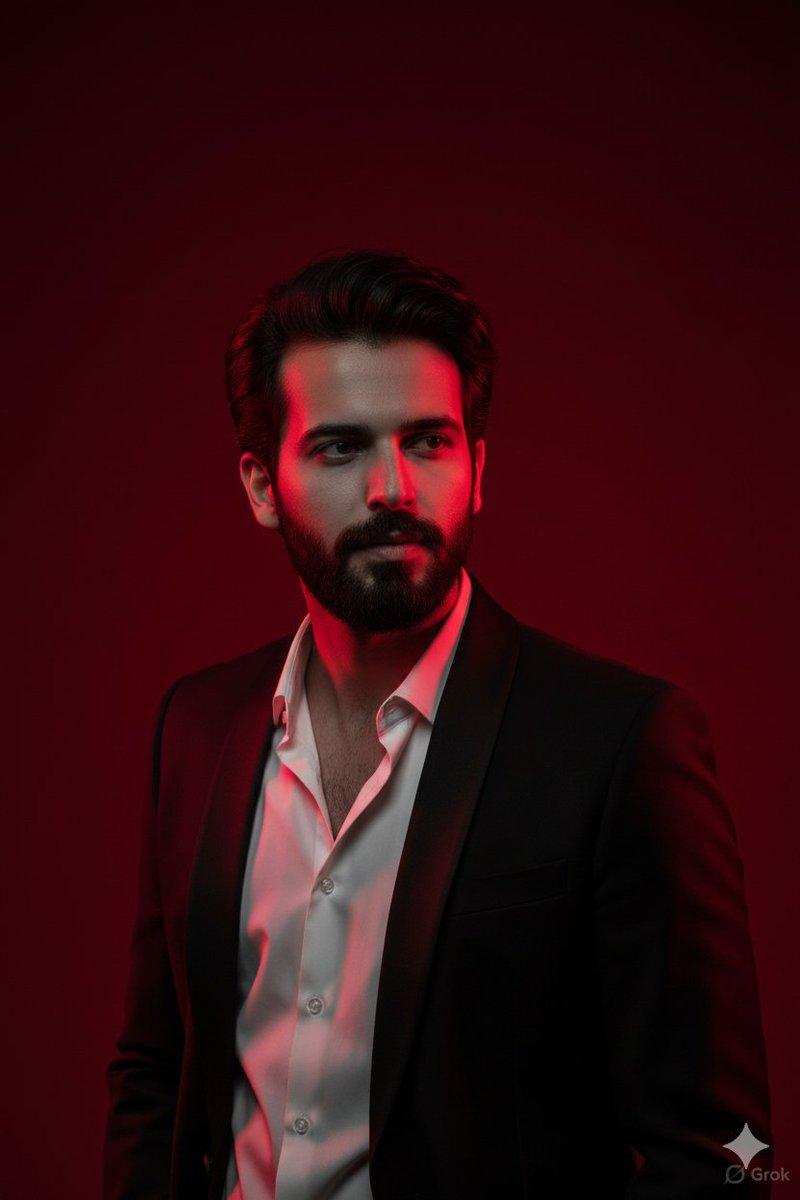
硬朗精致的男性肖像
Enlarge

硬朗精致的男性肖像

Prompt
A cinematic close-up portrait of a rugged, sophisticated middle-aged man with thick wavy dark brown hair streaked with subtle gray, a full well-groomed salt-and-pepper beard, wearing premium {argument name="eyewear style" default="translucent amber acetate round sunglasses"} with {argument name="lens color" default="dark green"} lenses, dressed in a {argument name="outfit" default="tailored navy blazer over a crisp white open-collar shirt"}. Soft natural window light from the side creates gentle contrast, highlighting skin texture and facial details. Moody luxury editorial aesthetic, timeless European style, shallow depth of field, blurred urban background, rich earthy color grading, ultra-realistic skin, premium fashion campaign, photorealistic, 85mm lens, f/1.8, high dynamic range, razor-sharp focus on the face and sunglasses, subtle film grain, luxury eyewear advertisement, 8K, highly detailed.
Category
Posters & Typography
Model
GPT Image 2
Creator
Weinberg
Views0
Source ID
26771
Published
Jun 25, 2026

Guide

About "硬朗精致的男性肖像"

What is this prompt for?

"硬朗精致的男性肖像" AI image prompt for GPT Image 2 (Posters & Typography). 一个为中年男性打造的电影感特写提示词,融合高端时尚元素,利用 85mm 镜头特性营造出充满质感的奢华美学。 Copy it on Picva and recreate the loo…

The full copyable prompt and example visuals above are ready for AI image generation or one-click recreate in Picva.

How to use this prompt

  1. Step 1

    Open the prompt detail

    Review the example visuals, category, and full prompt text for "硬朗精致的男性肖像".

  2. Step 2

    Copy the prompt

    Copy the prompt body from this page, or load it directly in Studio.

  3. Step 3

    Pick a model (GPT Image 2)

    Prefer GPT Image 2. If you switch models, keep subject and composition and tweak style terms.

  4. Step 4

    Generate and export

    Recreate the look in Picva, or export into your workflow for editing and publishing.

FAQ

What is the "硬朗精致的男性肖像" prompt?
It is an AI image-generation prompt for GPT Image 2 in the Posters & Typography category. This page includes the full prompt text, example visuals, and a one-click recreate path in Picva.
How do I use this prompt to generate an image?
Copy the prompt from this page, or use Generate / Studio. Paste it into a compatible image model, or recreate the look in Picva with optional reference images.
Which model is this prompt for?
This page lists GPT Image 2. Most descriptive prompts also transfer to nearby image models such as GPT Image, Flux, or Midjourney with light style tweaks.
Can I use the result commercially?
You can usually copy the prompt for creation, but commercial use of the final image depends on the model terms, reference-image rights, and the generated content. Follow the source author and platform rules.