15

精致动漫角色设定图
Enlarge

精致动漫角色设定图

Prompt
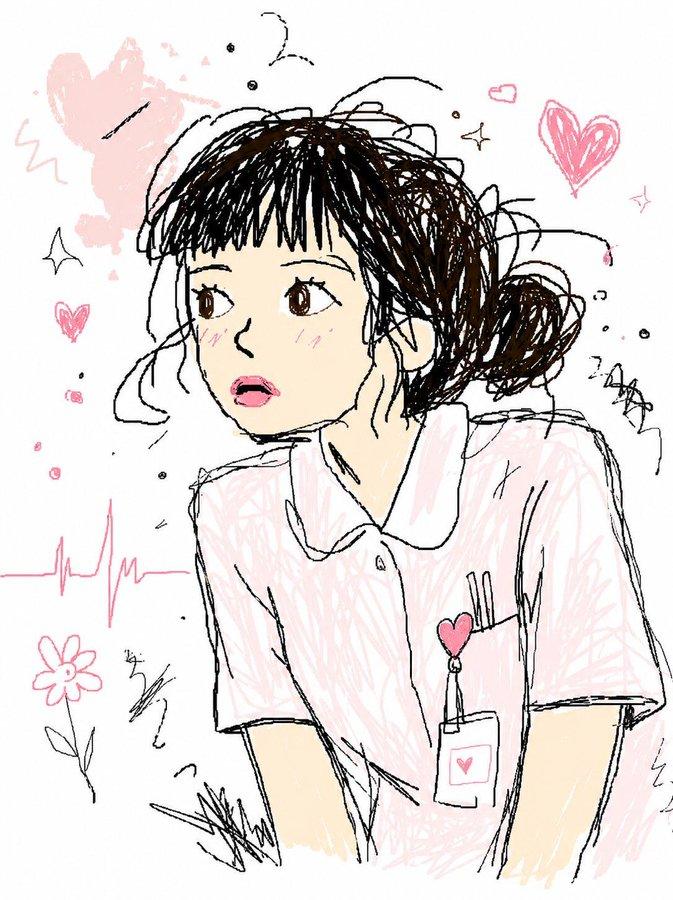
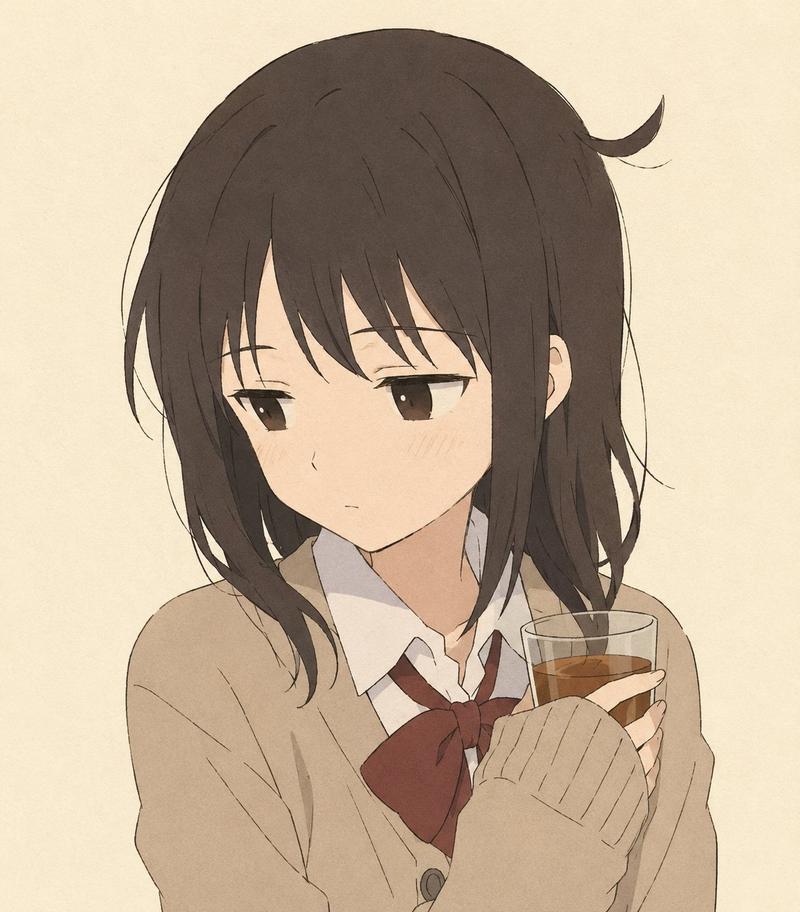
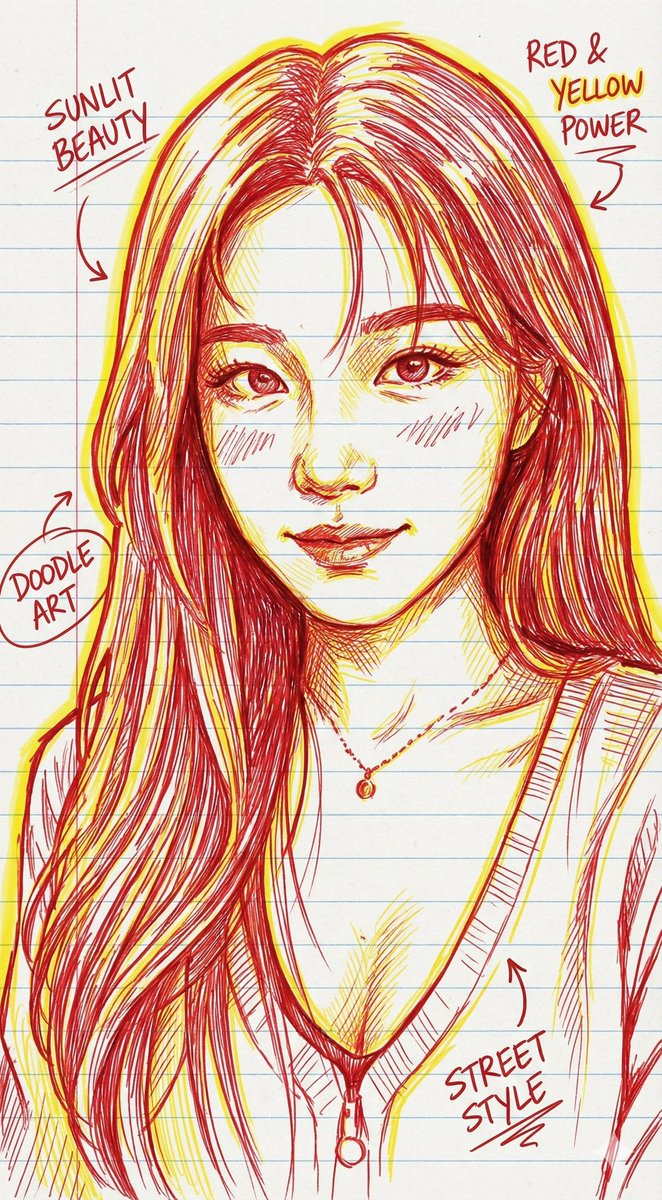
Using REFERENCE_0 as the character base, cleanly redraw the sketch as a polished original anime character concept sheet portrait. Preserve the same front-facing bust composition, gentle smile, short bob haircut, and calm adult expression, but convert the rough black-and-white line drawing into refined manga/anime key art with delicate ink lines, soft watercolor-like coloring, warm skin tones, light blush, glossy brown eyes, and natural medium-brown hair with highlights. Add a professional outfit: a light beige blazer over a white blouse, plus a small gold necklace. Keep the background plain white.

Add handwritten character notes on the left side of the portrait, with exactly 4 visible lines of Japanese text:
1. 「{argument name="character name and age" default="桜井 梓(35)"}」
2. 「仕事はデキるけど、」
3. 「恋愛はちょっぴり不器用。」
4. 「本当は素直になりたい。」
Underline the first line and the final phrase with thin pink marker strokes.

Style: clean Japanese anime illustration, semi-realistic josei character design, soft transparent watercolor shading over sketchy but controlled line art, light and airy, no heavy background details, no extra characters, no watermark.
Category
Characters & People
Model
GPT Image 2
Views0
Source ID
26802
Published
Jun 24, 2026

Guide

About "精致动漫角色设定图"

What is this prompt for?

"精致动漫角色设定图" AI image prompt for GPT Image 2 (Characters & People). 将粗糙的半身草图转化为干净的水彩风格动漫角色设定图,并配有手写日文个人资料备注。 Copy it on Picva and recreate the look in one click.

The full copyable prompt and example visuals above are ready for AI image generation or one-click recreate in Picva.

How to use this prompt

  1. Step 1

    Open the prompt detail

    Review the example visuals, category, and full prompt text for "精致动漫角色设定图".

  2. Step 2

    Copy the prompt

    Copy the prompt body from this page, or load it directly in Studio.

  3. Step 3

    Pick a model (GPT Image 2)

    Prefer GPT Image 2. If you switch models, keep subject and composition and tweak style terms.

  4. Step 4

    Generate and export

    Recreate the look in Picva, or export into your workflow for editing and publishing.

FAQ

What is the "精致动漫角色设定图" prompt?
It is an AI image-generation prompt for GPT Image 2 in the Characters & People category. This page includes the full prompt text, example visuals, and a one-click recreate path in Picva.
How do I use this prompt to generate an image?
Copy the prompt from this page, or use Generate / Studio. Paste it into a compatible image model, or recreate the look in Picva with optional reference images.
Which model is this prompt for?
This page lists GPT Image 2. Most descriptive prompts also transfer to nearby image models such as GPT Image, Flux, or Midjourney with light style tweaks.
Can I use the result commercially?
You can usually copy the prompt for creation, but commercial use of the final image depends on the model terms, reference-image rights, and the generated content. Follow the source author and platform rules.