17

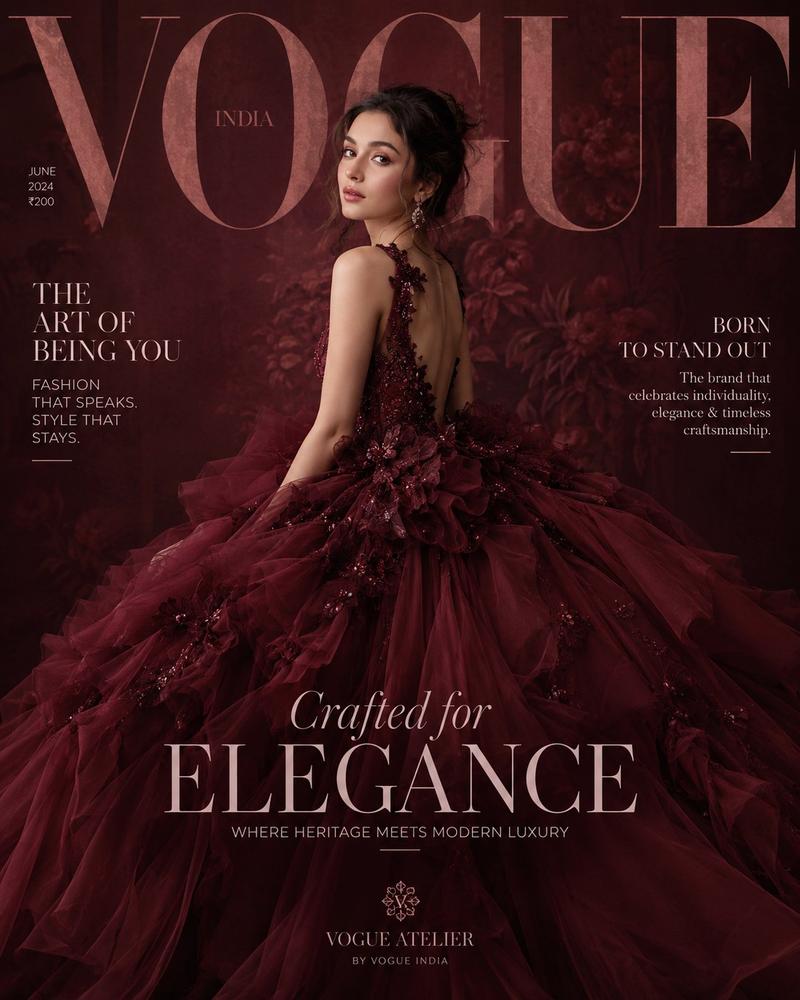
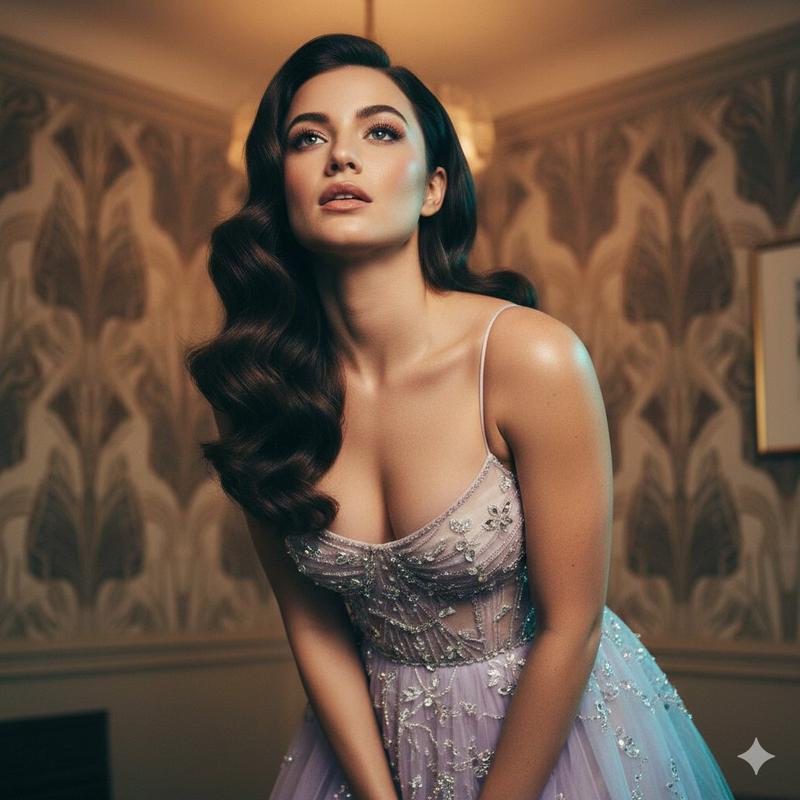
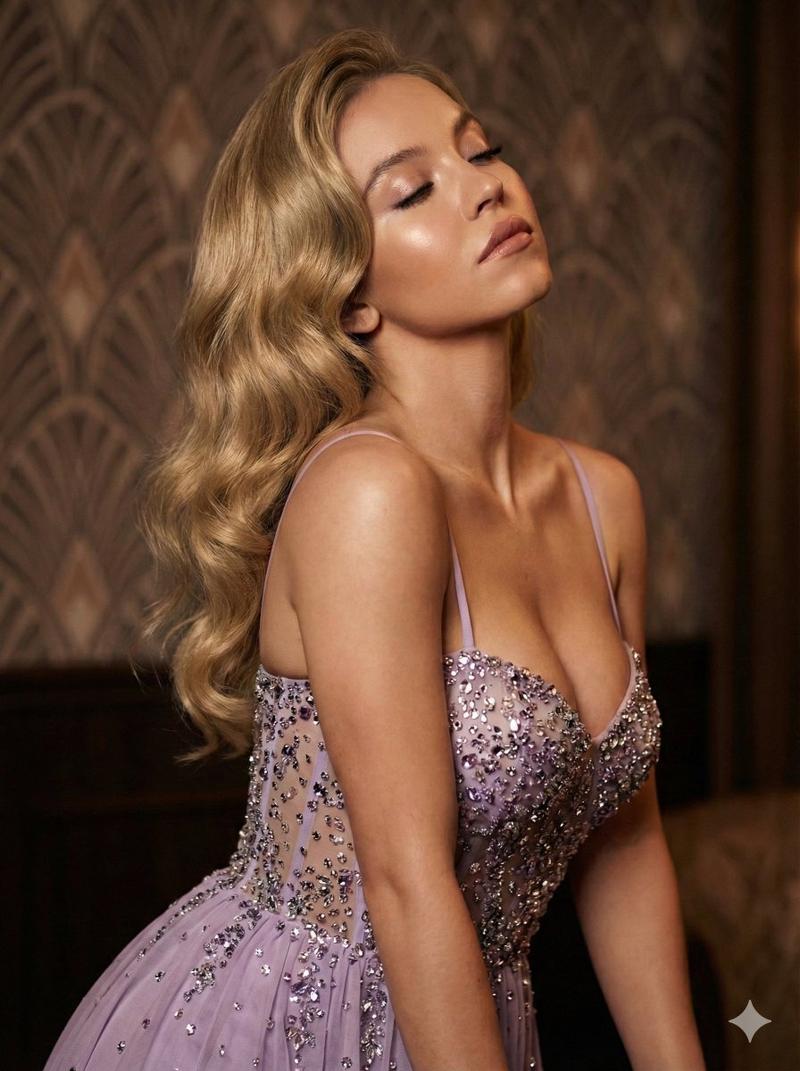
奢华时尚杂志封面
Enlarge

奢华时尚杂志封面

Prompt
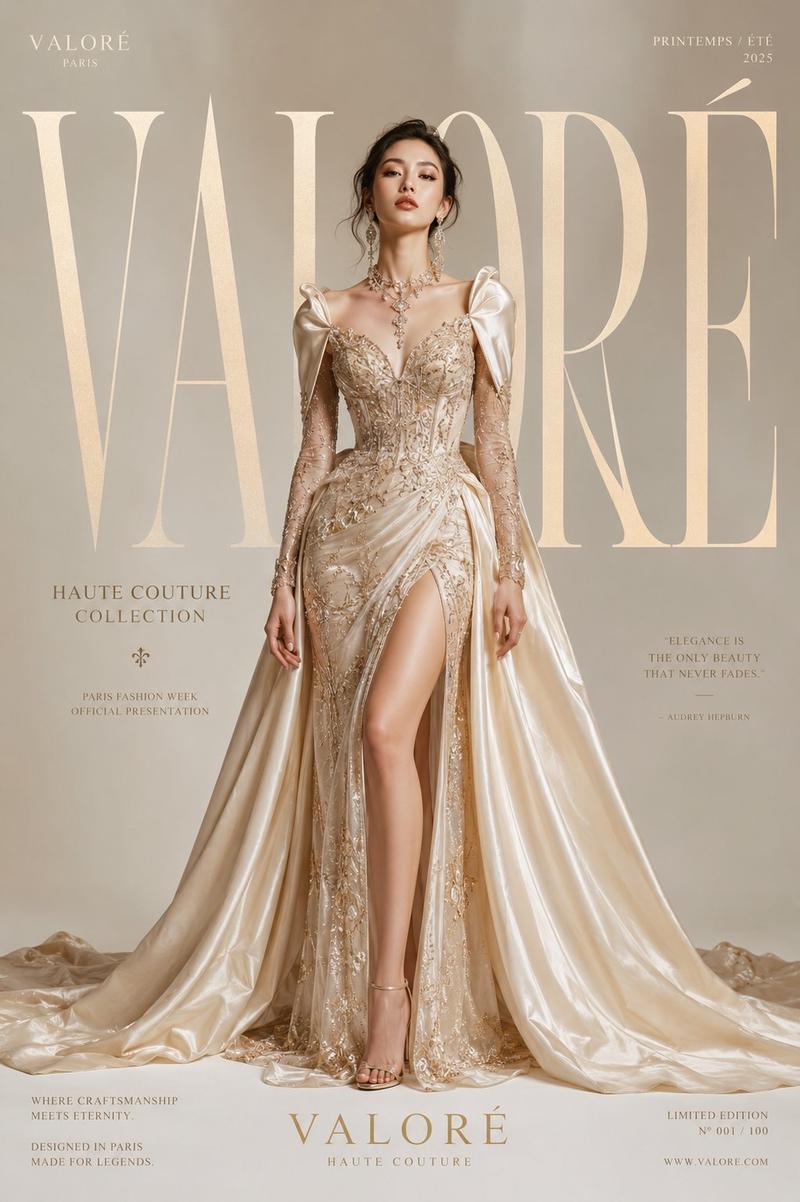
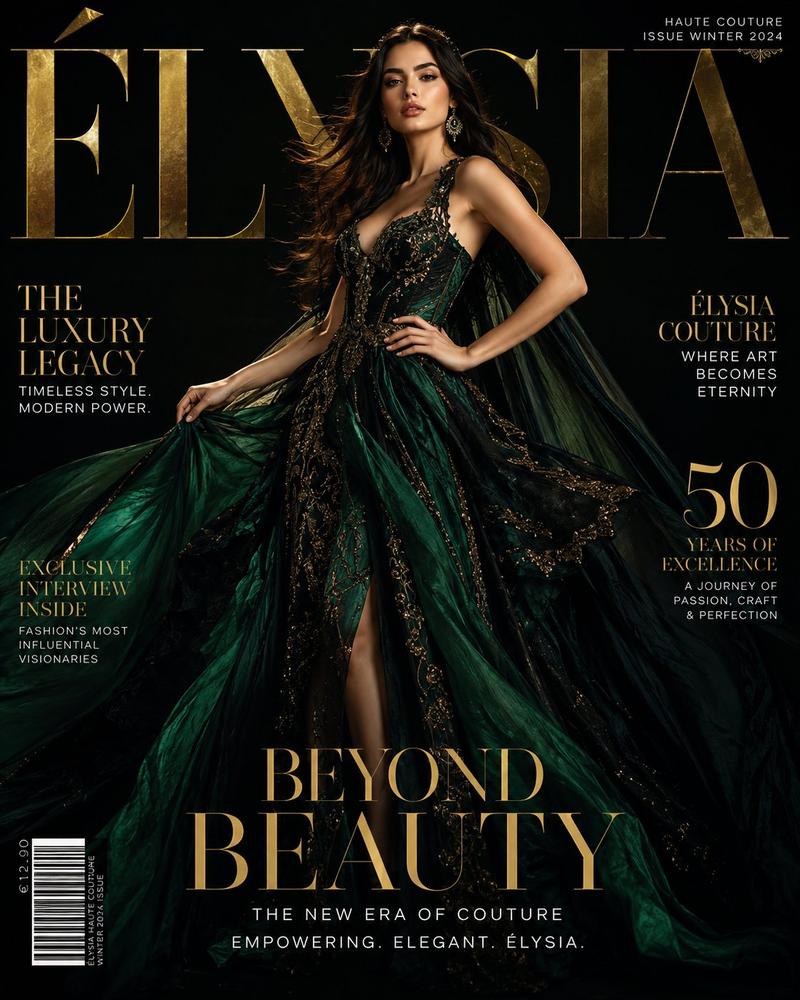
Luxury fashion magazine cover. Bold silver serif {argument name="brand name" default="brand name \"SOLÈNE\""} at the very top, slightly transparent, overlapping the model's hair — high-end masthead style. Cream-white seamless studio background, soft warm-toned lighting.

{argument name="model features" default="Young woman with angelic features, full lips, big dreamy green eyes, long silky chocolate brown wavy hair"}. Seated gracefully, one hand touching her jaw, gaze soft and mysterious.

{argument name="gown style" default="Dramatic floor-length dusty rose blush satin ballgown with sculptural puff shoulders that billow like rose petals, sheer champagne silk mesh bodice embroidered with pearls and crystals, enormous tiered skirt pooling around her"}.

Magazine text overlaid in serif: "SOFT & SOVEREIGN / THE NEW ERA OF BEAUTY" — "LUMINOUS & RARE / PURE GRACE" — large transparent display font at bottom: "DIVINE & UNTOUCHABLE"

Vertical 9:13, ultra photorealistic, 8K, cinematic color grading.
Category
Posters & Typography
Model
GPT Image 2
Creator
PromptLab
Views1
Source ID
26835
Published
Jun 26, 2026

Guide

About "奢华时尚杂志封面"

What is this prompt for?

"奢华时尚杂志封面" AI image prompt for GPT Image 2 (Posters & Typography). 一个高端编辑提示词,用于创作奢华时尚杂志封面,包含精致的排版、柔和的摄影棚灯光以及优雅的缎面礼服。 Copy it on Picva and recreate the look in…

The full copyable prompt and example visuals above are ready for AI image generation or one-click recreate in Picva.

How to use this prompt

  1. Step 1

    Open the prompt detail

    Review the example visuals, category, and full prompt text for "奢华时尚杂志封面".

  2. Step 2

    Copy the prompt

    Copy the prompt body from this page, or load it directly in Studio.

  3. Step 3

    Pick a model (GPT Image 2)

    Prefer GPT Image 2. If you switch models, keep subject and composition and tweak style terms.

  4. Step 4

    Generate and export

    Recreate the look in Picva, or export into your workflow for editing and publishing.

FAQ

What is the "奢华时尚杂志封面" prompt?
It is an AI image-generation prompt for GPT Image 2 in the Posters & Typography category. This page includes the full prompt text, example visuals, and a one-click recreate path in Picva.
How do I use this prompt to generate an image?
Copy the prompt from this page, or use Generate / Studio. Paste it into a compatible image model, or recreate the look in Picva with optional reference images.
Which model is this prompt for?
This page lists GPT Image 2. Most descriptive prompts also transfer to nearby image models such as GPT Image, Flux, or Midjourney with light style tweaks.
Can I use the result commercially?
You can usually copy the prompt for creation, but commercial use of the final image depends on the model terms, reference-image rights, and the generated content. Follow the source author and platform rules.